

Building Digital Literacy Through Your School Newsletter
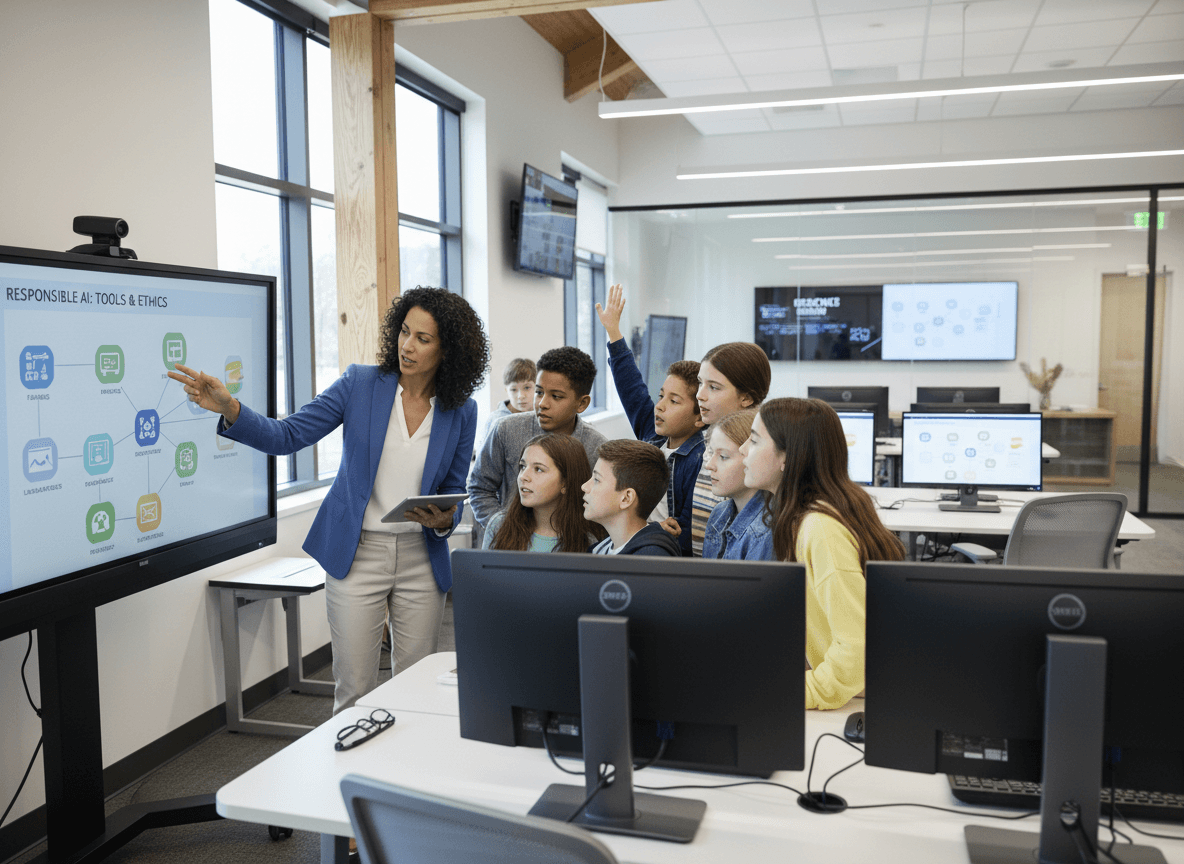
Digital literacy is the set of skills that allows students to navigate, create, evaluate, and communicate in digital environments effectively and responsibly. It is as foundational to modern education as reading and writing, and it requires the same kind of sustained, cumulative development across years.
The newsletter is how you keep families oriented to what digital literacy looks like at each grade level and how they can reinforce it at home.
Describe the Skills, Not the Tools
Digital literacy communication that focuses on specific apps or platforms becomes outdated within a year. Communication that focuses on underlying skills, source evaluation, information management, responsible sharing, remains relevant regardless of what platform students are using next year.
"We are teaching students to ask three questions about any information they encounter online: Who created this? What evidence do they provide? Who else confirms it?" That skill set works on any future platform.
Connect Digital Skills to Academic Work
Show families where digital literacy skills appear in the regular curriculum. When students are evaluating online sources for a social studies project, that is digital literacy in action. When they are learning to cite digital sources, that is media literacy applied to academic work.
These connections help families see digital literacy as an integrated academic skill rather than a separate technology lesson.
Describe What Excellent Digital Work Looks Like
Occasionally feature an example of strong digital work in the newsletter: a student who produced a well-researched digital presentation, a class that investigated an online claim and documented their verification process, or a student who built something creative with a digital tool.
Address Misinformation Directly
When a significant piece of misinformation is circulating in the school community or in the wider culture, the newsletter is the right place to address it. Name the specific claim, explain why it is false or misleading, and describe the verification process that reveals the truth.
Offer Family Digital Literacy Challenges
A monthly family digital challenge, one short activity families can do together, builds digital literacy skills at home and gives families a concrete experience of what the school is teaching. Keep each challenge to under ten minutes.
Get one newsletter idea every week.
Free. For teachers. No spam.
Frequently asked questions
What digital literacy skills should the school newsletter address?
Evaluating online source credibility, understanding how algorithms shape what we see, creating and managing a digital identity responsibly, understanding data privacy, communicating professionally in digital environments, and using productivity tools effectively. These are the skills that transfer across platforms and last longer than any specific app or device.
How do you explain digital literacy to families who grew up without the internet?
Connect digital literacy to traditional information literacy skills families already understand. Evaluating a website for credibility is the same critical thinking process as evaluating a news article or an advertisement. Managing a digital identity is an extension of understanding how reputation works. The skills are familiar even when the medium is new.
How does the newsletter support digital literacy for different grade levels?
Cover grade-appropriate skills in the newsletter by grade band rather than trying to address all ages in a single item. Elementary digital literacy looks like basic online safety and responsible sharing. Middle school adds source evaluation and platform awareness. High school adds professional digital identity and data privacy. Each age group deserves its own brief section.
How do you give families practical digital literacy home activities through the newsletter?
Keep them specific and brief. 'Ask your child to fact-check one claim they saw online this week using two different sources. Talk about what they found.' That is a five-minute, high-value digital literacy activity most families can do. Longer, more elaborate activities rarely happen. Short, specific ones do.
How does Daystage support digital literacy communication?
Daystage helps schools include consistent digital literacy content in newsletters throughout the year rather than only during designated digital citizenship months. Schools use it to build the kind of sustained, cumulative digital literacy communication that produces real skill development across the school community.

Adi Ackerman
Author
Adi Ackerman is a former classroom teacher and curriculum writer with 8 years in K-8 schools. She writes about school communication, parent engagement, and what actually works in real classrooms.
More for Technology
Ready to send your first newsletter?
3 newsletters free. No credit card. First one ready in under 5 minutes.
Get started free