

School Data Dashboard Newsletter: Helping Families Understand Student Performance Reports
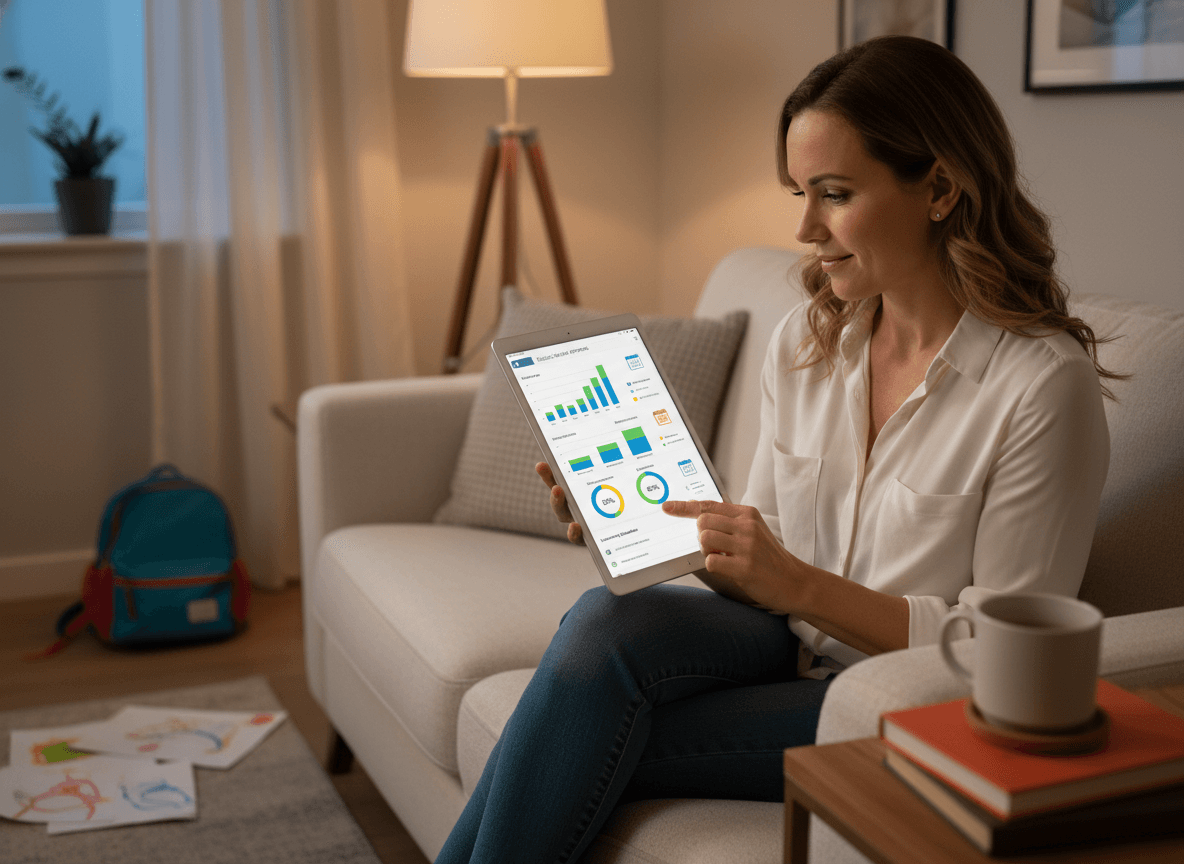
Data dashboards have become standard in most school districts. Parents can log in and see assessment scores, growth metrics, attendance trends, and sometimes behavioral data for their child. The problem is that most families receive access to these dashboards without adequate explanation of what the numbers mean and what they do not mean.
A number in isolation does not tell a parent whether their child is struggling, on track, or excelling. It does not tell them whether a dip is significant or within normal variation. And it does not tell them what to do with the information. A data dashboard newsletter fills that gap and prevents the kind of misinterpretation that leads to unnecessary parent alarm or missed signals about real concerns.
What the dashboard shows and what it does not
Be explicit about the scope of what the dashboard captures. A data dashboard typically shows results from specific assessments: state tests, district benchmark assessments, or reading and math screeners like iReady or STAR. It does not show classroom participation, effort, attitude, teacher observation data, or the qualitative growth a teacher sees every day.
Families who understand that the dashboard is a partial view of their child's learning, not a complete one, are less likely to make sweeping conclusions from a single data point. A child who scores in the 45th percentile on a reading screener may be making significant growth from a lower baseline, demonstrating strong comprehension in classroom work, and performing exactly as the teacher expects. The dashboard score alone cannot tell that story.
How to read assessment scores: percentile versus proficiency
Two terms cause the most family confusion: percentile and proficiency. They are not the same thing and many families treat them interchangeably.
A percentile rank tells you how a student performed relative to other students in a comparison group. A student in the 60th percentile scored higher than 60 percent of students who took the same assessment. This is a relative measure. It says nothing about whether the student has met a specific skill standard.
A proficiency score or level tells you whether a student has met the grade-level skill standard on a given assessment. A student can be in the 60th percentile and not yet meet proficiency if the norm group includes many students below grade level. A student can be at proficiency and be in the 40th percentile nationally if the national comparison group is strong.
Explain both terms in your newsletter with a concrete example. Families who understand the difference will interpret their child's data more accurately and have more productive conversations with teachers.
What growth data means and why it matters
Most modern assessment dashboards show both a status score (where the student is today) and a growth score (how much the student has improved since a prior assessment). Growth data is often more informative than status data for understanding individual student trajectory.
Explain this distinction to families. A student who started below grade level and has made a full year of growth in eight months is doing something impressive, even if their status score is still below proficiency. A student who has been above proficiency but has shown minimal growth may need more challenge, even if the status score looks strong. Helping families read growth data prevents both over-alarm and under-alarm about their child's trajectory.
How to have a productive data conversation with a teacher
Many families look at a data dashboard, feel confused or concerned, and either do nothing or arrive at a teacher conference frustrated without knowing how to frame their question. Give families a template for a productive data conversation:
- "I saw my child scored [X] on the [assessment name]. Is that a concern from where you are sitting, or is it consistent with what you see in class?"
- "Is there a growth trend you are tracking that would help me understand this score in context?"
- "Is there something specific I should focus on at home to support what you are seeing?"
Those three questions open a real conversation rather than putting the teacher on the defensive or requiring families to interpret data alone.
What to do if the numbers concern you
If a family looks at the dashboard and is genuinely worried, the newsletter should give them a clear next step. Not "contact the teacher if you have concerns," which is generic enough to ignore. A specific action: email the classroom teacher to request a conference focused on the assessment data, specify which assessment you want to discuss, and ask whether the teacher would like to share additional context in writing before the meeting.
A family who has a clear action path is more likely to take it and less likely to ruminate or escalate to an administrator with a concern that the teacher was never given the chance to address.
Protecting student privacy in dashboard communication
Your newsletter should note that dashboard access is individual and confidential. Each parent sees only their own child's data. If the dashboard includes class-level or school-level data for context, explain what that data shows without individual student identification. Remind families that their child's data should not be photographed and shared in parent group chats, which happens more frequently than schools realize and raises real FERPA concerns.
Dashboard access logistics
Include the URL, login method, and a brief walkthrough of where to find the key reports. Many school data dashboards have multiple tabs and reports, and families who cannot find the information they are looking for will give up. A short visual guide or a link to a how-to video from the platform reduces the friction enough to increase actual use meaningfully.
Get one newsletter idea every week.
Free. For teachers. No spam.
Frequently asked questions
When should schools send families a data dashboard newsletter?
Send the initial data dashboard orientation before families have access, not the same day accounts are activated. Families who receive login credentials without context will either not log in or will misread what they see and arrive at the next teacher conference with alarm based on a single number. A pre-access send takes 20 minutes to write and prevents hours of follow-up conversations.
What should a school data dashboard newsletter include?
It should explain what the dashboard shows and what it does not, define the difference between percentile and proficiency scores with a concrete example, describe what growth data means and why it can matter more than status data, and give families a template for a productive data conversation with the teacher. Including login instructions and a brief walkthrough of where key reports live reduces access friction significantly.
How should schools explain assessment data to parents without causing confusion?
Use examples. The percentile-versus-proficiency distinction is abstract until you show a specific scenario: a student in the 45th percentile who is making strong growth and performing exactly as the teacher expects. Data that families can map to their own child's situation is data they can use. Data without context generates either unnecessary panic or false reassurance.
What are common communication problems with school data dashboards?
The most consistent gap is sending families access without any explanation of how to read what they see. A second common issue is not setting expectations about gradebook update timing, which leads to weekend messages to teachers asking why scores have not posted. A third problem is not reminding families that dashboard data is confidential and should not be shared in parent group chats.
How can Daystage help schools build better data communication habits?
Schools using Daystage can send a data dashboard newsletter timed to assessment cycles, such as before benchmark results are posted or ahead of conferences, so families arrive informed rather than reactive. Sending a focused data newsletter as a standalone communication rather than an item in a general update signals that this is important information worth reading carefully.

Adi Ackerman
Author
Adi Ackerman is a former classroom teacher and curriculum writer with 8 years in K-8 schools. She writes about school communication, parent engagement, and what actually works in real classrooms.
More for Technology
School AR Augmented Reality Newsletter: Communicating Immersive Learning to Families
Technology · 5 min read
School Digital Citizenship Newsletter: Communicating Online Safety Education to Families
Technology · 7 min read
School Phone Ban Newsletter: Communicating a No-Phone Policy to Families
Technology · 7 min read
Ready to send your first newsletter?
3 newsletters free. No credit card. First one ready in under 5 minutes.
Get started free