
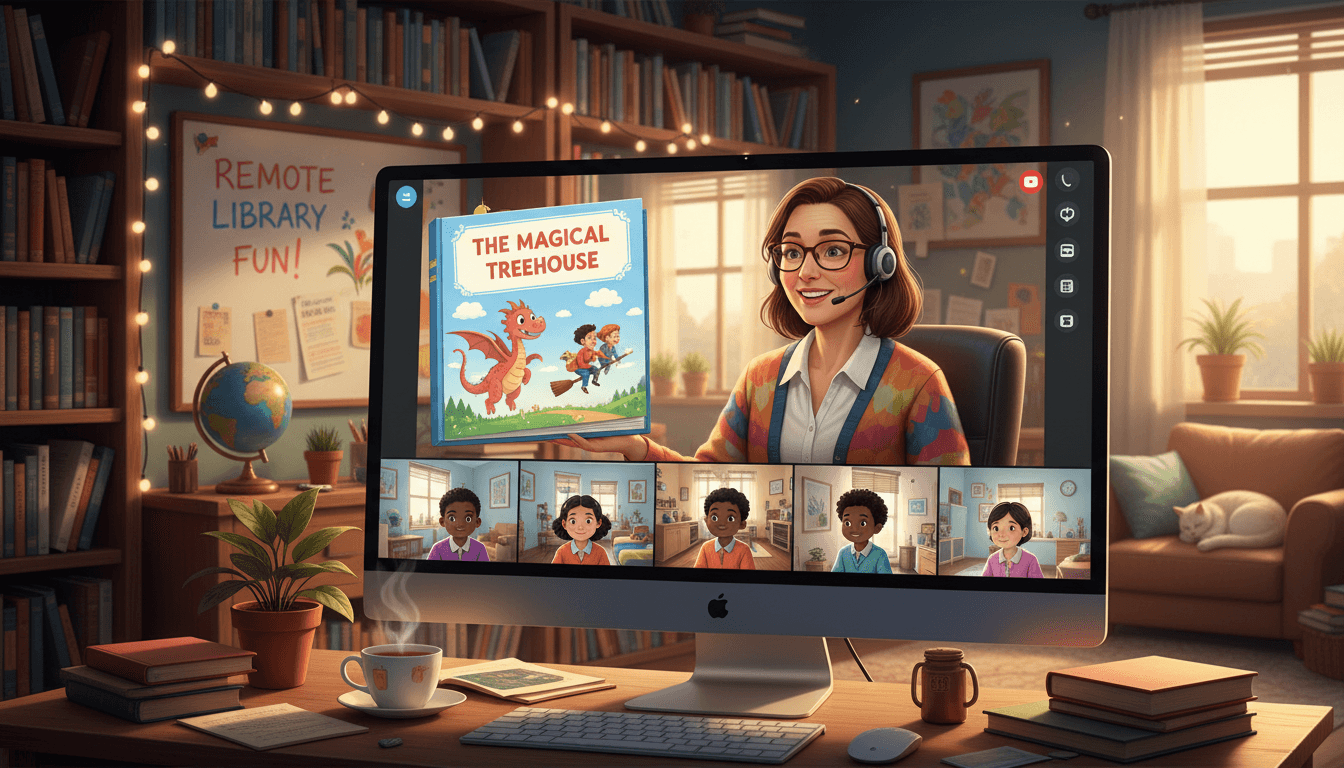
Library Teacher Newsletter: Remote and Hybrid Learning Newsletter Guide

Remote and hybrid learning creates a unique challenge for school librarians: the students who most benefit from library access are the ones least likely to seek it out independently from home. A well-written newsletter during a remote or hybrid period closes that gap. It tells families what digital resources are available, how to access them, what library instruction looks like virtually, and how they can keep their child reading and researching from home.
This guide covers how to structure a library remote learning newsletter that keeps families connected to library services and helps students maintain information literacy skills regardless of where they are sitting.
Start with the digital resources students already have access to
The most important section of any library remote learning newsletter is the digital access guide. Most families do not know that their school library subscription includes e-books, audiobooks, and research databases that students can access from any device. Name each platform, provide the login credentials or the login method, and explain what each one contains.
"Your child has free access to Sora, our e-book and audiobook platform, using their school login. Sora includes thousands of titles matched to your child's reading level. They can access it at soraapp.com or through the Sora app on any tablet or phone." That kind of direct, specific instruction turns an unknown resource into one families actually use.
Explain what library class looks like in a virtual format
Families need to know what their child's library class involves during remote learning. Describe the format clearly: "Library class meets virtually on [days] at [time] via [platform]. Students will participate in live lessons on research skills, join read-aloud sessions for independent reading, and complete asynchronous assignments in our database platform."
If you record lessons for asynchronous access, explain where students can find them and how long they have to complete each assignment. Give families a realistic time estimate for each week's library work so they can build it into their home schedule. A student who knows library class runs 30 minutes on Tuesday and Thursday is more likely to show up than one whose schedule is vague.
Walk families through database research with step-by-step instructions
Teaching database research remotely requires more family involvement than in-person library instruction. Your newsletter should include a short, clear walkthrough of how to access the school's database subscription from home. "Go to [URL]. Click 'Student Login.' Enter your child's school ID and password. Select [database name] from the list. Use the search bar to type a topic."
Add a note about what makes database research different from general search: "Database articles are reviewed by editors and researchers before they are published. They cite their sources. They do not change after they are posted. This makes them much more reliable for school research than most websites your child will find through a general search engine." That explanation gives families a reason to push their children toward the database rather than Google.
Address digital citizenship in remote learning specifically
Students doing research at home face more temptation to copy and paste from unreliable sources than they do in a supervised school setting. Your remote learning newsletter should address digital citizenship directly: "When your child is researching something for a library assignment, remind them that copying text from a website into their document without attribution is plagiarism, even at home. We are practicing paraphrasing and citation in class; at home, your reinforcement of that practice matters."
Give families one simple check they can apply: ask their child to close the source before they write anything down from it. If students write from memory rather than copying what is on the screen, their paraphrasing skills improve and accidental plagiarism decreases. That one technique, explained plainly in a newsletter, sticks.
Explain the book pickup or physical access system if one exists
If your library is offering physical book access during a remote period, through grab-and-go pickup, book bundles, or a scheduled browsing appointment system, describe the process in the newsletter. Include: how families request books, the pickup window schedule, what to do if their child's first choice is not available, and how to return books safely.
"Families can request up to three books by filling out the request form linked at the bottom of this newsletter. Books will be ready for pickup [day/time]. Bring a bag to carry them home. Place returned books in the bin outside the main entrance." Clear, specific logistics remove the friction that prevents families from engaging with the pickup system.
Keep a reading log or reading program visible during remote learning
Reading programs and log systems tend to fall apart during remote periods when school routines are disrupted. Your newsletter can keep the program alive by naming it, explaining the current goal, and giving families a simple way to track and report progress. "Our reading challenge goal is 20 books by the end of the quarter. Students can log their books in the online reading journal linked below. I will check logs weekly and send individual progress notes home."
Invite families to share what their child is reading at home, even books not on the school's list. Acknowledging independent reading in the newsletter reinforces that any reading counts toward the program's goals.
Daystage keeps library communication consistent during remote and hybrid periods
Remote learning creates communication gaps that compound quickly when families stop hearing from teachers. Daystage lets school librarians maintain a steady communication rhythm with a bi-weekly or monthly newsletter that covers digital resource access, lesson schedules, reading program updates, and book pickup logistics in one clean send. When families hear from the library consistently, students stay connected to library services even when they are not physically in the building.
Get one newsletter idea every week.
Free. For teachers. No spam.
Frequently asked questions
What does a school librarian teach during remote learning?
School librarians teaching remotely deliver the same information literacy and reading curriculum through virtual formats: digital database instruction, e-book access and reading programs, online research skill lessons, digital citizenship topics like source evaluation and online safety, and virtual story time or read-aloud sessions. The curriculum stays consistent. The delivery shifts to video lessons, recorded walkthroughs, and asynchronous reading activities that families help facilitate at home.
What digital library resources should a remote learning newsletter highlight for families?
Highlight the tools students have access to at home: your school's licensed e-book platform (Sora, Epic, myON, or equivalent), the student database subscriptions the library holds (PebbleGo, Britannica School, Gale, EBSCO), any audiobook services available through the library, and the public library's digital card catalog and e-lending services. Many families do not know these tools exist. A newsletter that names them with login instructions dramatically increases student use.
How should a library newsletter explain digital citizenship to families supporting remote learning?
Keep the definition practical: digital citizenship in remote learning means students use online resources responsibly, evaluate what they read online for accuracy, cite sources correctly, and understand that copying and pasting from a website is not research. Give families one specific thing to watch for: 'If your child is researching something for school, ask them to show you two different sources that say the same thing before you let them use the information.' That single check builds critical evaluation habits.
How do school librarians support physical book access during remote or hybrid learning?
Many librarians organize book bundles or grab-and-go pickup systems during remote or hybrid periods. Your newsletter should explain how this works: whether families can request specific books in advance, what the pickup schedule is, and how to return books safely. If your school has partnered with the public library for home delivery or expanded card access, include that information. Maintaining physical book access during remote periods keeps independent reading habits alive.
How does Daystage support school librarians communicating during remote and hybrid learning periods?
During remote learning, consistent family communication becomes more important and harder to manage at the same time. Daystage lets school librarians send a weekly or bi-weekly newsletter to all families with digital resource links, lesson schedules, book pickup information, and reading program updates in a single clean email. You can track who is opening the newsletter to identify families who may be disengaged and need a direct outreach to get their student reconnected to library resources.

Adi Ackerman
Author
Adi Ackerman is a former classroom teacher and curriculum writer with 8 years in K-8 schools. She writes about school communication, parent engagement, and what actually works in real classrooms.
More for Subject Teachers
Ready to send your first newsletter?
3 newsletters free. No credit card. First one ready in under 5 minutes.
Get started free