
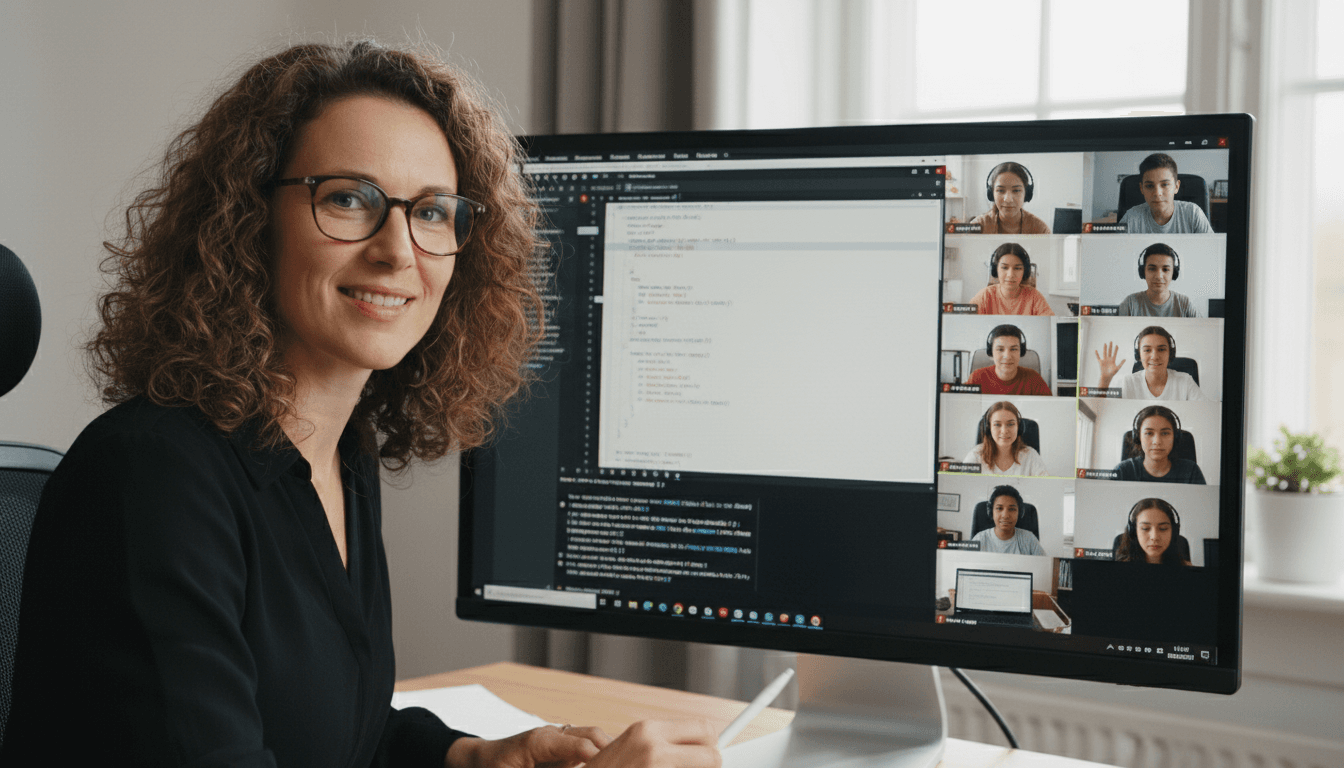
Computer Science Teacher Newsletter: Remote and Hybrid Learning Newsletter Guide
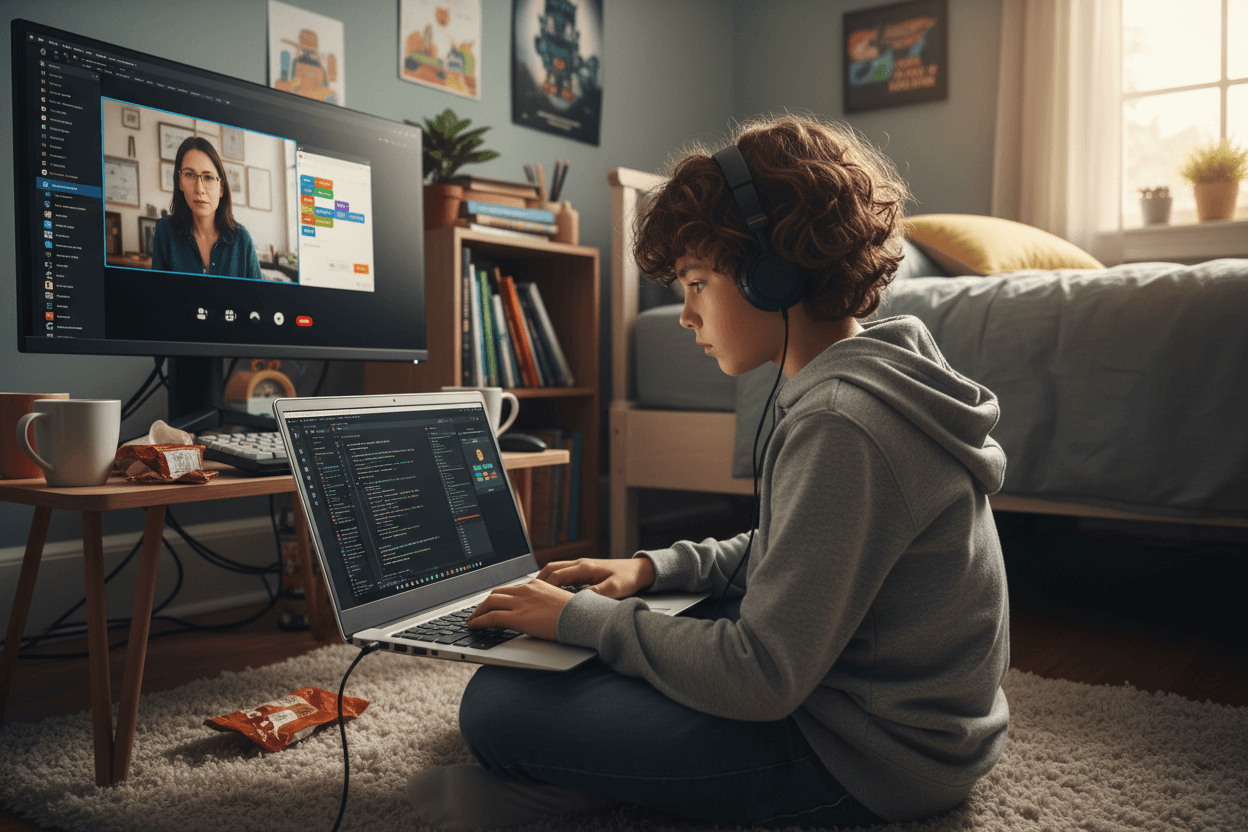
Remote and hybrid computer science classes put a unique communication burden on teachers. Unlike most subjects, CS instruction depends on specific platforms, account credentials, browser configurations, and sometimes local software installations. When a student cannot access the coding environment, the entire lesson is blocked before it starts.
A well-structured CS remote learning newsletter reduces that friction. It gives families the technical information they need, sets clear expectations for participation, and creates a reliable channel for troubleshooting before the first error message appears.
Name every platform students will use and link directly to it
Do not assume families know what Replit, Scratch, or Code.org are or how to navigate to a specific assignment within them. Your newsletter should name each platform students will use that week, explain in one sentence what it is, and include a direct link to the specific course or assignment page, not just the platform homepage.
If students need to log in with school credentials rather than a personal account, say so and specify which credentials. If the platform requires a class code or invite link, include it. The goal is that a family can forward the newsletter to their student and the student can open the right page without asking a follow-up question.
Distinguish between synchronous and asynchronous expectations
CS remote learning typically mixes live video sessions with independent coding work students complete on their own schedule. These have different requirements, and families need to know which is which. For synchronous sessions, provide the video conferencing link, the start time, whether camera and microphone use is expected, and how long the session runs.
For asynchronous assignments, give the assignment title, the platform where it lives, what students should produce or complete, and the submission deadline. Ambiguity about whether something is live or self-paced causes students to miss sessions or submit work late through no fault of their own.
Explain what the class is learning in plain language
Parents who cannot see inside a virtual classroom often feel disconnected from what their child is actually studying. Use one paragraph in each newsletter to describe the current unit in accessible terms. If students are learning about conditionals and loops in a text-based language, explain what those concepts do: "This week students are learning how to write instructions that repeat automatically and change behavior based on conditions, which is how most software applications work."
This explanation helps families ask informed questions and reinforces the sense that CS instruction has real-world relevance, even when it is happening on a laptop at the kitchen table.
Address device and connectivity requirements before problems arise
Spell out the minimum technical requirements for the week's activities. If a coding project requires a specific browser, name it. If a platform does not work on tablets or Chromebooks, say so before the session, not after a student has spent 20 minutes troubleshooting. If the school has loaner devices or mobile hotspots available for families with connectivity challenges, include that information in every newsletter, not just the first one.
Creating a short technical FAQ section that you carry forward week to week saves significant back-and-forth. It becomes a reference point families can consult before emailing, and it signals that you have anticipated the common problems.
Set clear expectations for participation and grading
Remote CS classes often grade participation differently than in-person classes. Tell families whether attendance at live sessions is required or optional, whether recordings are available afterward, and how participation in live sessions affects the student's grade. If submitting a completed coding project is the primary assessment method, describe what a complete submission looks like: does the code need to run? Does the student submit a screenshot, a link, or export a file?
Grading transparency reduces conflict. Families who understand how participation is measured are better positioned to help students meet those expectations consistently.
Give families a troubleshooting contact and a clear process
Technical problems in a remote CS class are not a matter of if but when. Tell families exactly what to do when something breaks: email you at a specific address, submit a help request through a platform, or contact the school's tech support line. Let them know the expected response time so they are not waiting in uncertainty while the student falls further behind.
If you have a standard response for common errors, include it in the newsletter. "If the Replit editor does not load, try clearing your browser cache and reloading the page. If that does not work, try a different browser" solves a problem that might otherwise take an hour of email back-and-forth.
Close with what is coming the following week
End each weekly newsletter with a one-sentence preview of the next week's focus. This helps families plan for any technical preparation needed in advance, such as creating a new account on a platform or ensuring a specific device is available. It also gives students a sense of momentum and continuity, even when they are learning from home.
A consistent newsletter cadence is what makes remote CS learning feel like a real class rather than a collection of disconnected assignments. Families who hear from you regularly trust that the learning is happening even when they cannot see it.
Get one newsletter idea every week.
Free. For teachers. No spam.
Frequently asked questions
What technical information should a CS remote learning newsletter include?
Include the platforms students will use by name, direct links to each, and clear instructions for what students should have open and ready at the start of class. For synchronous sessions, specify the video conferencing link, any required software or browser extensions, and whether students need microphones and cameras active. For asynchronous coding work, list the platforms (Replit, Code.org, Scratch, etc.), what assignment is due, and how to submit it.
How often should CS teachers send newsletters during remote or hybrid learning?
Weekly is the minimum. Remote and hybrid schedules change more frequently than in-person ones, and parents need consistent updates to manage device time, submission deadlines, and participation requirements at home. A brief weekly email covering the week's platform, assignment, and any synchronous session links prevents the confusion that builds up when communication goes quiet for two or three weeks.
How should a CS teacher handle students who have device or connectivity issues in the newsletter?
Acknowledge it directly in the newsletter and give a clear escalation path. Tell families that if a student encounters a device problem or connectivity issue during a synchronous session, they should email the teacher immediately and the student will not be marked absent. List any school resources available, such as loaner devices or hotspots. This prevents one technical difficulty from becoming a pattern of missed instruction.
What coding platforms work well for remote CS classes, and should the newsletter explain them?
Yes. Platforms like Replit, Scratch, Code.org, Khan Academy Computing, and Tynker each have different interfaces and require different account setups. Families should not have to figure out where to go. The newsletter should name the platform in use that week, link directly to the assignment or course page, and note whether students need to log in with school credentials or a personal account.
How does Daystage help CS teachers manage remote learning newsletters efficiently?
Daystage lets computer science teachers build a weekly remote learning newsletter template with standard sections: platform of the week, assignment link, synchronous session details, and troubleshooting contacts. Update the variable sections each week and send in minutes. Families know exactly what format to expect, which reduces the 'where do I go?' messages that pile up during remote and hybrid schedules.

Adi Ackerman
Author
Adi Ackerman is a former classroom teacher and curriculum writer with 8 years in K-8 schools. She writes about school communication, parent engagement, and what actually works in real classrooms.
More for Subject Teachers
Ready to send your first newsletter?
3 newsletters free. No credit card. First one ready in under 5 minutes.
Get started free