
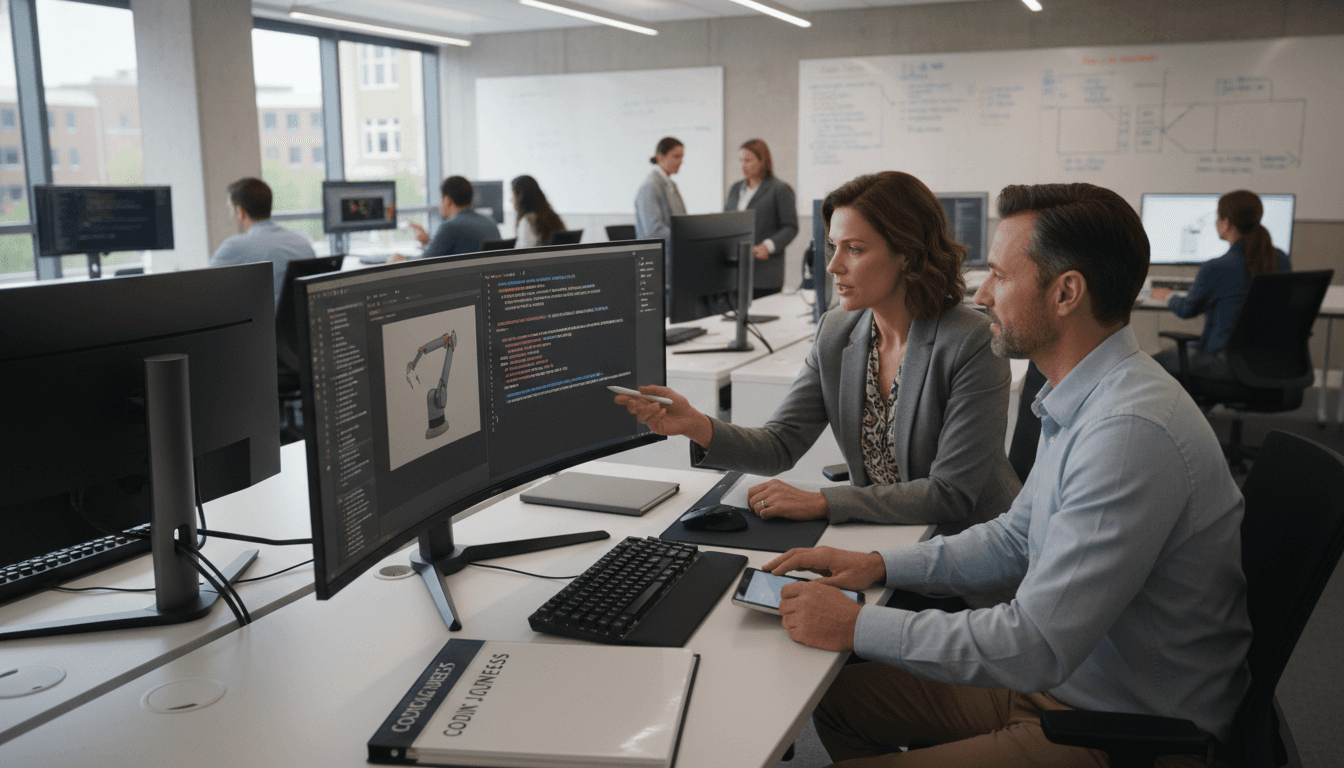
Computer Science Teacher Newsletter: Parent Conference Newsletter Template

Most parents walk into a computer science teacher conference knowing less about what their child does in class than they do for any other subject. A well-written pre-conference newsletter closes that gap before the meeting begins. It explains what the conference will cover, what data and portfolio work will come up, what questions families should bring, and how to look at their child's coding projects in advance so the conversation can be substantive rather than introductory.
This guide covers how to write a CS teacher parent conference newsletter that prepares families, surfaces the right questions, and makes your limited conference time genuinely productive for the student.
Tell families what the conference will cover before they arrive
A computer science conference can feel opaque to non-technical families if they do not know what to expect. Your pre-conference newsletter should lay out the agenda clearly. "In our conference, we will review your child's coding project portfolio from this semester, their progress on computational thinking skills, their approach to debugging and problem-solving, and their digital citizenship behaviors in and around our CS class."
That one paragraph eliminates the first five minutes of every conference spent establishing what the meeting is about. Families arrive knowing the agenda and can focus on asking specific questions rather than orienting themselves to the conversation.
Explain how to access the student's coding portfolio before the meeting
If students maintain a digital project portfolio, give families the steps to access it before the conference: the platform, the login method, and what they will find there. "Your child's projects from this semester are saved in their Scratch account at scratch.mit.edu. Log in using their school username. Click 'My Stuff' to see the projects they have built this semester. Click on each project to run it and see what it does."
Suggest a specific question families can ask their child before the conference: "Ask your child to walk you through their most recent project and explain what each part of the code does. If they can explain it clearly, they understand it. If they struggle to explain a section, that is useful information for our conversation." This positions the pre-conference review as a productive learning activity rather than just preparation.
Describe how you assess computational thinking, not just coding output
Many parents assume CS class is purely about whether a program runs correctly. Your newsletter should explain that you also assess the thinking process: "In addition to whether a program works, I look at how students approach problems. Do they break the problem into smaller parts before starting to code? Do they test their code as they go or only at the end? Do they document their thinking? Do they look for patterns from previous projects they can reuse?"
Naming these practices helps families understand that computational thinking is assessed separately from programming proficiency. A student who approaches problems systematically but is still developing coding fluency is making real progress. A student who produces working code by copying without understanding is not demonstrating the skills the curriculum targets.
Invite families to share observations about their child at home with technology
Technology use at home gives you information about a student that classroom observation cannot. Your newsletter should invite parents to reflect on specific questions before the conference: "How does your child respond when technology does not work the way they expect? Do they problem-solve, ask for help, or give up? Do they ever talk about what they are making in CS class? Do they use technology primarily for games and social media, or do they occasionally make or build something?"
These observations are not judgments. They give you context that helps you calibrate both your praise and your recommendations during the conference. A student who is highly persistent with technology at home but seems disengaged in class is a different conversation than one who shows the same pattern in both settings.
Address debugging and problem-solving progress specifically
Debugging is one of the most telling skills in a CS class and one that parents are rarely informed about. Your conference newsletter should explain what you observe: "One of the most important things I track is how students respond when their code does not work. Students who test their code frequently, isolate errors systematically, and persist through repeated failures are developing strong programming skills even if their output is not yet polished."
Preview what you will share in the conference about their child's specific debugging approach. This prepares families for a nuanced conversation about process rather than just outcome. "I will share an example of a moment in a recent project where your child hit a significant error and describe how they worked through it."
Preview the digital citizenship topics that will come up
Digital citizenship covers a wide range of issues in a CS classroom: responsible use of class computer time, academic integrity in coding work (not copying another student's program or lifting code without attribution), online safety and privacy behaviors, and cybersecurity fundamentals. Your newsletter should tell families which of these areas will come up in the conference.
"We will briefly discuss your child's digital citizenship behaviors this semester, including their use of class computer time and their approach to original code creation. For most students this is a very positive conversation. For a small number, I have observed behaviors I want to address together." That last sentence is important: it signals to families that if there is something to discuss, the conference is the right venue, not a surprise note home.
Daystage helps CS teachers prepare families for every conference efficiently
Conference season is compressed and high-stakes. Daystage lets computer science teachers send a pre-conference newsletter to all families at once, customized by grade level and semester content. Families arrive having already looked at their child's project portfolio, thought through their home observations, and prepared specific questions. That preparation compresses the orientation phase of every conference and expands the time you can spend on what the student actually needs. Daystage tracks who opens the newsletter so you know which families need a direct follow-up before their meeting time.
Get one newsletter idea every week.
Free. For teachers. No spam.
Frequently asked questions
What does a parent conference with a computer science teacher typically cover?
A CS parent conference typically reviews a student's coding project portfolio, their progress on computational thinking skills such as decomposition, abstraction, and algorithm design, their debugging and problem-solving approach, digital citizenship behaviors, and participation in class coding activities. It may also cover specific programming skills assessed during the semester, such as their proficiency with loops, conditionals, functions, or data structures, depending on the grade level.
How should a CS teacher explain a student's coding progress to a non-technical parent?
Use project-based language rather than technical language. 'Your child successfully built a game in Scratch that uses three different types of coding blocks: motion, events, and loops. They added a custom scoring system which required them to create their own variable, which is a more advanced technique for this grade level' is accessible and specific. Avoid terms like 'object-oriented' or 'boolean expression' without explaining them, and always anchor the progress to something the student made that parents can see.
What questions should a CS teacher newsletter encourage parents to bring to a conference?
Prompt parents to think about their child's relationship with technology at home: whether their child talks about coding projects or explains what they are making, whether they show frustration or persistence when they hit a bug, and whether they use technology creatively or primarily for consumption. These observations give you context you cannot gather from in-class work alone, and they help you personalize the conference conversation to what the family is already noticing.
How should a CS teacher address digital citizenship concerns in a parent conference newsletter?
Name the specific digital citizenship topics covered in class and what the conference will address: online safety, responsible sharing of personal information, understanding algorithms in social platforms, academic integrity in coding (not copying another student's code), and cybersecurity basics. Let families know if any digital citizenship incidents have occurred and that you plan to discuss them, so they are not caught off guard. Preparing families for that conversation makes it more productive.
How does Daystage help CS teachers prepare families for parent conferences?
Daystage lets computer science teachers send a pre-conference newsletter to all families in a single send, covering what the conference will review, what data will be discussed, what questions to prepare, and how to access their child's digital project portfolio in advance. Families who arrive informed have better conversations and leave with clearer action steps. You can track open rates to follow up with families who may not have seen the newsletter before their scheduled meeting time.

Adi Ackerman
Author
Adi Ackerman is a former classroom teacher and curriculum writer with 8 years in K-8 schools. She writes about school communication, parent engagement, and what actually works in real classrooms.
More for Subject Teachers
Ready to send your first newsletter?
3 newsletters free. No credit card. First one ready in under 5 minutes.
Get started free