
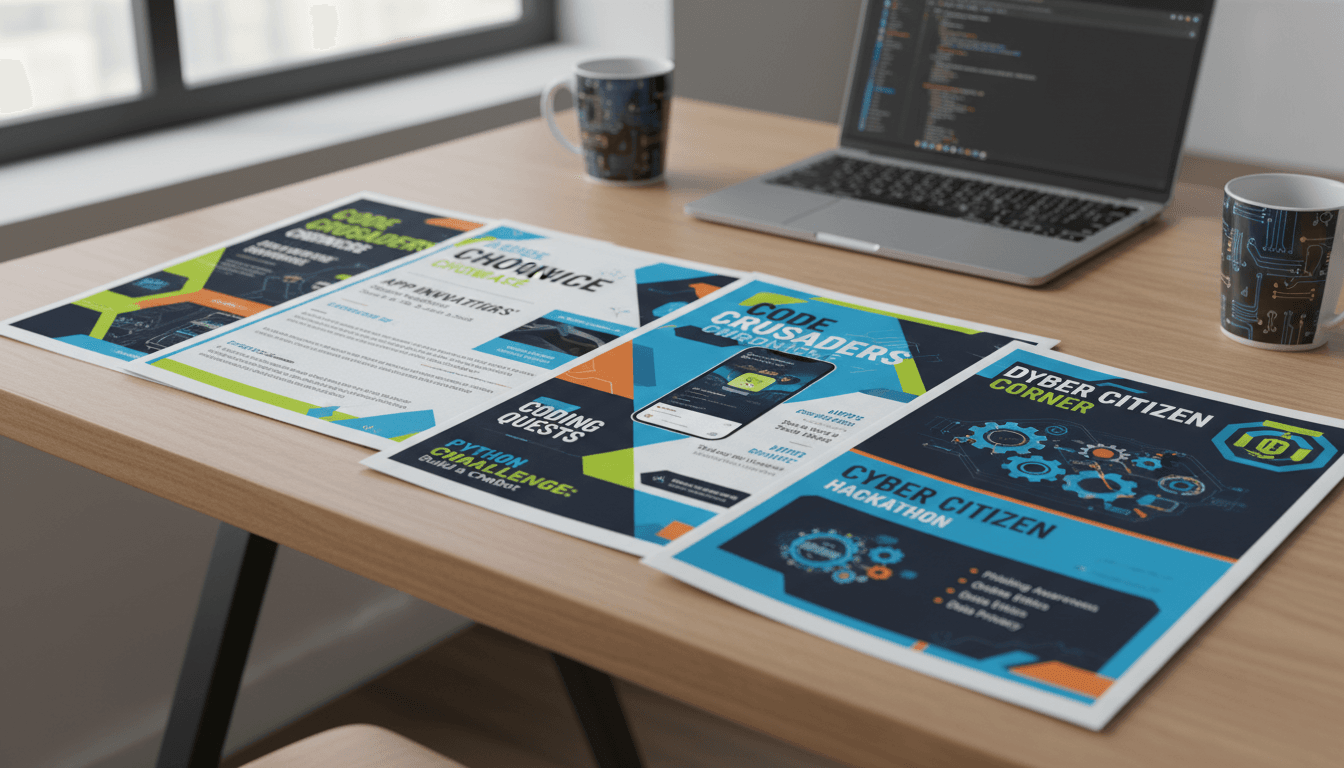
Computer Science Teacher Newsletter: Teacher Newsletter Examples That Actually Work
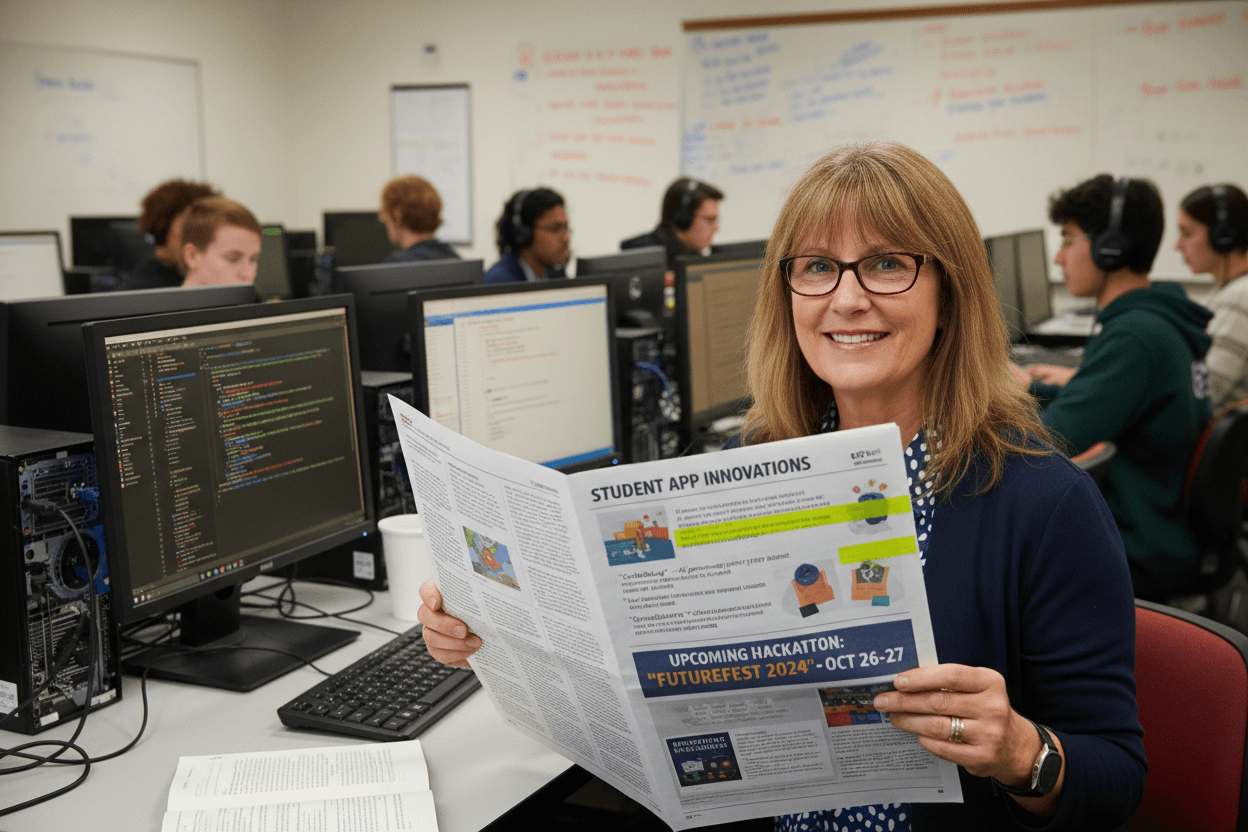
Computer science teachers face a communication challenge that most other subject teachers do not. Parents understand what a math test covers. They have a general sense of what happens in a history unit. But when their child says they spent the day debugging a recursive function or designing a machine learning classifier, many parents have no frame of reference for what that means or why it matters.
The CS teacher newsletter closes that gap. The examples below show what works, broken down by newsletter type and what each one should accomplish.
The unit launch newsletter
Send this at the beginning of a new unit to orient families before instruction begins. It should name the unit, explain in one or two plain sentences what students will learn to do, and identify any tools or platforms that will be used. An effective opening for a data science unit might read: "This month students are learning to collect, organize, and visualize data using a spreadsheet tool and a basic Python library. By the end of the unit, each student will have built a data visualization using a dataset they chose themselves."
That description is concrete, it names the tool, it identifies the student output, and it gives parents a real picture of the work without requiring any prior CS knowledge to understand it.
The student project spotlight newsletter
This newsletter works well at the midpoint or end of a major project. Highlight two or three student projects with a brief description of what each student built and what problem it solves or what it demonstrates. If you have screenshots or links to working projects, include them. A line like "Maya built a quiz app that tests vocabulary from the class's current history unit, and her classmates have been using it to study" communicates both the technical skill and the real-world relevance of CS work.
Rotate which students are featured across the year so that every family sees their child recognized at some point. This also signals to students that producing good work leads to visibility, which is a real motivator at every grade level.
The digital citizenship and AI literacy newsletter
When the class moves into units on cybersecurity, data privacy, or AI literacy, parents benefit from knowing what students are learning because these topics apply directly at home. A digital citizenship newsletter might explain: "This week students studied how phishing emails are designed to bypass critical thinking, and they practiced spotting red flags in examples. We would encourage families to ask their student to walk them through what to look for before clicking a link in an unexpected email."
That framing turns the newsletter into a practical tool for the whole household. Families are more likely to engage with CS content when it connects directly to something they deal with daily.
The hackathon or coding challenge announcement newsletter
This newsletter serves two purposes: generating excitement and providing logistics. Describe the challenge in specific terms. What problem are students trying to solve? What constraints will they work within? How will teams be formed? What is the judging criteria? For school or district hackathons, include the date, location, and what families should do if they want to attend or volunteer.
Hackathons are one of the few CS events that can draw family attendance, so the announcement newsletter is worth investing time in. Include a quote from a student who participated last year, or a description of what previous teams built. This makes the event feel real rather than hypothetical.
The AP CS Principles or AP CS A preparation newsletter
AP computer science courses require specific parent awareness around exam structure, the performance task requirement, and the timeline for submitting through College Board. An AP prep newsletter sent in January or February should explain what the Create Performance Task requires of students, when the submission deadline falls, and what parents can do to support focused work time at home during the development window.
For AP CS Principles, clarify the difference between the written portion and the Create Task so families understand that the exam is not purely multiple choice. For AP CS A, give families a sense of what topics the multiple-choice and free-response sections cover so they know what their student is practicing when they work through past exam problems.
The end-of-year reflection newsletter
End the year by naming what the class built and learned across the full academic year. List the units, the projects, and the skills students can now demonstrate. This newsletter serves as a summary for families and a celebration for students. It also plants a seed for what comes next, whether that is a more advanced CS course, a summer coding program, or independent projects using the skills built this year.
What every good CS newsletter has in common
The examples above all share the same structural qualities. They use specific language rather than generic descriptions. They name tools and outputs rather than abstract concepts. They give parents a way to connect with what their student is doing, even without a CS background. And they signal that the teacher is intentional about the work, which builds family confidence in the course.
A CS newsletter that a parent can read in three minutes and finish with a real sense of what their child is learning is doing its job. Start with that standard and the content will follow.
Get one newsletter idea every week.
Free. For teachers. No spam.
Frequently asked questions
What makes a computer science newsletter different from other subject newsletters?
CS newsletters need to translate technical concepts into plain language for parents who may have no coding background. They also need to explain platform logistics, device requirements, and account setups that other subjects do not require. The best CS newsletters assume parents are curious but unfamiliar, and they bridge that gap without talking down to families.
How specific should a CS newsletter be about what students are building?
Specific enough that a parent can ask a real question about it. Instead of 'students are learning to code,' write 'students are building a choose-your-own-adventure story using conditionals in Scratch this week.' That gives parents a conversation hook and signals that the work is concrete and purposeful, not abstract.
Should CS newsletters include student work samples or project screenshots?
Yes, when possible. A screenshot of a student-created game, animation, or app is the clearest possible evidence of what the class is producing. You do not need to include work from every student in every newsletter. Rotating student spotlights across the year builds a record of progress and gives students something to look forward to.
How should a CS newsletter handle a unit on cybersecurity or AI literacy?
Frame the unit in terms of what students will be able to do and evaluate by the end. For cybersecurity, explain that students will learn how phishing attacks work and how to recognize them, which is directly useful for families at home. For AI literacy, explain that students will practice identifying AI-generated content and evaluating its accuracy, which connects to skills they need right now.
How does Daystage help CS teachers produce newsletters that parents find useful rather than overwhelming?
Daystage gives computer science teachers a structured newsletter format with clear sections for current unit, student spotlight, upcoming dates, and home conversation starters. The format is readable on mobile, which is where most parents open school communications. You can build a template once, reuse it each month, and spend your time on the content rather than the layout.

Adi Ackerman
Author
Adi Ackerman is a former classroom teacher and curriculum writer with 8 years in K-8 schools. She writes about school communication, parent engagement, and what actually works in real classrooms.
More for Subject Teachers
Ready to send your first newsletter?
3 newsletters free. No credit card. First one ready in under 5 minutes.
Get started free