

Communicating Remote Learning Changes in Your Principal Newsletter
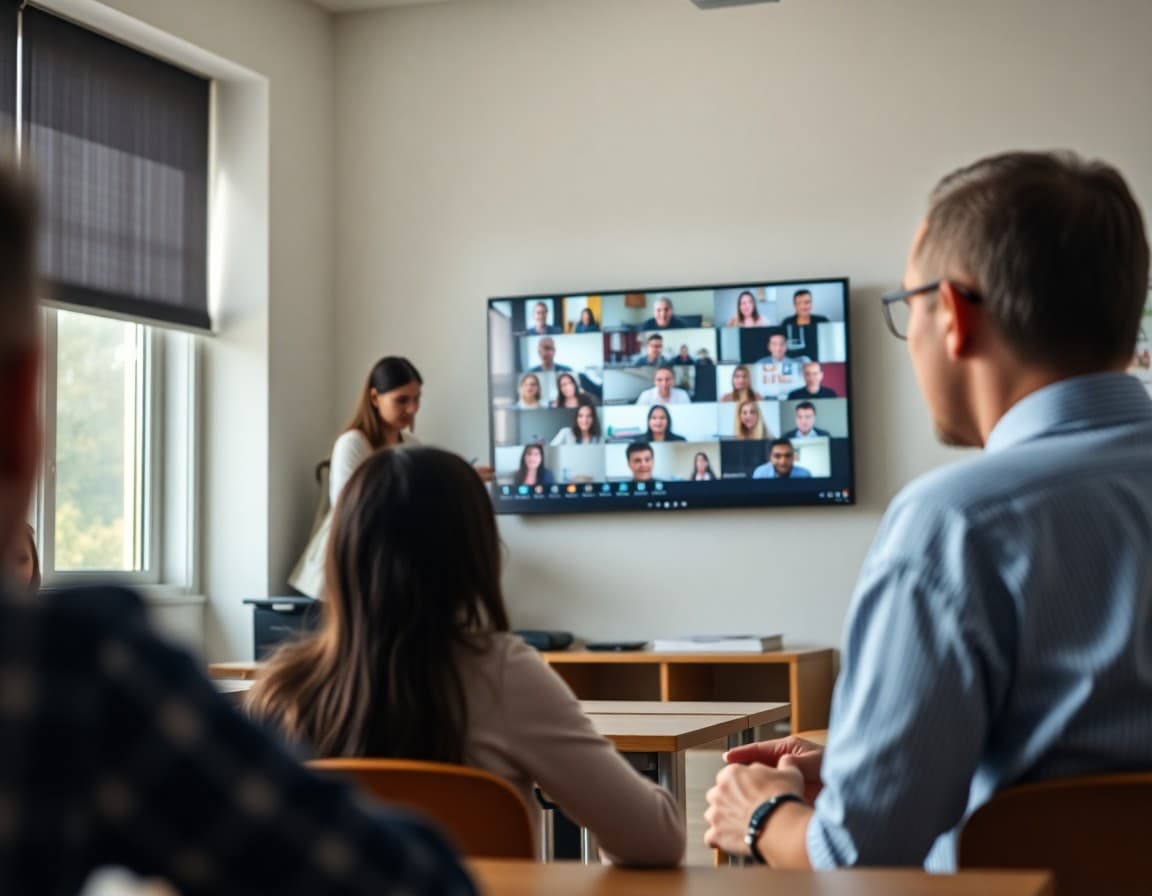
Remote learning communication has to be faster, clearer, and more thorough than almost any other newsletter you send. Families need to know what their child is expected to do, when to do it, what technology they need, and who to call when something goes wrong. Get all of that into one newsletter, sent with enough lead time for families to prepare, and you are ahead of most of the problems that derail a remote learning transition.
Announce the Dates and Format With Clarity
The first paragraph carries everything urgent. "Starting Monday, March 4, all students will participate in remote learning through Friday, March 8. Each day will include live video sessions at the scheduled class time, plus independent work. Students are expected to log in by 8:15 AM daily. Full schedule attached." That is the announcement. Everything else is support.
Describe the Daily Schedule in Detail
Families setting up a home learning environment need more than "classes will continue online." Give them the actual schedule. Live session times, links for each class, when independent work is due. If the schedule differs from the regular school day, list the changes explicitly. "Morning meeting: 8:15-8:30 AM. Reading block: 8:30-9:30 AM (synchronous). Math: 9:45-10:45 AM (synchronous). Lunch break: 11:00-11:45 AM. Afternoon independent work: due by 3:00 PM." That level of detail allows families to create a daily structure at home.
Address Technology Access Directly
Do not assume every family has a device and reliable internet. Name the problem and the solution in the same sentence. "Students without a school-issued device should contact the main office by Sunday at 5:00 PM. We will make devices available for pickup Monday morning. Families without reliable internet can pick up a school hotspot at the same time." That sentence closes the access gap for the families who will otherwise fall through the cracks.
A Template Remote Learning Announcement Newsletter
Here is a full announcement that covers the essential ground:
"Remote Learning: March 4-8. Due to [reason], all students will learn from home next week. Classes meet via Zoom at their regular times (schedule attached). Students must attend all live sessions. Work assigned daily is due by 3:00 PM each day via Google Classroom. No device? Call (555) 812-4400 by Sunday at 5:00 PM. No internet? Same number. Technical problems during the week: email tech@school.edu. Questions about your child's specific assignments: email their teacher directly. We will send a daily morning update to confirm the day's schedule."
Set Clear Expectations for Students and Families
Remote learning requires more family involvement than in-person learning. Be honest about that without being demanding. "Students are responsible for logging in, completing work, and communicating with their teacher about any problems. Families, your role is to help create a quiet space for learning and to check in on whether your child is logging on and completing assignments. That check-in -- just once a day -- makes a significant difference." That kind of specific guidance is useful and realistic.
Address Attendance and Accountability
Families sometimes assume remote days are optional or informal. State the expectation plainly. "Remote attendance is required and recorded. Students who miss synchronous sessions without a valid excuse will receive an absence. Teachers will follow up with families about any student who is not logging in." This clarity prevents the attendance problems that build up silently during remote periods and become a major issue to unwind when students return.
Communicate Daily During Extended Remote Periods
For remote periods longer than two days, a brief daily newsletter -- or at minimum a parent communication from the classroom teacher -- keeps families informed and engaged. "We will send a brief daily morning note confirming today's schedule and any changes." That sentence, fulfilled every morning, gives families stability during a disruptive period and demonstrates that the school remains organized and attentive even when the doors are closed.
Follow Up With a Return-to-School Newsletter
When in-person learning resumes, send a brief newsletter the day before. Confirm the return date and time, note anything that is different about the first day back, and offer a simple note about re-entry: "Students who had a hard time with remote learning deserve a fresh start when they walk in Monday. We will have staff at the door and a low-pressure first morning." That kind of re-entry communication sets the right tone and reduces the anxiety of the first morning back.
Get one newsletter idea every week.
Free. For teachers. No spam.
Frequently asked questions
What should the principal newsletter cover when announcing remote learning?
Announce the dates, explain the format (synchronous live sessions, asynchronous assignments, or a mix), state what technology students need, describe daily expectations for students and families, and tell families who to contact if there are technical or logistical problems. Cover all of these before families have to ask.
How do I set realistic expectations for learning quality during remote periods?
Be honest about what can and cannot be replicated online. 'Remote learning is not the same as in-person instruction. Our teachers will do everything possible to maintain connection and continue learning, but we recognize that family support at home is essential.' That honesty is more useful than promises you cannot keep.
What should the newsletter say about attendance during remote learning?
State the attendance expectation clearly. 'Students are expected to attend all synchronous sessions and complete assignments by the posted deadlines. Remote attendance is recorded and counts toward the school attendance record.' Families who know that attendance is tracked take it more seriously than families who assume remote days are informal.
How do I communicate about families who lack reliable technology for remote learning?
Address the problem and the solution simultaneously. 'We recognize that not every family has reliable internet access or a device at home. Students without a device can request a school Chromebook through the main office. Families with limited internet access can apply for hotspot loans at the link below. Contact Mr. Lee by [date] so we can have materials ready.'
What tool helps communicate remote learning logistics to families quickly?
Daystage lets you send a formatted newsletter with links to platforms, schedules, technical support, and contact information -- all in one send. For a remote learning transition that needs to go out fast, being able to produce a clear, professional newsletter in under 30 minutes is exactly what is needed.

Adi Ackerman
Author
Adi Ackerman is a former classroom teacher and curriculum writer with 8 years in K-8 schools. She writes about school communication, parent engagement, and what actually works in real classrooms.
More for Principals
Ready to send your first newsletter?
3 newsletters free. No credit card. First one ready in under 5 minutes.
Get started free