
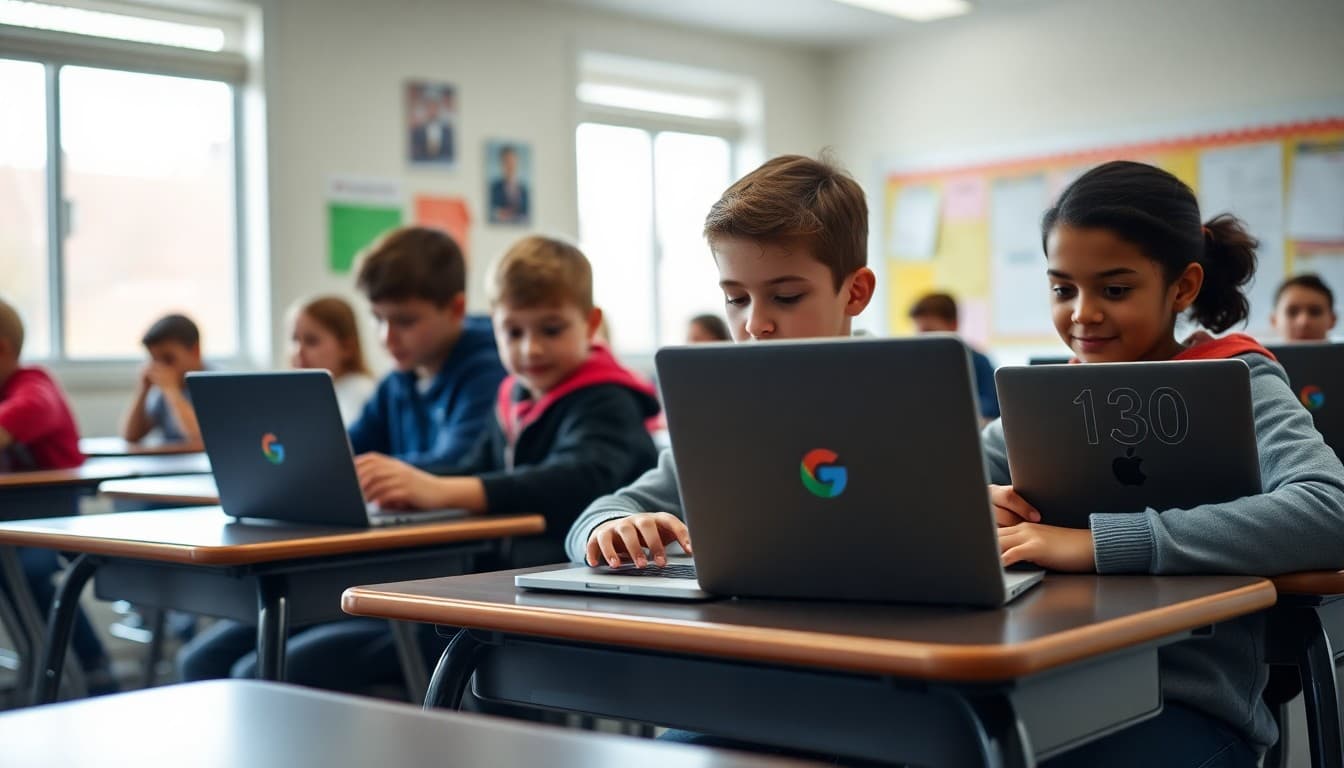
Communicating Your Chromebook Rollout in the Principal Newsletter

A Chromebook rollout is one of the highest-stakes communications a principal sends. Families are receiving school property, agreeing to responsibility, and -- often for the first time -- navigating a digital tool their child will use for most of the school day. The newsletter that sets up this rollout determines whether the first month of the program runs smoothly or generates a wave of confused and frustrated parent calls.
Announce the Timeline With Precision
Start with the schedule. "Students in grades 3-5 will receive their Chromebooks during the week of October 7. Each student will check out their device on the day their class is scheduled. A signed Chromebook Use Agreement is required before checkout." That tells families what is coming, when it is coming, and what they need to do before it happens. The rest of the newsletter adds context around that core.
Explain What Families Are Responsible For
Families need to understand ownership and responsibility clearly. "Students are responsible for their device at school and at home. Devices should be charged overnight and brought to school daily. The school covers accidental damage through our device protection plan. Lost or stolen devices outside of school are the family's responsibility up to $150." State the numbers. Families who know what they are agreeing to before they sign are much more prepared -- and much less upset when something goes wrong.
Describe the Content Filter
Many families want to know what their child can access on the device at home. "Our content filter (GoGuardian) is active on every device at all times, including at home. It blocks adult content, social media, and sites outside of educational categories. School staff can monitor activity during school hours." That sentence answers the question before families ask it and builds confidence in the program.
A Template Rollout Newsletter Section
Here is a section you can adapt:
"Our 1-to-1 Chromebook program launches this fall for students in grades 4-8. Devices come home starting September 16. Please read and sign the Chromebook Use Agreement sent home with your child on September 9 -- devices will not be issued without a signed form. Devices are district property. Accidental damage is covered. Intentional damage or loss outside of school is the family's responsibility (up to $125). A content filter is active at all times. Questions about the program can be directed to our technology coordinator, Mr. Yamada."
Provide Basic Care Instructions
A short section on physical care pays for itself in device longevity. No food or drinks near the Chromebook. Store in the provided sleeve when not in use. Charge overnight. Do not leave in a hot car. These instructions sound obvious -- and yet without them, you will be collecting damaged devices within the first month. Put them in the newsletter. One time.
Address Home Use Expectations
Give families a suggested boundary for evening use. "We recommend keeping Chromebook use for homework only after 8:00 PM for elementary students." You are not dictating home rules -- you are giving families a practical starting point. Families who want more control can enable Google Family Link; include a brief note about how to do that and a link to the instructions.
Host a Family Technology Night
A 60-minute family tech night in the first two weeks of the rollout is worth the logistics. Walk families through device basics, demonstrate the content filter, show them how to access student work, and answer questions. Families who attend are your most informed advocates. Those who could not attend get a recap newsletter with the key takeaways. Announce the event in the same newsletter as the rollout details.
Plan for the Questions You Will Get
Anticipate: What if my child forgets their Chromebook? What if it needs repair? Can my child use it during vacation? Address the top three directly in the newsletter. "Forgotten devices: the school has a limited number of loaner devices available at the main office. Repairs: devices can be brought to the tech office before school. Extended breaks: students may keep devices but school content filters remain active." That FAQ section alone saves hours of individual phone calls.
Get one newsletter idea every week.
Free. For teachers. No spam.
Frequently asked questions
What should the principal newsletter cover in a Chromebook rollout?
Explain when devices are coming home, what families are responsible for, how to handle damage or loss, the acceptable use policy, and what the school expects regarding use at home. Include information about content filters and any parental control features so families understand how the device is managed.
How do I explain the acceptable use policy in a newsletter without overwhelming families?
Summarize it in four or five bullets: acceptable uses, prohibited uses, consequences for misuse, and the school's right to monitor activity. Then link to the full policy for families who want the detail. Most families just want to know: can my child use this at home, and what happens if it breaks.
What should the newsletter say about Chromebook damage and loss?
Be direct. State whether the school has insurance, what the deductible is, and what families are responsible for if the device is lost or damaged beyond accidental. Put the numbers in the newsletter. Families who learn about a $200 replacement fee from the repair bill are far more frustrated than families who read about it in advance.
How do I address concerns about screen time and home use in the newsletter?
Acknowledge that families may have screen time concerns and explain the school's position. Name the content filter and its scope. Offer a suggested evening use boundary if appropriate. Give families the technical steps to enable Google Family Link if they want additional oversight. Practical guidance here builds trust.
Can Daystage be used to send Chromebook rollout information with attachment and links?
Yes. Daystage lets you include a PDF of the acceptable use policy, a damage and insurance summary, and a link to the student sign-out agreement -- all in one formatted newsletter. For something as detailed as a device rollout, being able to attach supporting documents is essential.

Adi Ackerman
Author
Adi Ackerman is a former classroom teacher and curriculum writer with 8 years in K-8 schools. She writes about school communication, parent engagement, and what actually works in real classrooms.
More for Principals
Ready to send your first newsletter?
3 newsletters free. No credit card. First one ready in under 5 minutes.
Get started free