

Video Production Project Newsletter for Middle School Families
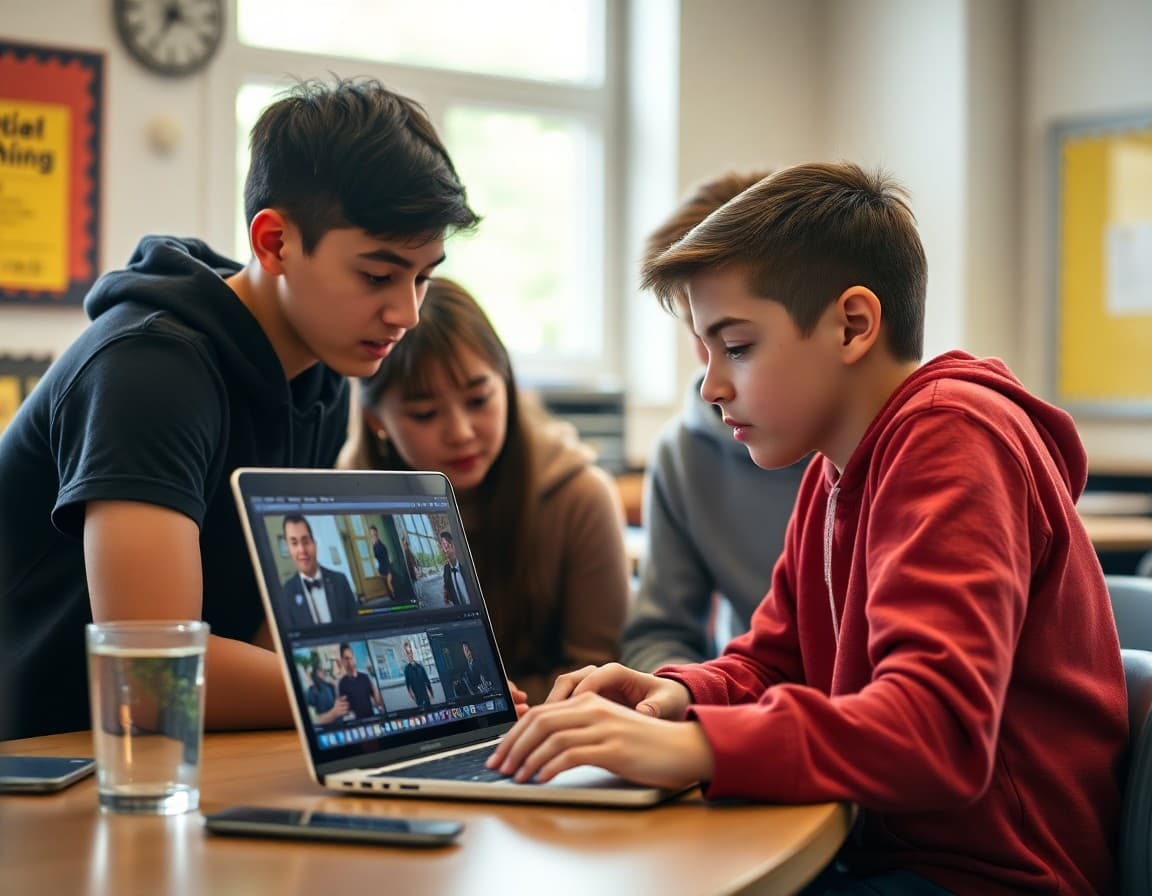
Video production projects are among the most engaging and memorable assignments in middle school. Students who struggle to express themselves in written form often come alive when the medium is visual and auditory. The project develops planning skills through storyboarding, communication skills through scripting and narration, collaboration through the roles of director, camera operator, and editor, and technical skills through the actual production and editing process. A newsletter that explains this to families before the project begins sets up the right level of support and enthusiasm from home.
The Three Phases Families Should Know About
Every video production project moves through three distinct phases and students benefit from different types of family support in each. Pre-production is the planning phase: writing scripts or storyboards, assigning roles if working in a group, choosing locations, and gathering any materials needed. Students may want to talk through their ideas at home during this phase. Families who ask questions and express genuine curiosity about the topic help students refine their approach. Production is the filming phase, which happens primarily at school. Some projects allow home filming for specific scenes and the newsletter will specify whether this applies. Post-production is the editing phase, where raw footage becomes a finished video. This happens at school but students may have questions about creative choices they can talk through at home.
What Students Learn From Making a Video
The skills in a video production project map directly to competencies that matter well beyond middle school. Planning a shoot requires understanding narrative structure and sequence. Filming effectively requires spatial awareness, attention to composition, and understanding how visual framing communicates meaning. Editing requires decision-making about pacing, what to include and exclude, and how audio and visual elements work together. Presenting a finished video to an audience requires the same kind of confidence and attention to audience that any presentation does, in a format that many students find more accessible than standing in front of the class. Teachers who use video projects regularly see the work translated into improved writing, presentation, and analytical skills over time.
Families With Privacy Concerns
Some families have concerns about their child appearing in video projects. If you have previously filed a photo or video opt-out with the school, contact the teacher before the project begins to discuss accommodation options. Students who cannot appear on camera can often serve as director or editor for their group rather than as a on-camera subject. Video projects are never posted publicly to YouTube or other public platforms without explicit family consent. The newsletter will describe exactly where and how the finished videos will be shared. If you have any questions about privacy and this project, contact the teacher directly rather than waiting until the project is underway.
Technical Problems Families Might Encounter
Students who do any work at home on their video projects may run into technical issues: files that are too large to email, software that is not installed on their home computer, or footage that does not transfer properly between devices. The teacher will provide instructions for the specific workflow used in class, which is designed to work with school equipment. For any technical problems your student encounters, email the teacher before your student spends significant time troubleshooting something that might require a different approach. Most technical problems in school video projects are common ones with known solutions that take five minutes to explain and much longer to figure out independently.
The Screening Event
Many video production projects culminate in a classroom screening where students watch each other's work. If families are invited to attend, the date and logistics will be in this newsletter. The screening is one of the moments when students most feel the impact of having a real audience. If you can attend, it matters to your student more than they may let on. If you cannot attend, asking your student to share their video with you at home and watching it together with genuine attention produces the same sense of being seen and appreciated that the classroom screening provides.
Get one newsletter idea every week.
Free. For teachers. No spam.
Frequently asked questions
What does a middle school video production project involve?
Students plan their video with a script or storyboard, film footage using school equipment or their phones, edit using software like iMovie or Canva Video, add titles and audio, and produce a finished short video. Projects typically run two to four weeks from planning to submission. The project combines language arts, research, visual design, and technical skills in a format that is highly motivating for most middle schoolers.
Can students film at home for their video project?
This depends on the teacher's specific assignment. Some teachers require all filming to happen at school. Others allow home filming as supplementary footage. If your student needs to film at home, natural daylight or a well-lit indoor space without cluttered backgrounds produces better results than low-light or busy backgrounds. The phone camera in landscape orientation with good lighting is often sufficient quality.
What editing software is appropriate for middle schoolers?
iMovie on Mac or iOS is accessible and free. Canva Video has a browser-based editor students can access from any device. ClipChamp is included on Windows and is suitable for basic editing. CapCut is popular with students but has privacy considerations worth reviewing. Schools typically designate a specific approved tool, which the newsletter should name explicitly.
How do families view student videos when the project is complete?
Teachers typically share videos through a private link or a class viewing event. Videos are not posted publicly without family consent. The newsletter will include the specific viewing method and any dates for in-class screenings that families are invited to attend.
How does Daystage help teachers communicate about creative projects?
Daystage lets teachers send a project newsletter with all the logistics families need, plus links to resources and viewing instructions when the project is done. A well-designed Daystage newsletter gives families the complete picture without requiring them to track down details from multiple sources.

Adi Ackerman
Author
Adi Ackerman is a former classroom teacher and curriculum writer with 8 years in K-8 schools. She writes about school communication, parent engagement, and what actually works in real classrooms.
More for Middle School
Ready to send your first newsletter?
3 newsletters free. No credit card. First one ready in under 5 minutes.
Get started free