
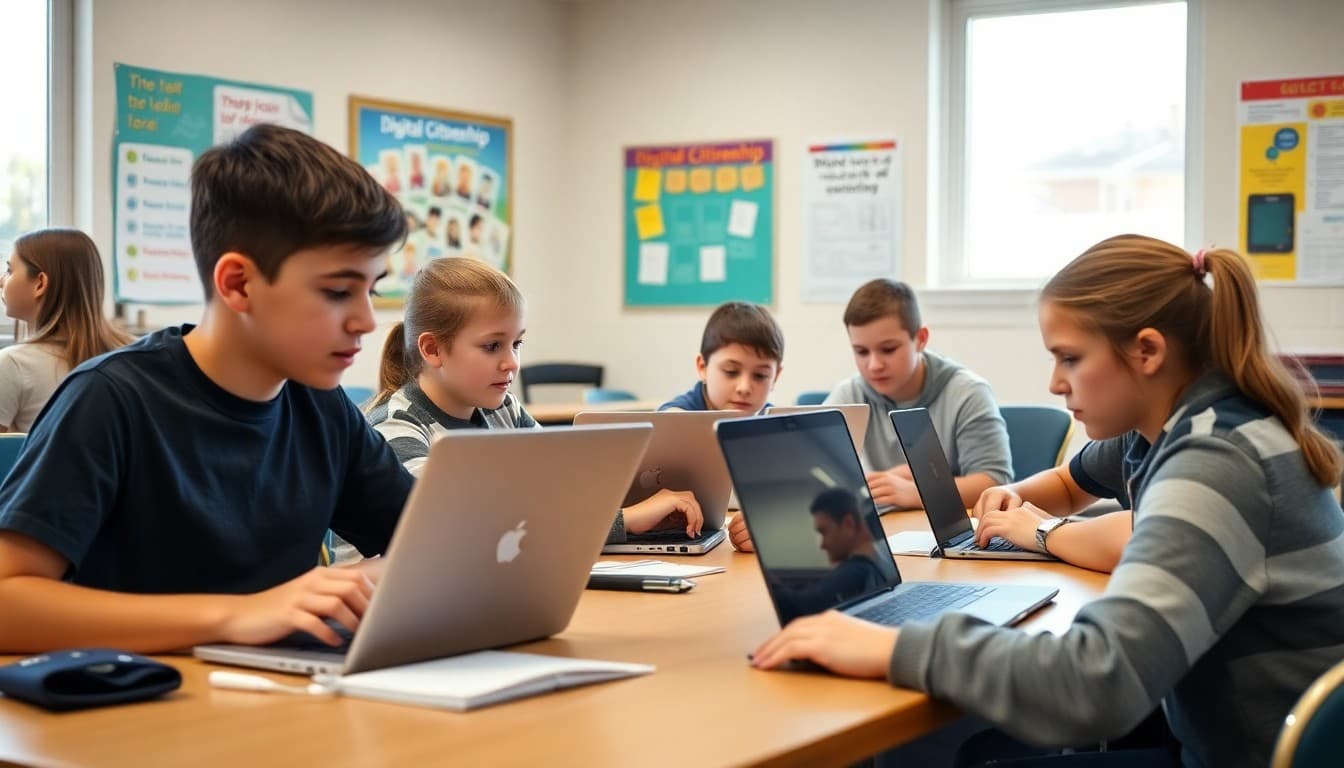
6th Grade Digital Citizenship Newsletter: Safe Tech for Families

Sixth grade is often when students get their first smartphone, join their first group chat, and start navigating social media without much guidance. The school's digital citizenship curriculum covers the concepts, but concepts stick better when they are reinforced at home with real conversation. A newsletter that connects what you are teaching to what families can do bridges that gap.
Name the Topics You Are Covering
Families cannot reinforce what they do not know about. Your newsletter should name the specific digital citizenship topics you are covering in class this month. Are you working on evaluating online sources? Talking about the permanence of posts? Discussing what cyberbullying is and how to respond to it? Naming these gives parents a hook for conversation at home.
Share the Key Concepts in Plain Language
Most parents did not grow up with social media and may not have thought deeply about concepts like digital footprint or online reputation. A quick explanation in your newsletter, two or three sentences per concept, makes those ideas accessible. When a parent understands that a deleted post is not truly gone, they can explain it to their child more convincingly.
Give Families Real Conversation Starters
Digital citizenship conversations at home should not feel like lectures. Give parents three or four open questions they can ask over dinner:
"What apps are most of your friends using right now? Have you ever seen someone be mean to someone else online? What did you do? If someone sent you something embarrassing about a classmate, what would you do with it? What do you think the school should do if a student is harassed through a game or app outside school?"
Questions like these create dialogue rather than compliance. Students who talk about these situations with their families handle them better when they actually occur.
Explain the School's Technology Policies
If your school has a phone policy, an acceptable use policy for school devices, or rules about what students can access on the network, your newsletter is a good place to review them. Families who understand the reasoning behind the rules are more likely to reinforce them at home. Connect the policy to the skill you are building: a no-phones-in-class rule is about learning to focus, not just about following rules.
Address Screen Time Without Moralizing
Many parents feel guilty about their child's screen time and will tune out a newsletter that makes them feel worse. Your newsletter can share research-based recommendations without judgment. The American Academy of Pediatrics recommends consistent sleep, family time, and physical activity as the primary guardrails. Screen time that does not crowd those out is generally fine. That framing is more useful to families than a strict hour limit.
Connect to What Students Are Producing
If students are creating digital content in class, slideshows, videos, digital art, or collaborative documents, tell families. When parents see their child producing things digitally rather than just consuming, it changes the conversation from "too much screen time" to "look what my kid built." That shift in framing supports the digital literacy you are developing.
Handle Cyberbullying Without Alarming Families
Cyberbullying is a real concern in 6th grade, but a newsletter should address it in a way that builds response capacity rather than fear. Tell families what to do if their child is targeted: document, do not retaliate, report to a trusted adult. Tell them what to do if their child is the bystander. And remind them that online behavior has real offline consequences.
Share What Is Working in Class
End your digital citizenship newsletter on a positive note. Share what students have learned, what questions they are asking, and what moments of good digital judgment you have seen. Families who hear about the skills their child is developing feel confident and engaged rather than anxious. Daystage makes it easy to add a warm, story-driven closing section that feels personal rather than institutional.
Get one newsletter idea every week.
Free. For teachers. No spam.
Frequently asked questions
What digital citizenship topics are appropriate for 6th graders?
Core topics for 6th grade include online privacy and personal information, how social media affects self-image, cyberbullying recognition and response, evaluating the credibility of online sources, and the permanence of online posts. Most of these connect directly to real situations 6th graders encounter weekly.
How can families reinforce digital citizenship at home?
The most effective approach is conversation, not monitoring software. Ask your child what apps their friends are using, what happens when they see something upsetting online, and how they handle it when someone says something mean in a group chat. Those questions build the reflective habits digital citizenship is trying to develop.
How do I communicate about online safety without making families paranoid?
Frame it as skill-building rather than danger-avoidance. The goal is not to keep students off devices but to help them make good choices when they are online. A newsletter that emphasizes critical thinking, empathy, and self-regulation will be received better than one that emphasizes threats and surveillance.
What is the right age to give a 6th grader their own social media account?
Most platforms require users to be 13, which means many 6th graders are close to that threshold. Your newsletter can share the research on early social media use without taking a prescriptive stance. Families will make their own decisions, but giving them the research and some conversation questions is genuinely useful.
What tool can I use to send digital citizenship newsletters to 6th grade families?
Daystage lets you create a digital citizenship newsletter with embedded resources, conversation starters, and links to the specific lessons students are working on in class. Parents who see what their child is learning can connect those concepts to real situations at home.

Adi Ackerman
Author
Adi Ackerman is a former classroom teacher and curriculum writer with 8 years in K-8 schools. She writes about school communication, parent engagement, and what actually works in real classrooms.
More for Middle School
Ready to send your first newsletter?
3 newsletters free. No credit card. First one ready in under 5 minutes.
Get started free