
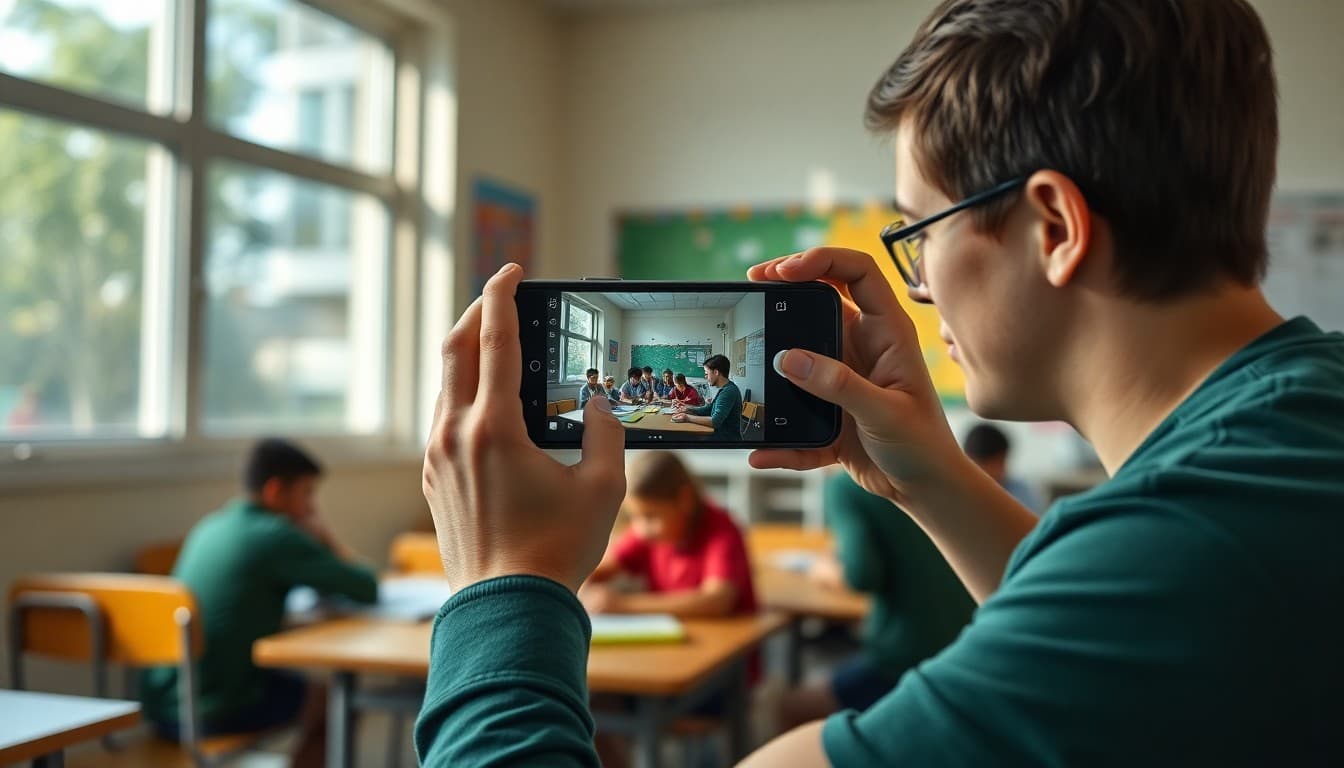
School Newsletter Photography Tips: Getting the Right Shot
The difference between a newsletter photo that makes parents stop scrolling and one that gets ignored is not the camera. It is the moment and the light. A parent who sees their child's classroom in action, even in a photo taken on a teacher's phone, feels connected to the school in a way that words alone do not produce. Good newsletter photos are about what you photograph, not what you photograph with.
The Most Important Rule: Shoot During Activity
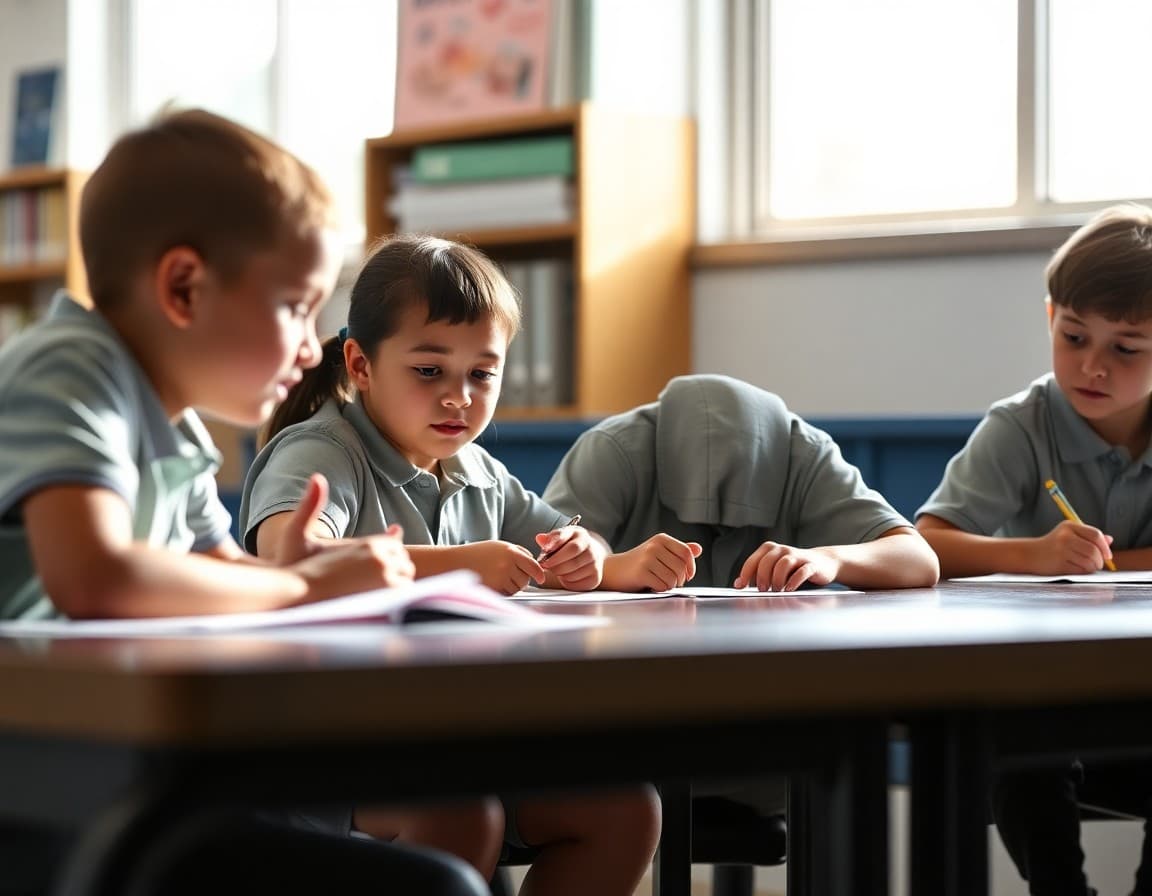
Posed photos in school newsletters are common and almost universally less interesting than candid activity shots. A line of students smiling at the camera tells parents nothing about what school is actually like. A photo of two students bent over a science notebook, pointing at something, tells a story. The activity is the story. Get the camera out during the activity, not after it.
Light Makes or Breaks the Photo
Classroom lighting is often terrible for photography: overhead fluorescent lights cast shadows and create a flat, institutional look. Natural light from a window is almost always better. If possible, position activities near windows when you plan to photograph them. Avoid flash unless there is truly no available light. A slightly underexposed phone photo taken in natural light is more publishable than an overlit flash photo that bleaches everything.
Get Closer Than You Think You Need To
The most common school newsletter photo problem is shooting from too far away. Students appear small and their engagement is not visible. Move closer. Fill the frame with two or three students rather than trying to capture the whole class in one shot. A photo where you can see the students' faces and what they are working on is far more compelling than a wide shot of the whole room where everyone is at thumbnail scale.
Framing for Newsletter Format
Most newsletter hero images display in a roughly 16:9 or 3:2 horizontal format. When taking newsletter photos, shoot horizontally rather than vertically. Leave some space above and around the main subject so the photo can be cropped to different dimensions without cutting off important content. Center-heavy compositions survive cropping better than edge-heavy ones.
Photos That Tell the Learning Story
The best newsletter photos are those where a parent can see what their child is doing and understand at least something about why. A student looking through a magnifying glass at a leaf says: we are studying nature. A group gathered around a whiteboard covered in math says: we are problem-solving together. The photo does not have to be self-explanatory, but a caption that fills in the context makes it complete. Shoot with the caption in mind.
Handling the Consent Check Before You Shoot
Know which students have active photo consent before taking the shot. Keeping a small index card or a note on your phone with the names of students whose families have declined photo consent means you can quickly verify before shooting or before selecting a photo for the newsletter. When in doubt, shoot from an angle where individual students are not the focal point, or select photos where the activity rather than a specific child is the subject.
Building a Photo Archive Over the School Year
The easiest way to always have newsletter photos available is to take them consistently throughout the week, not specifically for the newsletter. A quick photo during a good classroom moment takes three seconds. Over a week, you accumulate enough candidates to choose the best two or three. Over a year, you have a photo archive that tells the full story of the school year, which is useful for end-of-year celebrations and program documentation beyond just the newsletter.
Get one newsletter idea every week.
Free. For teachers. No spam.
Frequently asked questions
What makes a good photo for a school newsletter?
The best school newsletter photos show students in action, engaged in something specific. A student reading, a class working on an experiment, a group collaborating on a project. Action photos are more compelling than posed group shots. Natural light is almost always better than flash. The subject should be in focus and not too far from the camera. That is really the entire technical bar. You do not need professional equipment.
Can I use a smartphone to take photos for the school newsletter?
Yes. Modern smartphones take photos that are more than sufficient for newsletter use. The quality gap between a smartphone and a DSLR camera matters in large-format printing. It does not matter on a phone or computer screen, which is how most newsletter photos are viewed. Focus on composition, lighting, and timing rather than the camera.
How do I get good classroom photos without disrupting the class?
Shoot during activities that are already happening, not during a pause created for the photo. Students who are genuinely engaged in something do not pay attention to a camera the way posed subjects do. Move around the edges of the activity rather than the center. Use natural light from windows when possible and avoid flash, which disrupts attention. The best classroom photos are taken in two minutes during an activity rather than five minutes staging a pose.
What are the most common mistakes in school newsletter photos?
The most common issues are poor lighting (dark, shadowy, or harsh overhead fluorescent), photos taken from too far away where students are small and unrecognizable, overly staged group shots where everyone is stiff, and photos where the background is distracting. All of these are avoidable with a few adjustments to position, light source, and timing.
Does Daystage have specific image size requirements for newsletter photos?
Daystage accepts standard image formats and handles resizing for the newsletter layout. For best results, upload photos at 1200 by 630 pixels or larger for hero images and 800 by 600 for inline content photos. Photos taken on modern smartphones are typically large enough and can be used without pre-resizing, though reducing file size before uploading keeps the newsletter loading fast.

Adi Ackerman
Author
Adi Ackerman is a former classroom teacher and curriculum writer with 8 years in K-8 schools. She writes about school communication, parent engagement, and what actually works in real classrooms.
More for Guides
Ready to send your first newsletter?
3 newsletters free. No credit card. First one ready in under 5 minutes.
Get started free