

School Newsletter Print Design Tips for Families Without Internet
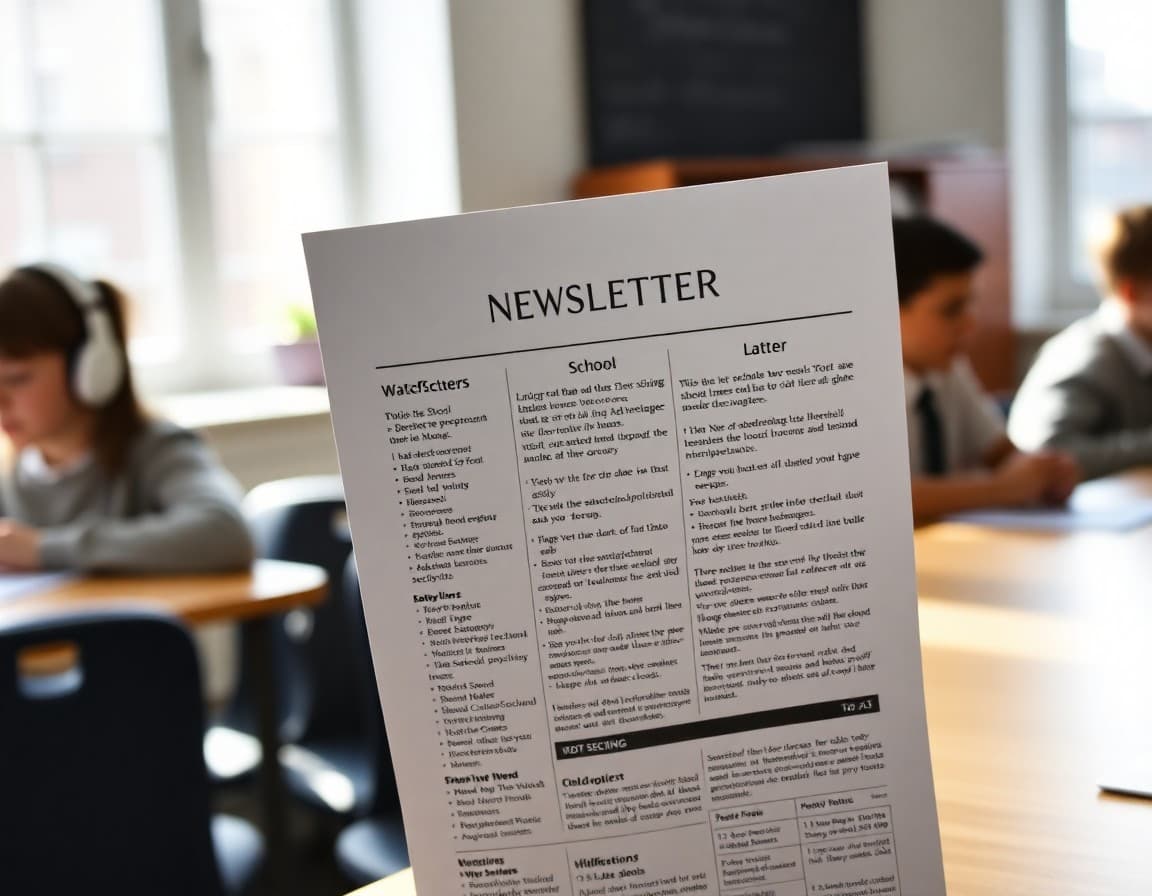
Not every family in your school reads the newsletter on a phone. Some households do not have reliable internet. Some parents receive school communication primarily through what comes home in a backpack. A newsletter that works only as a digital document is a newsletter that misses exactly the families who most need consistent communication from school. Print design is equity design.
Who Needs a Printed Newsletter
Families without internet access, families whose primary device is an older phone without email apps, families where the adult who manages school communication is not the adult who uses a smartphone, and families who prefer paper all benefit from a printed version. In most schools, this is a larger portion of the community than it looks from the digital analytics. Open rates do not include families who never received the email.
Design for Black-and-White Printing First
School printers are often black-and-white. If your newsletter relies on color to distinguish sections, callout boxes, or important alerts, print a black-and-white draft before finalizing the design. What looked like a light gray background might print as a nearly black block that makes text unreadable. Use borders, line weight, and text size for hierarchy instead of color alone.
Font Choices That Survive Printing
Serif fonts like Times New Roman and Georgia are generally more readable in small print sizes than many sans-serif fonts. Whatever font you use, keep body text at 11 to 12 points and section headers at 14 to 16. Avoid very thin font weights, which can disappear on lower-quality printers. And avoid novelty or decorative fonts for any text that carries important information: dates, phone numbers, action items.
QR Codes for Bridging Print and Digital
When your newsletter references a digital resource, such as a sign-up form, a school calendar, or a video, include a QR code in the printed version. QR codes let smartphone users access the link without typing a URL. Also include the short URL in plain text for families who cannot use QR codes. Free QR code generators are available online. Generate a new code for each resource rather than linking to your homepage and expecting families to navigate from there.
Page Layout for Print
A two-column layout reads well in print but can be confusing if column breaks fall in awkward places. For most printed school newsletters, a single column with clear section headers and generous white space between sections is more readable than a complex multi-column layout. Keep margins at least 0.75 inches on all sides so content is not cut off on cheaper printers. Date and action items should never be in headers or sidebars that might be missed on a quick read.
What to Leave Out of the Print Version
Remove elements from the print version that only work digitally: video embeds, clickable buttons, interactive polls. Replace video content with a brief description and a QR code to watch. Replace poll elements with a note that families can share input by contacting the school. The print version communicates the same essential information through different means.
Sending Printed Newsletters Home
The most reliable distribution method for printed newsletters is putting them in students' backpacks or folders the day of the send. This does not require families to opt in to anything. For students who are frequently absent, send a copy home the first day they return. Families who receive both a digital and printed version are much more likely to read than families who receive only one format, particularly for time-sensitive information.
Get one newsletter idea every week.
Free. For teachers. No spam.
Frequently asked questions
Should school newsletters still be printed and sent home?
For many schools, yes. Families without smartphones, reliable internet, or English as a first language are often the ones who benefit most from school communication and are least likely to receive digital-only newsletters. A printed newsletter sent home in a student's backpack reaches families that email and push notifications miss. Many schools use both channels.
What font size is readable in a printed school newsletter?
Body text should be at minimum 11 points, ideally 12. Section headers should be 14 to 16 points. Many schools use fonts that look fine on screen but are hard to read when printed small, particularly in color on a black-and-white printer. Test your design by printing a draft before finalizing the layout.
How do I handle links and online resources in a printed newsletter?
For any digital resource you want print readers to access, include a QR code alongside the URL written in plain text. The QR code is convenient for smartphone users. The written URL is accessible for those who cannot scan codes or prefer to type it. Never include a URL that is too long to type accurately. Use a URL shortener if necessary.
Does the newsletter need to look different for print versus digital?
The content should be identical. The design may need minor adjustments: removing elements that only work on screen like video embeds, ensuring color contrast is readable when printed in black and white, and checking that fonts are readable at print resolution. Many newsletter tools let you export a print-ready PDF version without major redesign.
Can Daystage newsletters be printed?
Daystage newsletters can be printed directly from the published web page using a browser's print function, or exported as a PDF for printing. The layout is designed to be readable in print. For schools that send physical copies, printing from the Daystage newsletter web link gives a clean, formatted result that matches the digital version.

Adi Ackerman
Author
Adi Ackerman is a former classroom teacher and curriculum writer with 8 years in K-8 schools. She writes about school communication, parent engagement, and what actually works in real classrooms.
More for Guides
Ready to send your first newsletter?
3 newsletters free. No credit card. First one ready in under 5 minutes.
Get started free