
How to Add Multimedia to Your School Newsletter

A text-only classroom newsletter and one with three good photos covering the same content will get very different engagement. Parents who see their child's classroom in action are more likely to read, more likely to talk about what they read at home, and more likely to open the next one. Multimedia is not decoration. It is engagement infrastructure.
Photos: The Highest-Impact Multimedia Addition
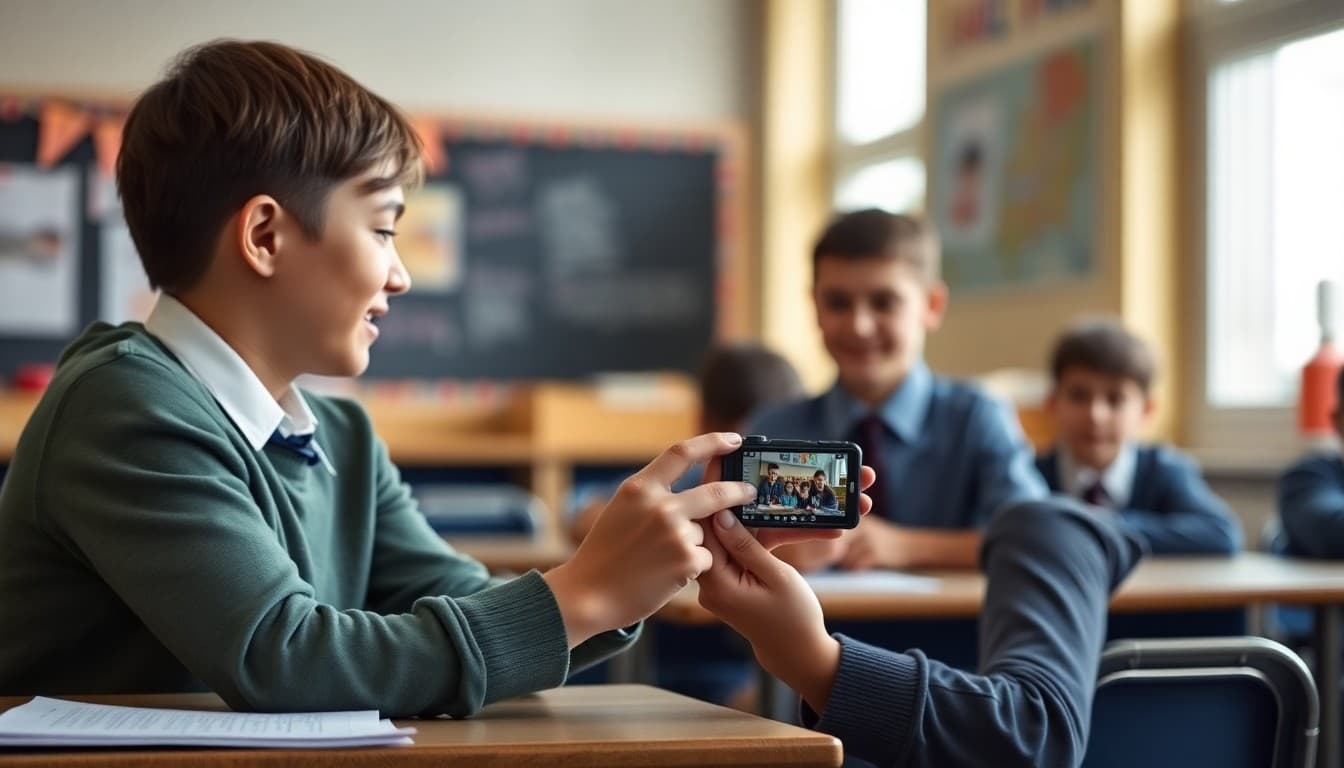
Nothing in a school newsletter performs better than a real photo of a real classroom moment. Parent engagement spikes when families can see what their child is actually doing. The bar for photo quality is low: natural light, students in action, and enough resolution to look clear on a phone screen. You do not need a professional camera. You need a phone and a moment that shows learning or community in action.
Photo Consent: Check Before Every Send
Before selecting photos, verify which students have active photo consent on file. Most schools collect this at enrollment, but families change their preferences, and new students enroll throughout the year. Keep a current list accessible when choosing images. When in doubt, photograph activities from angles where individual students are not identifiable, or use group shots where individual faces are part of a larger scene rather than the focus.
Photo Sizing and Optimization
Oversized photos slow down newsletter loading and increase the chance that families on slower connections do not see them at all. Resize photos to 1200 by 630 pixels for hero images and 800 by 600 for inline images. Most image editing apps on a phone or computer can resize in 30 seconds. Aim for files under 500KB. The visual quality difference between a 4MB phone photo and an optimized 400KB version is invisible to a newsletter reader.
Video in School Newsletters
Video performs well when it shows something that cannot be conveyed in a photo: a student presentation, a science experiment result, a class performance. The challenge is that most email clients do not play video inline. The practical solution is a thumbnail image with a play button that links to the video on YouTube, Vimeo, or a school hosting service. Readers click the thumbnail to watch. The email stays fast and compatible.
Infographics for Complex Information
When a newsletter section involves scheduling, procedures, or comparisons that are hard to communicate clearly in prose, an infographic can replace three paragraphs with something readers actually process. A visual showing the testing schedule for the next three weeks is faster to read than a paragraph describing it. Simple infographics can be made in Canva in 15 minutes using a school-branded template.
Captions Matter More Than You Think
Every photo in a school newsletter should have a caption. Captions are the most-read text element on the page after headlines. A good caption does two things: it tells parents what they are looking at ("Third grade students presenting their science fair projects") and it adds a detail that is not obvious from the image alone ("Each student designed their own experiment over three weeks"). Captions turn a photo from a decorative element into a content element.
Keeping the Newsletter Fast on Mobile
Every multimedia element adds load time. A newsletter with five images totaling 8MB is a newsletter that many parents never fully see. Keep total newsletter size under 2MB by resizing images before uploading, using one or two photos rather than a gallery when possible, and skipping stock images that add load without adding relevance. The best multimedia newsletter is one that loads completely in three seconds on a mid-range phone.
Get one newsletter idea every week.
Free. For teachers. No spam.
Frequently asked questions
Do photos make school newsletters more engaging?
Yes, consistently. Newsletters with photos get higher open rates, longer reading time, and more parent replies than text-only versions. The effect is especially strong when photos show actual students doing actual things rather than stock images. A photo of your class building the cardboard castle is worth more than any number of stock education images.
What size should photos be in a school newsletter?
For hero images, 1200 by 630 pixels is a good target. For inline content images, 800 by 600 works for most layouts. Keep file sizes under 500KB per image so the newsletter loads quickly on mobile connections. Most modern phones take photos at far higher resolution than you need. Resize before uploading to avoid slow-loading newsletters.
Can I embed a YouTube video in a school newsletter?
Most email clients do not support video playback inline. The standard approach is to include a thumbnail image that links to the video, rather than embedding the video itself. If your newsletter is published as a web page rather than sent only by email, inline video embeds work well. Know which format your newsletter uses before deciding how to handle video.
What are the consent requirements for student photos in newsletters?
Requirements vary by school and district, but most require affirmative opt-in consent from parents before a student's image appears in any school publication, including newsletters. Some schools collect consent at enrollment. Others use a separate photo release form. Check your district's policy before including any student photos, and maintain a record of which students have consent on file so you can check quickly at photo selection time.
Does Daystage support photos and videos in newsletters?
Daystage has a photos block that supports single images and photo galleries, and a video block that handles YouTube and Vimeo embeds with a proper thumbnail preview for email recipients. Photos upload directly from your device. The video block automatically generates the thumbnail image so email recipients see a preview and click to watch rather than seeing a broken embed.

Adi Ackerman
Author
Adi Ackerman is a former classroom teacher and curriculum writer with 8 years in K-8 schools. She writes about school communication, parent engagement, and what actually works in real classrooms.
More for Guides
Ready to send your first newsletter?
3 newsletters free. No credit card. First one ready in under 5 minutes.
Get started free