
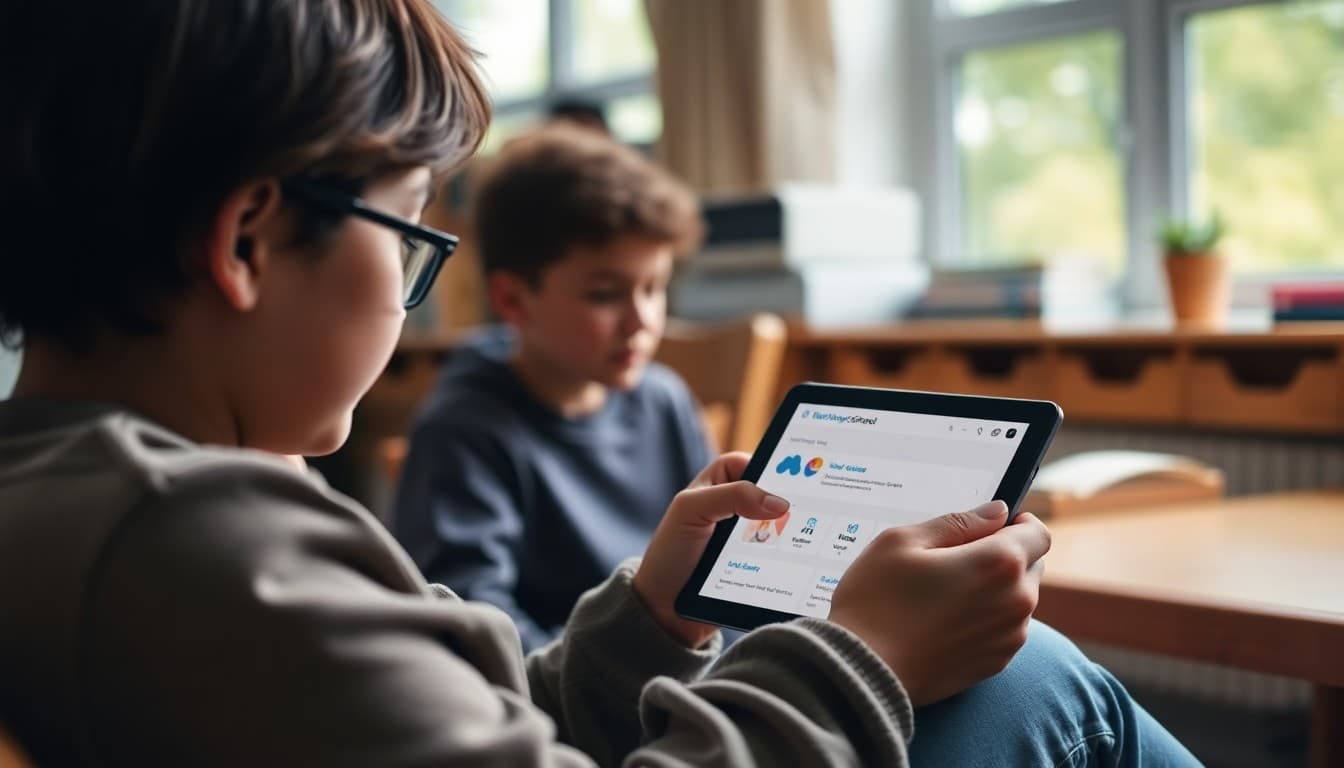
Teacher Newsletter for ParentSquare: How to Use the School Platform Effectively

ParentSquare has become the primary communication platform for many school districts. When a school adopts it, families receive communications from teachers, the office, and district administration all in one place. Your newsletter is what helps families navigate that shift, understand how the platform works, and make sure they do not miss anything important from your classroom specifically.
Explain What ParentSquare Is and Who Controls It
Open the newsletter with a clear description. ParentSquare is a district-adopted communication platform that brings together teacher-level and school-level messages in one app. Your family account is linked to your child's enrollment, so you automatically see communications from all relevant teachers, the front office, and district leadership in one unified inbox. That structure is different from a single-teacher app, and families who understand it navigate it more confidently.
Walk Through Account Setup
Families typically receive an email invitation based on the contact information on file with the school. If they have not received one, they should contact the school office to verify their email address. The newsletter should include the ParentSquare website or app download link and a brief two-step setup guide. Removing the barrier to account creation is the single highest-leverage action in this newsletter.
Describe Your Classroom Communication Through the Platform
Explain how you specifically will use ParentSquare. Weekly classroom updates? Event reminders? Assignment notifications? Direct messages for private questions? Families who know what type of communication to expect from you use the platform intentionally rather than treating your posts as background noise among district-wide announcements.
Suggest Notification Settings
ParentSquare sends a high volume of notifications across all teachers and school offices. Families who receive every alert immediately often disable notifications entirely within a week. A smarter approach: turn on immediate notifications for direct messages and urgent alerts, and set other communications to a daily digest. Your newsletter can suggest these settings so families stay informed without feeling overwhelmed.
Clarify Two-Way Communication
Can families reply to your classroom posts? Send you a direct message? Both? Set that expectation clearly. Families who know they can reach you through ParentSquare and know your typical response time will use the channel appropriately rather than defaulting to phone calls or drop-in visits.
Use ParentSquare for What It Does Best
ParentSquare is excellent for forms, event registrations, and permission slips that require a family response. It is also effective for emergency alerts and school-wide notifications. For classroom-level newsletters with richer formatting, photos, and a distinct classroom voice, many teachers pair ParentSquare with a dedicated newsletter tool like Daystage. The combination gives families both the practical school communication and the personalized classroom connection in the formats each does best.
Get one newsletter idea every week.
Free. For teachers. No spam.
Frequently asked questions
What is ParentSquare and how does it differ from other school apps?
ParentSquare is a district-wide family communication platform used by the full school, not just individual teachers. It aggregates communications from teachers, the office, and district administration in one place. Your newsletter should explain this structure so families understand that everything from their child's school will appear in one app rather than across multiple tools.
How do families access ParentSquare?
Families typically receive an invitation from the school using the email or phone number on file. They create an account and link to their child's enrollment. Your newsletter should direct families to check their email for the invitation or contact the school office if they did not receive one.
What kinds of updates will families see in ParentSquare?
Class posts from teachers, school-wide announcements from the office, grade-level news, event registrations, permission forms, and emergency alerts all appear in ParentSquare. Your newsletter should describe which of these types you will actively use and how families can filter by teacher or classroom if the platform supports it.
Can families turn off certain notifications in ParentSquare?
Yes. ParentSquare allows families to configure notification preferences. Your newsletter can suggest turning on immediate notifications for emergency alerts and direct messages while setting daily digest delivery for regular classroom posts. That configuration balances staying informed with avoiding notification fatigue.
What tool helps teachers send newsletters efficiently?
Daystage offers a richer newsletter format than most school communication platforms. Teachers who use ParentSquare for standard school communications often use Daystage for the classroom-level newsletter because it provides a more visual, magazine-style layout that families find more engaging.

Adi Ackerman
Author
Adi Ackerman is a former classroom teacher and curriculum writer with 8 years in K-8 schools. She writes about school communication, parent engagement, and what actually works in real classrooms.
More for Classroom Teachers
Ready to send your first newsletter?
3 newsletters free. No credit card. First one ready in under 5 minutes.
Get started free