

Teacher Newsletter for Remind App: Use Mass Texting for School Updates
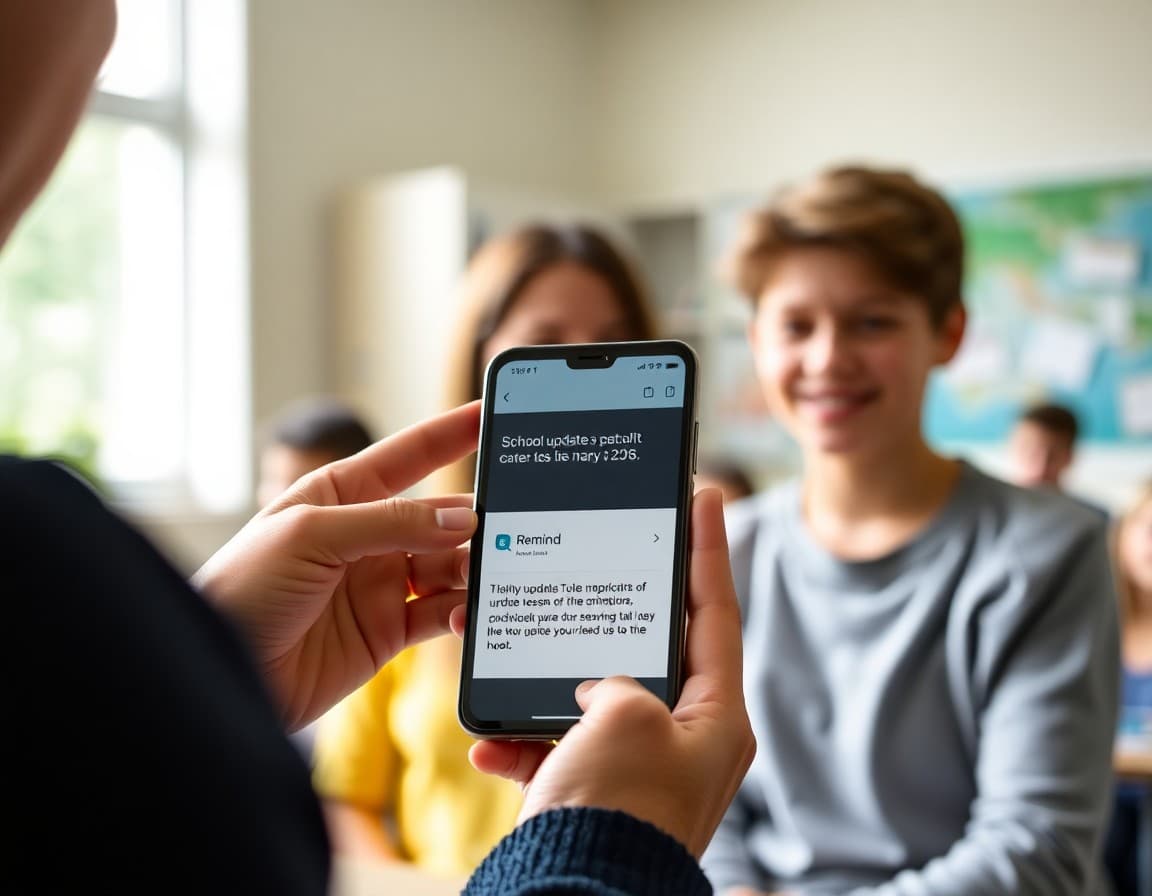
Remind is one of the most widely used teacher communication tools because it solves a real problem: getting a time-sensitive message to every family instantly without sharing personal phone numbers. Your newsletter is what explains the tool, gets families enrolled, and sets clear expectations for what they will receive through it.
Explain How Remind Works
Remind is a mass messaging service that lets teachers send texts or app messages to a class group. Families receive the message on their phone. The teacher never sees family phone numbers. Families cannot reply to the group, only privately to the teacher. That privacy-preserving structure is one of the main reasons schools trust it. A brief explanation in the newsletter sets the right expectation and addresses the most common privacy question before families ask it.
Include the Join Code and Instructions
This is the single most important section of the newsletter. Make it visually prominent. Give families the exact code to text, the number to text it to, and the alternative join link if they prefer the app. A parent who cannot figure out how to join will not receive your next-day reminder about tomorrow's field trip. Clear instructions are the difference between a tool that works and one that only reaches half your class families.
Describe What You Will Send Through Remind
Remind is best for short, time-sensitive messages. Test tomorrow, remember spirit day, early dismissal confirmed, permission slip due Friday. It is not the right place for curriculum updates, event descriptions, or anything that requires context. Your newsletter should explain this so families know what to expect from a Remind message and what to look for in your classroom newsletter instead.
Set the Reply Expectation
Families may want to reply to a Remind message. Explain whether you want them to do so through the app, by email, or to save non-urgent questions for a weekly message. Clear expectations prevent a flood of replies to a single reminder text and help families know the fastest path to reach you when they have a question.
Address Families Without Smartphones
Remind works by text message, so families without smartphones can still receive messages as standard SMS. Mention this briefly so no family feels excluded because they do not have a smartphone or the app installed.
Pair Remind with Your Regular Newsletter
Remind handles the quick nudge. Your classroom newsletter handles the richer, more detailed communication: weekly curriculum updates, event previews, photos of student work, and longer-form information. Using Daystage for your newsletter alongside Remind for same-day alerts gives families both the timely and the substantive communication they need without either channel being used for the wrong purpose.
Get one newsletter idea every week.
Free. For teachers. No spam.
Frequently asked questions
What is Remind and how should the newsletter explain it?
Remind is a safe, one-way mass messaging app for schools. Teachers send texts or messages to an entire parent group. Families receive them on their phone as a text or through the Remind app. Teachers never see parent phone numbers and parents cannot reply to the full group. Explain this structure so families understand both the privacy and the one-way nature of the communication.
How do families join a Remind class?
Families text a class code to a Remind number or follow a join link. Your newsletter should include the exact code and instructions. Make this the clearest section of the message because it is the most actionable.
What kinds of updates will the teacher send through Remind?
Same-day reminders like test tomorrow, spirit day tomorrow, or early release today are the best use cases for Remind. It is not the right tool for long communications. Your newsletter should explain that Remind handles quick nudges while longer updates and curriculum news come through the class newsletter.
Can families reply to Remind messages?
In the basic Remind setup, families can reply to the teacher privately but cannot reply to the full group. Your newsletter should clarify whether you want families to reply through Remind, email you directly, or save questions for the next class communication.
What tool helps teachers send newsletters efficiently?
Daystage pairs naturally with Remind. Remind handles quick text alerts. Daystage handles the weekly or biweekly newsletter with full curriculum updates, event details, and photos. Together they cover the full range of parent communication without either tool being overloaded.

Adi Ackerman
Author
Adi Ackerman is a former classroom teacher and curriculum writer with 8 years in K-8 schools. She writes about school communication, parent engagement, and what actually works in real classrooms.
More for Classroom Teachers
Ready to send your first newsletter?
3 newsletters free. No credit card. First one ready in under 5 minutes.
Get started free