

Teacher Newsletter for SchoolMessenger: What Families Need to Know
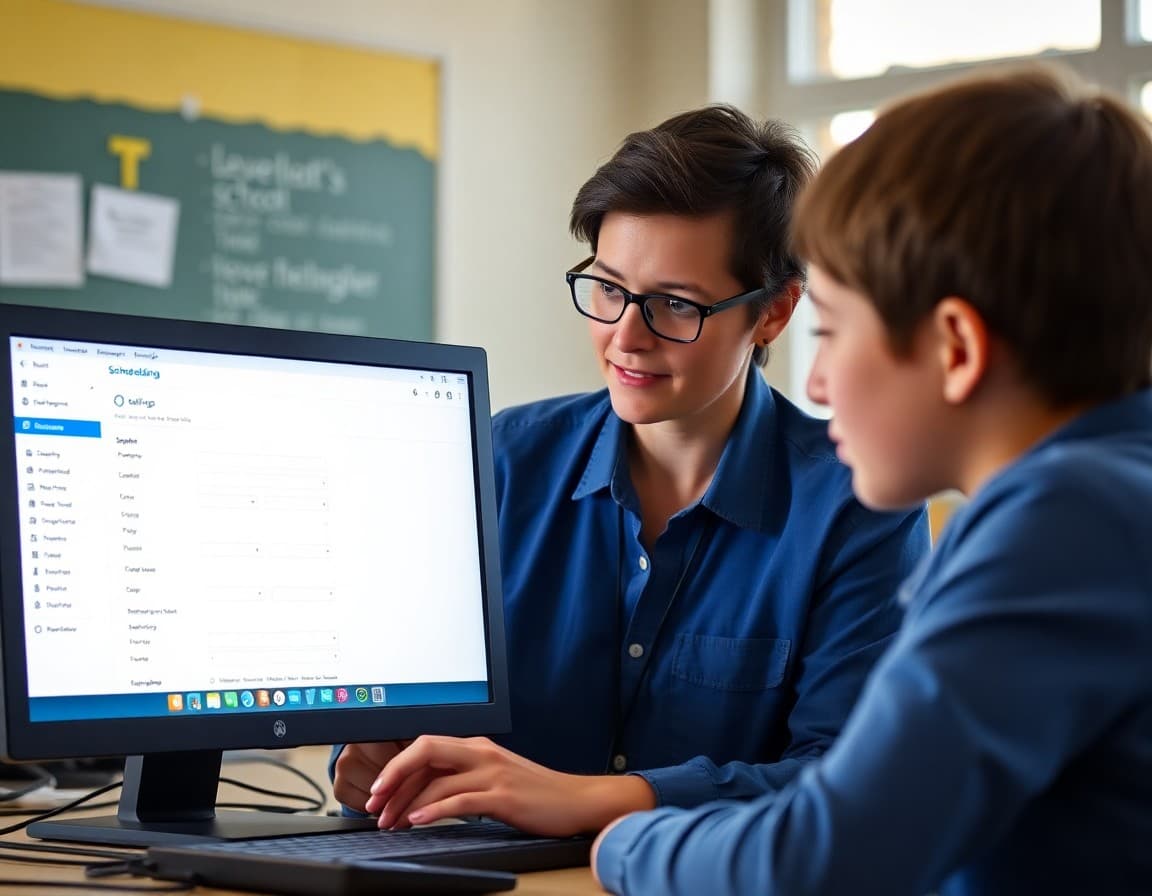
SchoolMessenger is the behind-the-scenes communication system that most families have encountered without fully understanding. When they receive an automated call about an early dismissal or a text about their child's absence, that is SchoolMessenger. Your newsletter is what demystifies the system, helps families configure it correctly, and clarifies how it fits alongside the other communication channels your classroom uses.
Explain What SchoolMessenger Is
SchoolMessenger is a mass communication system used by the school district to send automated messages to families. It can deliver messages by phone call, email, or text, depending on the contact preferences on file. The district uses it for time-sensitive and broad communications: school closing announcements, emergency notifications, attendance alerts, and major event reminders. Individual teachers typically do not have direct access to it. It is a district-managed system.
Describe the Types of Messages Families Will Receive
Attendance: if your child is marked absent and no parent contact has been made, families receive an automated call or message. Emergency and safety: if there is a lockdown, evacuation, or other critical situation, SchoolMessenger is how the district communicates quickly. School closings: snow days, early dismissals, and schedule changes. These categories help families recognize a SchoolMessenger message and understand what kind of action it may require.
Help Families Update Their Contact Information
SchoolMessenger uses the contact information families provided at enrollment. If a phone number, email, or delivery preference is outdated, families may miss critical messages. Your newsletter should direct them to the right place to update: the school office, the parent portal, or enrollment forms. Keeping contact information current is the single most important action families can take to use this system effectively.
Suggest Saving the School District Number
Many SchoolMessenger calls come from a specific district phone number. Families who do not recognize it often ignore it as spam. Including the number in your newsletter and suggesting families save it as "School District" or with the school name ensures attendance alerts and emergency calls are answered rather than dismissed.
Clarify the Relationship to Other Communication Channels
SchoolMessenger handles district-level automated messages. Your classroom newsletter handles curriculum updates, event previews, and personalized communication from you directly. Families who understand that these are different systems with different purposes engage with each more appropriately and do not expect your classroom newsletter to substitute for emergency alerts or vice versa.
Address Opt-Out Questions
Families sometimes ask whether they can opt out of SchoolMessenger messages. Emergency and safety notifications typically cannot be opted out of. Non-emergency communications may have opt-out options managed through the school office. Your newsletter can briefly note this structure and direct families to the office if they have specific questions about their preferences.
Get one newsletter idea every week.
Free. For teachers. No spam.
Frequently asked questions
What is SchoolMessenger and how should the newsletter explain it?
SchoolMessenger is a mass communication system that schools use to send automated phone calls, emails, and text messages to families. It is typically managed at the district level and used for attendance alerts, emergency notifications, school closings, and major event reminders. Your newsletter should explain this structure so families know when a SchoolMessenger message is likely to arrive and what it typically contains.
How do families update their contact information for SchoolMessenger?
Contact information is tied to school enrollment records. Families who need to update a phone number, email address, or delivery preferences typically do so through the school office or a parent portal. Your newsletter should direct families to the right channel for updates and note the importance of keeping contact information current.
Will SchoolMessenger messages come from a recognizable number?
Many SchoolMessenger calls come from a specific school district number. Some families receive them as spam or miss them on unfamiliar numbers. Your newsletter can note the specific number families should save in their contacts so calls are recognized and answered.
What types of messages will families receive through SchoolMessenger?
Typically: attendance alerts when a student is marked absent, emergency or safety notifications, school closing and delay notices, and major event reminders. Teacher-level communications like class updates usually come through other channels. Your newsletter should clarify which types of messages come through SchoolMessenger versus other platforms you use.
What tool helps teachers send newsletters efficiently?
Daystage is the right tool for classroom-level newsletters. SchoolMessenger handles district-wide automated alerts. Using both in parallel ensures families receive the automated notifications from the district and the personal classroom communication from you without either system being used for the wrong purpose.

Adi Ackerman
Author
Adi Ackerman is a former classroom teacher and curriculum writer with 8 years in K-8 schools. She writes about school communication, parent engagement, and what actually works in real classrooms.
More for Classroom Teachers
Ready to send your first newsletter?
3 newsletters free. No credit card. First one ready in under 5 minutes.
Get started free