

How to Explain Infographic Projects to Families in Your Teacher Newsletter
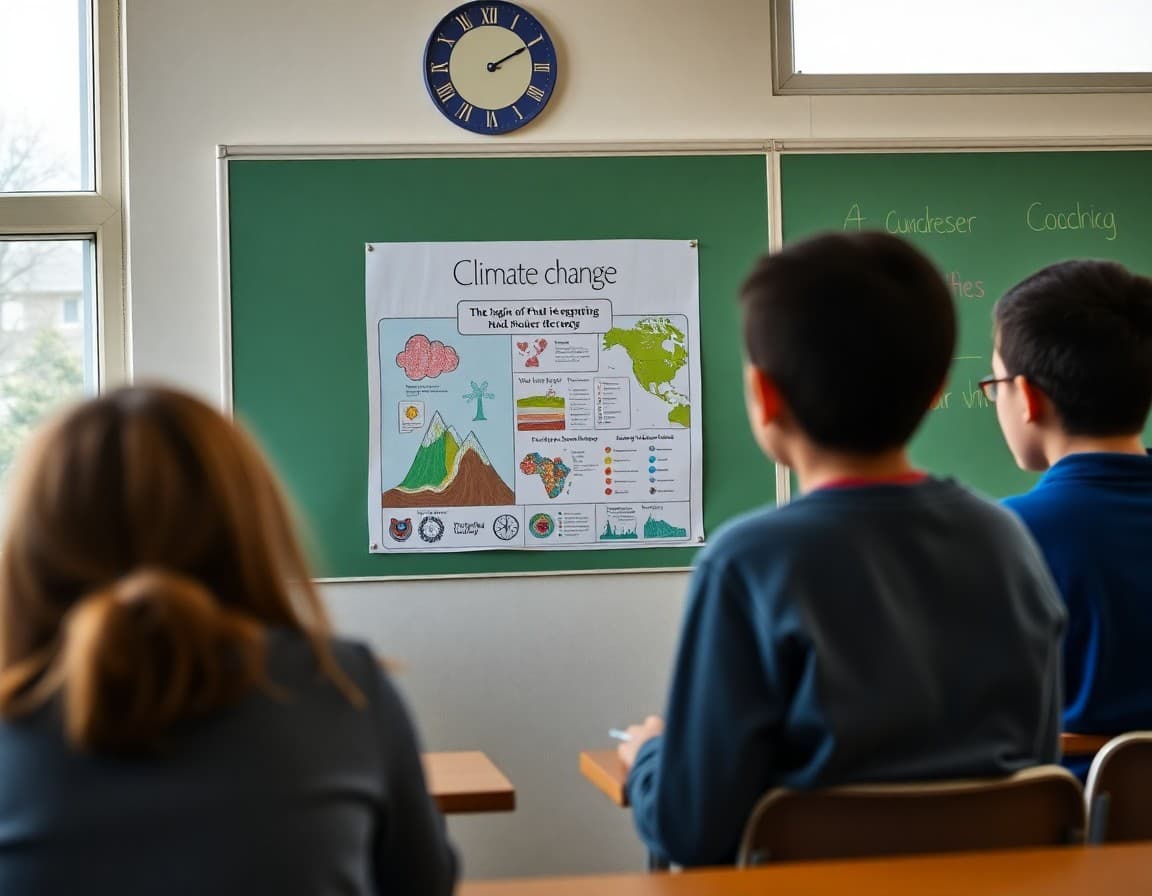
Infographic projects are one of the most effective assignments for teaching the skill of synthesis: taking a large amount of research and deciding what is actually worth showing. Students who produce a strong infographic have done more than design something visually appealing. They have evaluated sources, prioritized information, translated data into visual form, and edited for an audience. A newsletter that explains what the project requires helps families support the right parts of it at home.
Explain what an infographic is
"An infographic is a visual document that communicates information through a combination of text, data, and design elements. It is not a poster with some pictures added. A well-designed infographic tells a story or makes an argument using visual hierarchy, data representation, and carefully chosen language that is more concise than a full essay. The reader should be able to understand the main message within thirty seconds."
Describe the current infographic assignment
"Students are creating infographics on the environmental impact of different food systems. Each student selected one food type and researched its land use, water use, carbon emissions, and nutritional value. The infographic must present at least three data points with visual representations (charts or icons), a central claim about the food's environmental impact, and two cited sources. Students are using Canva with their school Google accounts."
Explain why synthesis is the hardest part
"Most students gather too much information and then try to fit all of it into the infographic. The hardest instructional moment in this project is teaching students to cut. When a student has twenty facts and a one-page design, they have to decide which twelve facts are the most important ones. That decision requires a deeper understanding of the topic than simply collecting facts does. Students who cannot prioritize have usually not understood the material well enough to know what matters."
Share the timeline for the project
"Students have two weeks from today. Research is due by end of the week. The infographic draft is due next Monday for peer feedback. The final version is due [date]. All work is done in Canva, which saves automatically to the student's school account. Students can work on it at home by logging in at canva.com with their school Google credentials."
Tell families how to support the research phase at home
"If your student is researching at home, remind them that the assignment requires at least two cited sources. Websites without clear authorship or institutional backing are not suitable sources. Government websites (.gov), university research (.edu), and established news organizations are good starting points. If they are unsure whether a source is reliable, that uncertainty is itself a research skill worth discussing."
Explain how infographics will be shared and assessed
"Finished infographics will be displayed digitally in our class gallery at the end of the unit, linked in the next newsletter. They are assessed on: accuracy and depth of content, appropriate use of at least three data points, clarity of the central claim, source citation, and whether the visual design supports comprehension. Design quality is part of the grade but carries less weight than content accuracy and synthesis."
A Daystage newsletter with infographic images embedded or linked is among the most visually compelling family communication a teacher can send, and it lets families see original student work that took genuine skill to produce.
Get one newsletter idea every week.
Free. For teachers. No spam.
Frequently asked questions
What is an infographic and why is it used as a school project?
An infographic is a visual document that combines data, text, and design elements to communicate information clearly and efficiently. It is used as a school project because it requires students to research a topic, synthesize and prioritize the most important information, and design a visual presentation that communicates to an audience. The constraint of limited space forces students to identify what matters most.
What tools do students use to create infographics?
Common free tools for student infographics include Canva, Google Slides (used as a design canvas), Piktochart, and Adobe Express. Most of these have drag-and-drop interfaces and free education plans that give students access to templates and design elements without requiring graphic design experience.
Is an infographic project about design or about content?
Both, but content is primary. A beautiful infographic with inaccurate or shallow information does not meet the learning standard. A well-researched infographic with basic design is more academically valuable. The design requirement is there to develop communication skills, not to create graphic designers.
What academic skills does an infographic project develop?
Research and source evaluation (finding and verifying information), synthesis (deciding what to include from a larger pool of research), communication (expressing complex ideas concisely), and design thinking (considering how visual choices affect reader understanding). The combination is unusual for a single project and more complex than it appears.
Can Daystage help teachers share student infographics with families in newsletters?
Yes. A Daystage newsletter can include an image of a student infographic or a link to a shared collection. Infographics are inherently visual and make for compelling newsletter content that families engage with easily.

Adi Ackerman
Author
Adi Ackerman is a former classroom teacher and curriculum writer with 8 years in K-8 schools. She writes about school communication, parent engagement, and what actually works in real classrooms.
More for Classroom Teachers
How to Explain Multimedia Projects to Families in Your Teacher Newsletter
Classroom Teachers · 6 min read
How to Explain Photo Essay Projects to Families in Your Teacher Newsletter
Classroom Teachers · 6 min read
How to Share Community Research Projects With Families in Your Teacher Newsletter
Classroom Teachers · 6 min read
Ready to send your first newsletter?
3 newsletters free. No credit card. First one ready in under 5 minutes.
Get started free