

How to Explain Multimedia Projects to Families in Your Teacher Newsletter
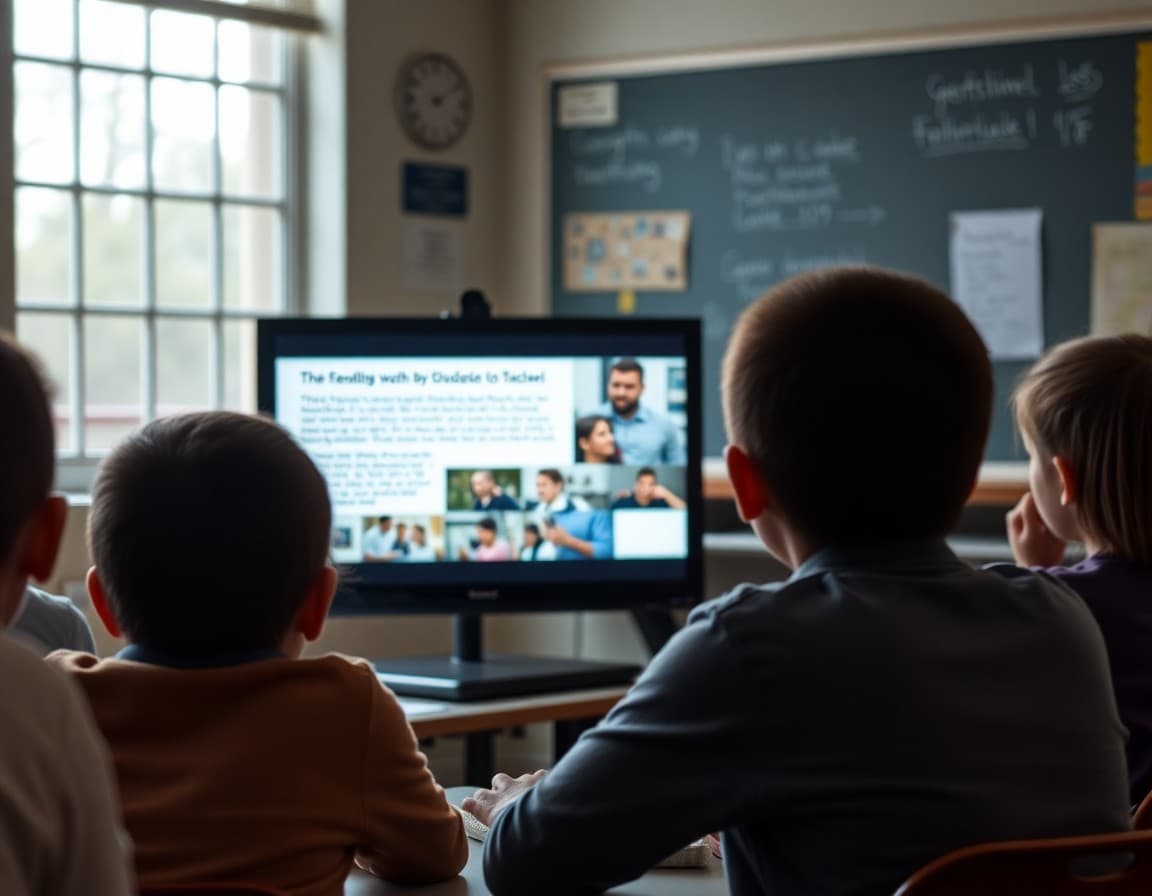
Multimedia projects are among the most complex student assignments because they require students to make two separate sets of decisions: what to say about the content and how to say it across multiple modes. A student producing a documentary about the water cycle is not just demonstrating science knowledge. They are organizing a script, selecting visuals, recording narration, and editing for clarity and length. Families who understand what a multimedia project requires can support both the content side and the production side more effectively.
Explain what a multimedia project is
"A multimedia project is an assignment where students demonstrate understanding using more than one mode of communication: text, images, audio, video, or interactive elements. Instead of writing only an essay, students design a product that uses the most effective combination of formats for their message. A documentary that explains a historical event, a podcast episode that analyzes a book, and a digital poster that compares ecosystems are all multimedia projects."
Describe the current multimedia project assignment
"Our current project asks students to create a three-to-five-minute documentary about a figure from the civil rights movement. The documentary must include: a narrated opening that introduces the historical context, at least three primary or secondary source images with voice-over explanations, a segment covering the person's specific contributions, and a concluding statement connecting their work to the movement's broader goals. Students are using WeVideo to assemble the documentary in class."
Explain what the project requires beyond content knowledge
"A student who knows the content thoroughly still has significant work to do. They must write and revise a narration script, select images that add meaning rather than just filling space, time the narration to the visuals, and edit for pacing so a viewer does not lose interest. These are communication design skills, not just historical knowledge. The project is measuring both."
Tell families what the timeline looks like
"Students have three weeks to complete the documentary. The first week is research and script drafting. The second week is recording and image gathering. The third week is editing and revision. Project due date is [date]. Students who fall behind on the script in week one will struggle to recover in week two, so the most important home check is whether the script draft is complete by Friday."
Address technology support questions
"WeVideo is web-based and accessible on any device with a browser. Students log in with their school Google accounts. If your student needs to work on the project at home, they can access WeVideo directly without installing anything. If they encounter a technical problem, the WeVideo support page has video tutorials for every feature they will use, and I am also available by email."
Tell families how to engage with the finished project
"When the documentary is complete, students will share a link with families. Watch it together. After watching, ask three questions: What was the most important thing you learned about this person? What was the hardest part to explain? What would you change if you did it again? Those questions engage with both the content and the craft, which is what the project was designed to develop."
Sharing multimedia project links in a Daystage newsletter lets families see the full scope of what their student produced , content knowledge, communication design, and production , rather than just a grade.
Get one newsletter idea every week.
Free. For teachers. No spam.
Frequently asked questions
What is a multimedia project?
A multimedia project is an assignment where students demonstrate learning through a combination of formats: text, images, audio, video, animation, or interactive elements. Rather than submitting a written essay alone, students compose a piece that uses multiple modes of communication to convey their understanding. Examples include documentary videos, digital presentations, interactive timelines, podcast episodes, and annotated photo essays.
Does a multimedia project require expensive tools or devices?
Not always. Many multimedia projects can be completed using free tools available on school devices: Google Slides for presentations with images and text, iMovie or WeVideo for video editing, Canva for designed documents, and Google Sites for interactive pages. Most school-level multimedia projects are designed around tools students already have access to.
How is a multimedia project graded compared to a traditional essay?
Both are assessed on the quality of content, clarity of communication, and evidence of understanding the material. A multimedia project may also include additional criteria for design choices and appropriate use of multiple modes. The added complexity of the format is matched by added rubric criteria.
How can families support a student working on a multimedia project at home?
Ask what the project is about and what format they are using. If they are stuck, ask whether the problem is the content (they do not know enough about the topic) or the format (they do not know how to use the tool). These are different problems with different solutions. Content gaps need more research or review. Tool problems usually need a five-minute tutorial on YouTube or a question to the teacher.
Can Daystage help teachers share finished multimedia projects with families in newsletters?
Yes. A Daystage newsletter can link directly to student multimedia projects, whether hosted on Google Drive, YouTube, or a student website. Sharing the work with families gives students a real audience for their creation.

Adi Ackerman
Author
Adi Ackerman is a former classroom teacher and curriculum writer with 8 years in K-8 schools. She writes about school communication, parent engagement, and what actually works in real classrooms.
More for Classroom Teachers
How to Explain Student Screencasts to Families in Your Teacher Newsletter
Classroom Teachers · 6 min read
How to Explain Infographic Projects to Families in Your Teacher Newsletter
Classroom Teachers · 6 min read
How to Explain Student Digital Portfolios to Families in Your Teacher Newsletter
Classroom Teachers · 6 min read
Ready to send your first newsletter?
3 newsletters free. No credit card. First one ready in under 5 minutes.
Get started free