

Teacher Newsletter for Bloomz App: All-in-One Family Communication
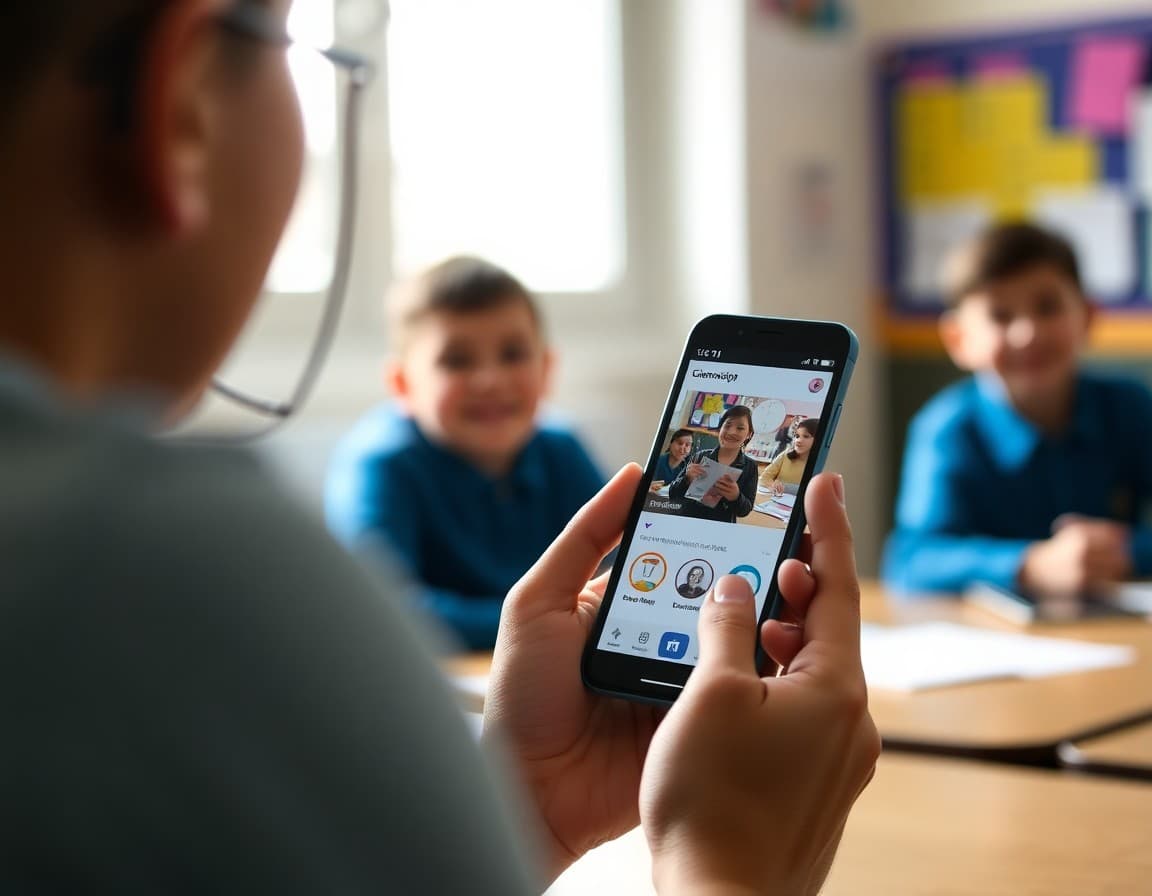
Bloomz is one of the most feature-complete family communication platforms available to teachers. It can handle messaging, photo sharing, event scheduling, volunteer coordination, and behavior updates all in one place. But a powerful tool only works if families know how to use it. Your newsletter is what introduces the platform and ensures families engage with it from day one.
Explain What Bloomz Is and What You Will Use It For
Bloomz is a free family communication app that combines classroom messaging, event scheduling, photo sharing, and more in one platform. Rather than listing every feature, your newsletter should focus on the features you will actually use. Will you send weekly behavior updates? Post classroom photos? Create volunteer sign-up sheets? Share daily or weekly news? Families who know your specific use cases engage with the right features and do not feel overwhelmed by options they will never see activated.
Include the Join Instructions
Make the join process as easy as possible. Download the Bloomz app from the App Store or Google Play. Create a free account. Use the class code to join. Alternatively, follow this link to join through a browser. Both options side by side ensures families have a path that works for their device and preference.
Set Notification Expectations
Some families find app notifications disruptive. Others appreciate them. Your newsletter can suggest how to configure Bloomz notifications: turn on notifications for direct messages, turn off notifications for general group posts if families want to check in at their own pace. Giving families notification guidance reduces the risk of Bloomz feeling like an intrusion rather than a useful tool.
Address Photo Privacy
If you plan to post classroom photos through Bloomz, explain the privacy model. Photos shared in your class group are visible only to connected families. They are not public. They do not appear in search engines. That clarification matters to families who are careful about their child's digital presence.
Explain How Families Can Reach You Through Bloomz
Can families send you a direct message through Bloomz? Do you prefer email for longer questions? How quickly do you typically respond to Bloomz messages? Setting those expectations in the newsletter prevents miscommunication about response times and communication channel preferences.
Keep Families Updated on New Features
Bloomz adds features regularly. When you start using a new feature families have not seen before, a brief newsletter note explaining it, whether it is a new scheduling tool or a portfolio feature, keeps families confident that they are using the platform correctly. Using Daystage for your richer newsletter content alongside Bloomz for quick updates gives your class the best of both communication formats.
Get one newsletter idea every week.
Free. For teachers. No spam.
Frequently asked questions
What is Bloomz and what does it offer compared to other school apps?
Bloomz is a family communication platform that combines messaging, class announcements, behavior tracking, scheduling, volunteer sign-ups, and newsletter features in one app. Unlike Remind, which is messaging-only, Bloomz handles a broader range of classroom communication needs. Your newsletter should explain which features you will actually use so families know what to expect.
How do families join a teacher's Bloomz class?
Families download the free Bloomz app and use a teacher-provided class code to join. Some teachers also send a join link that works without the app. Your newsletter should include both options and clarify that joining is required to receive any communication through the platform.
What kinds of updates will families receive through Bloomz?
Define your Bloomz use clearly. Will you send daily behavior updates, weekly classroom news, event reminders, volunteer sign-ups, or photo updates? Families who know what to expect from the app use it more consistently than families who are surprised by the range of things that arrive in their notification feed.
Is Bloomz safe for sharing student photos?
Bloomz uses private class groups where only connected families see shared content. Photos are not public. Your newsletter should note this, especially if you plan to share classroom photos through the platform. Families who understand the privacy model are more comfortable with photo sharing.
What tool helps teachers send newsletters efficiently?
Daystage works well alongside Bloomz for teachers who want a more polished newsletter format. Bloomz handles quick daily communication while Daystage provides a richer, professionally formatted newsletter for weekly or event-based updates.

Adi Ackerman
Author
Adi Ackerman is a former classroom teacher and curriculum writer with 8 years in K-8 schools. She writes about school communication, parent engagement, and what actually works in real classrooms.
More for Classroom Teachers
Ready to send your first newsletter?
3 newsletters free. No credit card. First one ready in under 5 minutes.
Get started free