

Technology Acceptable Use Newsletter for School Families
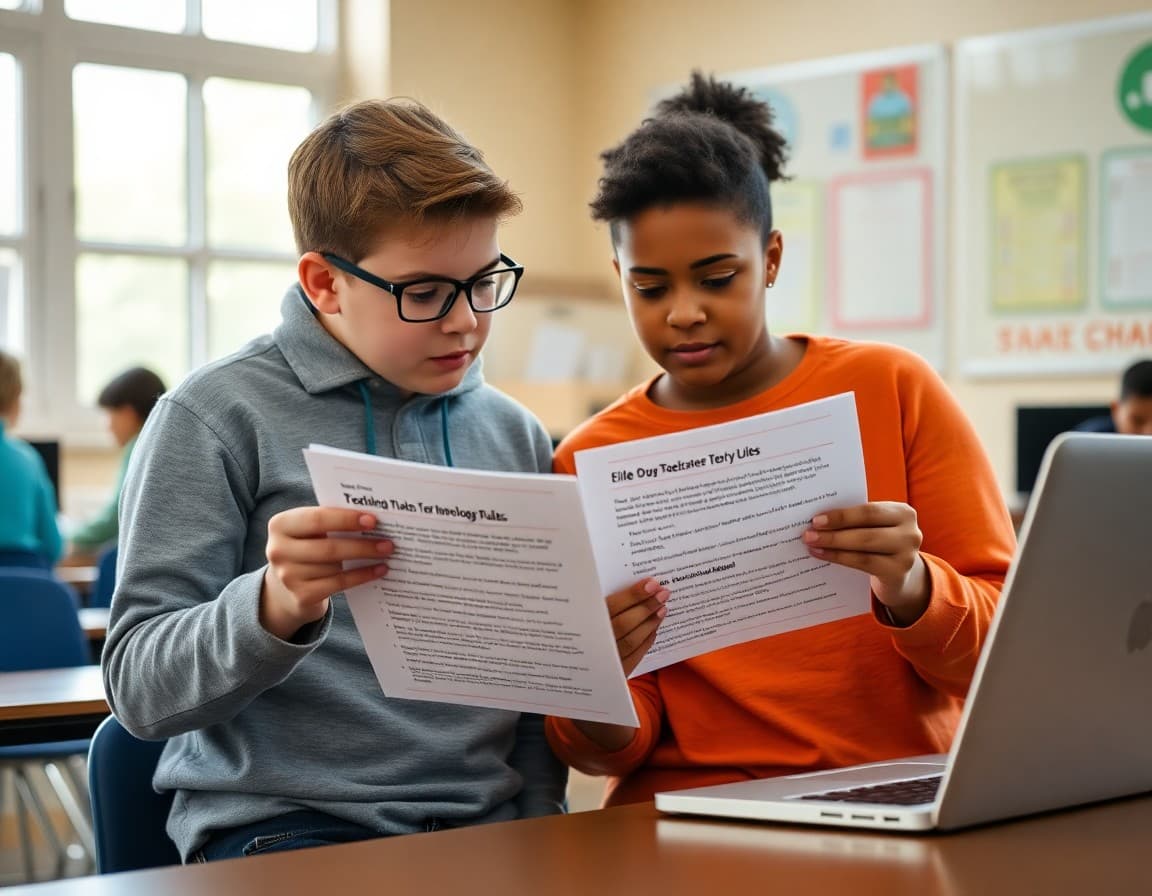
Every school has an acceptable use policy. Very few families actually read it. The document is typically long, written in legal language, and attached to a back-to-school packet alongside seventeen other forms. A targeted AUP newsletter that translates the most important rules into plain language, explains why they exist, and tells families what they can do to reinforce them at home is significantly more effective than a signed form that goes straight into a filing cabinet.
Why a Separate AUP Newsletter Is Worth Sending
Technology violations, including cyberbullying, accessing blocked content, sharing login credentials, and misusing school devices, are among the most common disciplinary issues in schools today. Most of the students involved knew they were doing something wrong. Many of their parents had no idea the specific behavior was prohibited because they had not read the AUP closely. Sending a newsletter that clearly explains the rules before a violation occurs does not prevent every problem. But it eliminates the "I didn't know" response and makes family conversations after a violation more productive and less adversarial.
The Core Rules Every Family Should Know
Every AUP is different, but the following rules appear in nearly every school technology policy and are worth highlighting. Use school technology only for educational purposes during school hours. Do not share login credentials with anyone, including friends. Do not attempt to bypass, disable, or circumvent the school's content filters. Do not use school devices or networks to harass, bully, or threaten anyone. Report any inappropriate content you encounter to a teacher or administrator rather than sharing it further. Any content you create or send using school technology is subject to review by school staff.
Monitoring: What Families Need to Understand
School technology monitoring is a topic many schools avoid communicating about clearly, but transparency here builds more trust than it erodes. Most districts retain logs of web browsing on school-managed devices and networks. Some use monitoring software that can flag specific search terms or content categories and alert administrators in real time. Students on school networks do not have a reasonable expectation of privacy in the same way they do on personal devices. Explaining this to families is both ethically appropriate and practically useful, because it helps parents set similar expectations at home about what their children do on school technology.
Consequences: The Spectrum From Warning to Removal
Families are often surprised by the consequences of technology violations because they did not know the tiered structure existed. Describe it clearly. Most districts use a graduated approach: a first minor violation gets a warning and a classroom conversation about the rule. Repeated minor violations or a single serious violation, such as cyberbullying, sending inappropriate images, or disabling a device's management profile, can result in suspension of technology privileges, parent conference, and in severe cases, disciplinary consequences aligned with the student code of conduct. Some violations involving illegal content may be reported to law enforcement. Stating this spectrum plainly is not a threat. It is information families need.
Sample Template Excerpt
Here is a section you can adapt for your own newsletter:
Technology Rules: What Every Student and Family Needs to Know
This year every student will have access to school-managed devices and our school network. Before your child uses these resources, please review the five rules below together. These are the rules most likely to come up during the school year.
1. Your login is yours alone. Never share your username or password, not even with a best friend. If someone uses your credentials to do something wrong, you may be held responsible.
2. School devices stay on school topics during school. Gaming, streaming, and social media during class time are violations of our acceptable use policy and result in a warning on the first occurrence, device removal on the second.
3. The filter is not a challenge. Attempting to bypass the content filter, using a VPN, or accessing blocked content through a proxy is a policy violation regardless of the content being accessed.
Talking to Your Child About Digital Responsibility
The AUP newsletter is more effective when families use it as a conversation starter rather than just reading it and filing it. Suggest three specific questions parents can ask their child after reading the newsletter. What would you do if you accidentally saw something inappropriate on your Chromebook? What is your login password and why should you never share it? If someone sent you something mean about another student, what should you do? These questions do not require a long discussion. A five-minute conversation before the school year starts does more to prevent technology violations than a hundred pages of policy documentation.
Reviewing the AUP After an Incident
When a technology incident occurs, whether it affects your school specifically or makes news district-wide, it is worth sending a brief follow-up newsletter referencing the relevant policy section. This is not punitive. It is responsive. It shows families that the school takes the AUP seriously, explains what happened in general terms, and reminds everyone of the expectations going forward. Schools that communicate proactively after incidents maintain more community trust than those that go silent or respond only to direct parent inquiries.
Updating the AUP for Emerging Technology
AI tools, new social media platforms, and private messaging apps create gaps in AUPs written even two years ago. If your district has updated its AUP recently, the newsletter is a good place to highlight what changed and why. If you have not reviewed the AUP in more than two years, flag it for your technology committee. The platforms students are using and the risks they face have shifted significantly since most district AUPs were written, and policies that do not address current realities leave schools in a difficult position when incidents occur.
Get one newsletter idea every week.
Free. For teachers. No spam.
Frequently asked questions
What is a technology acceptable use policy and why does it matter?
An acceptable use policy, or AUP, is a formal agreement between the school and students and families that outlines the rules for using school technology resources. It covers what students can and cannot do on school networks and devices, what monitoring takes place, and what consequences apply when the policy is violated. Most districts require a signed AUP before students can use school devices or networks. The policy protects students, staff, and the school from misuse and establishes clear expectations from day one.
How should schools communicate the AUP to families without overwhelming them?
Pull out the five to seven most important rules and explain them in plain language. Link to the full document for families who want the complete details. The goal is informed understanding, not legal compliance. A family who understands why the rules exist is far more likely to reinforce them at home than a family who signed a form they never read. Focus on the rules that students are most likely to test and that carry the most significant consequences.
What consequences should families know about for AUP violations?
Most AUP violations fall into a tiered consequence structure. Minor infractions, like visiting a blocked website once, typically result in a warning and a classroom conversation. Repeated minor violations, or a significant single violation like cyberbullying or sharing inappropriate content, may result in device removal, parent conferences, and in severe cases, disciplinary action aligned with the student code of conduct. Families need to know this spectrum exists before a violation occurs, not after.
How do content filters work and what do they not block?
Content filters work by matching requested web addresses and content against category databases of known inappropriate content. They block entire categories like adult content, gambling, and weapons. But filters are not perfect. New websites are added constantly, and some content slips through before it is categorized. Filters also cannot screen for inappropriate content in files students email to each other or in private messaging apps students access on personal phones. Families should understand both what filters do and what their limitations are.
How does Daystage help with AUP communication?
Daystage lets you build an AUP newsletter that is readable and well-formatted, embed the link to your full policy document, and send it to all families at the start of the year with one click. You can resend it after any technology incident that highlights a specific rule families need to be reminded of, and track who opened the newsletter to ensure the information reached every household.

Adi Ackerman
Author
Adi Ackerman is a former classroom teacher and curriculum writer with 8 years in K-8 schools. She writes about school communication, parent engagement, and what actually works in real classrooms.
More for Technology
Ready to send your first newsletter?
3 newsletters free. No credit card. First one ready in under 5 minutes.
Get started free