

Microsoft Sway for School Newsletters: A Practical Teacher Review
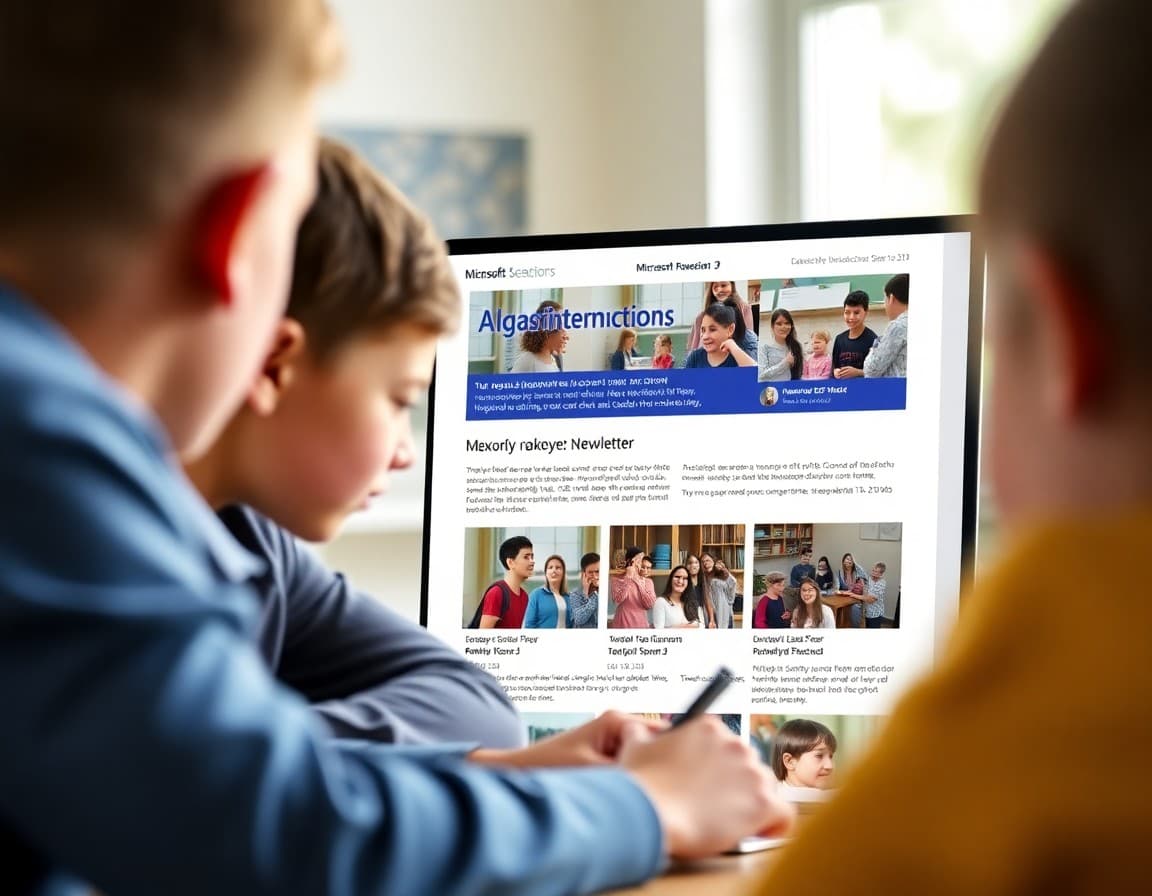
Microsoft Sway sits in an interesting spot in the school communication tool landscape. It is included in most schools' Office 365 subscriptions, it handles visual layout automatically so you do not need design skills, and it produces newsletters that look polished on a desktop browser. It also has clear limitations that matter when you are trying to reach every family reliably each week. Here is an honest look at what Sway does and where it runs into practical limits.
How Sway Works for Newsletter Creation
Sway uses a card-based system where you add content cards: text cards, image cards, video embed cards, and heading cards. Sway automatically arranges and styles these cards into a scrolling page using design themes you choose. The automatic layout is genuinely useful. You do not need to manually position text boxes or worry about image sizing. Add your content, pick a color theme that matches your school colors, and Sway handles the visual arrangement. This makes initial newsletter creation faster than tools that require manual layout work. The trade-off is less control over exactly where each element sits.
Where Sway Falls Short for School Newsletters
Sway is designed to be shared as a link, not delivered as email content. This distinction matters. When you email a Sway link to families, they have to open the email, tap the link, wait for the browser to load, and then read the Sway page. Families on slow connections or older phones may abandon this process before seeing your content. Families who do not open school emails promptly may never see the newsletter at all because the link sits unclicked in their inbox. Compare this to a newsletter delivered directly in the email body, which families can read in seconds without leaving their inbox. The link-based delivery model works but adds friction to the family experience.
Design Customization Limits
Sway's automatic layout is helpful until you want something specific that does not match its design logic. If you want a two-column layout, or a specific image position, or a callout box in a particular color, Sway may not give you what you want. The tool prioritizes visual consistency over design flexibility. For schools that need precise brand alignment or custom layouts, Sway's restrictions become frustrating. For schools that just need something that looks clean and readable without much design work, the automatic layout is a feature.
Using Sway With Microsoft Teams or Outlook
For schools that live in the Microsoft ecosystem, Sway integrates naturally with Teams and Outlook. You can share a Sway link in a Teams channel or paste it into an Outlook email. Some schools use Sway newsletters as the content layer and Teams as the communication layer, posting the Sway link in a parent channel each week. If your school already communicates with families through Teams, this workflow makes sense. If your parent communication happens outside Teams, the integration benefit is less relevant.
Accessibility Considerations
Sway has built-in accessibility checker tools similar to other Office applications. The automatic layout Sway applies generally includes proper heading structure and image alt text fields. You still need to fill in the alt text for images you upload. Sway newsletters are generally screen reader compatible, which matters for families with visual impairments. One accessibility gap is that Sway's automatic font sizing and contrast choices may not always meet WCAG standards depending on the theme you choose. Review your chosen theme at a small size on a phone screen before committing to it for the year.
When to Use Sway and When to Switch
Sway is a reasonable choice if your school is fully in the Microsoft ecosystem, families are already accustomed to clicking links for school content, and you do not need individual delivery tracking. It is a particularly good option for one-off visual communications: a back-to-school introduction, a project showcase, a curriculum overview. For weekly newsletters where delivery reliability and open rate tracking matter, a dedicated platform like Daystage gives you capabilities that Sway does not. The decision comes down to how important direct inbox delivery and engagement data are for your newsletter goals.
Making Sway Work Better for Schools That Use It
If you stay with Sway, a few practices improve the experience. Keep Sways short. Families are less likely to abandon a scrolling page that ends quickly than one that seems to go on indefinitely. Put the most critical information at the top of the first card. Test every Sway on a phone before sending the link to families. Use a consistent color theme all year so families recognize your newsletter visually. Include a clear subject line in the email that carries the Sway link so families know what they are clicking before they open it. These practices address the most common failure points in a Sway-based newsletter system.
Get one newsletter idea every week.
Free. For teachers. No spam.
Frequently asked questions
What is Microsoft Sway and can it be used for school newsletters?
Microsoft Sway is a presentation and storytelling app included in Office 365. It lets users build visually styled pages using a card-based content system. Teachers can create a newsletter layout in Sway, share a link, and families can read it in a browser without logging in. Sway handles image sizing and layout automatically, which reduces design work compared to building from scratch in Word or PowerPoint. It works best as a visual newsletter companion shared via link, not as a direct email delivery tool.
Is Microsoft Sway free for teachers and schools?
Sway is included with any Microsoft 365 Education subscription, which most K-12 schools already have. Teachers with school Microsoft accounts can access Sway at sway.office.com at no additional cost. Some advanced features require a paid Microsoft 365 Personal or Family subscription, but the core newsletter creation and sharing features are available at the education tier.
How do you share a Sway newsletter with parents?
Sway generates a shareable link that families can open in any browser without a Microsoft account. You can embed the link in an email, paste it into a classroom communication app, or use it as a QR code on printed materials. Sway also has an embedding option if your school website accepts embed codes. The limitation is that families receive a link, not the newsletter content in their email inbox, which adds a step compared to a direct email delivery.
Can you track who reads a Sway newsletter?
Sway provides basic view count analytics showing how many times your Sway has been viewed. It does not show which specific families opened it, how long they spent reading, or whether they clicked any links. For teachers who need detailed engagement data at the individual family level, Sway does not provide that. For teachers who just want a rough sense of whether families are engaging with the content, the view count is a useful signal.
How does Daystage compare to Sway for school newsletters?
Sway is a visual storytelling tool adapted for newsletter use. Daystage is built specifically for school newsletters and parent communication. Daystage delivers content directly to family email inboxes, tracks individual opens and clicks, supports embedded forms and RSVPs, and works well on mobile without requiring families to click through to a browser. Schools that need delivery tracking and inbox delivery find Daystage more practical than Sway for regular weekly newsletters.

Adi Ackerman
Author
Adi Ackerman is a former classroom teacher and curriculum writer with 8 years in K-8 schools. She writes about school communication, parent engagement, and what actually works in real classrooms.
More for Technology
Ready to send your first newsletter?
3 newsletters free. No credit card. First one ready in under 5 minutes.
Get started free