
Hybrid Learning Newsletters: Communicating With On-Site and Remote Families
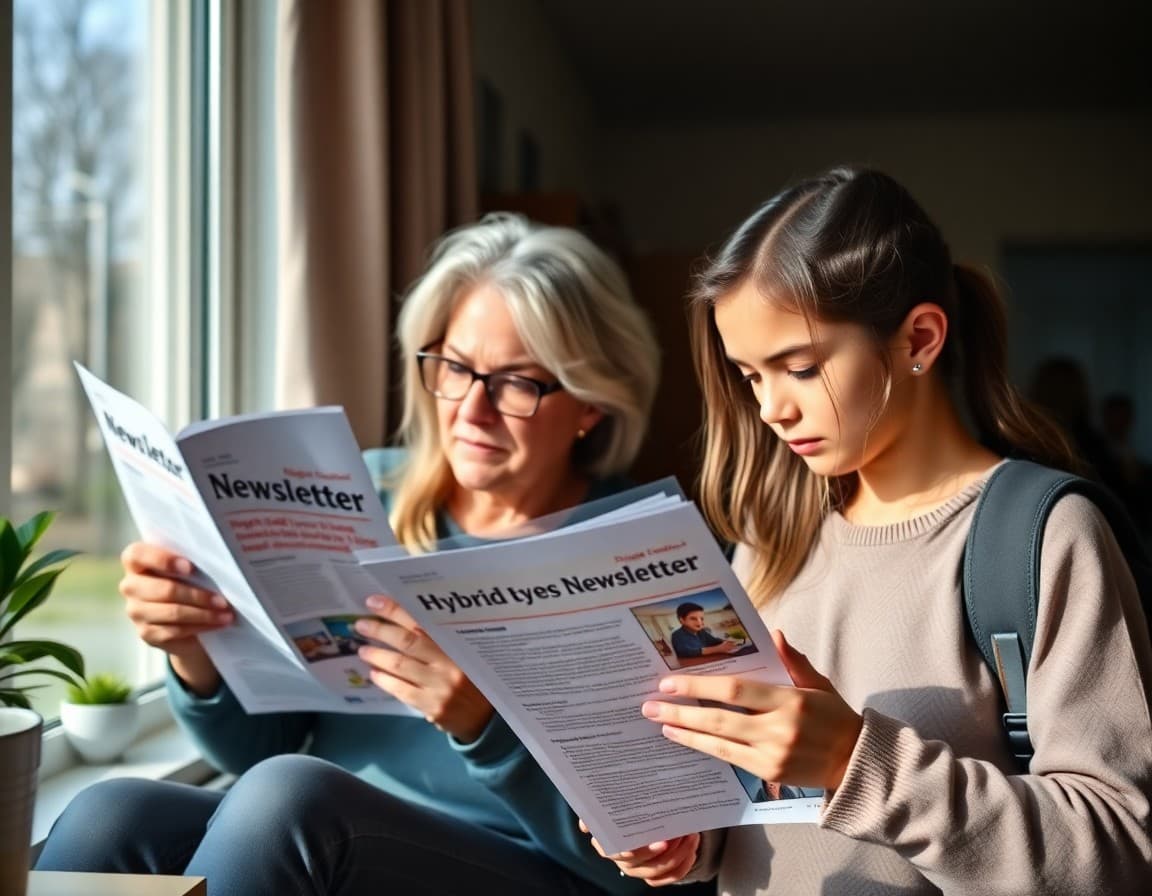
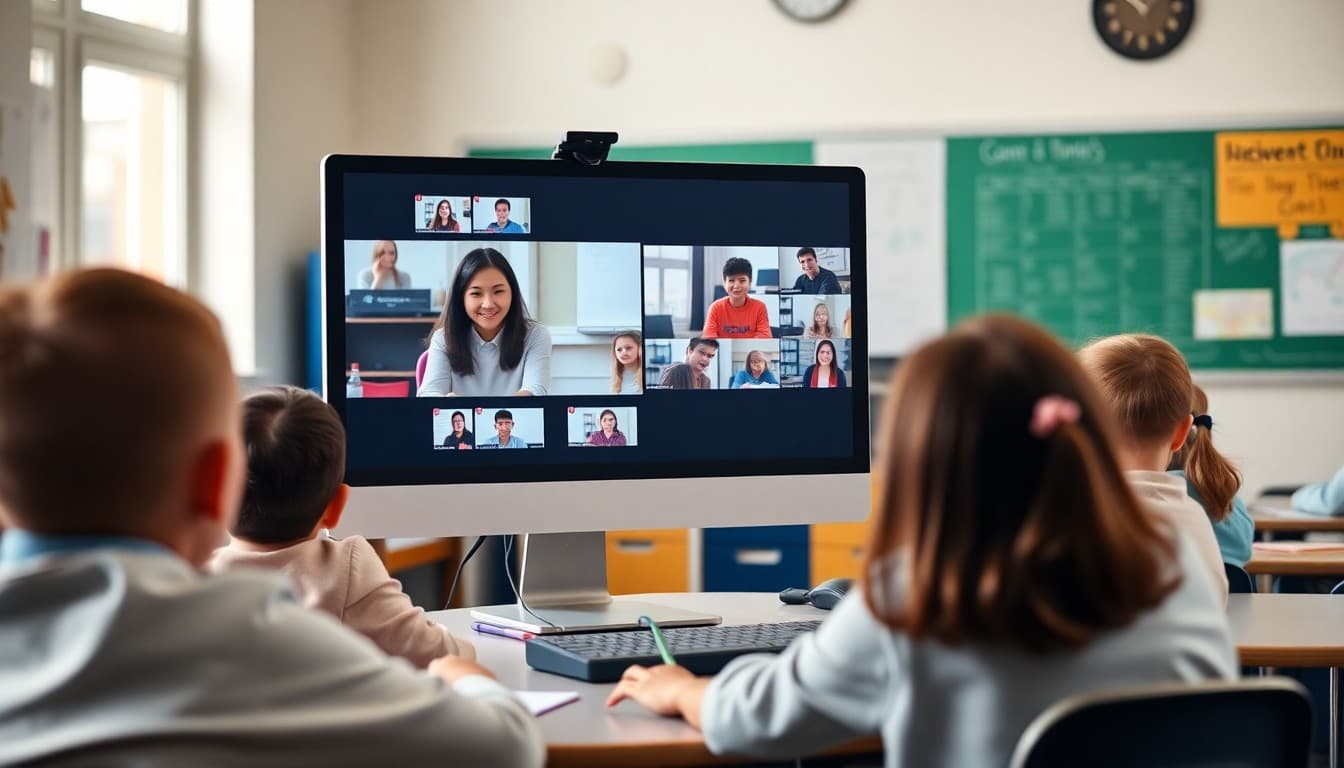
Hybrid learning creates a communication challenge that most newsletter formats were not designed for. When half your families have children in the building and half have children logging in from home, a single undifferentiated newsletter fails both groups. In-person families do not need the Zoom link. Remote families do not need the cafeteria menu. And both groups need the assignment deadlines, but probably with different access instructions. A hybrid newsletter that actually works requires a structure that acknowledges both audiences while still being readable by both.
The Core Structure That Works
Lead with information that applies to every family regardless of learning mode. Assignment deadlines, curriculum updates, upcoming events, and any major school announcements go first and apply to everyone. Then divide the remaining content into clearly labeled sections. Use a bold header like “For In-Person Families” and another like “For Remote Families.” Families know which section to read. They can skip the other, or they can read both if they want to understand the full picture of what is happening in the classroom. This structure takes longer to write the first time but becomes a template you fill in week after week.
What Remote Families Need That In-Person Families Do Not
Remote families are physically separated from the school environment and rely entirely on what you tell them to understand what is happening. They need the synchronous session schedule with links and access codes. They need an explanation of what the in-person classroom looks like so they understand the context when their child talks about “station time” or “small group.” They need clarity on what materials are available digitally and what, if anything, needs to be printed or obtained at home. They need a clear description of how their child's participation will be tracked when they are not physically visible to you. Write the remote section assuming the family has no other window into the classroom, because they often do not.
What In-Person Families Need That Remote Families Do Not
In-person families need logistical information about the physical school: drop-off and pickup procedures, what to pack, permission slips with physical return deadlines, and information about in-building events they can attend. They also benefit from knowing what online tools their child is using so they can support homework at home. If students do any asynchronous digital work as part of the in-person experience, in-person families need those login details just as much as remote families do. Do not assume that being physically present in school means the family does not need technology information.
Photos Bridge the In-Person and Remote Divide
Including photos from the classroom each week is especially valuable in hybrid settings. Remote families who see a photo of the classroom setup, a group project in progress, or students working at stations have a mental image of the environment their child would be in if they were attending in person. This matters for social connection as much as academic understanding. A remote student who hears about “group time on Wednesday” and has seen photos of that group configuration feels more connected than a student whose only experience is a Brady Bunch grid of faces on a screen.
Addressing the Equity Issue Directly
Some families choose remote learning because their children have health conditions, transportation challenges, or other barriers to in-person attendance. Others choose in-person because they do not have reliable internet or a quiet workspace at home. A hybrid newsletter should never make remote families feel like they are in a lesser version of the class, and it should never assume in-person families have more technological sophistication. Write both sections at the same level of warmth and detail. The way you write about each mode communicates whether you view them as equal or not. Families notice.
Keeping It Manageable Each Week
Hybrid classroom teachers are managing more complexity than almost any other teaching configuration. A newsletter that takes an hour to produce every week is not sustainable alongside lesson planning for two simultaneous student groups. Build a template once. Identify the sections that stay the same every week, like the “Upcoming Deadlines” section, and the sections that you swap out, like the specific session links and assignment descriptions. Then filling in the newsletter each week is a twenty-minute task rather than a production. Daystage is designed for exactly this workflow: a consistent template structure that you update with the current week's content, then send.
Asking Families Which Mode They Are In This Week
In schools where families can switch between in-person and remote attendance, your newsletter list may not accurately reflect who is in which mode at any given time. Consider including a short check-in form linked from the newsletter at the start of each month: “Is your child attending in person or remotely this month?” The responses help you calibrate how much detail to put in each section based on where most of your families are. They also give you a way to follow up with families who are switching modes and may have missed mode-specific information from the previous week.
Get one newsletter idea every week.
Free. For teachers. No spam.
Frequently asked questions
How do you write a newsletter that serves both in-person and remote families?
Structure the newsletter in two clear columns or labeled sections: one for in-person families and one for remote families. Shared information like assignment deadlines, curriculum updates, and events appears at the top without a label. Information specific to one group is clearly marked. Some teachers use a colored tag or bold header: 'In-Person Families' and 'Remote Families.' This approach avoids the confusion of a generic newsletter where remote families read event details that do not apply to them, and in-person families miss critical online access instructions.
What should be in a hybrid school newsletter for remote families?
Remote families need more detail on technology access, login credentials, synchronous session times and links, what materials students need at home, and how participation in asynchronous work will be tracked. They also need clear explanations of what their child will see during live instruction sessions and how they can participate from home. Remote families often report feeling disconnected from the school culture. Including photos from the in-person classroom in the newsletter helps remote families feel informed about an environment their child is not physically in.
How often should hybrid classrooms send newsletters?
Weekly is the minimum for hybrid classrooms. The added complexity of coordinating two groups of students means more can change week to week, and families need current information to support their children. Some hybrid classroom teachers send a brief Monday preview covering the week schedule and a brief Friday recap with work completion reminders. The Monday-Friday pair works well for hybrid because families often need the schedule confirmed at the start of the week and reminders about incomplete work before the weekend.
How do you handle families who switch between in-person and remote?
Include both sections every week, even in weeks when the breakdown is mostly one way. Families who switch between modes can continue to receive the full newsletter and read whichever section applies to their current situation. Keep a consistent structure so families know exactly where to look regardless of which mode they are in this particular week.
How does Daystage help teachers manage hybrid classroom newsletters?
Daystage lets teachers build newsletter templates with consistent sections that can be filled in each week quickly. For hybrid classrooms, you can set up a template with labeled sections for each family group and update only the content that changes. The time savings of a template approach are significant when you are managing the logistics of two student groups simultaneously.

Adi Ackerman
Author
Adi Ackerman is a former classroom teacher and curriculum writer with 8 years in K-8 schools. She writes about school communication, parent engagement, and what actually works in real classrooms.
More for Technology
Ready to send your first newsletter?
3 newsletters free. No credit card. First one ready in under 5 minutes.
Get started free