
Coding Curriculum Newsletter: Computer Science for All Students
Computer science is no longer a specialized elective for students planning to enter technology careers. It is a foundational literacy. The logic, problem-solving approaches, and understanding of digital systems that coding teaches apply to medicine, journalism, environmental science, business, and virtually every other field. A coding curriculum newsletter tells families what students are learning, why it matters for their specific future, and how to stay connected to a subject that most parents did not study in school.
Why Computer Science Is Part of the Core Curriculum
The US Bureau of Labor Statistics projects that computing-related occupations will grow by 15 percent through 2031, compared to 5 percent for all occupations. But the argument for teaching computer science to every student goes beyond job statistics. The ability to understand how algorithms shape the information students see, how data is collected and used, how software can be designed to help or manipulate, and how complex systems can be broken down into manageable steps is valuable regardless of career path. Students who learn computational thinking in school are better equipped to be informed citizens, critical thinkers, and adaptable workers in a world where technology shapes almost every professional and civic context.
How Computer Science Is Taught at Each Grade Level
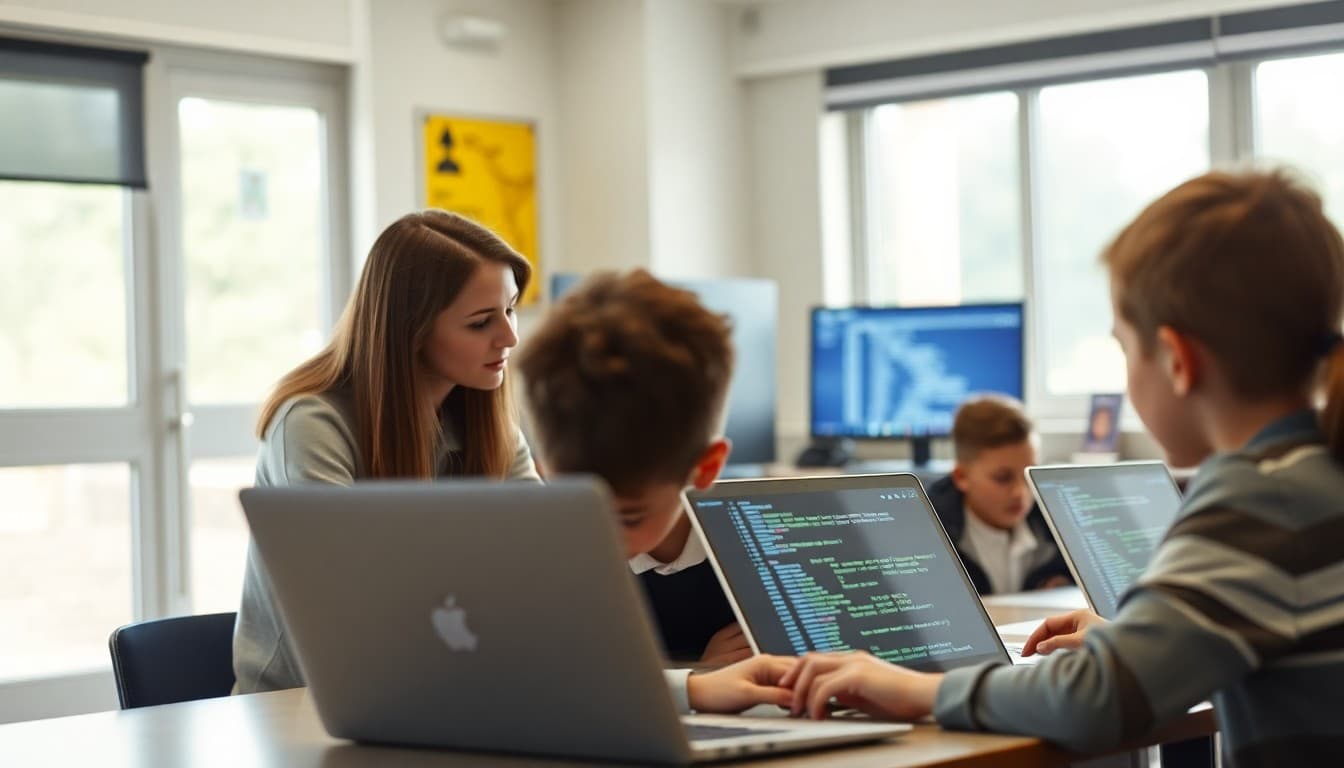
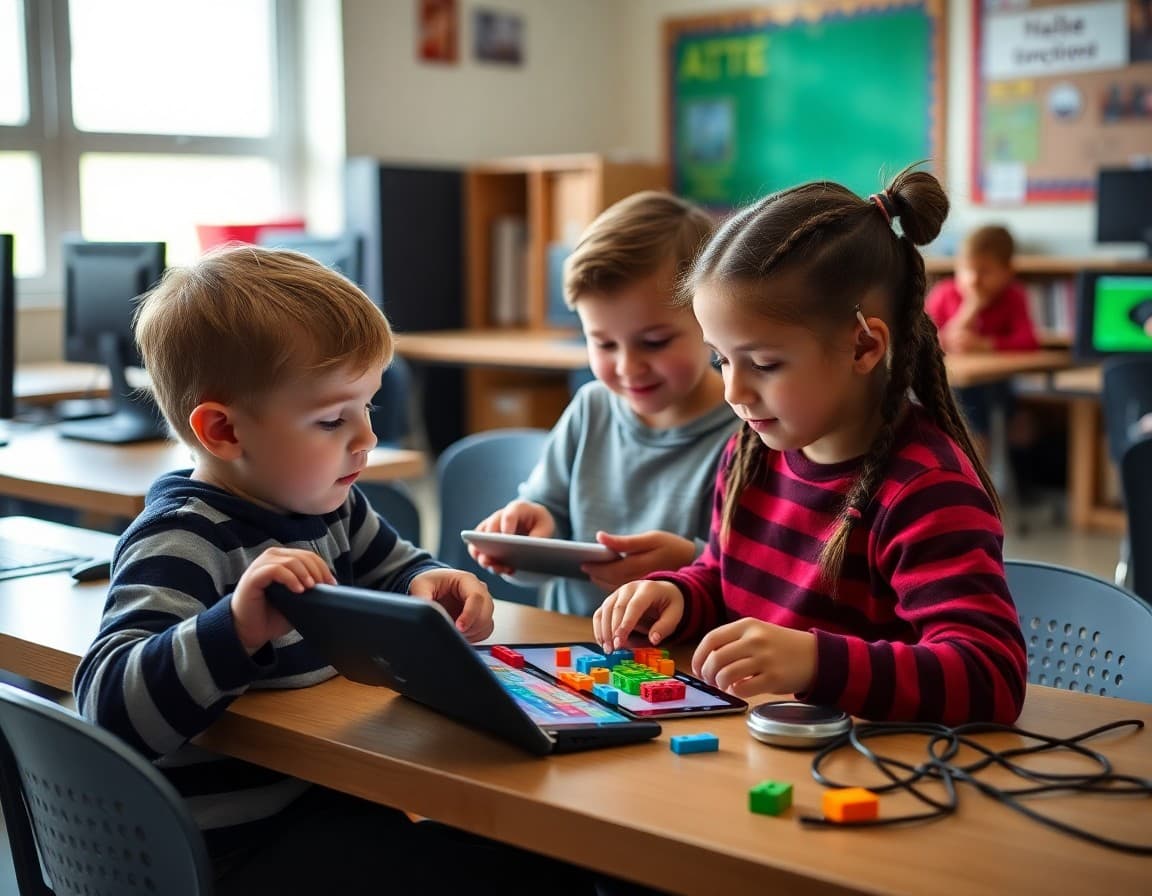
The progression of CS education typically mirrors the cognitive development of students. In grades K-2, computer science focuses on sequencing, patterns, and problem decomposition, often without any screen or coding tool at all. Unplugged activities like arranging instruction cards or acting out algorithms introduce computational thinking concepts concretely. In grades 3-5, students begin using visual block-based programming tools like Scratch or Code.org's CS Fundamentals. In grades 6-8, students transition to text-based languages like Python, exploring variables, loops, and functions. In grades 9-12, courses like AP Computer Science A or AP Computer Science Principles provide rigorous programming and conceptual education. Your newsletter should describe specifically where your school is in this progression.
The Specific Tools Students Use
Name the tools. Do not just say "students learn coding." Tell families: students in grades 3-5 use Scratch at scratch.mit.edu to create interactive stories and games. Students in grade 6 use Code.org's Computer Science Discoveries curriculum, which they access through their school Google account. Students in grades 9-12 who take AP Computer Science A write programs in Java using the Repl.it online development environment. When families know the specific tools, they can look at their child's work with informed curiosity rather than confusion. They can also support home practice by pointing students back to the same platforms.
Student Projects Worth Highlighting
One of the most effective things a coding curriculum newsletter can do is show what students have actually made. A screenshot of a third grader's Scratch game about their favorite animal. A brief description of the robot obstacle course eighth graders programmed. A link to the class website students built in seventh grade. These concrete examples make the curriculum tangible and give families something specific to ask their child about. When a parent asks "Can you show me the Scratch game you made?" the resulting conversation is more meaningful than any newsletter paragraph can create on its own.
Sample Template Excerpt
Here is a section you can adapt for your own newsletter:
What Your Child Is Learning in Computer Science This Year
Grades K-2: Students are working through unplugged activities that teach sequencing and pattern recognition without a screen. This month they are learning to write algorithms by giving directions to a partner to navigate a simple maze.
Grades 3-5: Students use Scratch (scratch.mit.edu) to build interactive projects. This semester each student will complete a creative storytelling project and a simple game. Scratch is free and accessible at home. Ask your child to show you what they are working on.
Grades 6-8: Students are using Code.org's CS Discoveries course. This month they are learning how the internet works and what happens when you type a web address. No home access is required, but students can log in at code.org with their school Google account to continue projects.
How Families Can Support Coding at Home
Supporting coding at home does not require any technical knowledge. The most valuable thing families can do is show genuine curiosity about what their child is building. Ask to see the project. Ask what was hard about it. Ask what the student would add if they had more time. These questions communicate that coding is a serious, respected endeavor rather than just schoolwork to be completed. For students who want to explore further on their own, Code.org, Khan Academy's programming courses, Scratch, and CS Unplugged all offer free, high-quality activities at every level. An Hour of Code activity done together as a family is a meaningful investment that takes less than 60 minutes.
Addressing the "My Child Hates Computers" Concern
Some students arrive in computer science class resistant, especially if earlier experiences involved repetitive keyboarding exercises or confusing software they were not ready for. Modern CS curriculum is designed differently. Project-based learning, creative problem-solving, and socially relevant applications of technology engage students who would not respond to a traditional programming drill. If a student is struggling with interest in CS, the best response is to ask their teacher what specifically they are working on and to find the angle that connects to something the student cares about. A student who loves music might connect to audio programming. A student who loves basketball might connect to data analytics. Every subject area has computational dimensions waiting to be discovered.
Get one newsletter idea every week.
Free. For teachers. No spam.
Frequently asked questions
What does K-12 coding curriculum typically look like?
K-12 computer science progressions generally move from block-based visual programming in elementary grades to text-based languages in middle and high school. Elementary students might use Scratch, Code.org's drag-and-drop activities, or Tynker. Middle school students often learn Python basics or JavaScript through platforms like Code.org or Repl.it. High school students may take dedicated AP Computer Science courses using Java or Python. The CSTA K-12 Computer Science Standards provide the most widely used framework for what students should know at each grade band.
Does every student need to learn to code?
Coding as a specific skill is most important for students interested in technology careers. But the underlying concepts, logical thinking, decomposing problems into steps, debugging systematically, and understanding how software shapes the world around us, are valuable for every student regardless of career path. Most computer science educators frame K-12 CS education around computational thinking as a universal skill rather than professional programmer training.
What tools and languages do students use in your school's coding program?
The specific tools vary by grade level and district. Common platforms include Scratch for visual block-based coding in grades 2-5, Code.org's CS Fundamentals curriculum for K-5, Python through Trinket or Repl.it for middle school, and Java through Eclipse or online IDEs for high school AP courses. Your newsletter should name the specific tools your students use at each grade level rather than describing programming languages generically.
How can families support coding learning at home without knowing how to code?
Families do not need to know how to code to support a student's coding education. They can encourage the student to explain what they are working on, ask the student to walk them through a project they completed, and provide uninterrupted time for coding practice. Free platforms like Scratch and Code.org have extensive project libraries that students can explore independently at home. The Hour of Code activities at code.org are designed for families to try together with no experience required.
How can Daystage help schools communicate about their coding programs?
Daystage makes it easy to send an annual coding program newsletter that explains what students are learning, highlights student projects, and points families to home practice resources. When students complete a coding milestone like their first Python program or a Scratch game, schools can use Daystage to share those achievements with the whole school community, building pride in the program and encouraging students who are just starting out.

Adi Ackerman
Author
Adi Ackerman is a former classroom teacher and curriculum writer with 8 years in K-8 schools. She writes about school communication, parent engagement, and what actually works in real classrooms.
More for Technology
Ready to send your first newsletter?
3 newsletters free. No credit card. First one ready in under 5 minutes.
Get started free