

Superintendent Newsletter: Our New Student Data Dashboard Is Live
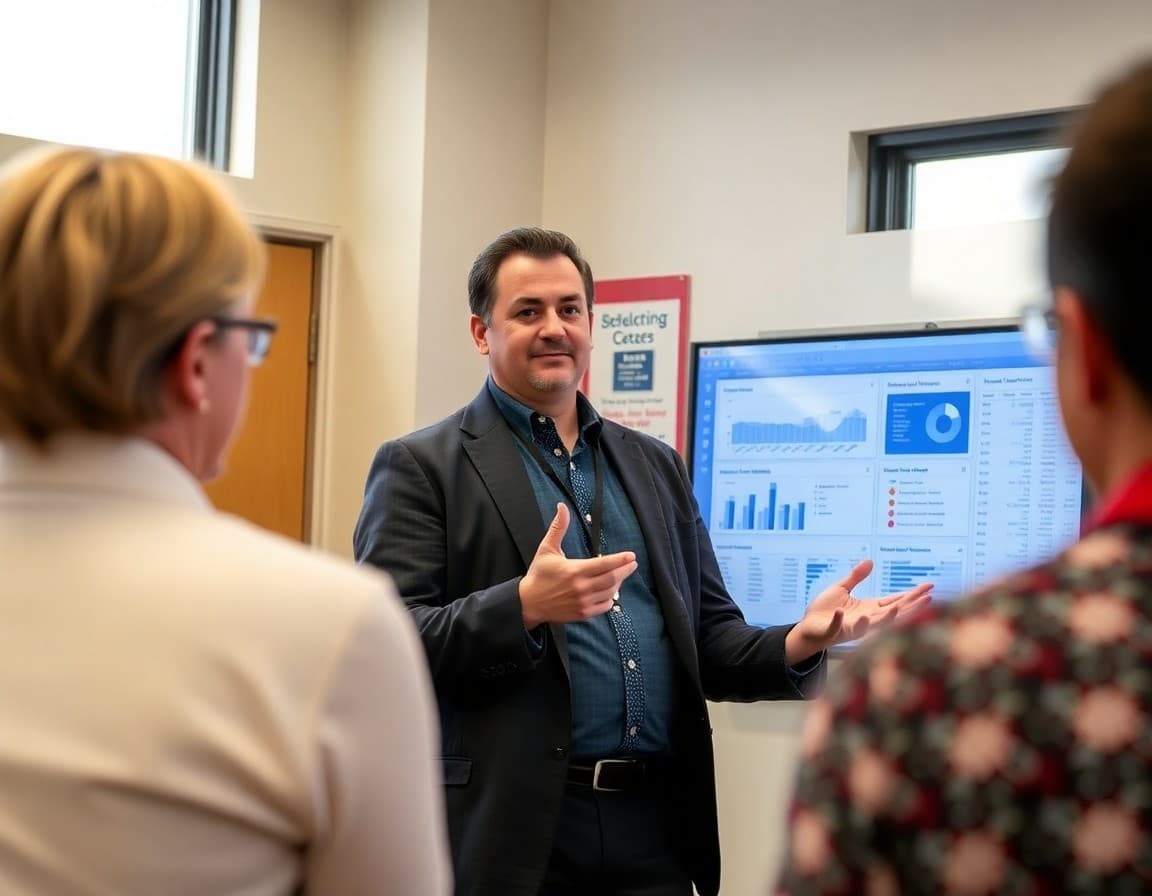
A public data dashboard is a commitment to transparency in action. Launching one is a meaningful decision. Communicating the launch well determines whether that commitment actually reaches the people it is designed to serve.
A superintendent newsletter about the dashboard launch should do more than announce that it exists. It should explain what families can learn from it and set them up to use it with confidence.
Explain why the district built the dashboard
Open with the reasoning. What motivated the district to create a public-facing data tool? Was it a commitment to greater transparency in the strategic plan? A community request for more accessible information? A national conversation about public accountability in education that the district is choosing to join proactively?
The reasoning signals whether this is genuine transparency or a public relations move, and families can tell the difference.
Describe what families will find
Walk through the major sections of the dashboard briefly. Attendance and chronic absenteeism rates. Academic proficiency by grade level and subject. Graduation rates. Enrollment trends. Discipline data. Teacher qualification rates. Name the sections so families know what to look for before they click through.
Explain what the data means
Brief definitions of key metrics prevent families from drawing incorrect conclusions from raw numbers. What does "proficiency" mean on the state assessment? What is the difference between chronic absenteeism and regular absence? What counts as a suspension? These are not obvious, and families who misinterpret the data can end up with a less accurate picture than families who never looked at it.
Contextualize the current results
Before directing families to the dashboard, give them a brief summary of where the district currently stands on the key metrics they will see. If some metrics are below where you want them, say so and note what is being done. This prevents families from encountering difficult data without any context or explanation.
Invite questions and commit to dialogue
Tell families that questions about the data are welcome and name a contact for follow-up. A data dashboard without a human conversation pathway is incomplete transparency. Families who have questions about what the data means for their school should have a clear way to ask them.
Sample excerpt
"Today we are launching our District Data Dashboard at data.ourdistrict.org. It shows district-level and school-level data on attendance, academic proficiency, graduation rates, and more, updated annually. You can also see how our results compare to the state average and to neighboring districts. Some of what you will see reflects real progress. Some of what you will see is a candid picture of work we still have in front of us. We are publishing this data because we believe families and community members deserve to see it. Questions about what you find can be directed to our data team at data@ourdistrict.org."
Daystage delivers this dashboard announcement with a direct link to every family inbox, giving every family equal access to the transparency the dashboard is designed to provide.
Get one newsletter idea every week.
Free. For teachers. No spam.
Frequently asked questions
Why should a superintendent announce a data dashboard in a newsletter rather than just launching it on the website?
Because most families will not discover it on the district website without being told. An email newsletter announcement reaches families where they are and gives the dashboard launch the visibility it needs to actually be used. A transparency tool that no one knows about does not serve its purpose.
What should a student data dashboard newsletter explain?
What the dashboard shows, how to access it, what the data means, what the dashboard does not show or cannot answer, and how families can ask questions about the data. Both what it is and what it is not are important for managing expectations.
How do you prevent the data dashboard announcement from generating panic if some metrics show poor performance?
Contextualize the data in the newsletter before directing families to the dashboard. Explain what the metrics mean, where the district is relative to past years and state averages, and what the district is doing to improve the areas that need work. Sending families to an unexplained dashboard full of red indicators without context creates anxiety rather than transparency.
What privacy protections should the newsletter mention regarding student data?
Note that the dashboard shows aggregate district-level and school-level data, not individual student data. Briefly mention the district's data privacy policies and that personally identifiable student information is protected. Families who know their child's specific data is not publicly visible are more comfortable with aggregate transparency.
How can Daystage support a data dashboard launch communication?
Daystage delivers the launch newsletter to every family inbox with a direct link to the dashboard. For a tool designed to increase public data transparency, getting the link into inboxes immediately, rather than waiting for families to find it on the website, is the single most important distribution decision.

Adi Ackerman
Author
Adi Ackerman is a former classroom teacher and curriculum writer with 8 years in K-8 schools. She writes about school communication, parent engagement, and what actually works in real classrooms.
More for Superintendent
Ready to send your first newsletter?
3 newsletters free. No credit card. First one ready in under 5 minutes.
Get started free