

Computer Science Teacher Newsletter: Communicating Grades to Parents
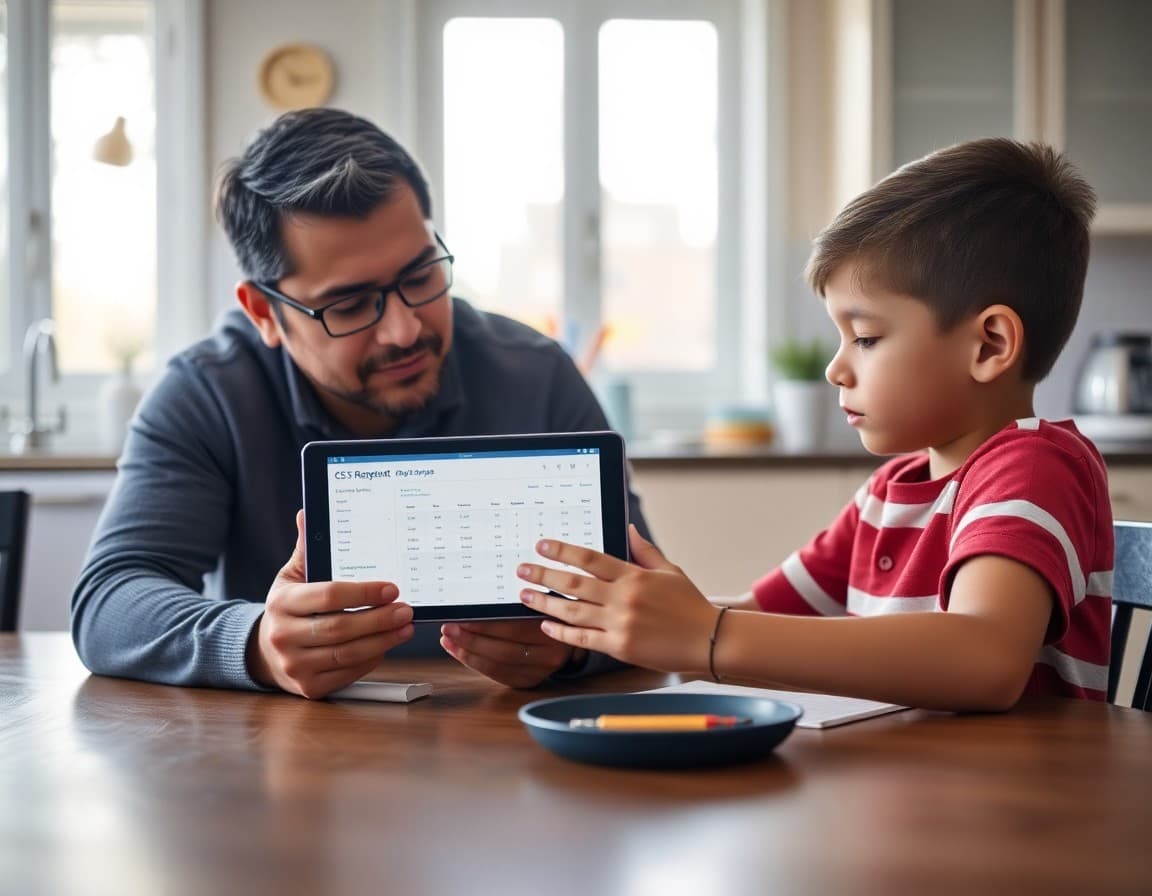
Grade communication in a computer science class is harder than in a traditional academic subject because the grading criteria are less familiar to most families. Parents who grew up taking math tests and writing essays know what an 80 means in those contexts. They often do not know what it means when a coding project scores a 68.
A grade report newsletter gives you a single send to explain the grading structure, identify where students are standing, and tell families exactly what to do next. This guide covers how to write that newsletter clearly and what to include to make it actionable rather than just informational.
Open by explaining how CS grades are built
Before sharing individual grade data, explain your grading system to families who may be seeing it for the first time. Name the major categories and their weights. A common structure for a project-based CS class might be: project completion and functionality at 50%, code quality and documentation at 20%, in-class participation and daily work at 20%, and assessments at 10%. Families who see those numbers understand why a student who does excellent projects but skips the written assessments still has a strong grade.
Report on what has been graded so far
List the major assignments and projects graded to date with their point values and the class average. You do not need to share individual scores in a newsletter sent to all families; the goal is to give families context so their student's grade makes sense when they check the portal. "We have completed three projects this marking period worth 30, 40, and 50 points respectively. The class average on the Python Mad Libs project was 82 out of 100."
If there are missing or incomplete submissions, flag them explicitly. "Students who have not submitted Project 2 currently have a zero in the grade book. This assignment is still available for late submission with a 10% reduction per school day late."

Explain the most common reasons for low project scores
Instead of leaving families to guess why a grade is low, share the two or three most common rubric issues you saw across the class. "On the last project, the most frequent deductions were for programs that did not handle invalid user input and for missing comments explaining what each function does." This gives families a concrete conversation to have with their student: "What did your code do when someone typed a letter instead of a number?"
Describe revision and recovery options
If students can revise a project for partial credit, explain the process step by step. When is the revision deadline? What does a revision need to include to qualify for additional points? Does the student need to schedule a time to walk through the revision with you? Many families assume grades are fixed once entered. If they are not, that needs to be stated plainly, or students who could recover points will not bother.
Share a sample grade update template
Here is an excerpt from a CS grade report newsletter template:
"We are at the midpoint of the first marking period. Here is where the class stands: Project 1 (Python Basics) averaged 81 out of 100. Project 2 (Conditionals and Loops) averaged 74 out of 100. The main rubric issue on Project 2 was programs that did not run without a syntax error. Students with incomplete submissions can still turn in Project 2 for a late penalty of 5 points per school day. The deadline for any late submission is Friday, October 10. Students who need help debugging before submitting should come to Thursday office hours from 3:15 to 4:30 PM."
Address the upcoming unit and what it demands
Close the grade section by looking forward. Tell families what the next unit will cover and what academic standing students need to succeed in it. If Unit 3 builds directly on skills from Unit 2 and a student is still missing the Unit 2 project, that context matters. "Students who have not yet mastered conditionals from Unit 2 will find the functions unit more difficult. Coming to Tuesday office hours before we start Unit 3 is the best way to catch up."
Tell families how to help at home
Many CS parents do not know how to help with coding. Give them three specific things to do: ask their student to show them their current project and explain what it is supposed to do; ask whether any assignments are missing and what the plan is to submit them; and make sure there is a device and a quiet space available during the times the student needs to work on coding assignments. These actions do not require the parent to know how to code.
Close with your contact information and the next check-in
End the newsletter with your email address, your preferred contact method, and the date of your next grade update. Families who know you are sending another update in three weeks are less likely to send an anxious email the day before report cards. Regular communication makes the process predictable for everyone.
Get one newsletter idea every week.
Free. For teachers. No spam.
Frequently asked questions
How should a CS teacher explain project-based grades to parents?
Explain the rubric categories your class uses and what each one measures. If a project is worth 100 points, break it down: 40 points for functionality (the code works), 30 points for meeting the spec (the code does what was required), 20 points for code quality (organized and readable), and 10 points for on-time submission. Parents who see those categories understand why a student who submitted late and wrote messy code scored a 55 even if the program ran.
What should a grade report newsletter include for CS classes?
Cover the current grade breakdown by category, which assignments are missing or incomplete, the deadline for any recovery or revision work, and a brief note on what the next unit will demand. If students can revise and resubmit a project for partial credit, say so explicitly. Many families do not know revision is an option unless you name it.
How do you address a pattern of late submissions in a CS grade newsletter?
State the pattern plainly without assigning blame. 'Three of the five projects this semester were submitted more than two days late, which reduces the grade by 10% per late day under our policy' is specific and actionable. Then pair it with a concrete next step: come to Tuesday office hours before the deadline, email me by Thursday if you are stuck, or use the class help forum. Identifying the pattern and offering a path forward is more useful than simply noting the grade.
When is the right time to send a CS grade report newsletter?
Send it at the midpoint of each marking period, not only at report card time. Families who receive a grade update at week four of an eight-week term can act on it. Families who first learn there is a problem when the grade posts to the portal at the end of the semester cannot. The earlier the communication, the more recoverable the situation.
How does Daystage help CS teachers communicate grades?
Daystage lets you send a structured grade update newsletter to your entire class list in one send without needing a separate email platform. You can format the newsletter with clear headers for each grade category, include a list of missing assignments, and add a section on recovery options. The open-tracking feature tells you which families viewed the newsletter, so you know who to follow up with by phone before the marking period closes.

Adi Ackerman
Author
Adi Ackerman is a former classroom teacher and curriculum writer with 8 years in K-8 schools. She writes about school communication, parent engagement, and what actually works in real classrooms.
More for Subject Teachers
Ready to send your first newsletter?
3 newsletters free. No credit card. First one ready in under 5 minutes.
Get started free