
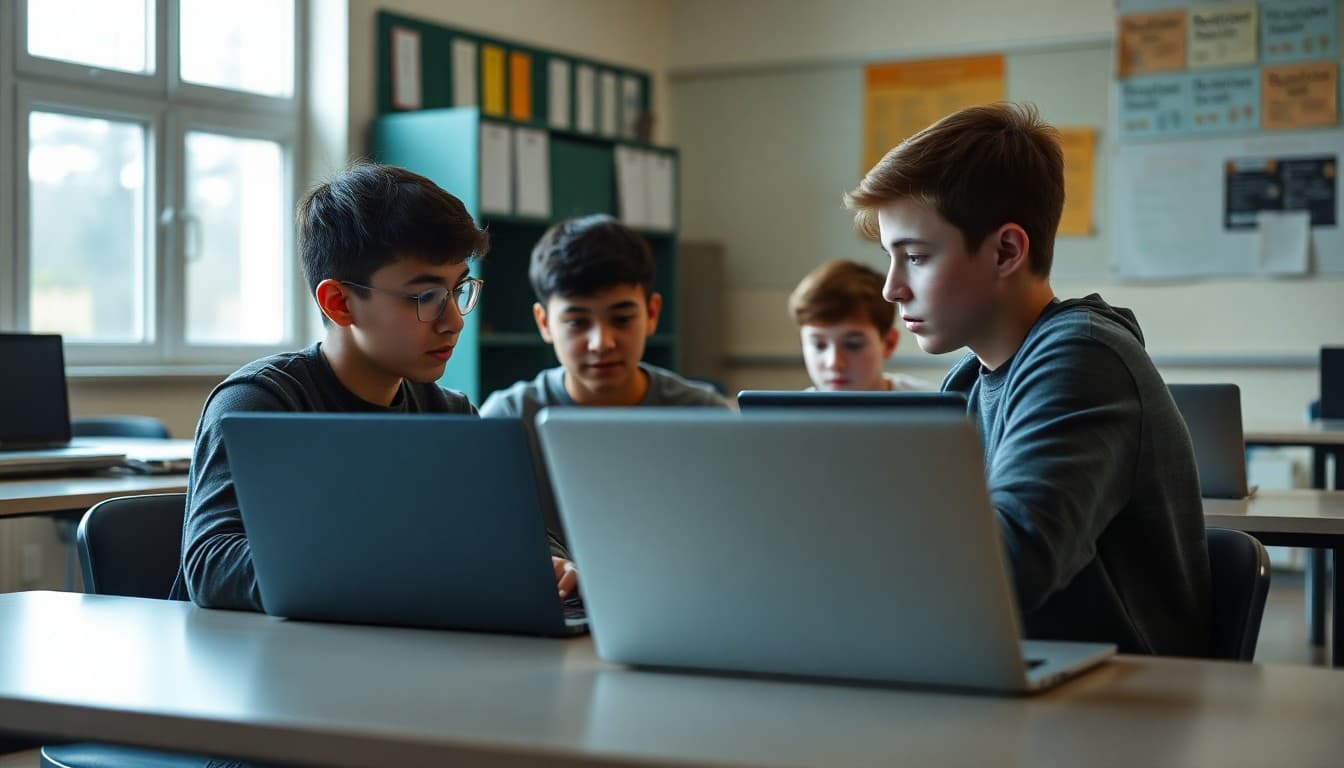
Coding Club Newsletter: Programming and Projects Update

Coding club newsletters have a communication gap that most other program newsletters do not: the work students are doing is invisible to everyone who is not in the room. A student's math project can be seen. A student's art is on the wall. A student's code is on a screen that most parents cannot read. The coding club newsletter is the translation layer between what students are building and the community that supports them.
Describe what students are building, not how they are building it
For non-technical families, the most important thing in a coding newsletter is what the project does. Lead with function: "Three seventh-graders are building a web app that lets students anonymously report school concerns to a counselor. The counselor gets a notification within 10 minutes of submission. The team has spent three weeks on the form interface and is now building the notification system."
That description communicates the scope of the work, the social purpose behind it, and the stage they are at. A family who reads it can ask their student specific questions at home. A family who reads "students are learning Python and web development" cannot.
Explain the tools and platforms in plain language
"This semester's club members are working in three different environments depending on their experience level. Beginners use Scratch, which is a visual drag-and-drop programming environment that teaches programming logic without requiring typed code. Intermediate students use Python, a text-based language used by professional data scientists and software engineers. Advanced students are working in JavaScript to build interactive web projects. The choice of tool matches where each student is in their development."
This explanation gives families a way to understand the progression and understand where their student fits in it.
Mark specific milestones by student or team
"This month's milestones: Priya and Marcus completed the first working version of their school garden data tracker. It reads temperature sensors and logs the data to a spreadsheet automatically. Second semester they will add a web dashboard so garden volunteers can see the data from their phones. Sofia submitted her first Python project to the class GitHub repository. It is a simple quiz app with 10 history questions. She wrote every line from scratch."
These specific milestones tell families what was actually accomplished and give students named recognition for real achievements.
Connect coding skills to careers and disciplines
"The computational thinking skills students develop in coding club are applicable far beyond software development. Data analysis, which students practice when they process their project's output, is a core skill in biology, economics, public policy, and business. Algorithm design, which students practice when they plan their code before writing it, is practiced by engineers in every discipline. These are not just computer science skills. They are thinking skills."
Report competition involvement specifically
If the club participates in competitions, report the details: "Our team of four eighth-graders submitted to the 2026 Congressional App Challenge in October. The challenge asks students to build an app that addresses a community need. Our team's app, called Pathways, connects high school students to local apprenticeship and trade programs. Results will be announced in January."
Mentioning competition involvement before results are known builds anticipation and gives families a reason to ask their student how the submission went.
Template: coding club project update newsletter section
"Jefferson Coding Club Update - November 2026: 18 students are currently active in the club, meeting every Tuesday and Thursday after school. Current projects include a school event calendar app (Python + Flask, team of 3), a recycling education game in Scratch (beginner cohort of 5), and an Arduino-based weather station for the school garden (hardware + C++, team of 2). Next month: introduction to machine learning concepts using Google's Teachable Machine for the advanced cohort. Club is accepting new members through December. Contact Ms. Park at [email] to join."
Invite families to the end-of-year showcase
The coding club showcase is the one moment each year when the work students have been doing becomes visible to the school community. Announce it in the newsletter with enough lead time for families to plan: "Our end-of-year project showcase is May 15 from 6:00 to 8:00 p.m. in the library. Students will demonstrate their projects. Family and community members are welcome and encouraged to come ask questions. This is the best way to see what your student has been building and why it matters."
Daystage makes it straightforward to include an RSVP link in the showcase invitation so the organizer knows how many families to expect and can plan accordingly.
Get one newsletter idea every week.
Free. For teachers. No spam.
Frequently asked questions
What should a coding club newsletter include?
Name the current projects students are working on with enough description that non-technical families understand what they are building. Describe the programming languages or platforms being used and why they were chosen for the students' current level. Share any competitions the club has entered or plans to enter, such as FIRST Tech Challenge, app development contests, or hackathons. Give families a sense of the skills students are developing and how those skills connect to the broader STEM curriculum.
How do you explain coding projects to non-technical families in a newsletter?
Lead with what the project does, not how it works. 'A team of three sixth-graders is building an app that helps students track their homework and study schedules' is accessible to every family. 'A team of three students is writing Python functions to interface with a SQLite database via a Tkinter GUI' describes the same project but is only accessible to the technical 10%. Write the accessible description first, then optionally add the technical detail for families who want it.
What coding milestones are worth celebrating in a school newsletter?
First working program (any output at all), first program that solves a problem the student cares about, completion of a structured curriculum like a CS Discoveries or Python course, submission to a competition, public presentation of a project, and mentoring a younger or newer student. These milestones mark real stages of development and deserve explicit recognition. Generic 'the students are doing great things in coding' is not a milestone.
How do you communicate coding club competition results?
Name the competition, describe what students were asked to build or do, and report the result with context. 'Our team submitted a climate data visualization app to the Congressional App Challenge and was selected as one of 30 winners nationally from over 4,000 submissions' is more informative than 'our coding club won an award.' Context makes the achievement meaningful to families who do not know the competitive landscape.
How does Daystage help STEM program coordinators communicate with families?
Daystage lets coding club advisors build a project update newsletter series throughout the year: a program introduction at the start, monthly project updates with screenshots or descriptions of what students are building, competition results, and an end-of-year showcase invitation. Consistent communication through Daystage gives the coding program visibility in the school community and makes it easier to recruit new members each year.

Adi Ackerman
Author
Adi Ackerman is a former classroom teacher and curriculum writer with 8 years in K-8 schools. She writes about school communication, parent engagement, and what actually works in real classrooms.
More for STEM
Ready to send your first newsletter?
3 newsletters free. No credit card. First one ready in under 5 minutes.
Get started free