
Library Newsletter Explaining Makerspace Pedagogy
Makerspaces confuse parents. The kid comes home with a half-built cardboard chair, no instructions, and a story about how the first version collapsed. A parent who has not seen a makerspace assumes the lesson failed. The parent who has read the explainer newsletter knows the collapse was the lesson. One short pedagogy explainer once a year fixes the confusion for the whole family.
What a makerspace actually is
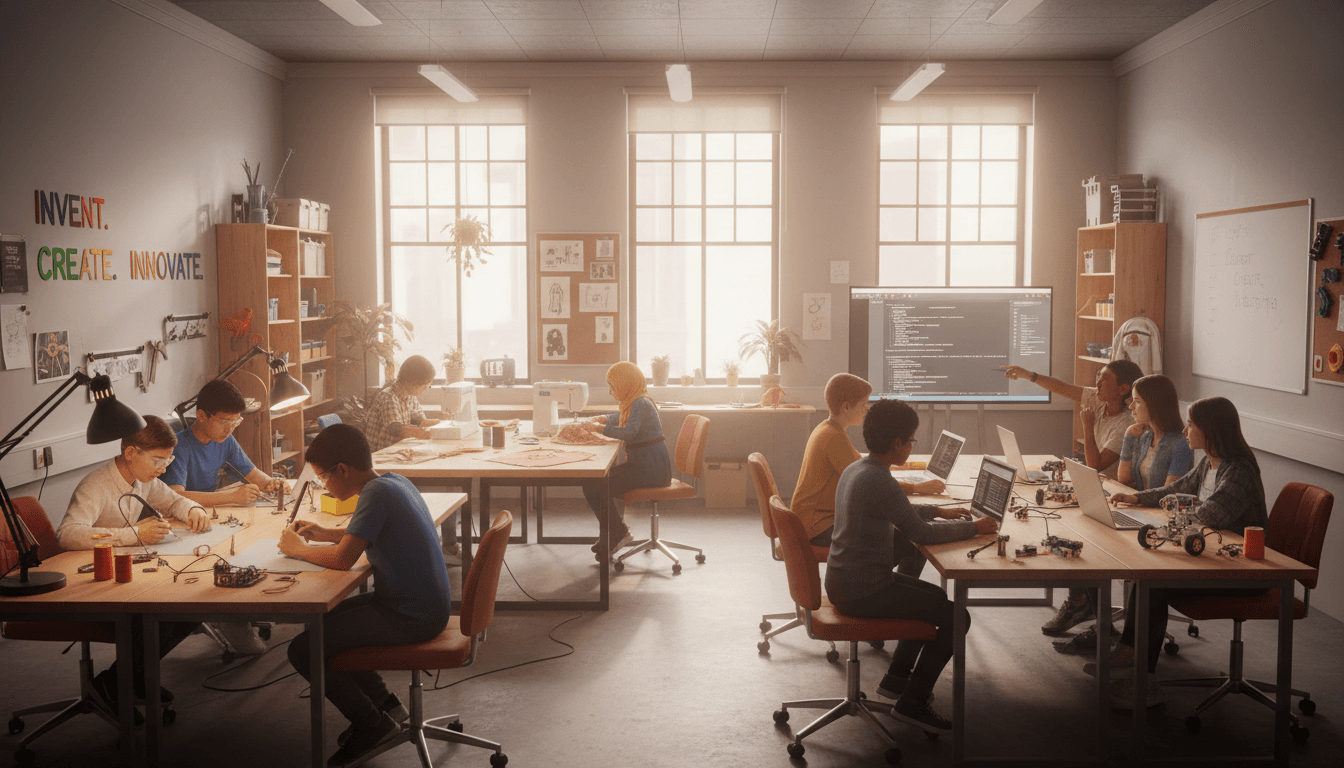
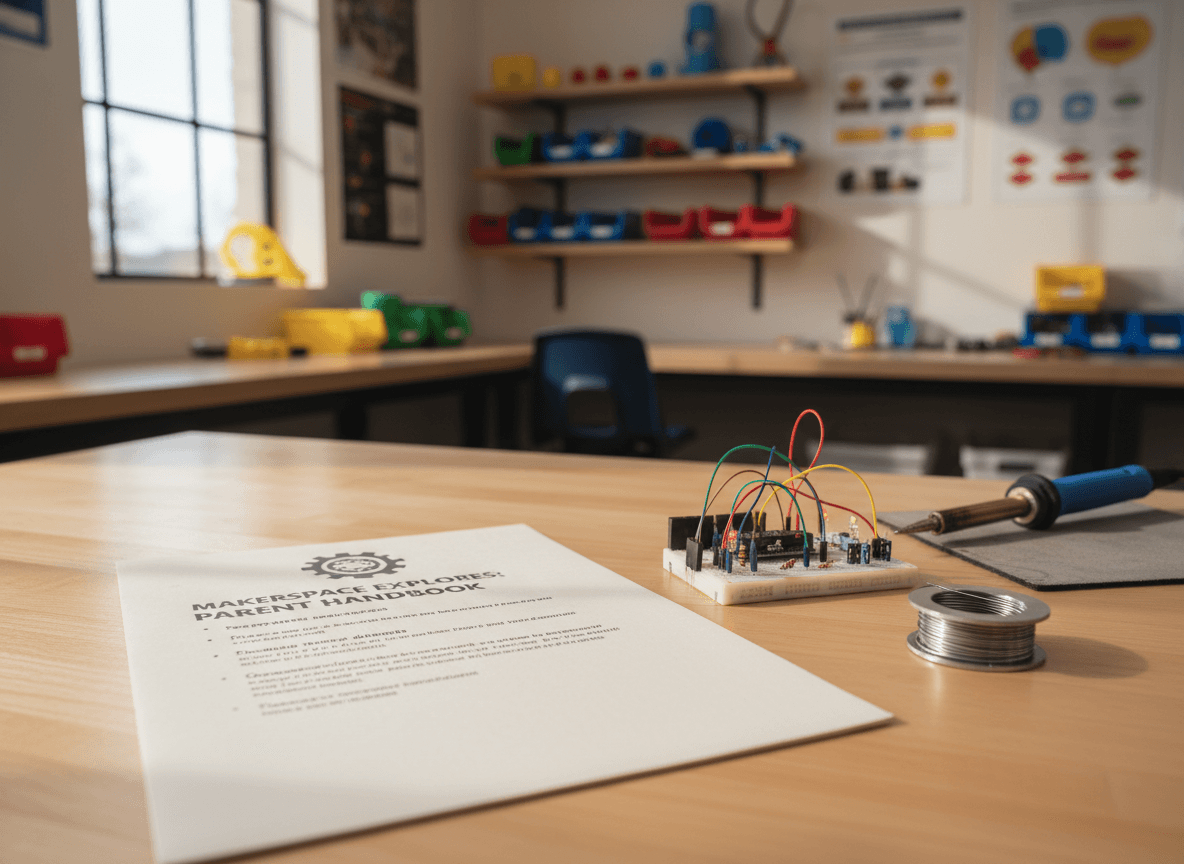
A makerspace is a part of the library set up for hands-on building, testing, and breaking things on purpose. It usually has a mix of low-tech materials (cardboard, tape, fabric, basic tools) and higher-tech tools (circuits, microcontrollers, 3D printers, sometimes a sewing machine or a small soldering station). The space is built for process, not product.
Tinkering vs project-based making
Both belong in a makerspace and they teach different things.
Tinkering is open-ended. A kid sits at the table, picks up a broken alarm clock, and takes it apart to see what is inside. The goal is curiosity. There is no plan, no target, no rubric. A third grader can spend 25 minutes pulling apart a clock and sorting the gears by size and leave with no finished product and a real understanding of how the clock worked.
Project-based making has a target. Build a chair out of cardboard that holds a textbook for 30 seconds. Code a robot to navigate a three-turn maze. Sew a small pouch with a working zipper. Project-based making teaches persistence, planning, and how to recover from a mid-project setback.
The no-instructions station
Every good makerspace has one. A table with safe materials, no model, no steps, and a small sign that says "figure something out". For the first ten minutes, kids who have been in school their whole lives resist it. They want directions. By minute fifteen they are building things nobody asked for, and those are the projects that show up in the parent conferences. The no-instructions station is where the school's most rigid rule-followers learn to invent.
Why failure is the lesson
A circuit that does not light is a learning event. A circuit that works the first time is a check mark on a worksheet. Makerspace teachers protect failure on purpose. They do not jump in to fix. They ask "what do you think went wrong" and wait. The kid who debugs their own circuit for ten minutes and finally finds the loose wire learned more about electricity than the kid whose teacher just rewired it.
Example: "A fifth grader in the makerspace built a 3D-printed clip for the front desk announcement sign. The first version was too thin and snapped. The second was too thick and would not slide on. The third worked. Three prints, two failures, one success. The third version is still on the desk."
What parents can do at home
Three small moves. Do not jump in to fix. Ask "what do you think went wrong" before suggesting anything. And keep at least one no-instructions container at home: a shoebox of safe materials, no plan attached. The same moves the makerspace teacher makes are the moves that work in a kitchen.
Why the library runs the makerspace
Because the makerspace and the library teach the same thing in different mediums. Both are about asking a question, finding what you need to answer it, trying things, failing, and trying again. Books are one medium. Cardboard and circuits are another. The librarian who teaches research is the right person to run the space where kids learn to build.
How Daystage helps with makerspace pedagogy newsletters
Daystage lets you build a pedagogy explainer template with sections for tinkering, project-based making, the no-instructions station, and the failure-as-lesson piece. You write it once and refresh the examples each year as new student projects come through. Parents who read it stop asking what their kid built today and start asking what they figured out.
Get one newsletter idea every week.
Free. For teachers. No spam.
Frequently asked questions
What is the difference between a makerspace and an arts and crafts room?
A makerspace teaches a process, not a product. The kid leaves with a skill or a hard-won failure, not necessarily a finished thing to bring home. An arts and crafts room is built around the product, with a model on the wall and steps to follow. Both have value. Makerspaces are intentionally messier because the mess is part of the lesson.
What is the difference between tinkering and project-based making?
Tinkering is open-ended exploration with no fixed outcome. A kid sits at the no-instructions station, picks up a broken alarm clock, and takes it apart to see what is inside. Project-based making has a target: design a chair that holds a textbook, code a robot to navigate a maze. Both belong in a makerspace. Tinkering builds the curiosity. Projects build the persistence.
Why intentionally include a no-instructions station?
Because kids who only follow steps lose the ability to try things on their own. The no-instructions station is just a table with safe materials and a sign that says 'figure something out'. Kids resist it for the first 10 minutes, then build the most creative work in the room. It teaches that not knowing what to do is the starting point of making, not a problem to solve.
Why is failure considered the lesson?
Because the moment a kid's circuit does not light up is the moment they actually start thinking. If everything works the first time, the kid learned to follow steps. If the circuit fails and they have to debug, they learned how electricity works. Makerspace teachers protect failure on purpose. Frustrated kids are learning. Bored kids are not.
What tool keeps a makerspace pedagogy newsletter easy to send?
Daystage lets you build a pedagogy explainer template with sections for tinkering, project-based making, the no-instructions station, and the failure-as-lesson piece. You write it once and refresh the examples each year as new student projects roll through. Parents who read it stop asking 'what did my kid make today' and start asking better questions.

Adi Ackerman
Author
Adi Ackerman is a former classroom teacher and curriculum writer with 8 years in K-8 schools. She writes about school communication, parent engagement, and what actually works in real classrooms.
More for School Librarian
Ready to send your first newsletter?
3 newsletters free. No credit card. First one ready in under 5 minutes.
Get started free