
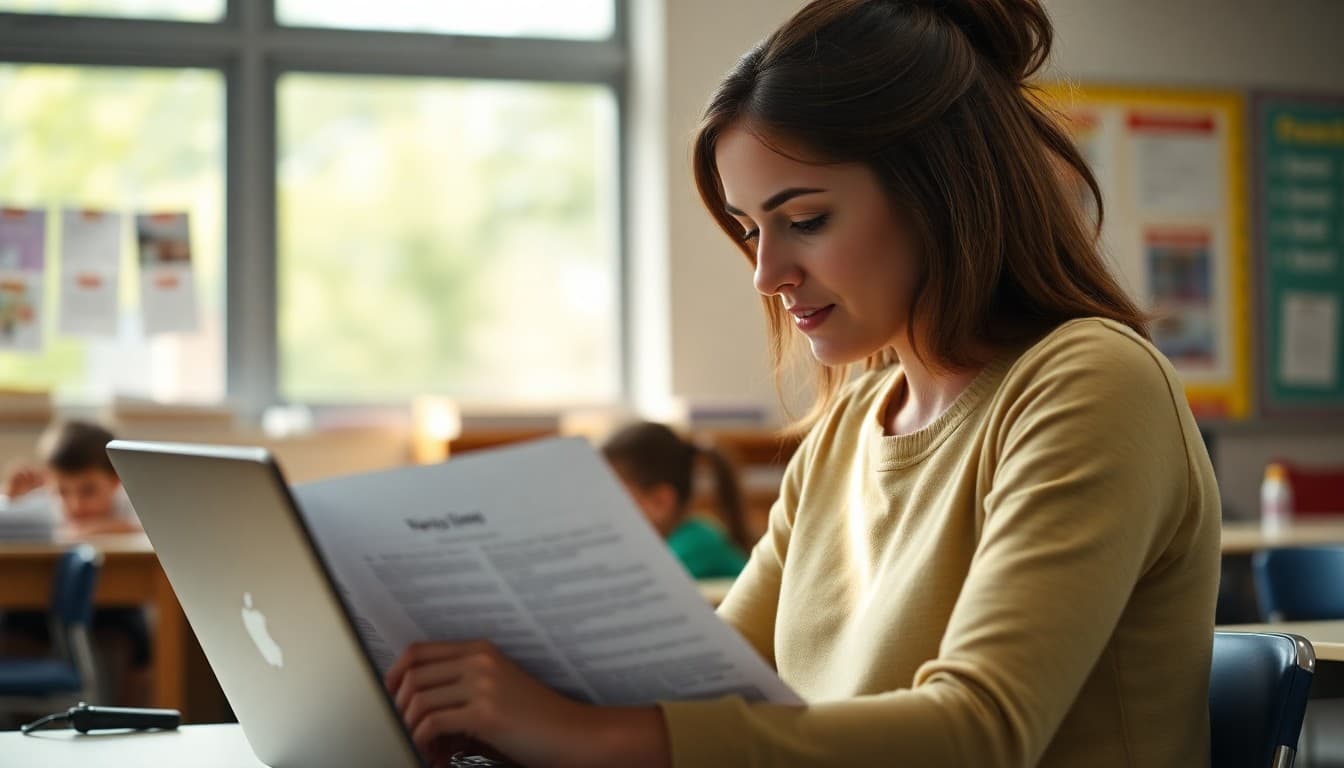
Teacher Newsletter Technology Update: Communicating Edtech Use to Families
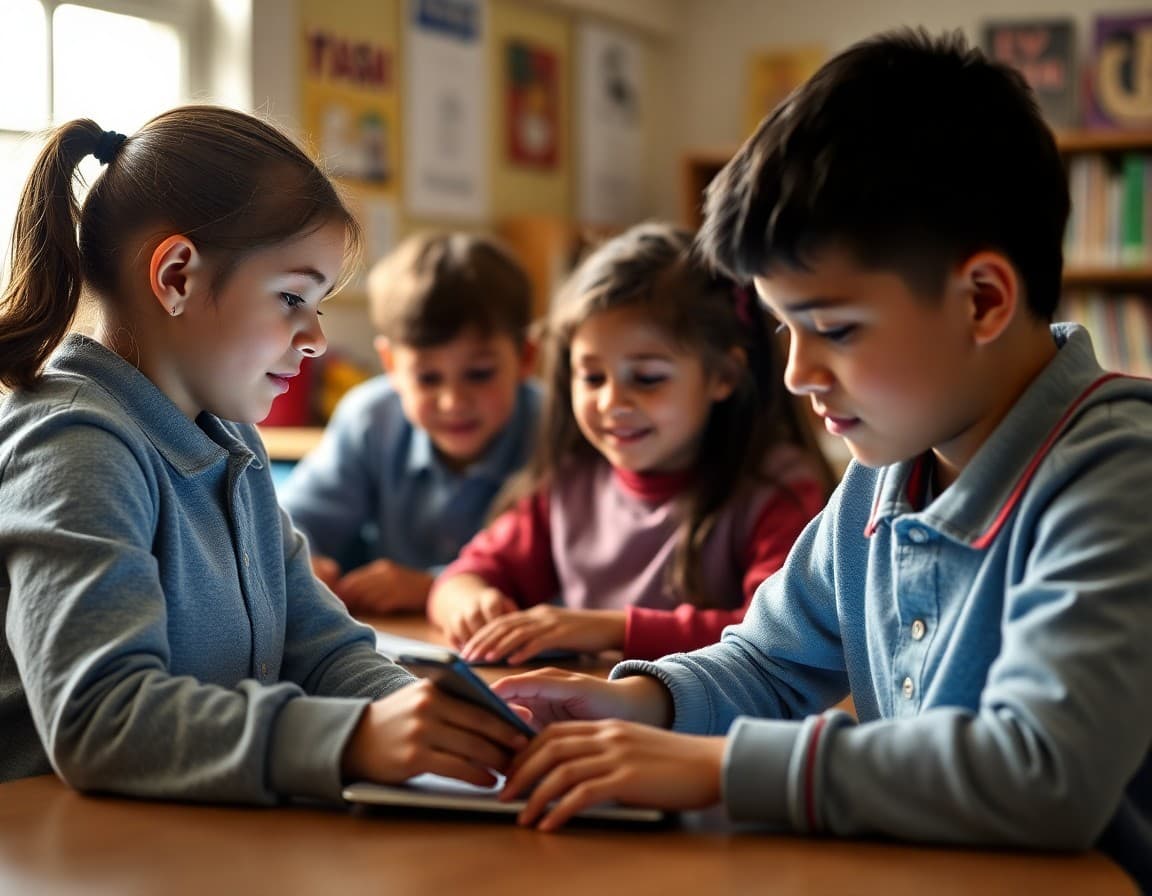
Technology is one of the topics families most want to understand and least often receive clear communication about. Parents worry about screen time, data privacy, and whether their child is learning real skills or just playing games on a Chromebook. A technology update in your newsletter can address these concerns directly while also inviting families to support the tech skills students are building.
Name the Platforms and Explain the Purpose
Do not assume families know what Google Classroom, Seesaw, Newsela, Khan Academy, or any other platform does. Name the specific tools students are using this month, explain in one sentence what each one is for, and note whether families can access it at home. Families who understand what their child is using are less anxious about it and better able to support learning that extends to the home platform.
Login Information and Home Access
If students have access to school platforms from home, include the login URL, the username format, and a reminder about where to find their password. Even if students already know this, having it in the newsletter means families have it too. A simple table with platform name, login URL, and who to contact if there are access problems is one of the most practical things you can include in a technology newsletter.
Digital Citizenship Skills
Technology instruction at its best includes explicit digital citizenship education: how to evaluate sources, how to protect privacy online, how to communicate respectfully in digital spaces, and how to manage screen time intentionally. When you describe the digital citizenship skills your class is working on, families can reinforce those skills at home. A conversation about "how do you know if a website is reliable?" is genuinely useful for students who are starting to do independent research.
Addressing Screen Time Concerns
Screen time is a real concern for many families, and dismissing it does not build trust. Acknowledge it directly: the technology students use in school is purposeful and supervised, which is different from passive entertainment screen time. When specific tools are used for specific learning purposes, the research on educational benefit is different from research on recreational screen time. Give families this context and invite them to share concerns.
AI in the Classroom
AI tools are now part of many classrooms, and families have strong and varied opinions about them. A newsletter that clearly explains whether AI tools are used, how they are used, what guidelines students follow, and how teachers distinguish between productive AI assistance and academic dishonesty treats families as intelligent stakeholders who deserve honest communication. Avoiding this topic because it is complicated does the opposite.
Privacy and Data Collection
Families have legitimate concerns about what data digital platforms collect from their children. The newsletter is not the right place for a full privacy policy, but it is appropriate to note that the district reviews and approves all classroom technology for compliance with FERPA and COPPA, and to offer a direct contact for families with specific data privacy questions.
Home Device Expectations
If homework requires device access and not all families have reliable home internet or devices, the newsletter should acknowledge this and describe what resources are available: school device lending, local library wifi, or printed alternatives. Assuming universal home internet access alienates families who are dealing with real connectivity challenges.
Get one newsletter idea every week.
Free. For teachers. No spam.
Frequently asked questions
What should a technology update in a classroom newsletter include?
Which digital platforms students are using and what they are used for, any login information families need to access home extensions of school platforms, digital citizenship skills being taught, and any screen time policies or guidelines that affect homework.
How do you address parent concerns about screen time in a newsletter?
Acknowledge the concern directly, explain the educational purpose of specific technology use, and share any relevant research on purposeful versus passive screen time. Giving families context for why technology is used helps them distinguish between productive school tech use and recreational screen time.
How do teachers communicate about new digital platforms in newsletters?
Introduce the platform by name, explain what students use it for and what age-appropriate data it collects, describe how teachers monitor student use, and include the login URL or QR code if families can access it at home. Privacy concerns are legitimate and deserve direct acknowledgment.
How should teachers address AI tools in classroom newsletters?
Be direct about whether and how AI tools are used in your classroom, what guidelines students follow, and how the school distinguishes between productive AI assistance and academic dishonesty. Families have strong and varied opinions about AI in schools, and transparency builds trust regardless of their position.
What tool works best for technology-focused classroom newsletters?
Daystage is itself a good example of purposeful edtech: it handles newsletter creation, distribution, and family communication in a platform specifically designed for schools. Using it for technology newsletter updates demonstrates what purposeful educational technology looks like.

Adi Ackerman
Author
Adi Ackerman is a former classroom teacher and curriculum writer with 8 years in K-8 schools. She writes about school communication, parent engagement, and what actually works in real classrooms.
More for Professional Development
Classroom Newsletter Ideas That Parents Actually Read and Save
Professional Development · 6 min read
Teacher Newsletter for Parent Engagement: What Actually Works
Professional Development · 6 min read
Technology Training Newsletter: Getting Teachers to Actually Use the Tools You Introduce
Professional Development · 6 min read
Ready to send your first newsletter?
3 newsletters free. No credit card. First one ready in under 5 minutes.
Get started free