

Principal Newsletter: Social Media Guidelines for School Families
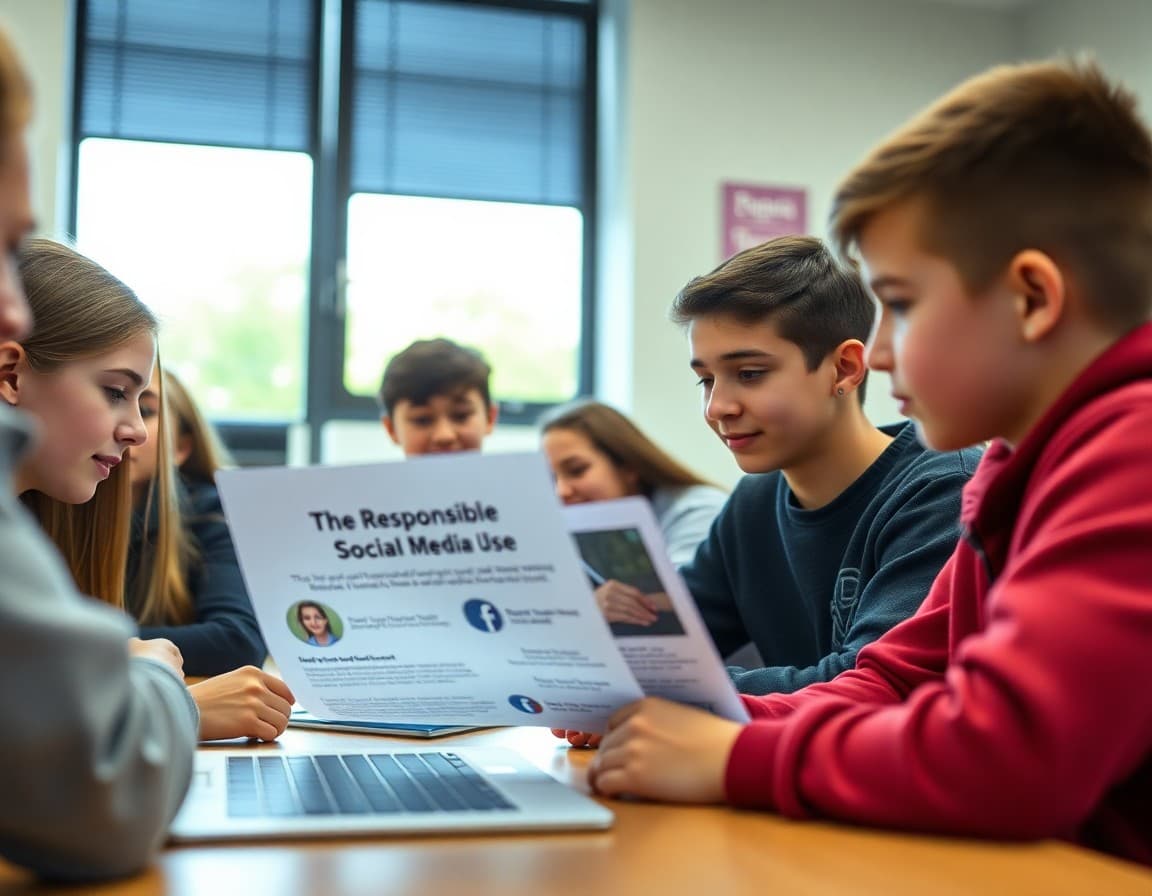
School social media guidelines newsletters have a reputation for being preachy. Families who feel lectured about their online behavior stop reading. The better version of this newsletter speaks to shared values, gives clear practical guidance, and trusts families with the reasoning rather than just the rules.
Lead With the Community You Are Trying to Protect
Start from the shared interest. The school community is online as well as in the building. What happens in parent groups, on school social media pages, and in students' feeds affects the experience of everyone in the building the next morning. You are not issuing guidelines to control families. You are sharing them to protect the community that families care about.
Name the Specific Situations You Are Addressing
Vague guidelines do not change behavior. Specific ones do. Address the most common situations: posting photos from class events that include other students without consent. Using parent communication groups to process grievances about specific teachers or staff. Sharing unverified rumors about school incidents. Commenting on student social media posts in ways that feel intrusive to students. Name these situations directly so families can recognize them and make different choices.
Explain the Photo Consent Issue Specifically
Many families do not realize that posting a group photo from a school event, including the faces of other students, puts the school in an uncomfortable position with families who have opted out of media consent. Explain that the school has students whose families have explicitly requested that their child not appear on social media, and that a well-intentioned photo can create real problems for those families.
This is not about restricting family expression. It is about protecting students whose families have made a specific and important choice.
Describe What Belongs in Parent Groups and What Belongs Elsewhere
Parent communication groups work best for logistics: weather closures, event reminders, lost items, carpool coordination. They become problems when they become forums for concerns about specific staff, discussions of student discipline situations, or campaigns around school policy decisions. Guide families toward using those groups for their strongest purpose and using the school's direct channels for everything else.
Give Families a Path for Online Safety Concerns
If a family sees something online that affects the school community, give them a specific reporting path. Who to contact, whether to preserve evidence, and what the school can act on versus what requires the student to bring the concern to law enforcement. Families who know the pathway report concerns before they escalate.
Name the Student Social Media Guidelines Separately
A brief reference to student guidelines, directing families to the student handbook or a separate communication, keeps the family guidelines focused while acknowledging that students' online behavior is a parallel topic. Daystage makes it easy to link to supporting documents directly from the newsletter.
Get one newsletter idea every week.
Free. For teachers. No spam.
Frequently asked questions
What social media behaviors should school guidelines address for families?
Posting photos or videos that include other students without those families' consent. Discussing specific students, teachers, or staff in school-affiliated parent groups. Sharing confidential school information in public forums. Engaging with student social media accounts in ways that blur appropriate adult-student boundaries. Using parent communication groups to organize opposition or spread unverified information about school matters.
How do I communicate social media guidelines without sounding like I am policing parent behavior?
Frame the guidelines around shared community values rather than rules. Lead with the goal: a school community where everyone feels safe in digital spaces as well as physical ones. Families who understand the 'why' behind guidelines are more likely to apply them than families who feel managed.
How do I address the class parent group or school Facebook page situation?
Give clear guidance on what kinds of information belong in those spaces and what should go to the school directly. Parent communication groups are valuable for logistics but become problems when they become forums for grievances, rumors, or social pressure. Name this clearly without being punitive.
Should the newsletter address what families should do if they see something harmful online?
Yes. Give families a specific pathway: what to screenshot, who to contact at school, and what the school can and cannot do depending on whether the content was posted from a school device or during school hours. Families who know the pathway report issues faster.
What tool helps principals send newsletters efficiently?
Daystage is built for school newsletters. A social media guidelines communication with clear sections and contact details can be formatted and sent to all families in one step.

Adi Ackerman
Author
Adi Ackerman is a former classroom teacher and curriculum writer with 8 years in K-8 schools. She writes about school communication, parent engagement, and what actually works in real classrooms.
More for Principals
Ready to send your first newsletter?
3 newsletters free. No credit card. First one ready in under 5 minutes.
Get started free