
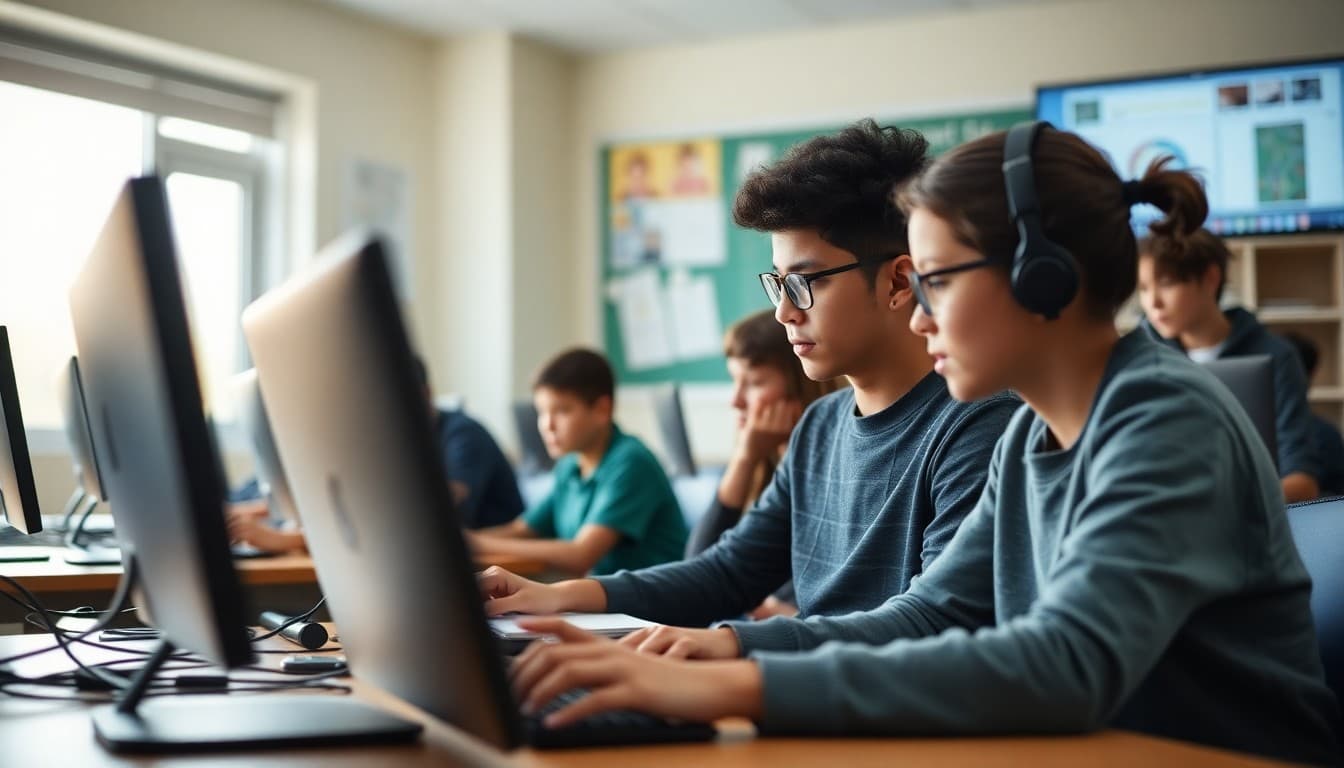
Principal Newsletter: Digital Citizenship Week Communication for Families

Digital Citizenship Week is the annual moment when the whole school focuses on what it means to use technology responsibly and ethically. The principals who get the most out of it treat it as a launch for a year-round conversation, not as a one-week box to check.
What happens during Digital Citizenship Week
Your newsletter should describe what students are doing in class during the week. Elementary students are learning what information is safe to share online. Middle school students are analyzing their digital footprint. High school students are studying information credibility and algorithmic bias. Specific descriptions make the week real for families.
How families can participate
Include a family activity in the newsletter. A conversation guide. A challenge: review your family's phone privacy settings together tonight. Ask your child to explain what a digital footprint is. Families who receive something to do are more engaged than families who receive something to read.
Common Sense Media as a family resource
Direct families to Common Sense Media's free parent resources. The organization produces grade-level guides for families on every digital citizenship topic from screen time to social media to privacy. A newsletter that points families to these resources does more than any single classroom lesson can.
Connecting to the technology acceptable use policy
Digital Citizenship Week is a good time to remind families of the school's technology policy. Link to the policy in the newsletter. Explain the key points. Families who understand the policy in the context of learning rather than as a legal document are more likely to support it at home.
Year-round digital citizenship in the newsletter
The most effective digital citizenship programs are not confined to one week. Your newsletter can include a monthly digital citizenship tip: this month's focus is managing screen time before bed. A brief, consistent monthly mention keeps the topic alive throughout the year.
Student projects and community sharing
When students create digital citizenship projects during the week, share them in the newsletter. A student-made video about online kindness is a more powerful communication than any policy statement. With family permission, sharing student work publicly honors their learning and extends the conversation to families who missed it in class.
Get one newsletter idea every week.
Free. For teachers. No spam.
Frequently asked questions
When is Digital Citizenship Week and how should a principal prepare families?
Digital Citizenship Week is typically the second week of October, organized by Common Sense Media. Send a newsletter the week before explaining what students will be studying and how families can extend the conversation at home. Preparation in advance is more effective than a mid-week announcement.
What should students be learning during Digital Citizenship Week?
Grade-level appropriate topics include online safety and privacy for younger students, managing digital footprint and reputation for middle school students, and evaluating information sources and ethical digital communication for high school students. Your newsletter should name the specific focus for your grade levels.
How do principals extend Digital Citizenship Week learning into families' homes?
Include specific conversation starters and family activities in your newsletter. Ask your child what their digital footprint is. Talk about what information is safe to share online. Review your family's privacy settings together. Families who receive concrete activities in the newsletter are more likely to have the conversation.
What resources should a principal link in the Digital Citizenship Week newsletter?
Common Sense Media's free family guides, the school's technology acceptable use policy, and any grade-specific resources the teacher will use. A newsletter with embedded resource links is more useful than one that lists website names without links.
How can Daystage help principals communicate tech education programs?
Daystage makes it easy to embed resource links and include student project examples in the newsletter. A Digital Citizenship Week newsletter that includes a student's poster about online safety, shared with family permission, is more engaging than a newsletter that only describes the curriculum in text.

Adi Ackerman
Author
Adi Ackerman is a former classroom teacher and curriculum writer with 8 years in K-8 schools. She writes about school communication, parent engagement, and what actually works in real classrooms.
More for Principals
Ready to send your first newsletter?
3 newsletters free. No credit card. First one ready in under 5 minutes.
Get started free