
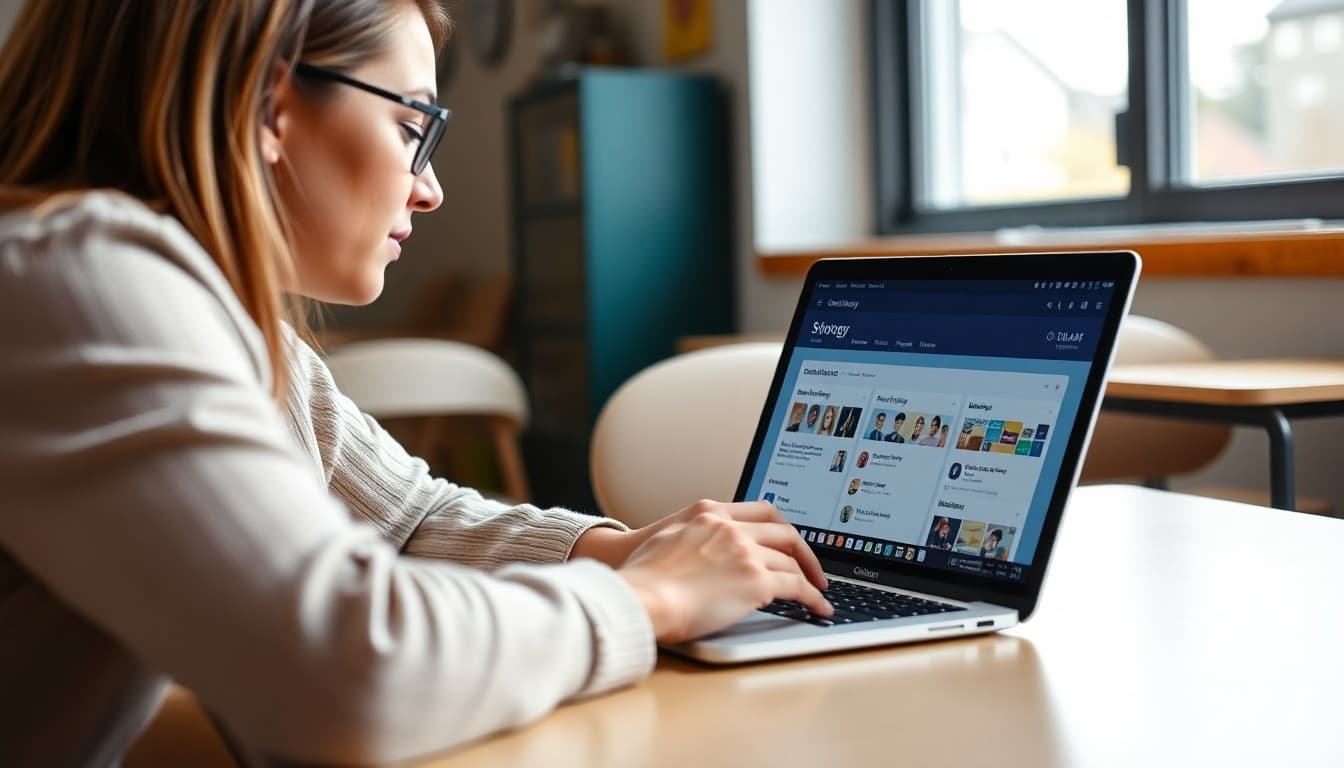
Principal Newsletter: Communicating a Schoology Update to Families
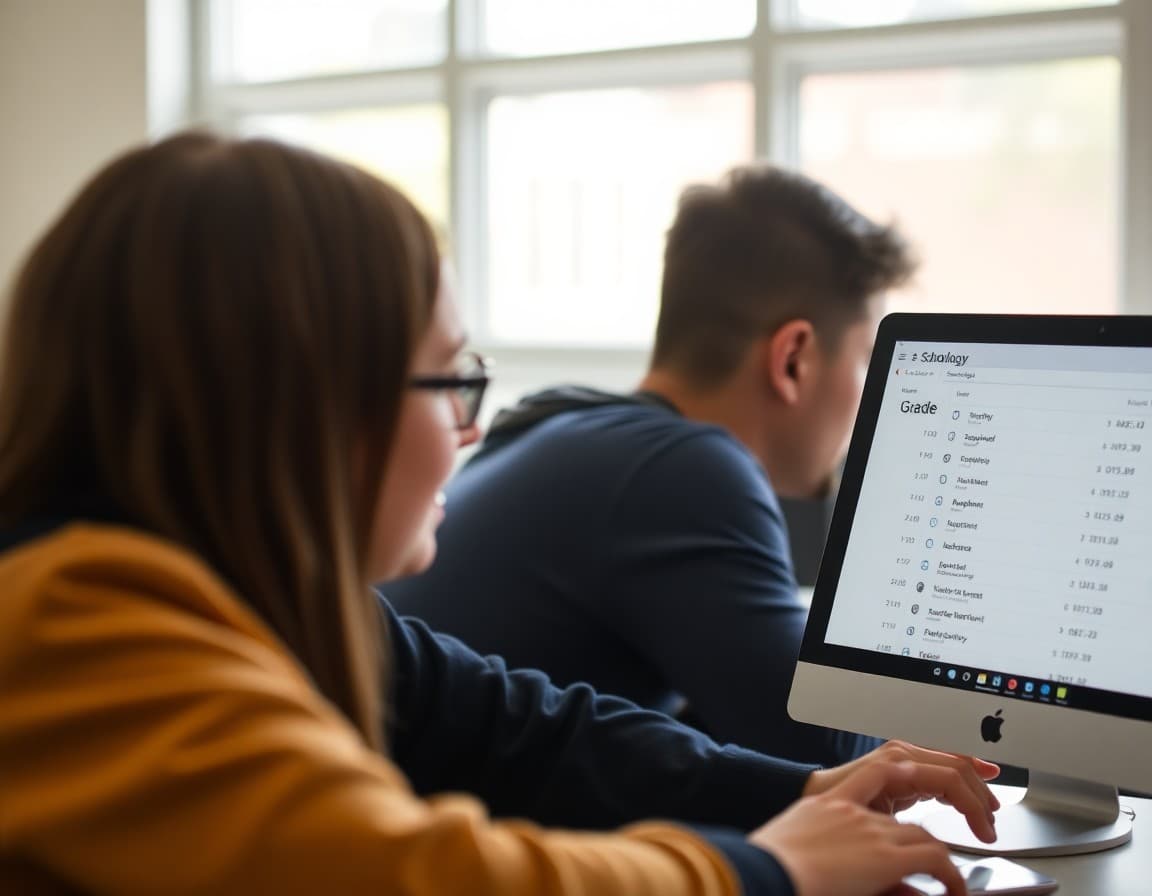
Every time your LMS updates, a portion of your parent community loses access to information they were using the week before. A clear, direct newsletter is the fastest way to close that gap.
What Changed and What Did Not
Start here. Families navigating a platform update are primarily trying to find the things they already knew how to find. Tell them what is in the same place and what moved. If the gradebook is now under a different menu, say where. If assignment notifications look different, describe the new format. The frustration of an update is not the change itself but the disorientation of not knowing where things went. Reduce that specifically.
How to Log In or Set Up a New Account
Include step-by-step login instructions every time you send an LMS-related newsletter. Some families still have not set up an account. Some set one up and forgot the password. Some have a new email address since they last logged in. Providing instructions every time is not redundant. It is access equity. The family who finally figures out how to log in because you included instructions again in this newsletter will use the platform from that day forward.
Finding Grades, Assignments, and Messages
Walk families through exactly where to find the three things they care about most. Use numbered steps. Include the menu path in plain language. If your district allows screenshots, include one. Families who try to navigate the platform without guidance and fail are less likely to try again. Families who receive a clear walkthrough in the principal's newsletter are more likely to succeed and more likely to remain engaged throughout the year.
Parent View versus Student View
Explicitly name the difference between the parent portal and the student account. Many families log in to their child's student account because they do not know a parent account exists or how to set one up. The parent account typically shows different information and has different permission settings. If your update changed anything about the parent account specifically, describe it.
Addressing Families Without Home Internet
A newsletter about an online platform needs to acknowledge the families for whom that platform is inaccessible at home. Name the school's alternative access supports. If you provide hotspots, say so. If families can request printed progress reports, include how. If the public library has free computer access, include the address. The goal is that every family, regardless of device or connectivity, has a path to their child's academic information.
Who to Call When It Does Not Work
Provide a specific name and contact, not a generic help desk email. Something like: if you cannot log in or cannot find what you are looking for, call our technology assistant, Ms. Rivera, at [phone] or email [address]. When families know there is a real person available to help them, they are less likely to give up. When the only option is a generic ticketing system, many families do.
Using Daystage for Tech Update Communication
Daystage makes it easy to build a structured how-to newsletter with numbered steps, contact information, and links to support resources. You can track which families opened the message and follow up with non-openers directly before the next time they encounter the platform change without guidance.
Get one newsletter idea every week.
Free. For teachers. No spam.
Frequently asked questions
What should a principal newsletter about a Schoology update include?
Name what changed in the platform. Describe how families access the new features. Explain what stayed the same. Provide step-by-step login instructions for families who have not used the system before. Include a contact for technical support.
How do you explain an LMS update to families who struggle with technology?
Use plain language and avoid all platform-specific jargon. Include screenshots if possible. Name a specific staff member families can call for help. Consider offering a brief family tech night before or after a major update. Families who can access the platform are more engaged than families who cannot.
What do parents most want to access in Schoology?
Grades, assignment due dates, teacher messages, and course materials are the top family priorities. Your newsletter should show families specifically how to find each of these. The parent view is different from the student view, so describing the parent dashboard specifically is important.
How do you handle families who do not have internet access?
Name the alternative access points available: school library computers, public library access, a school-issued hotspot program, or printed progress reports on request. A newsletter about an online platform needs to acknowledge the families for whom that platform is not accessible.
What tool helps principals send newsletters efficiently?
Daystage makes it easy to build a technology update newsletter with step-by-step instructions, screenshots, and support contacts. You can track whether families opened the message and follow up with those who did not to make sure no family is left behind during the transition.

Adi Ackerman
Author
Adi Ackerman is a former classroom teacher and curriculum writer with 8 years in K-8 schools. She writes about school communication, parent engagement, and what actually works in real classrooms.
More for Principals
Ready to send your first newsletter?
3 newsletters free. No credit card. First one ready in under 5 minutes.
Get started free