

Principal Newsletter: Announcing a New Library Maker Space to Families
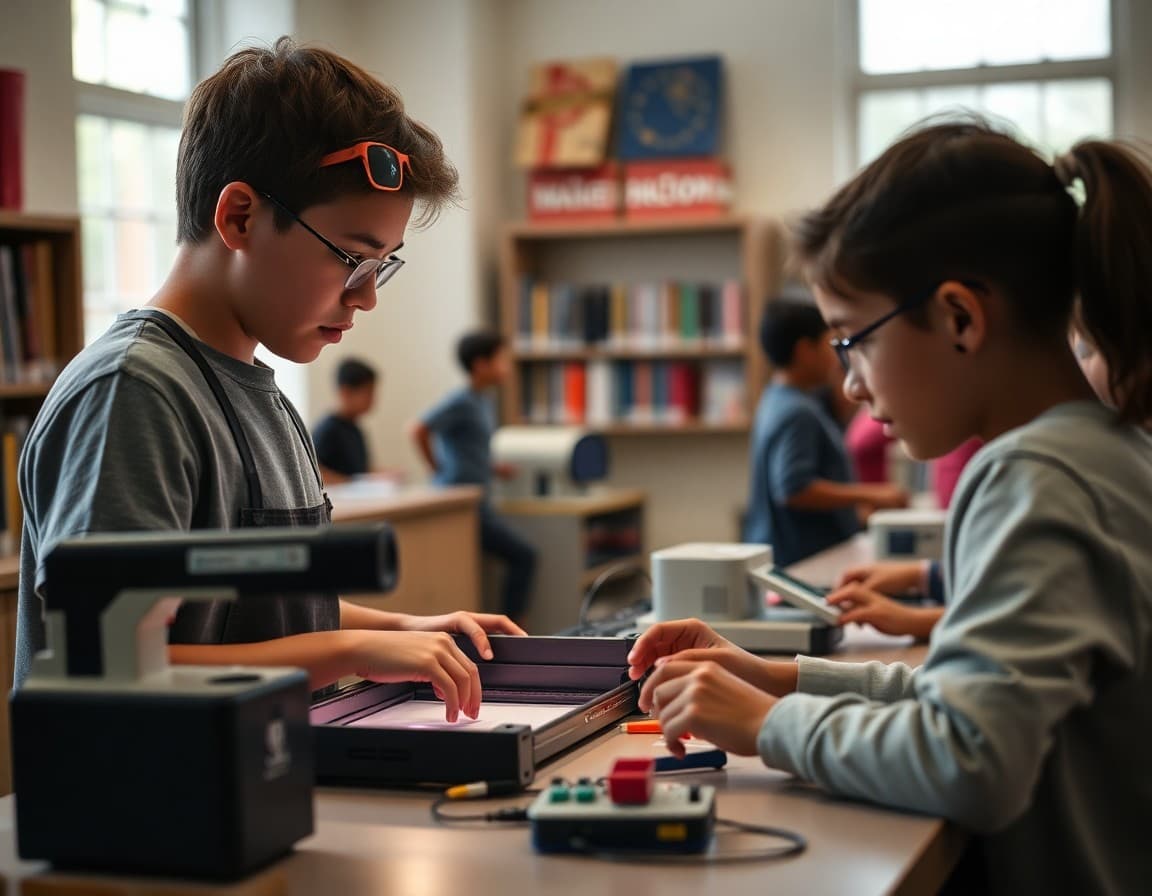
A maker space is a bet that students learn better when they build something real. Your newsletter is the announcement that this bet has been placed and that every student in the building has access to the table.
What the Maker Space Contains
Be specific about equipment. A 3D printer, laser cutter, vinyl cutter, electronics workbenches, sewing machines, wood working tools, coding stations, or craft and design materials are all possibilities depending on your setup. Name what you actually have. Families who can picture the equipment can picture their child using it. Vague descriptions of a creative space leave families uncertain whether this is an art room or something genuinely new.
How Students Access It
Describe the access model clearly. Open library hours available to any student, integration into specific class curricula, after-school club access, or reservation-based individual use are all common models. If students need a brief orientation before using certain equipment, explain what that involves and how they sign up. Accessibility matters. A maker space that only a small group of students knows how to access is not serving its purpose.
Connection to Curriculum and Standards
Families who see the maker space as an enrichment add-on will support it differently than families who understand it as a place where academic skills are practiced in applied form. Name the specific curriculum connections. An engineering challenge in the maker space connects to Next Generation Science Standards. A persuasive design project connects to ELA argument writing. A coding and robotics project connects to computational thinking standards. Make the academic scaffolding visible.
What Students Will Create
Tell families what students are actually going to do there. Describe a few specific projects or activities. If teachers have already designed maker space components into their units, share an example. Families who can picture the project can encourage and celebrate the work their child brings home.
Funding and Acknowledgment
Tell families how the maker space came to be. Grant funding, district investment, community donations, PTA fundraising, and staff grant writing are all worth naming. When families understand what it took to build the space, they use it more carefully and advocate for it more strongly when budget season arrives. Credit builds community ownership.
The Open House
If you are hosting a maker space open house for students and families, include that in the newsletter. An invitation to come see the equipment, try a short activity, and meet the librarian or maker space coordinator is one of the highest-return events a school can host when it opens a new facility. Include an RSVP link and the date.
Using Daystage for the Launch
Daystage makes it easy to build an exciting announcement newsletter with equipment photos, a project gallery, and an open house RSVP link. You can track family interest through click data and use that information to understand which families are most engaged with hands-on learning programming. That data informs future communications and events.
Get one newsletter idea every week.
Free. For teachers. No spam.
Frequently asked questions
What should a principal newsletter about a library maker space include?
Describe the equipment and materials available, how students access the space, what activities and projects are possible, how it connects to curriculum, and who oversees it. Include photos if you have them. Tell families when the space opens and any guidelines for use.
How do you explain the educational value of a maker space to skeptical families?
Connect it directly to skills. Design thinking, problem solving, prototyping, and iteration are all skills built in maker spaces that appear on college and employer lists of valued competencies. Name the specific projects students will complete and how those connect to academic standards or career pathways.
Who can use the library maker space?
Describe the access model clearly: whether it is available to all students during open library hours, used for specific class periods, reserved for clubs, or open for free use before and after school. If there is a waitlist or reservation system, explain how it works.
How do you fund a library maker space and should you mention it in the newsletter?
Yes. Transparency about funding builds community appreciation for the resource. If a grant funded it, name the grant. If community donations contributed, thank the donors. If the PTA or PTO fundraised for it, credit them. Families who understand how something was funded feel ownership over it.
What tool helps principals send newsletters efficiently?
Daystage lets you build an exciting maker space launch newsletter with equipment photos, student creation highlights, and access information. You can include a sign-up link for an open house and track family interest in the new resource.

Adi Ackerman
Author
Adi Ackerman is a former classroom teacher and curriculum writer with 8 years in K-8 schools. She writes about school communication, parent engagement, and what actually works in real classrooms.
More for Principals
Ready to send your first newsletter?
3 newsletters free. No credit card. First one ready in under 5 minutes.
Get started free