

How to Start a School Newsletter: A Principal's Step-by-Step Guide
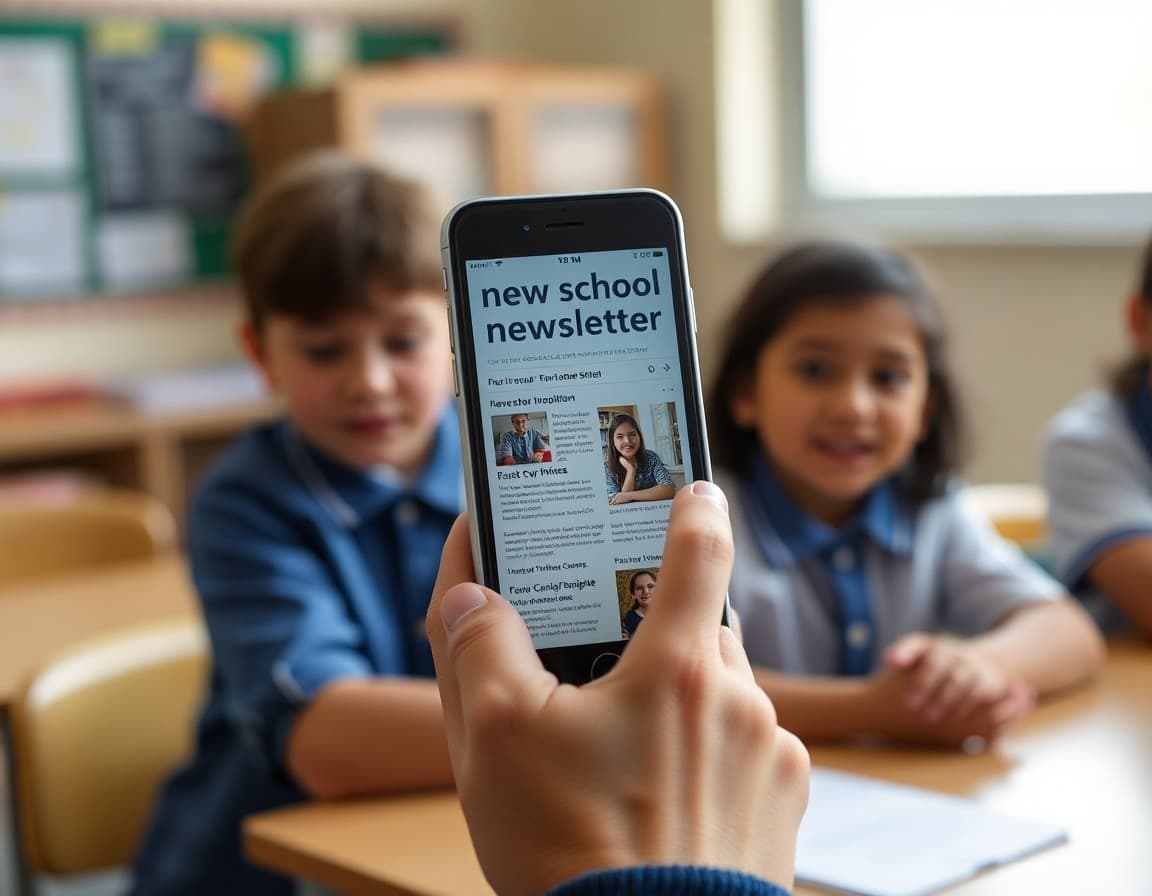
Starting a school newsletter is one of the highest-return investments a new principal can make. It takes effort to set up, but once the habit is built, it runs on its own and pays dividends in family trust, reduced office call volume, and a school community that feels genuinely informed. Here is how to start.
Step 1: Get your contact list together
The technical foundation of any newsletter is a current, accurate family contact list. Your school's student information system should have family email addresses. Work with the office to export this list, check it for obvious errors (common formats: first.last@domain.com; errors: missing @ signs, obvious test entries), and organize it by grade level if possible.
Two list management rules that matter from day one:
- Add new families as they enroll during the year, not just at the start of the year
- Remove families who have withdrawn. Sending newsletters to families whose children no longer attend is wasteful and occasionally problematic.
Step 2: Choose a tool that handles delivery
Most school newsletter failures are not content failures. They are delivery failures. The newsletter goes to spam, or arrives as a PDF attachment, or looks broken on mobile. A proper newsletter tool prevents all three.
For principals, the key requirements are: inline email delivery (not a link to a website), mobile-responsive templates, school branding support, and a simple enough interface that you are not spending an hour on formatting every month.
Daystage is built specifically for school newsletters and meets all of these requirements. Setup takes about 30 minutes including contact list upload and branding configuration.
Step 3: Set your send schedule and announce it
Before you write the first newsletter, decide when you will send it every month. The first Tuesday. The last Friday. Consistency matters more than the specific date.
Then announce the schedule in your first newsletter: 'You will receive this newsletter on the first Tuesday of every month.' This announcement does two things: it creates accountability for you (families will notice if it stops arriving), and it builds the reading habit for families who know when to expect it.
Step 4: Write a first newsletter with real value
The first newsletter should be two things simultaneously: an introduction to the newsletter, and a newsletter with useful content. Do not use the first issue to only announce that there will be future issues. Give families a reason to read it right now.
Structure for the first newsletter:
- A personal introduction from the principal (one to two paragraphs, written as a person, not a credential)
- What this newsletter will cover month to month (one paragraph)
- Two or three pieces of genuinely useful information right now: an upcoming date, a policy reminder, something you observed in the building this week
- How to contact you if families have questions
Step 5: Protect the habit
The first three newsletters are the hardest. The calendar block is new, the template is unfamiliar, and the content feels uncertain. By the fourth newsletter, the system is established. The template duplicates in one click. The content comes from your phone notes. The send takes 20 minutes.
What protects the habit in the first three months: a blocked calendar time that is not negotiable, a format simple enough to complete in one sitting, and a template that does not need to be rebuilt each time. Those three things together are what gets you to newsletter number four, where the habit is real.
Get one newsletter idea every week.
Free. For teachers. No spam.
Frequently asked questions
What do I need to start a principal newsletter?
Three things: a current family contact list (email addresses), a newsletter tool that handles formatting and delivery, and a send schedule you can commit to. Content is not the starting barrier. Most principals have more to say than they think. The barrier is usually the tool and the habit.
How do I build a family email list for the school newsletter?
Your school registration system should have family email addresses. Export the list, clean it for obvious errors and outdated entries, and import it into your newsletter tool. Add new families as they enroll. Update the list at the start of each school year. A clean, current contact list is the most important technical foundation for newsletter success.
What should the very first principal newsletter say?
Introduce yourself and the newsletter. Tell families what they can expect: how often it will arrive, what it will cover, and how to reach you with questions. Include two or three pieces of genuinely useful information right in the first newsletter, so families immediately see its value. Do not make the first newsletter only about the newsletter.
How do I build the habit of sending a newsletter consistently?
Anchor the newsletter to your existing calendar rather than treating it as a separate task. Block two hours on the last Wednesday of every month for newsletter drafting. Send the first Tuesday of the month. Announce the schedule to families in the first newsletter. The announcement creates accountability. The calendar block creates capacity.
What tool helps principals send newsletters efficiently?
Daystage is designed specifically for school principals: it handles contact management, branded templates, and direct email delivery without requiring technical expertise. Starting a newsletter with Daystage takes about 30 minutes of setup, after which each monthly send is duplicating the previous one and updating the content.

Adi Ackerman
Author
Adi Ackerman is a former classroom teacher and curriculum writer with 8 years in K-8 schools. She writes about school communication, parent engagement, and what actually works in real classrooms.
More for Principals
Ready to send your first newsletter?
3 newsletters free. No credit card. First one ready in under 5 minutes.
Get started free