

Pre-K Parent Newsletter: Healthy Screen Time Tips for Families
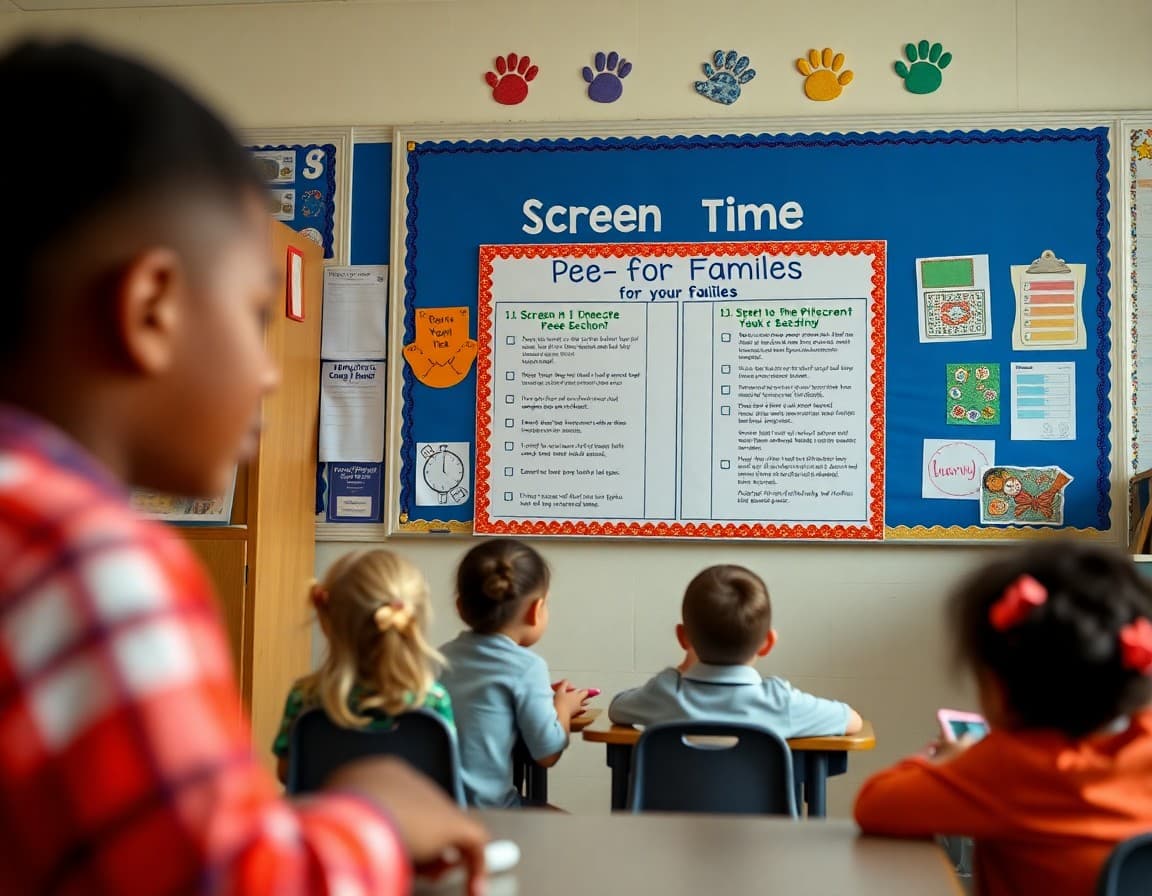
Screens are a fact of life for Pre-K families. The question most parents have isn't whether their child uses screens but whether they are handling it right. A thoughtful newsletter from you, framed with empathy and practical guidance, can give families the clarity they are looking for without making them feel accused of doing something wrong.
Why Screen Time Matters at This Age
The Pre-K years are a critical window for language development, attention regulation, and social learning. Fast-paced screen content can work against all three when it replaces conversation, play, and face-to-face interaction. That said, the goal of your newsletter is not to eliminate screens but to help families use them in ways that support rather than undercut development. That framing changes the whole tone of the conversation.
Co-Viewing Changes Everything
Research consistently shows that children learn significantly more from media when an adult watches alongside them and talks about what they see. A parent watching a nature program with a child and asking “What do you think that animal eats?” creates language and thinking opportunities that passive solo viewing simply does not. In your newsletter, encourage families to make co-viewing the default whenever possible, even for ten or fifteen minutes of the daily screen allowance.
Distinguishing Quality From Junk
Help parents develop a simple screen quality filter. Slow-paced programming with real characters, genuine narrative, and content that connects to real-world experiences tends to be more developmentally appropriate than fast-paced entertainment designed purely to hold attention. Programs that pause and invite the child to respond, like asking a question before giving the answer, are better than programs that rush through content. Give two or three specific program recommendations in your newsletter rather than leaving families to guess.
A Sample Newsletter Excerpt to Copy
“We know screens happen at home. We just want to share one small shift that makes a big difference: watch together when you can. Even sitting next to your child and asking one question during their show, ‘Why is she sad?’ or ‘What do you think happens next?’ adds real learning to the viewing. That conversation is doing language development work your child can't get from the screen alone.”
Screen-Free Alternatives That Are Actually Easy
Families need alternatives that require about the same level of effort as turning on a device. Build a short list in your newsletter: fill a bin with sand or dry rice for pouring and measuring practice, set out play dough with cookie cutters, tape paper to the floor for large-format drawing, or put on music and let the child dance and move. These are not elaborate. They use materials most families have and take about thirty seconds to set up. The easier the alternative, the more likely it gets used at 6 PM on a Tuesday.
Bedtime Screens and Sleep
One concrete guidance point that is both research-backed and immediately actionable is removing screens from the last hour before bed. The blue light from screens suppresses melatonin and makes it harder for young children to fall asleep. A calmer bedtime routine, including a book, quiet play, or conversation, leads to better sleep, and better-rested Pre-K children are more regulated, more curious, and more ready to learn at school. Frame this not as a screen restriction but as a sleep protection strategy.
Handling Pushback From Families
Some families will read a screen time newsletter and feel defensive, especially if they rely on screens for a few minutes of calm during a demanding day. Acknowledge that reality explicitly. Say something like: “We know afternoons are hard and screens give everyone a break. We're not asking for perfection. We're just sharing one or two things that tend to help.” That tone keeps trust intact and keeps families reading your newsletters rather than tuning them out.
Sharing These Tips Through Daystage
Daystage makes it easy to send screen time guidance as part of your regular Pre-K class newsletter without it feeling like a separate lecture. Drop a wellness section into your weekly update alongside classroom news, a photo, and a take-home activity. Families get the guidance in context, paired with what is actually happening in class that week. That integration is what makes these tips feel relevant rather than generic.
Get one newsletter idea every week.
Free. For teachers. No spam.
Frequently asked questions
What does the American Academy of Pediatrics recommend for screen time at Pre-K age?
The AAP recommends limiting screen use to one hour per day for children ages 2 to 5, with an emphasis on high-quality programming and co-viewing whenever possible. Co-viewing means a parent or caregiver watches alongside the child, talks about what they see, and connects it to real life. This dramatically increases what children actually learn from screens compared to passive solo viewing.
Are all screens equally harmful for Pre-K children?
No, and your newsletter can make this distinction clearly. A child video chatting with a grandparent is a social, language-rich experience. A child watching a slow-paced educational program with a parent asking questions is very different from a child playing a fast-paced game alone for an hour. Content quality, pace, interactivity, and whether an adult is present all matter significantly. The category ‘screen time’ is too broad to be useful without these distinctions.
How should teachers bring up screen time without sounding judgmental toward families?
Frame it as information-sharing rather than rule-setting. Acknowledge that screens are a real part of modern family life and that you are not here to judge anyone's choices. Then offer what research says and give families practical alternatives they can actually use. Tone matters enormously in Pre-K newsletters. Families who feel respected are far more likely to try your suggestions than families who feel lectured.
What are good screen-free alternatives to offer in the newsletter?
Outdoor play, building with blocks, sensory bins, drawing, dramatic play with dolls or action figures, and simple cooking tasks with a parent are all engaging alternatives. The key is offering activities that are as accessible as turning on a screen, not activities that require elaborate preparation. When a parent is tired at 5 PM, a suggestion like ‘fill a bowl with dry pasta and small cups for pouring practice’ is far more likely to work than a craft project.
What tool helps teachers send screen time guidance along with their regular class updates?
Daystage lets you embed a wellness tip section inside your regular weekly Pre-K newsletter. You can pair screen time guidance with what the class learned that week and suggest a specific offline activity that extends the lesson. Families receive it directly on their phones, and the advice feels timely and relevant rather than like a generic health handout.

Adi Ackerman
Author
Adi Ackerman is a former classroom teacher and curriculum writer with 8 years in K-8 schools. She writes about school communication, parent engagement, and what actually works in real classrooms.
More for Pre-K
Ready to send your first newsletter?
3 newsletters free. No credit card. First one ready in under 5 minutes.
Get started free