

School Newsletter Welcome Series: How to Onboard New Families the Right Way
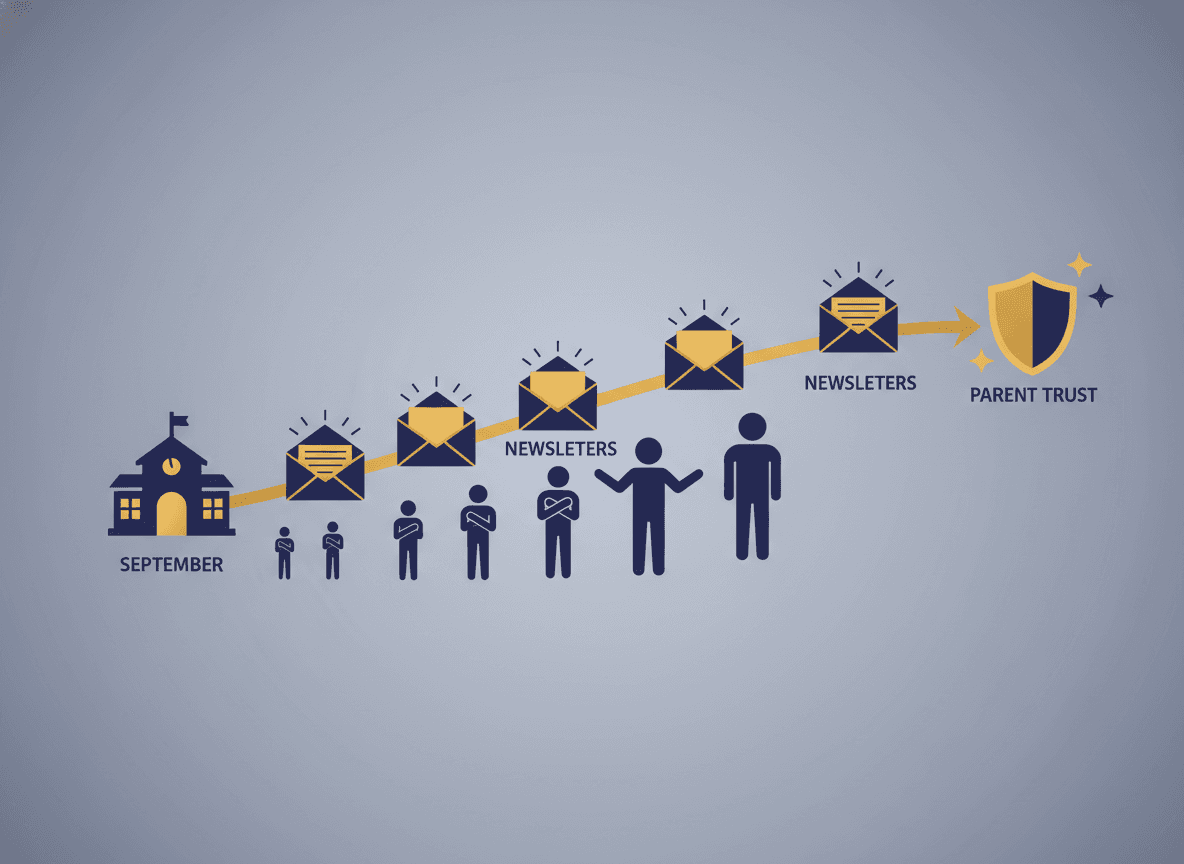
A family who transfers in January is starting from zero. They missed September orientation, October curriculum night, and every newsletter that established the norms and expectations of the classroom. Without an onboarding sequence, they spend the next several weeks asking questions that the existing families already know the answers to.
A welcome series does not replace those conversations. It replaces the need for them.
Email One: The Warm Human Welcome
The first email should feel like a letter from a real person, not an institutional welcome packet. Two to three short paragraphs: who you are, what makes this class a good place for their child, and one specific thing you want them to know before the first week.
"My name is Ms. Reyes and I teach third grade at Lincoln Elementary. I am glad your family is joining us. One thing I want every new family to know: in this class, we celebrate questions. If your child comes home and says they asked a question that seemed silly, that is a compliment."
Include your direct email and the one phone number families can actually use. Tell them when you check email and when to expect a response.
Email Two: The Daily Logistics
The second email covers the practical information that causes the most confusion: what time school starts, where the drop-off entrance is, what the lunch system looks like, how to report an absence, and what the after-school pickup process is.
This email is deliberately practical and brief. Bullet points work well here. Cover each item in one to two sentences. Include the school main office number at the bottom.
Email Three: How to Stay Informed
The third email explains the parent portal, how to see grades and attendance, what the newsletter schedule is and how to add it to their calendar, and where to find the school's emergency communication channel.
Include step-by-step instructions for setting up the parent portal if families have not already done it. "Go to [URL], click 'Create Account,' and use the access code on your enrollment paperwork" is more useful than "Set up the parent portal."
Email Four: How to Get Involved
The fourth and final welcome email is about community. What are the upcoming events this semester? How can families volunteer? Who runs the parent organization and how do they join? Is there a family advisory committee? A classroom helper sign-up?
This email gives families a clear next step beyond just receiving information. Families who take action on welcome email four are significantly more engaged throughout the year than families who only receive the first three.
One Rule for the Whole Series
Every email in the welcome series should feel like it was written by the same person and that person is the teacher. If you use a district template for email three but write emails one and two yourself, the tone shift is jarring. Write the whole series yourself, or align closely with any template so the voice stays consistent from email one through four.
Get one newsletter idea every week.
Free. For teachers. No spam.
Frequently asked questions
What should a school welcome newsletter series cover?
A four-email welcome series covers the essentials without overwhelming families. Email one: warm welcome, who to contact, and how to find you. Email two: daily logistics (schedule, drop-off, lunch, what to do if child is absent). Email three: how to track your child's progress (parent portal, grade access, upcoming report cards). Email four: how to be involved (volunteer opportunities, key events this semester, the parent advisory committee). Space these over two to three weeks.
Should a school send a welcome series to all families at the start of the year, or only to new families?
Both scenarios make sense but require different implementation. An all-families welcome series at the start of the year refreshes existing families on key information and catches mid-year enrollees in the same sequence. A new-family-only sequence triggered by enrollment is more targeted and does not re-send information longtime families already have. Many schools run both: an all-families start-of-year welcome, and an automated new-family sequence for mid-year transfers.
How long should the welcome emails be?
Short. Under 250 words each. New families are managing a lot of information in the first weeks. A short, focused welcome email on one topic per send is more useful than a long onboarding document that covers everything at once. The goal is to give families the right information at the right moment, not to dump everything up front.
How do you write a welcome series that does not feel automated?
Use a personal, first-person voice. Include specific details about this class, this teacher, this year. 'I want to tell you one thing about how my class works before your child's first week' sounds like a person. 'Welcome to [School Name]! As a valued member of our school community...' sounds like a template. Write it the way you would talk to a new family at drop-off.
How does Daystage support welcome series for new families?
Daystage allows schools and teachers to set up automated welcome sequences that trigger when a new family joins the newsletter list. Teachers write the sequence once and Daystage sends the emails on the schedule they set. Every new family gets the same welcome experience regardless of when they enroll.

Adi Ackerman
Author
Adi Ackerman is a former classroom teacher and curriculum writer with 8 years in K-8 schools. She writes about school communication, parent engagement, and what actually works in real classrooms.
More for Parent Engagement
How to Communicate School Schedule Changes to Families Without Confusion
Parent Engagement · 5 min read
How to Use Your School Newsletter to Recruit and Coordinate Parent Volunteers
Parent Engagement · 5 min read
Coordinating School Newsletter and After-School Program Communication for Families
Parent Engagement · 5 min read
Ready to send your first newsletter?
3 newsletters free. No credit card. First one ready in under 5 minutes.
Get started free