
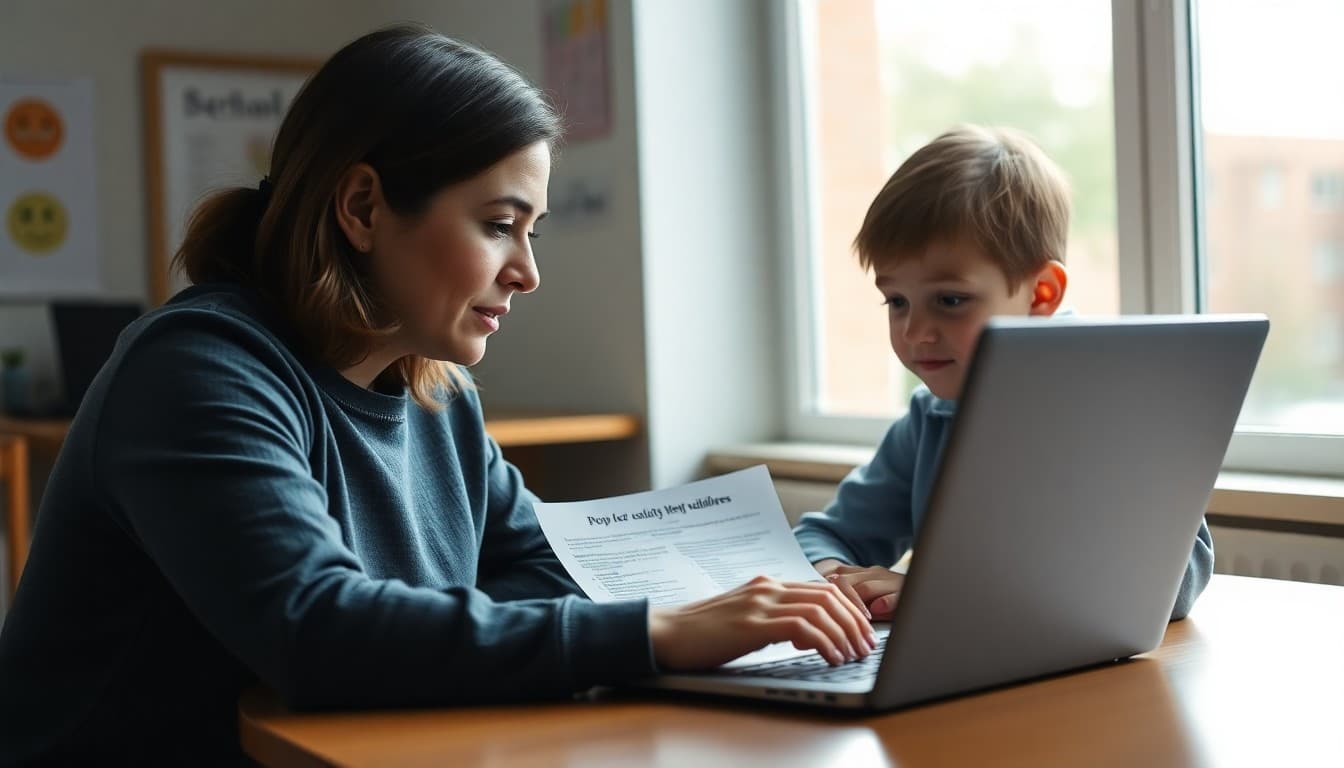
Parent Digital Literacy Newsletter: Internet Safety at Home
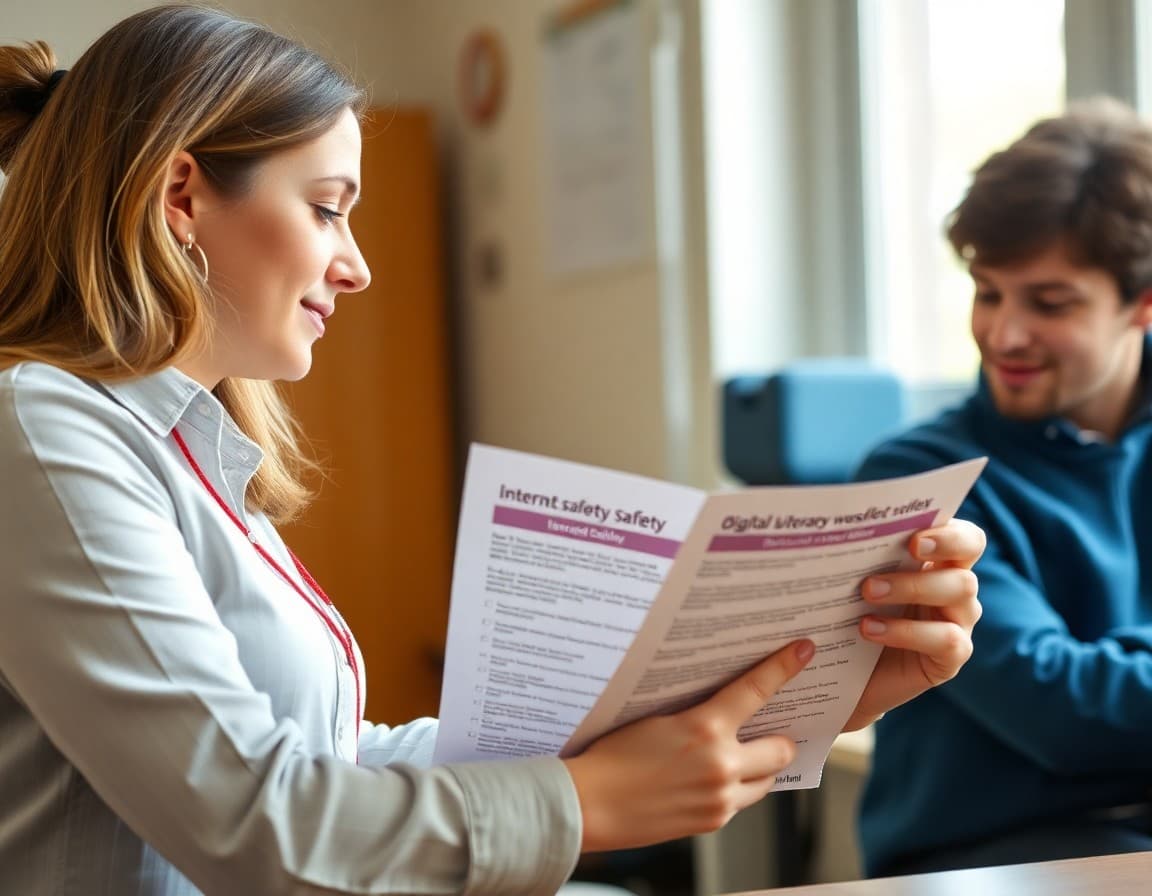
Children today have more access to more internet content at younger ages than at any point in history. Most parents are aware of the risks but unsure of the right response. A parent digital literacy newsletter gives families a clear framework for managing online access at home, explains the tools available, and keeps the conversation productive rather than panicked.
What Parents Actually Need to Know About the Internet
The gap between how children use the internet and how parents understand it has widened significantly in the last decade. Many parents have a general sense that TikTok and Instagram exist but do not understand how the algorithms work, what data is collected, what the age requirements are, or what their child is actually seeing. A newsletter that explains these mechanics, briefly and without condescension, is more useful than a general warning to "be careful online."
Two pieces of information consistently change parent behavior: First, TikTok's algorithm surfaces content based on engagement, not follower choices, which means a 10-year-old can quickly end up watching content their parents would not choose without any deliberate search. Second, most social media platforms have a minimum age of 13, and a significant percentage of children under that age are using them with or without parent knowledge. Parents who understand these mechanics make more targeted decisions about access and monitoring.
Personal Information: What Children Should Never Share
Elementary and middle school children often do not have an intuitive sense of what counts as personal information. Your newsletter should give families a specific, memorable list to review together. Items that should never be shared online without parental discussion: full name and school name together, home address or neighborhood, phone number, age and grade level, location in photos or check-ins, and passwords including "I will tell you in private messages." The combination of school name and grade level is particularly important because it narrows a child's identity significantly and is frequently asked in predatory grooming conversations.
A practice families can use: have your child do a privacy review of their public profile with you once a semester. Look at what information is visible, what photos have location data, and whether anything could identify their physical location or daily routine.
A Template Section for Digital Safety Newsletters
Here is a section you can include directly:
"This Month's Digital Safety Check: Five Things to Review With Your Child
Take 10 minutes this week to sit with your child and check these five things:
1. Profile privacy: Is their social account set to private or public? For children under 16, private is almost always the right choice.
2. Location services: Does the camera app have location services on? Photos posted online often contain GPS coordinates that others can read. Turn location off for the camera app specifically.
3. Friend/follower list: Do they know every person following them? Can they name where they met each one?
4. What they share in stories or posts: Is there anything visible that identifies their school, schedule, or home location?
5. Their gut check question: Have any messages or comments made them uncomfortable? What did they do?
Doing this together, not as an interrogation but as a shared review, keeps communication open and teaches children to evaluate their own digital footprint."
Understanding How Algorithms Work: A Parent Briefing
Most parents do not know that what their child sees on YouTube, TikTok, or Instagram is not chosen by the child. It is generated by an algorithm that optimizes for engagement. That means the next video or post is selected to be as compelling as possible, which is not the same as safe, educational, or appropriate. The algorithm does not know the viewer is 11 years old and has no personal stake in their wellbeing.
Explaining this in your newsletter is not scaremongering. It is giving parents a mental model that makes the conversation with their child more effective. Instead of "don't watch bad things," parents can say "the app shows you things it thinks will keep you watching, not things that are good for you. Your job is to notice when that's happening and close it." That framing treats children as capable of self-regulation when equipped with the right framework.
Digital Footprints: What Kids Do Not Understand
Children and teenagers consistently underestimate the permanence of online activity. Deleted posts can be screenshot. Private accounts can be shared. Cached versions of deleted content exist. And the digital record visible to college admissions offices, employers, and other institutions has expanded significantly. Your newsletter can address this concretely: "Anything your child posts online could be seen by a future employer, college admissions officer, or anyone else, even after deletion. This is not about fear, it is about thinking before posting: would you be comfortable if a teacher or your future boss saw this?"
For older students, the newsletter can include the fact that many universities and employers now review applicants' social media. A concrete connection between current behavior and future consequences is more motivating for teenagers than abstract safety warnings.
Tools That Help Without Replacing Conversation
Parental controls are useful, but they are not a substitute for ongoing conversation. Present them to families as one tool in a broader approach, not the solution by itself. Apple Screen Time allows parents to set content restrictions and app limits. Google Family Link provides location sharing, app approval, and screen time management for Android devices. Bark monitors social media, texts, and email for concerning content including bullying, depression, and predatory contact, and notifies parents when something concerning is detected without showing parents all content. That last feature addresses the privacy concern many parents have about monitoring: Bark flags problems rather than enabling surveillance, which produces better family relationships than comprehensive monitoring.
Get one newsletter idea every week.
Free. For teachers. No spam.
Frequently asked questions
What is digital literacy and why should schools teach it to parents?
Digital literacy is the ability to find, evaluate, and use digital information effectively and safely. For parents, it means understanding how the platforms their children use work, what data is collected, what risks exist, and how to have productive conversations about online safety without constant monitoring. Schools that send parents digital literacy newsletters are preparing families to be the first line of defense, which research consistently shows is more effective than technology controls alone.
What are the most important internet safety topics to cover in a school newsletter?
In order of urgency for most school-age children: protecting personal information online, recognizing and responding to online solicitation, understanding how social media privacy settings work, identifying reliable vs. unreliable sources of information, and understanding how digital footprints work and persist. For older students, add a module on sexting laws and consequences. Each topic can be covered in one newsletter section across the year rather than trying to cover everything at once.
How do I talk to my child about internet safety without them tuning me out?
Avoid the lecture format. Start with curiosity about what your child is doing online rather than a list of rules. Ask to see something they enjoy online and let them explain it. That conversation gives you context and signals that you are interested in their experience, not just policing it. Rules and limits land better with children who feel their parents have made a genuine effort to understand their online world. Regular short conversations over time are more effective than a single comprehensive safety talk.
What parental control tools should schools recommend to families?
For device-level controls: Apple Screen Time (iOS/macOS), Google Family Link (Android), and Microsoft Family Safety (Windows). For router-level controls: Circle, Bark, or Firewalla. For monitoring rather than blocking: Bark is notable because it uses AI to flag concerning content without showing parents everything their child does, which preserves some privacy while maintaining safety visibility. Schools should note that tools are support mechanisms, not replacements for conversation.
Can Daystage help schools send consistent digital literacy content throughout the year?
Yes, and a regular digital safety tip included in each newsletter is more effective than a single comprehensive internet safety newsletter per year. Daystage makes it easy to include a rotating 'digital safety this month' section in your regular school communication, keeping the topic visible without it feeling like a special alarm. Families who receive consistent small doses of digital literacy guidance develop stronger home practices over time than those who receive one big warning.

Adi Ackerman
Author
Adi Ackerman is a former classroom teacher and curriculum writer with 8 years in K-8 schools. She writes about school communication, parent engagement, and what actually works in real classrooms.
More for Parent Engagement
Ready to send your first newsletter?
3 newsletters free. No credit card. First one ready in under 5 minutes.
Get started free