

How to Reach Families with Limited Technology Access Through School Newsletters
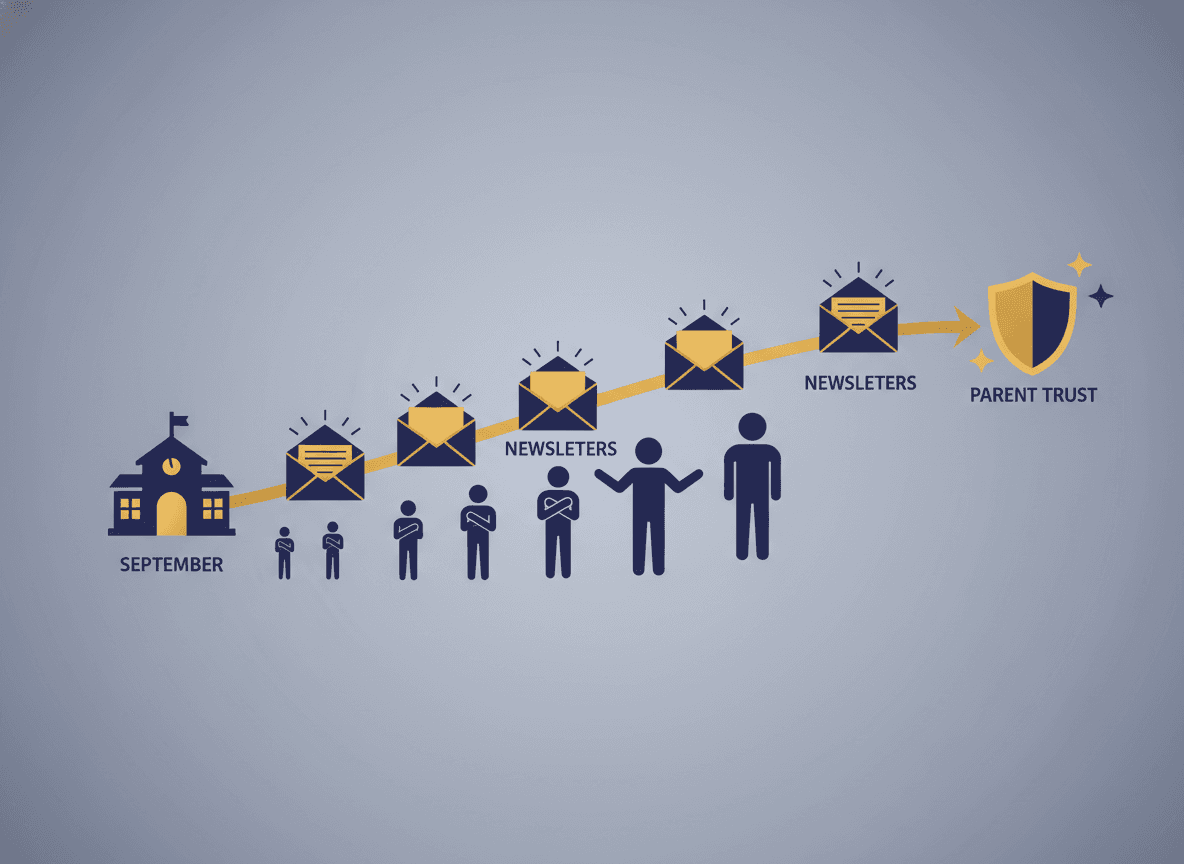
When teachers talk about school newsletters, the default assumption is that families are checking email on their phones. But for a significant portion of families, especially in under-resourced communities, that assumption does not hold. Limited data plans, shared devices, unreliable home internet, and low digital literacy all create barriers to newsletter access that have nothing to do with whether a family cares about their child's education.
Designing your communication system to actually reach every family means thinking beyond the email send and building a few practical backup channels.
Know who needs what before the year starts
The most effective approach is to ask families directly at the start of the year how they prefer to receive communications. A simple question on your back-to-school intake form, something like "Would you prefer to receive classroom updates by email or as a paper copy sent home with your student?" collects this information without anyone feeling called out.
Families who have limited technology access rarely volunteer that information unless directly asked. They are often navigating embarrassment about it, or they assume the school cannot accommodate them. The act of asking tells them that accommodation is actually possible, which already improves your relationship before the first newsletter even goes out.
Design once, distribute twice
The most practical approach for teachers who have low-tech families in their class is to create the newsletter in a format that prints cleanly, then send the digital version and print a stack for paper distribution on the same day. This is one design cycle, not two.
A newsletter that relies heavily on color images, embedded video links, or complex formatting will not translate well to a black-and-white printout. Prioritize clear text structure, short sections, and a layout that makes sense on a single printed page. What is good design for low-tech families is usually also good design for busy families reading quickly on a phone.
Do not hide critical information behind links
Digital newsletters often use links as shortcuts: "Click here for the permission slip," "Register for conferences at this link," "See the full school calendar here." Families receiving a print version of your newsletter have none of these options, and families on limited data plans may not easily click through to a separate page.
Any information that requires action should be stated in full in the newsletter body, not just linked to. Include the key dates, the phone number to call, the form sent separately in the take-home folder. Links are a convenience for digital readers, not a substitute for the information itself.
Use the student as the delivery channel
For families where even consistent paper delivery is unreliable, the student themselves is often the most reliable channel. A brief verbal prompt to the child, "Please make sure your family reads the note in your folder tonight," uses an existing habit rather than creating a new one.
Some teachers build a brief "newsletter highlights" card, a half-page summary of the two or three most critical items, that students take home separately from the full newsletter. This is not a replacement for the full newsletter, but it ensures that even families who do not read the full version receive the information that requires action.
Build a community touchpoint for those who need it
For families who are truly disconnected from both digital and print communication, the school building itself can serve as a touchpoint. A posted version of the weekly newsletter on a visible bulletin board near the entrance gives families who come to drop off or pick up access to the same information as everyone else.
Some schools post QR codes alongside printed newsletters so families with smartphones but no email access can scan to the digital version. This bridges a gap that email alone cannot.
Check in, not just out
The teacher who makes one direct phone call to a family who has not engaged in the first four weeks of school often discovers a straightforward technical barrier that can be fixed in five minutes. An old email address, a spam filter issue, a preference for text over email. These are solvable problems, but only if you know about them.
Building a first-month check-in into your communication routine, a brief personal call or note to families who have not responded to anything, is one of the most effective investments in reaching every family you have.
Get one newsletter idea every week.
Free. For teachers. No spam.
Frequently asked questions
Should teachers still send digital newsletters if some families do not have reliable internet access?
Yes, but with a backup channel for families who cannot reliably receive email. Digital and print can run in parallel without creating double work if the newsletter is designed once and then printed for families who need it. The key is knowing who in your class needs which format.
How do teachers find out which families have limited technology access?
Ask directly at the start of the year through your intake form or back-to-school night. A simple checkbox question, such as whether the family prefers email or a paper copy, surfaces this without anyone feeling singled out. Families who need accommodations rarely volunteer this information unless asked.
What is the simplest way to distribute a printed version of a digital newsletter?
Print the newsletter in black and white, fold it into a take-home folder, and send it on the same day you send the digital version. For families who prefer print, the consistency of receiving it on the same day each week is what builds the habit of reading it.
How should teachers write newsletters that work well both digitally and in print?
Avoid relying on hyperlinks for critical information. Any link to a form, calendar, or resource should also have the information stated in plain text so print recipients are not missing anything. Headlines and bold text help both formats equally.
How does Daystage help teachers manage communication across different delivery channels?
Daystage helps you build and manage your newsletter subscriber list and format content clearly. You can design a newsletter once that works well in print and on screen, making it practical to serve both digital and print families from a single workflow.

Adi Ackerman
Author
Adi Ackerman is a former classroom teacher and curriculum writer with 8 years in K-8 schools. She writes about school communication, parent engagement, and what actually works in real classrooms.
More for Parent Engagement
Ready to send your first newsletter?
3 newsletters free. No credit card. First one ready in under 5 minutes.
Get started free