

Email, Text, and App: How to Build a Multi-Platform School Communication Strategy
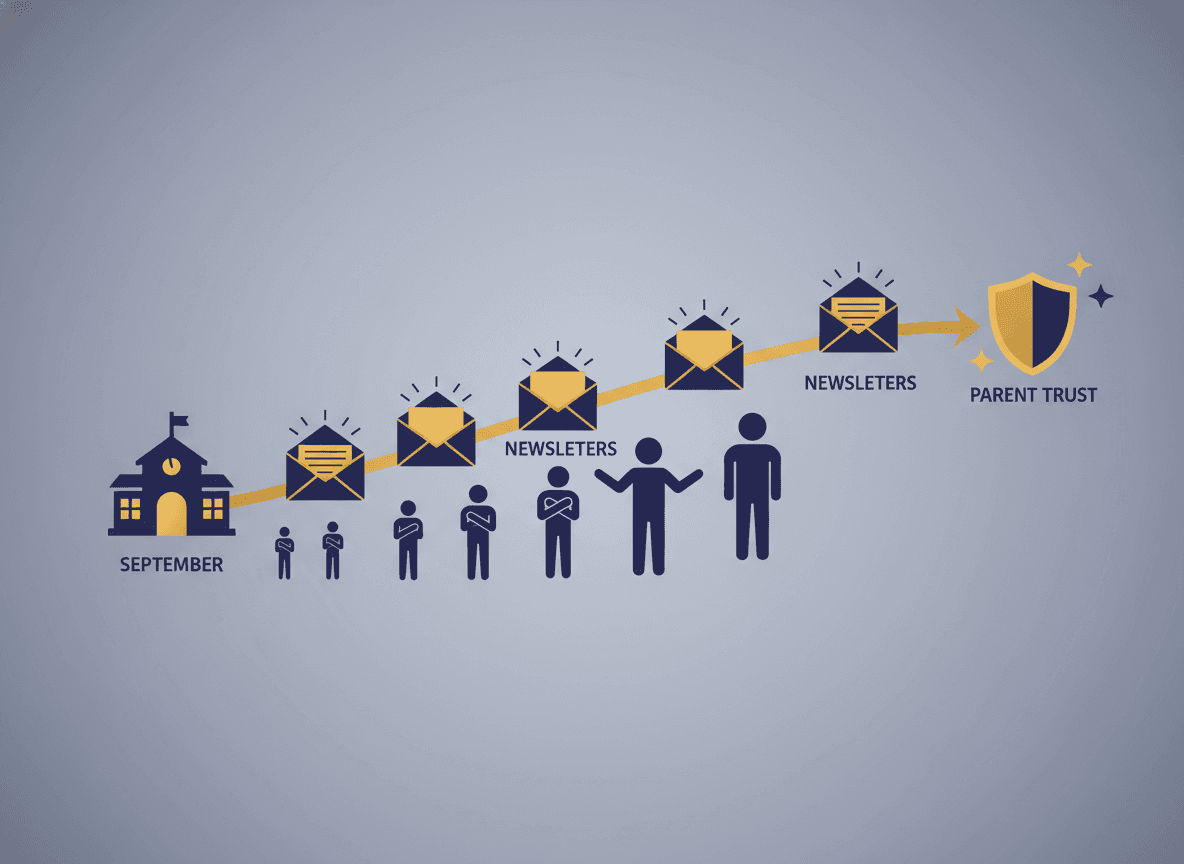
Schools today have more communication channels available than at any point in history: email, text, school apps like Seesaw or ClassDojo, automated phone calls, social media, paper notes, and more. More channels is not automatically better. Teachers and schools that broadcast everything through every channel simultaneously create noise that teaches families to tune all of it out.
A clear multi-platform strategy defines what each channel is for and what it is not for. It ensures every family is reached through at least one channel that works for them, without requiring teachers to produce the same content in five formats.
Define the job of each channel first
Before adding or removing any communication channel, define its specific purpose. What does this channel do that no other channel does as well? Channels with unclear purposes tend to get used inconsistently, which is worse than not having the channel at all.
A practical starting framework: email carries the substantive weekly update and detailed information. Text carries same-day or next-day urgent reminders. A school app carries community building, photo sharing, and brief daily observations. Paper notes carry legally required disclosures and anything that needs a physical signature. Each channel has a lane and stays in it.
Email is your primary content channel
Email is the most reliable channel for substantive communication because families check it on their own schedule and can return to it. A newsletter that explains what the class is working on, what is coming up, and what actions are needed gives families the information they need to support their child. This kind of content does not belong in a text or an app notification.
Email is not good for urgency. A permission slip email sent the day before a field trip will be missed by the families who check email twice a week. That is what text is for.
Text is your urgency channel, not your information channel
Text message open rates are dramatically higher than email open rates, which makes them effective for time-sensitive communication. But high open rates are only valuable if families trust that a text from you means something requires immediate attention. The moment you start sending informational texts that do not require action, you have degraded the urgency signal. Families start treating texts like email, which means the urgent message competes with the non-urgent ones.
A simple rule: text only when something is due within 24 hours or when something unexpected happened today. Everything else goes in the newsletter.
Apps are for community, not communication
School apps work well for creating a sense of classroom community through photos, quick polls, and informal updates. They are not reliable as primary communication channels because they require families to form a new habit of checking an app, which many families will not sustain across a full year.
If your school or classroom uses an app, position it as a community supplement to your email newsletter, not as a replacement for it. Families who actively use the app get bonus content and photos. Families who do not are still fully informed through the newsletter.
Know which channel actually reaches which families
Not every family is reachable through every channel. Some families do not have reliable email access. Some prefer not to give out their phone number. Some do not download apps. At the start of the year, asking families which channel they prefer to use as their primary means of receiving school communication gives you a map of who needs what.
Families who are not accessible through any digital channel need a paper backup. Building that paper layer into your workflow from the start, rather than scrambling when you discover a family is not receiving anything, means no family falls through the gap.
Fight channel sprawl regularly
Communication channels accumulate over time. A new app gets added mid-year. A colleague recommends a different platform. A parent group starts a WhatsApp thread that becomes semi-official. Before long, information is scattered across five places and families have to check all of them to be fully informed.
Audit your channels at least once a year and eliminate any that are not fulfilling a defined purpose. Fewer channels, each used consistently, outperform more channels used sporadically almost every time.
Get one newsletter idea every week.
Free. For teachers. No spam.
Frequently asked questions
Should teachers use email, text, and a school app all at the same time?
Not necessarily, and not without a clear purpose for each channel. Adding platforms without defining what each one is for creates confusion for families who receive the same information in three places. The right number of channels is the fewest that actually reach every family in your class.
What is email best for in a school communication strategy?
Email is best for substantive, narrative content: classroom updates, contextual information about what students are learning, and longer logistical details. Email is not ideal for urgent same-day communication. Families who receive time-sensitive information by email often miss the critical window.
When should teachers use text messaging for parent communication?
Text is best for brief, time-sensitive reminders: tomorrow's field trip, a schedule change today, a form due this Friday. Keep texts under three sentences and limit them to genuinely urgent or time-sensitive items. Frequent non-urgent texts train parents to ignore them, which defeats the purpose entirely.
What is the biggest mistake teachers make with school communication apps?
Treating the app as a replacement for email rather than a supplement. Apps work well for community building, photo sharing, and quick pulse updates. They do not work well as the sole communication channel because families have to choose to open the app, whereas email and text arrive in their existing attention stream.
How does Daystage fit into a multi-platform school communication strategy?
Daystage handles the email newsletter layer of your communication strategy, the substantive weekly update that provides the core content. Other channels, like texts or app notifications, can then reference the newsletter for families who want more context. This keeps each channel doing what it does best.

Adi Ackerman
Author
Adi Ackerman is a former classroom teacher and curriculum writer with 8 years in K-8 schools. She writes about school communication, parent engagement, and what actually works in real classrooms.
More for Parent Engagement
School Newsletter Communication for Blended Families: Who Gets What and How
Parent Engagement · 5 min read
Text vs. Email for School Newsletters: How to Choose the Right Channel for Each Message
Parent Engagement · 5 min read
School Newsletter Image Copyright: What Teachers Need to Know Before Sending
Parent Engagement · 5 min read
Ready to send your first newsletter?
3 newsletters free. No credit card. First one ready in under 5 minutes.
Get started free