

Why Your School Newsletter Goes to Spam and How to Fix It
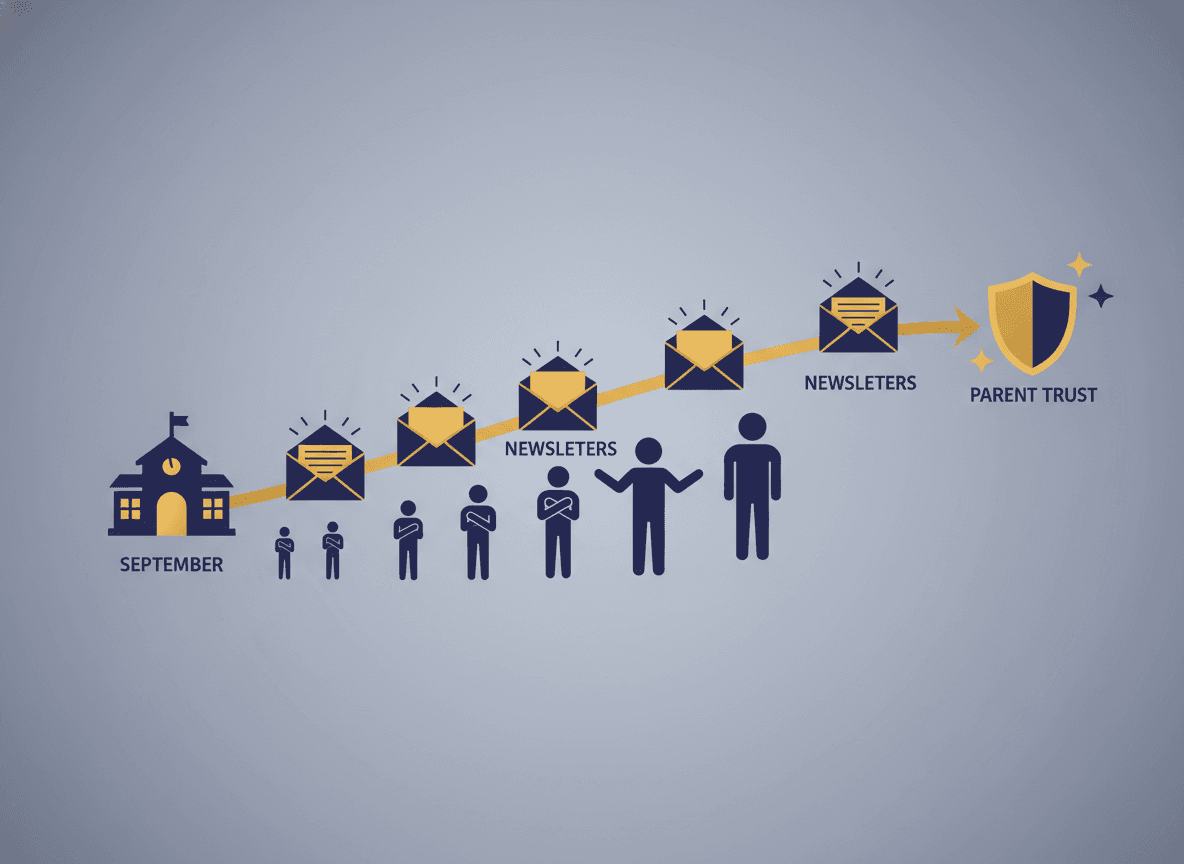
A teacher can write an excellent newsletter, send it to every family, and have almost none of them read it, not because families are disengaged, but because the email never made it to their inbox. Email deliverability is the unglamorous side of school communication, but understanding it makes the difference between a newsletter that reaches people and one that disappears.
How spam filters make decisions
Modern spam filters are not simple keyword blockers. They evaluate dozens of signals simultaneously: the reputation of the sending domain, whether the recipient has ever opened an email from this address before, the ratio of images to text in the message, the presence of certain trigger words, and whether previous recipients marked similar emails as spam.
School newsletters often score poorly on several of these signals without anyone realizing it. A new school year means a new batch of parent email addresses, many of which have never received email from the school domain before. Low initial open rates, because parents have not yet built the habit of reading newsletters, further depress the sender's reputation score. The newsletter starts to look like spam before it has had a chance to prove otherwise.
The most effective fix: ask families to whitelist you
No technical adjustment you can make has more impact than a parent manually adding your email address to their contacts or safe senders list. This action tells every email provider that the person trusts your address and wants your mail. It overrides almost everything else.
Make this request in the first week of school, before the first newsletter, and make it explicit. "To make sure you receive my weekly classroom updates, please add [your email address] to your contacts right now." Then repeat it at back-to-school night. Include the instruction in your first newsletter. The families who actually complete this step will reliably receive every subsequent email.
Write like a person, not a campaign
Spam filters are trained on marketing email, and newsletters that use marketing-email patterns get treated like marketing email. Subject lines with all caps, excessive exclamation points, or words like "FREE," "URGENT," or "WINNER" score badly. Email bodies with more images than text, or with large file attachments, are also red flags.
The good news is that the best newsletter writing practices are also the best deliverability practices. Write conversationally. Use a clear subject line that describes what is inside. Keep images to a reasonable size and number. Avoid attaching files when you can link to them instead. A newsletter written like a thoughtful personal email performs better in spam filters and reads better for families.
Consistent volume protects your sender reputation
Email providers build a reputation score for every sending domain based on patterns over time. A domain that sends one email a week, consistently, for months, builds a positive history. A domain that sends nothing for two months and then sends five emails in one week looks like a hijacked account.
This is one of the clearest reasons to commit to a consistent weekly send schedule rather than batching communications sporadically. Regularity is not just good for parent habit. It is good for your inbox placement.
Use a dedicated sending tool rather than a personal email
Sending newsletters from your personal Gmail or your school's generic email address puts your messages in a deliverability pool shared with every other email sent from that domain. If your school's email domain has a poor reputation because of other senders on it, your classroom newsletter inherits that problem.
Tools purpose-built for school newsletters send through infrastructure specifically maintained for deliverability, including proper authentication records like SPF, DKIM, and DMARC. These records tell receiving servers that the email is legitimate. Most teachers never need to configure these settings themselves because a good tool handles them. But it is worth knowing they exist and that your sending tool should have them in place.
Check where your newsletters actually land
Periodically ask a few families whether they are finding your newsletter in their inbox or in another folder. Some email providers route newsletters to a "Promotions" or "Updates" tab rather than spam, which means they still arrive but get far less attention. Knowing this tells you whether you have a spam problem or a different kind of visibility problem, and each has a different fix.
Get one newsletter idea every week.
Free. For teachers. No spam.
Frequently asked questions
Why does a school newsletter sometimes land in spam even when parents want to receive it?
Spam filters evaluate sender reputation, email content, and engagement history simultaneously. Even a well-intentioned newsletter sent from a shared school email address with low open rates can trigger spam filtering. The filter does not know the sender is a teacher. It only sees signals.
What is the single most important thing teachers can do to improve deliverability?
Ask families to add your email address to their contacts or safe senders list during the first week of school. This manual whitelist action tells every email provider that the family trusts your address and wants to receive your messages. It is more effective than any technical setting you can configure.
What content in a school newsletter can trigger spam filters?
Excessive use of words like 'free,' 'urgent,' 'winner,' or 'click here' in subject lines and body copy are common triggers. All-caps subject lines, too many images relative to text, and large attachments also increase spam scoring. Write newsletters like you would write a thoughtful email to a friend, not a marketing campaign.
Does newsletter send frequency affect deliverability?
Yes, in both directions. Sending too infrequently means your sender domain has no established positive history, which can increase spam likelihood. Sending at a consistent weekly cadence builds sender reputation over time. Sudden spikes in volume, like sending five emails in one week after months of silence, are a strong spam signal.
Does using a purpose-built newsletter tool like Daystage improve deliverability?
Yes. Daystage sends newsletters through infrastructure specifically maintained for deliverability, including proper authentication records. This is one of the clearest advantages of using a dedicated tool over a personal Gmail or school address, where sender reputation is shared with every other email from that domain.

Adi Ackerman
Author
Adi Ackerman is a former classroom teacher and curriculum writer with 8 years in K-8 schools. She writes about school communication, parent engagement, and what actually works in real classrooms.
More for Parent Engagement
School Newsletter Analytics: Which Metrics Actually Tell You If Parents Are Engaged
Parent Engagement · 6 min read
How to Get Useful Feedback From Parents on Your School Newsletter
Parent Engagement · 6 min read
How to Share Student Success Stories in Newsletters While Protecting Privacy
Parent Engagement · 5 min read
Ready to send your first newsletter?
3 newsletters free. No credit card. First one ready in under 5 minutes.
Get started free