
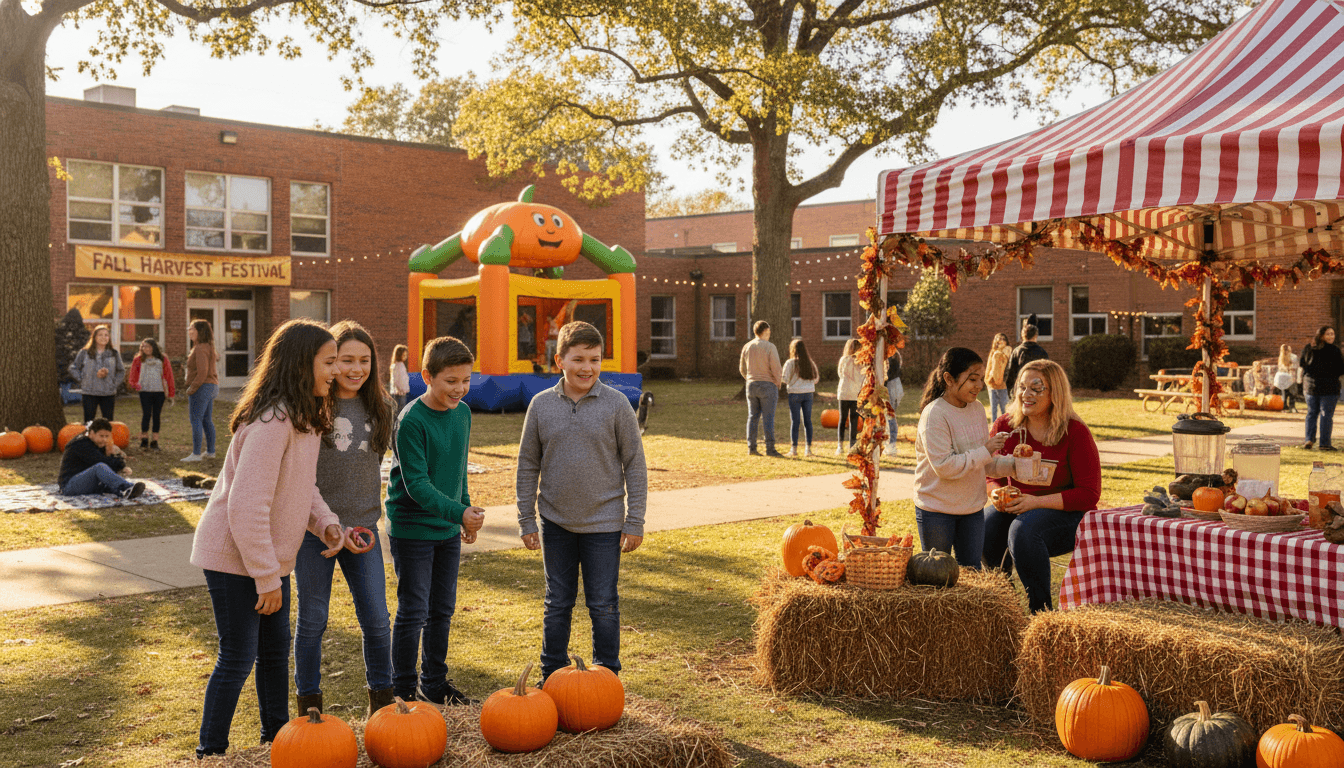
Middle School Fall Festival Newsletter: What to Tell Families Before the Event
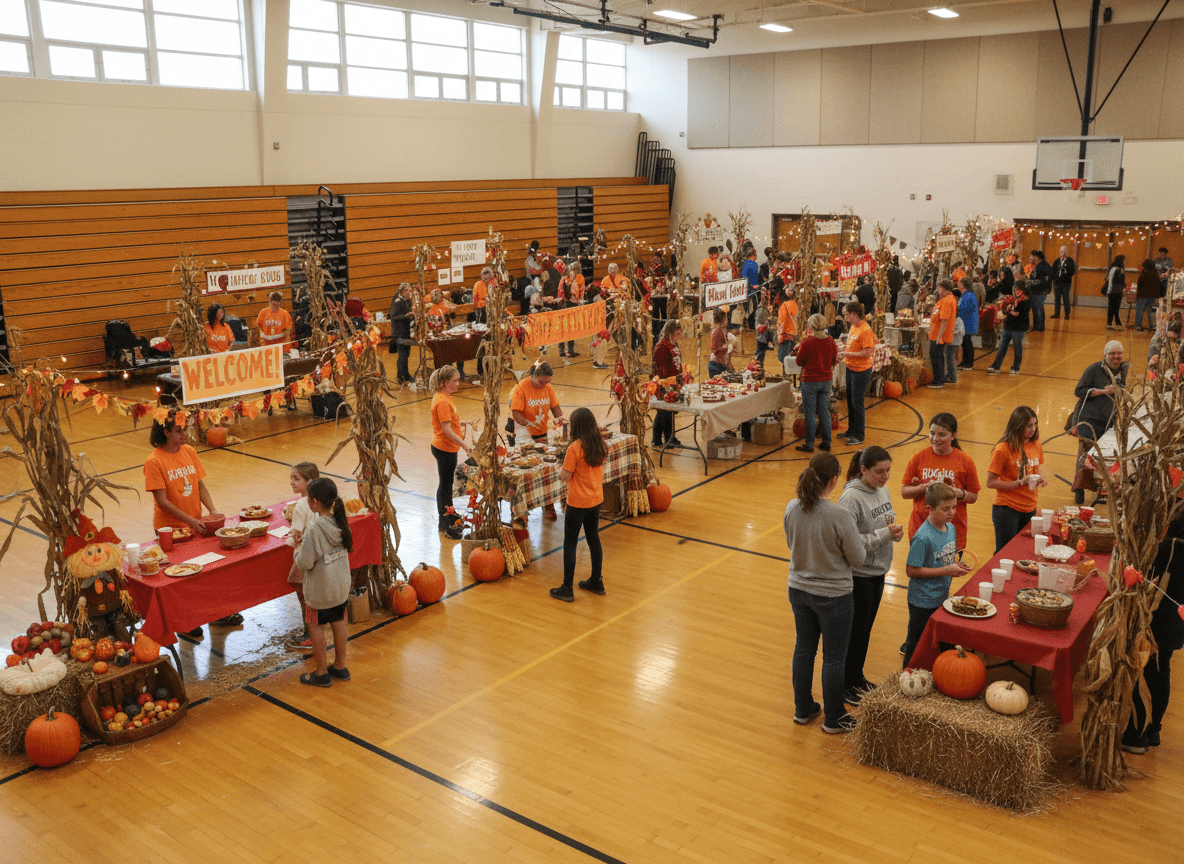
Fall festivals bring energy to a school building. They also bring a flood of questions from families: What time does it start? Where do we park? Can my student come without a parent? How much cash should we bring? The newsletter you send before the event determines how many of those questions land in your inbox and how smoothly the day actually runs.
This guide walks through what to include in a middle school fall festival newsletter, how to present logistics clearly, and how to handle the volunteer ask without making it awkward.
Start With the Five Ws
Before anything else, answer who, what, when, where, and what to bring. Families skim newsletters, especially event announcements. Put the basic facts at the top in a format that is easy to spot: date, time, location, cost, and any dress code or supply instructions.
If your school is using wristbands, tickets, or a specific check-in process, say so explicitly. Parents who arrive without the right ticket or wristband hold up every line behind them. One clear sentence in the newsletter prevents that.
Describe the Activities
Middle schoolers want to know what is actually happening. A list of activities gives students something to look forward to and helps families decide how long to plan on staying. If certain booths have an extra cost or require a separate ticket, list that now rather than letting families discover it at the event.
Include any activities that are age-specific or have a participation cutoff. If a bouncy castle is for elementary siblings only, say so. If a photo booth is open to all ages, say that too. Specifics prevent disappointment on the day.
Cover Parking and Campus Entry
For evening events especially, parking is where families lose time and patience. Specify which lot is open for event parking, whether overflow parking exists, and which entrance families should use to get inside. If there is a crosswalk or a bus drop-off area that families should avoid, mention it.
If your campus is large enough that families might get turned around, consider including a simple map image or a link to directions. This is especially useful for families who are new to the school or attending their first event at your building.
Set Behavior and Supervision Expectations
Middle school families often wonder whether their student can attend without them, and if so, what the rules are. Answer that question directly. State whether students need to be accompanied by a parent or guardian, and if not, what the check-in and pickup process looks like.
Keep behavior expectations brief and matter-of-fact. Mention that students are expected to follow school rules during the event and that staff will be present throughout. If there is a policy about leaving and returning, or about off-campus behavior during the event, include it here. Framing this as information rather than a warning keeps the tone positive.
Make the Volunteer Ask Specific
Vague requests do not produce volunteers. Instead of writing "we would love parent help," list actual roles and time slots. Three people are needed at the ticket table from 5:00 to 7:00 PM. Two people are needed to run the ring toss booth from 6:00 to 8:00 PM. A specific ask tells families exactly what they are committing to, which makes it easier to say yes.
Link directly to a sign-up form in the newsletter. If you are using SignUpGenius, Google Forms, or your school's volunteer platform, include the URL prominently. State a deadline for signing up so you have time to confirm coverage before the event.
Include Donation or Supply Requests
If families are asked to donate items for booths, prizes, baked goods, or supplies, be precise. A request for "nut-free individually wrapped candy" is clearer than "candy donations welcome." List any allergen restrictions, maximum quantities accepted, and the drop-off location and deadline.
If there is a class competition tied to who brings in the most items, mention that incentive. Middle schoolers respond to friendly competition, and families often like knowing their contribution has a visible impact.
Tell Families What to Do if Plans Change
Outdoor fall festivals depend on weather. Even partially outdoor events can be affected by rain, cold, or wind. Tell families where to check for updates if the event needs to be moved or postponed. Whether that is the school website, a parent communication app, or a phone tree, name it clearly so families are not searching for information at the last minute.
If refunds or ticket transfers are possible in the event of a cancellation, explain the process briefly. Families who know the policy ahead of time are far less frustrated if something unexpected happens.
Close With Enthusiasm
Fall festivals are one of the events families remember. Close the newsletter by acknowledging that, and by thanking any families who have already signed up to help. A short, genuine sentence about why the school community looks forward to this event every year is worth more than a formal closing paragraph.
Keep the tone warm and direct throughout. Families who feel informed show up prepared, stay longer, and are more likely to volunteer next time.
Get one newsletter idea every week.
Free. For teachers. No spam.
Frequently asked questions
How far in advance should I send the fall festival newsletter?
Send the first notice at least two to three weeks before the event. That window gives families enough time to arrange schedules, sign up to volunteer, and gather any items you are asking them to donate or bring. Follow up with a shorter reminder the week of the event to catch anyone who missed the first message.
What logistics details must be in every fall festival newsletter?
Date, start and end time, location (including which entrance families should use if your campus has multiple), cost of admission or tickets, parking directions, and what students should wear or bring. If any part of the event is outdoors, mention a rain contingency or cancellation process so families know where to check for updates.
How do I communicate behavior expectations without sounding negative?
Frame expectations as information rather than warnings. 'Students are expected to stay with a chaperone or parent at all times and check in with staff before moving between activity areas' reads as organizational, not disciplinary. Mention consequences only if your school has a clear published policy, and keep the focus on what a great experience looks like, not what could go wrong.
Should I include a volunteer sign-up form in the newsletter?
Yes, and make it as simple as possible. A direct link to a form where families can pick a shift and role is ideal. If you use paper sign-ups, include a tear-off or tell families exactly where to return it. Name specific roles so families know what they are signing up for. Vague requests like 'we need help' produce fewer sign-ups than 'we need three people at the ticket booth from 5 to 7 PM.'
What newsletter tool works best for middle school fall festival communication?
Daystage is designed for exactly this kind of school event communication. You can build a newsletter with the event details, embed a volunteer sign-up link, and send it directly to all families on your roster. Everything goes out from your school, lands in inboxes rather than a shared folder, and you can track who opened it so you know whether a follow-up reminder is needed.

Adi Ackerman
Author
Adi Ackerman is a former classroom teacher and curriculum writer with 8 years in K-8 schools. She writes about school communication, parent engagement, and what actually works in real classrooms.
More for Middle School
Middle School Dance Newsletter: How to Communicate Logistics, Dress Code, and Conduct Expectations to Families
Middle School · 5 min read
Middle School Awards Newsletter: What to Tell Families About Recognition Ceremonies and Award Criteria
Middle School · 5 min read
Middle School Advisory Newsletter: Communicating What Homeroom and Advisory Does for Students
Middle School · 5 min read
Ready to send your first newsletter?
3 newsletters free. No credit card. First one ready in under 5 minutes.
Get started free