
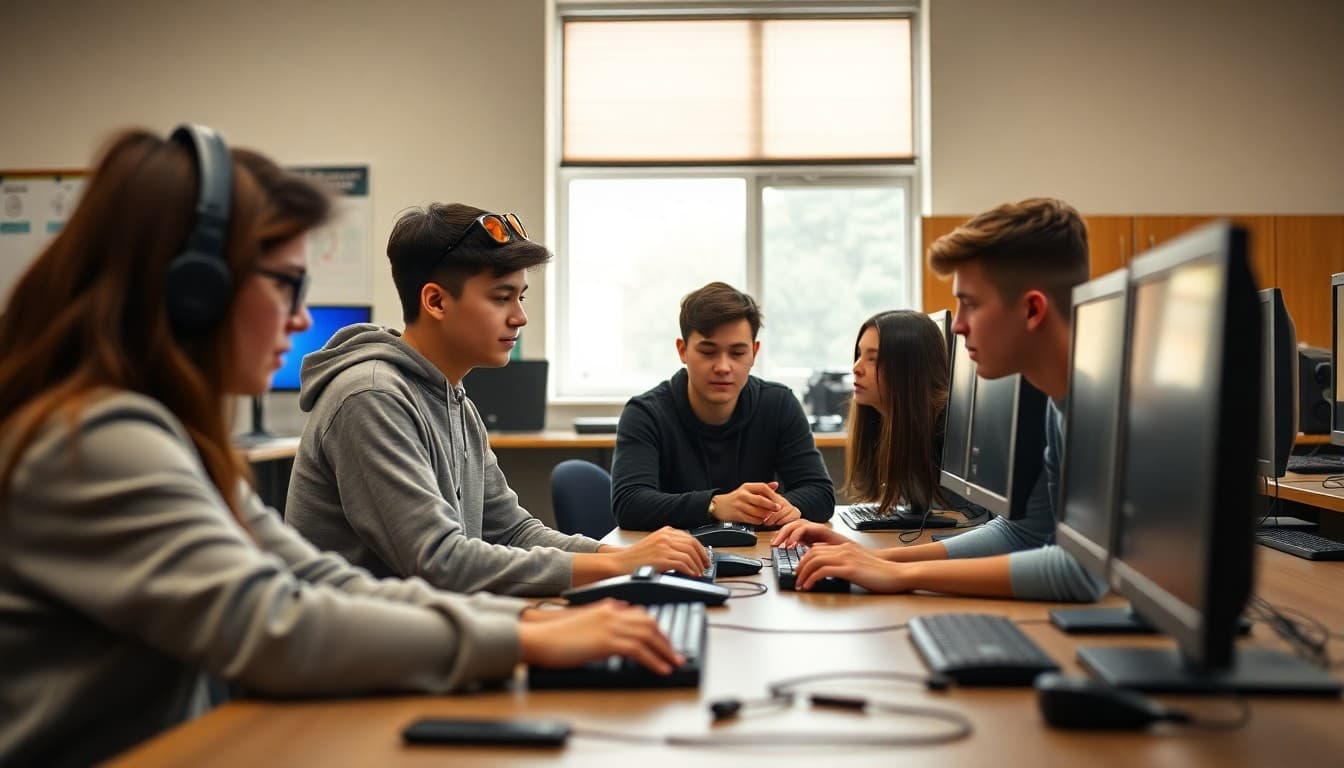
Teacher Newsletter for Game Design Class: Communicating the Curriculum to Families

Why This Course Deserves Strong Parent Communication
Families who understand what their student is doing in game design class support the work more effectively. A newsletter that explains the academic substance and real-world relevance of the course transforms family perception from "that elective" to a serious course with concrete outcomes.
What Students Are Working On
Cover the current project phase, what students need to produce, what tools they are using, and what the assessment criteria look like. Parents who know what the work involves can ask better questions and provide more relevant support than those who only know their student has a project due.
The Skills Behind the Work
Every hands-on course in high school develops transferable skills that families may not see if they only look at the final product. Identify the specific competencies your course builds and connect them to college programs, career fields, and real-world contexts that resonate with high school families.
Equipment, Materials, and Policies
Practical information families need: what equipment students use, how it should be handled, what students need to bring or have access to at home, and what happens when equipment is damaged or lost. Policies communicated clearly in a newsletter create shared expectations rather than confusion when something goes wrong.
Showcase and Portfolio Opportunities
Many creative and technical courses offer opportunities for students to present their work publicly: showcases, exhibitions, competitions, or portfolio submissions. Communicate these opportunities in your newsletter with enough lead time for families to attend or for students to prepare their best work for submission.
Connecting This Course to Future Pathways
Help families see the direct line between the skills developed in your course and the college majors, career fields, and professional environments where those skills matter. Students who understand why their coursework is relevant engage more seriously, and parents who understand it support the work more enthusiastically.
Building Communication That Works for a Creative Course
Creative and technical courses have natural communication moments: project launches, milestone deadlines, and showcase events. Build your newsletter calendar around these moments and use a simple tool that makes sending quick enough that the communication habit survives your busiest production weeks.
Get one newsletter idea every week.
Free. For teachers. No spam.
Frequently asked questions
What does a high school game design class teach?
High school game design teaches programming logic, creative design thinking, user experience principles, project scoping, iterative development, and collaborative production. Depending on the curriculum, students use tools like Scratch, Unity, Godot, or Python-based game libraries. These skills connect directly to computer science, software engineering, and the game and interactive media industries.
How is game design a serious academic subject?
Game design requires mathematical reasoning, algorithmic thinking, written narrative development, visual design, and collaborative project management. Students who succeed in game design courses often have stronger computational thinking and problem-solving skills than those who take only traditional computer science courses. A newsletter that makes this case to parents changes how families perceive the course.
What should a game design teacher newsletter include?
A game design newsletter should cover the current project phase, what tools students are using, key milestones and deadlines, how the project will be assessed, any opportunities to play or review student games at school events, and how the skills developed connect to college programs and career pathways in technology and creative industries.
What careers does high school game design prepare students for?
Game design preparation connects to software engineering, user experience design, mobile app development, simulation and training technology, interactive media, and the broader creative technology sector. Students who build a portfolio in high school arrive at college or entry-level job applications with demonstrable skills that many of their peers lack.
What tool helps high school teachers send newsletters about game design?
Daystage is built for school communication. High school teachers use it to create formatted newsletters about game design, then send them directly to parent and student email lists without extra design work or app management.

Adi Ackerman
Author
Adi Ackerman is a former classroom teacher and curriculum writer with 8 years in K-8 schools. She writes about school communication, parent engagement, and what actually works in real classrooms.
More for High School
Teacher Newsletter for Video Production Class: What High School Families Need to Know
High School · 6 min read
Teacher Newsletter About Virtual Reality in the Classroom: A Guide for Families
High School · 6 min read
Teacher Newsletter for Computer Networking Class: What High School Families Need to Know
High School · 6 min read
Ready to send your first newsletter?
3 newsletters free. No credit card. First one ready in under 5 minutes.
Get started free