
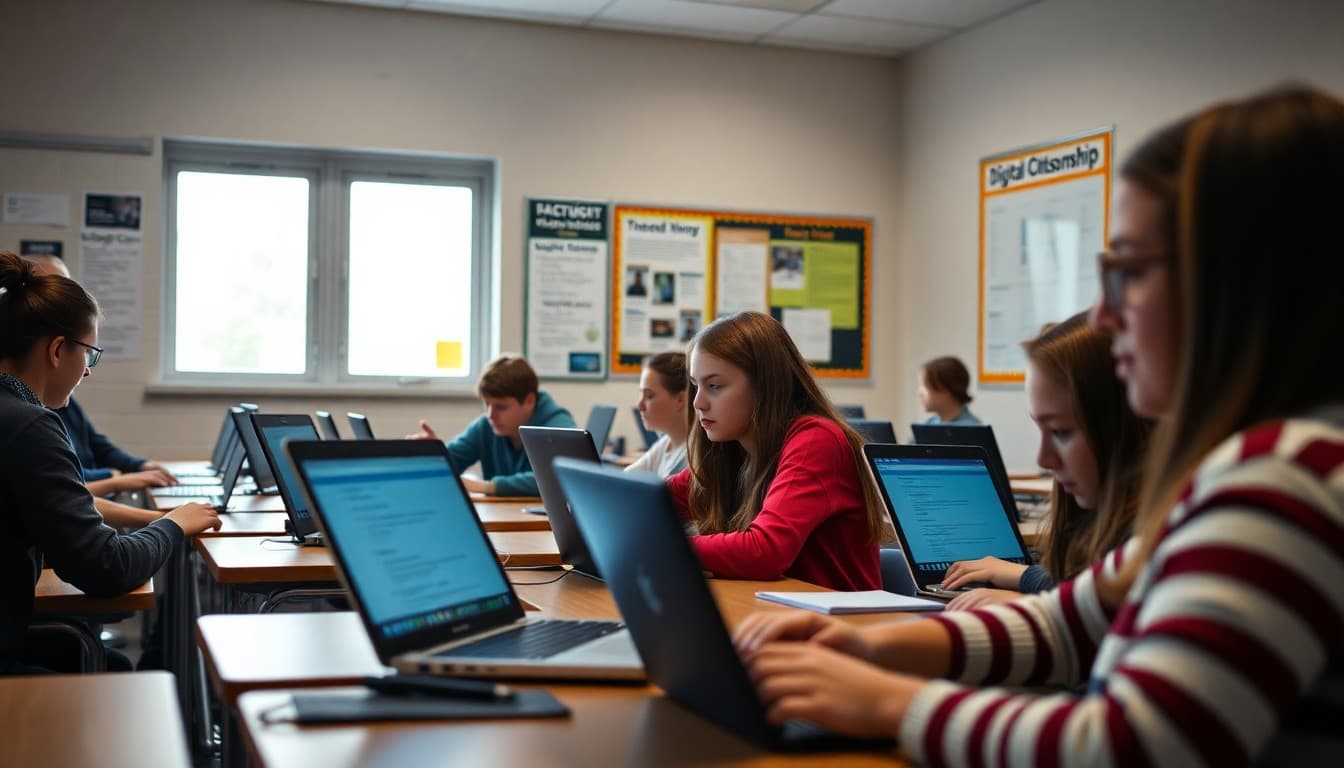
9th Grade Digital Citizenship Newsletter: Safe Technology at This Grade
By 9th grade, students have been online for years. They have social media accounts, group chats, and digital histories that will follow them into college applications and job searches. A digital citizenship newsletter at this level is not about teaching kids to be safe online for the first time. It is about helping them understand the stakes, make better decisions, and know what to do when things go wrong.
Start with the Digital Footprint Conversation
The most concrete digital citizenship lesson for 9th graders is this: what you post online today will exist when you apply to college in 2028 and when you apply for your first job in 2030. Your newsletter should help families understand this timeline. A brief mention of a Kaplan survey finding or a news story about social media and college admissions makes this feel real rather than theoretical.
Explain Your School's Acceptable Use Policy
Many families do not know what your school's technology policy says. If students sign an acceptable use agreement at the start of each year, most have not read it carefully. Your newsletter should summarize the key rules: what devices are allowed, what sites and apps are restricted, what the consequences are for violations, and whether school-issued devices have monitoring software. Families who understand the policy can reinforce it at home.
Address Cyberbullying and Bystander Responsibility
Ninth grade social dynamics play out online as much as in hallways. Your newsletter should define cyberbullying clearly and explain that students who witness it and do nothing are part of the problem. Share what students are expected to do: screenshot and report, reach out to the targeted student, notify a trusted adult. Families who hear this language from the school are more likely to use it at home when their student describes what they saw online.
Teach Source Evaluation in Plain Language
Misinformation is a digital citizenship skill, not just a media literacy unit. In your newsletter, share one practical source-evaluation method your class uses. The SIFT method (Stop, Investigate the source, Find better coverage, Trace claims) is widely taught and easy for families to understand. A parent who knows this framework can ask their student 'did you SIFT that before believing it?' which is more effective than 'don't believe everything you read online.'
Be Direct About AI Tools and Academic Integrity
If you have an AI use policy for your class, state it clearly in the newsletter. Tell families whether AI writing tools are prohibited, permitted with citation, or permitted for brainstorming only. Explain that the reason the policy exists is not to be punitive: students who use AI to write their essays do not build the analytical skills they need for the SAT, AP exams, or college coursework. Families who understand the rationale are more likely to enforce it at home.
Sample Newsletter Section on Digital Citizenship
Here is copy you can adapt:
"This month we are working on digital citizenship as part of our technology unit. Key topics include digital footprint (what you post online stays there), evaluating sources before sharing information, and our school's policy on AI writing tools. Please talk with your student about what they post on social media and who can see it. A useful question: 'Would you be comfortable if a college admissions officer saw this three years from now?'"
Share Resources for Ongoing Family Conversations
Common Sense Media has age-specific digital citizenship resources for families, including discussion guides and short videos designed for parent-teen conversations. The ADL has cyberbullying resources. Link to two or three of these in your newsletter so families who want to go deeper have somewhere to start.
Revisit the Topic at the End of the Year
Digital citizenship is not a one-time lesson. A brief end-of-year newsletter reminding families to review privacy settings, check their student's social media before summer, and have a conversation about responsible use over the summer is worth sending. Students who enter 10th grade having reflected on their digital presence once a year are in a meaningfully better position than those who never do.
Get one newsletter idea every week.
Free. For teachers. No spam.
Frequently asked questions
What digital citizenship topics matter most for 9th graders?
At 9th grade, the highest-priority topics are digital footprint and how college admissions and employers search online profiles, cyberbullying and bystander responsibility, evaluating sources and misinformation, privacy settings and data sharing, and the academic integrity rules around AI tools. These are the issues most likely to affect a 9th grader in concrete ways.
How do I teach 9th graders about digital footprint in a way that motivates behavior change?
Use the college admissions angle. A 2023 Kaplan survey found that 36 percent of college admissions officers check applicants' social media. A 9th grader who understands their social media history will still exist when they apply to college in three years is more likely to think before posting than one who hears general warnings about internet safety.
How can families reinforce digital citizenship at home?
The most effective home practice is an open conversation rather than rules and restrictions alone. Ask families to talk with their student about what they post, what they share with whom, and what they would do if a classmate was being harassed online. Families who approach it as a conversation rather than a lecture get more engagement from their 9th grader.
Should I address AI tools in a digital citizenship newsletter?
Yes, and early in 9th grade is the right time. Most students are already using AI tools for writing and research. Your newsletter should explain your school's policy clearly and explain why academic integrity matters beyond the rule: students who outsource thinking do not build the skills they need for the rest of high school.
What tool makes it easy to share digital citizenship resources with 9th grade families?
Daystage lets you link to external resources, include video embeds, and organize your digital citizenship topics into a clean newsletter families can save and reference throughout the year. Teachers can build it once and schedule it to send at the start of the unit.

Adi Ackerman
Author
Adi Ackerman is a former classroom teacher and curriculum writer with 8 years in K-8 schools. She writes about school communication, parent engagement, and what actually works in real classrooms.
More for High School
9th Grade Classroom Community Newsletter: Building Belonging Together
High School · 6 min read
9th Grade Curriculum Overview Newsletter: What to Tell Parents at the Start of the Year
High School · 7 min read
Ninth Grade Back to School Newsletter: Welcoming Freshmen and Their Families
High School · 7 min read
Ready to send your first newsletter?
3 newsletters free. No credit card. First one ready in under 5 minutes.
Get started free