
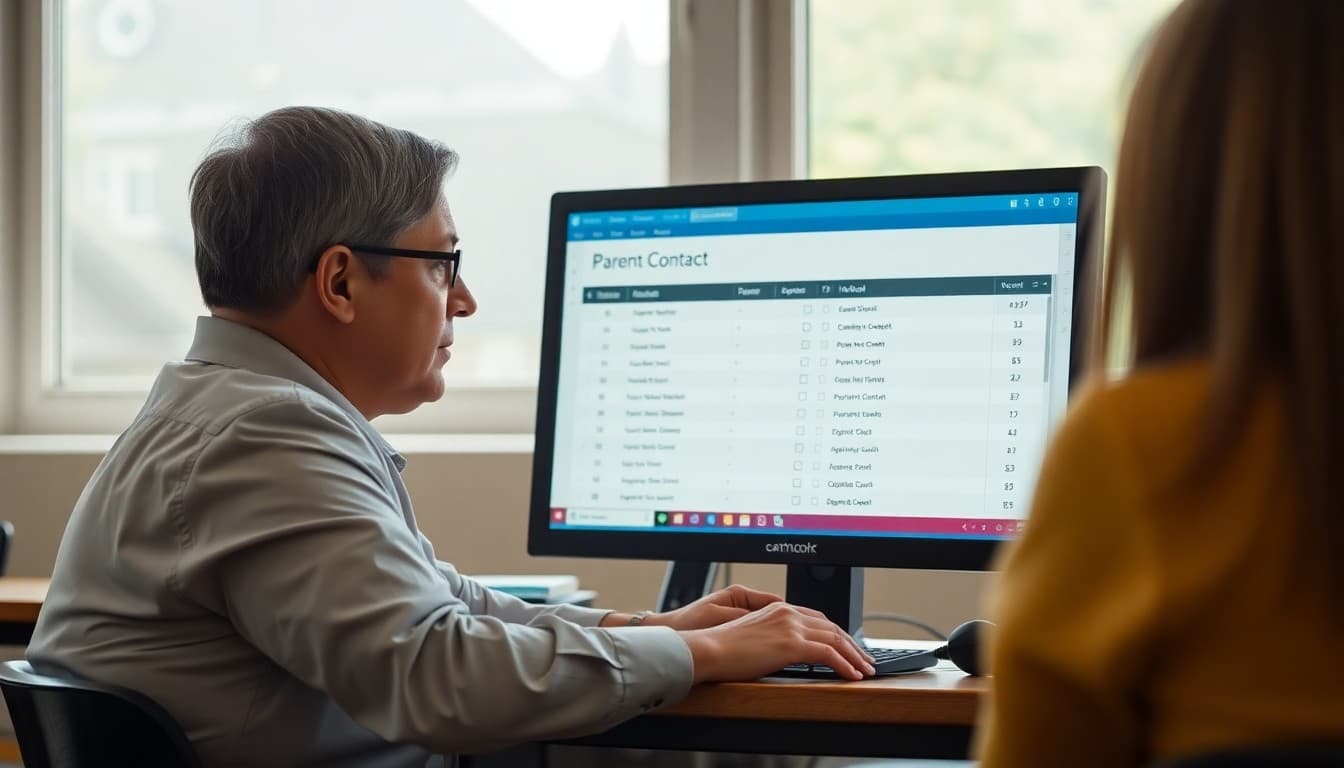
School Newsletter Mailing List Management: Keep It Clean
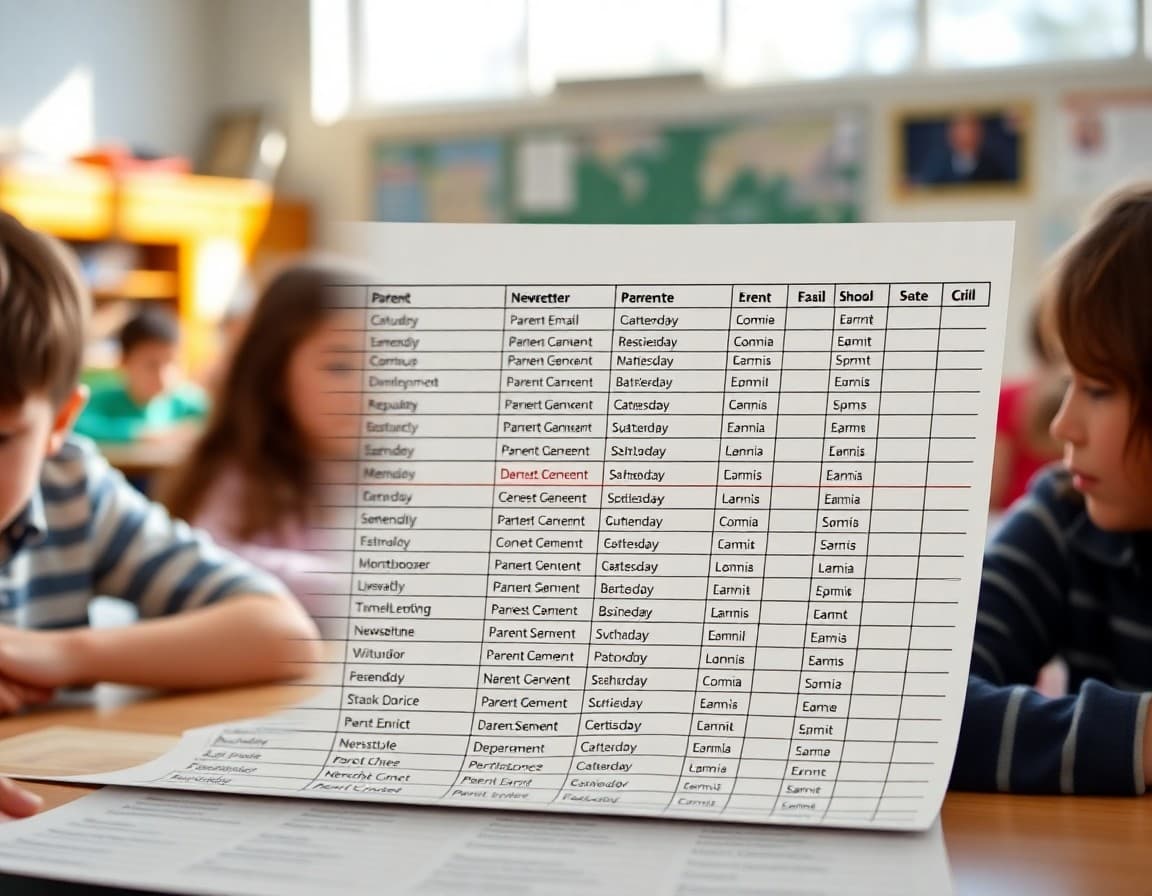
A newsletter with excellent content that goes to outdated addresses is a newsletter that a significant portion of your school community never reads. Mailing list hygiene is not glamorous work, but it is one of the most direct ways to improve newsletter reach and delivery rates. A clean list delivers better results than a larger, messy one.
The Cost of a Dirty Mailing List
High bounce rates from invalid email addresses signal to inbox providers that your sending address is unreliable. This can cause your newsletters to land in spam folders for everyone on your list, including the active contacts with valid addresses. Maintaining a clean list protects your sender reputation and keeps your newsletters reaching inboxes rather than spam folders.
Collecting Emails at Enrollment
The cleanest lists start with a formal collection process. Include an email field on enrollment forms with explicit consent language: "Please provide your email address to receive the school newsletter and important school communications." Collect one or two addresses per household. If you collect two addresses, make clear which types of communications go to each. Ambiguity in collection creates confusion in management.
The Start-of-Year List Audit
Before sending the first newsletter of the school year, audit your list. Add new families. Remove families whose students graduated or transferred. Check for duplicate entries and merge them. Confirm that the grade or class tag for each contact matches where their student is actually enrolled this year. A 30-minute list audit in August prevents a year of sending to the wrong people.
Managing Mid-Year Transfers
Students transfer in and out throughout the year. Build a habit of updating your mailing list within one week of any enrollment change. Add incoming families to the appropriate classroom list. Remove or archive outgoing families when their student transfers. If your school uses a student information system, see whether you can export a current contact list weekly to compare against your newsletter list. Automation prevents the list from drifting.
Handling Bounces and Inactive Addresses
Most email platforms distinguish between hard bounces, which are permanent delivery failures, and soft bounces, which are temporary. Remove hard-bounce addresses from the list immediately. For soft bounces, wait two to three sending cycles and remove if the address continues to bounce. When you remove a contact due to bouncing, note this in your records and attempt to reach the family through an alternative channel to update their email.
Processing Opt-Out Requests
Every newsletter should include an unsubscribe option, and opt-out requests must be processed promptly. A family that unsubscribes and continues to receive the newsletter for two more weeks has a legitimate complaint. Remove opted-out contacts within 48 hours and document the date. Before removing a contact entirely, clarify whether they want to opt out of just the newsletter or all school communications. Emergency notifications are often treated as a separate category.
Organizing Your List by Classroom or Grade
A single master list of all parent contacts works for school-wide newsletters. For classroom or grade-specific newsletters, you need contacts tagged by classroom so you can send to the right group. Keeping this segmentation current is part of list management. When a student moves classrooms, their parent contact should move to the new classroom segment. Sending a classroom newsletter to families who are no longer in that class is confusing and erodes trust in the list.
Get one newsletter idea every week.
Free. For teachers. No spam.
Frequently asked questions
How should a school collect parent email addresses for the newsletter?
The most reliable collection method is enrollment paperwork, either digital or paper. Include a field for parent or guardian email addresses with a checkbox confirming consent to receive the school newsletter. Follow up during back-to-school night or the first week of school for families who did not complete the form at enrollment. Avoid collecting emails informally through word of mouth, which produces incomplete records and unclear consent.
How often should a school newsletter mailing list be cleaned?
Review and clean your list at least twice a year: at the start of the school year and at the winter break midpoint. The start-of-year review adds new families and removes graduated or transferred students' contacts. The mid-year review catches families who transferred mid-year and cleans out email addresses that have been bouncing consistently.
What should a school do about bouncing email addresses?
Soft bounces, which occur when a mailbox is temporarily full, can be retried. Hard bounces, which occur when an email address does not exist or has been permanently closed, should be removed from the list immediately. Continuing to send to hard-bounce addresses damages your sender reputation and can affect delivery for everyone else on your list. Most email platforms flag hard bounces automatically.
How should a school handle families who opt out of the newsletter?
Process opt-out requests promptly, within two business days at most. Remove the address from all newsletter lists. Document the opt-out date and the reason if one is given. Do not re-add opted-out contacts to the list without a new, explicit opt-in from the family. Some families who opt out of the newsletter still want to receive emergency communications, so clarify during the opt-out process whether they want to be removed from all communications or just the newsletter.
Does Daystage manage subscriber lists for school newsletters?
Yes. Daystage has a subscriber management system where you can import contacts, organize them by class or grade, and manage opt-outs. When a parent unsubscribes, they are automatically removed from future sends. The platform tracks which contacts are active so you are never sending to an outdated or opted-out address without realizing it.

Adi Ackerman
Author
Adi Ackerman is a former classroom teacher and curriculum writer with 8 years in K-8 schools. She writes about school communication, parent engagement, and what actually works in real classrooms.
More for Guides
Ready to send your first newsletter?
3 newsletters free. No credit card. First one ready in under 5 minutes.
Get started free