
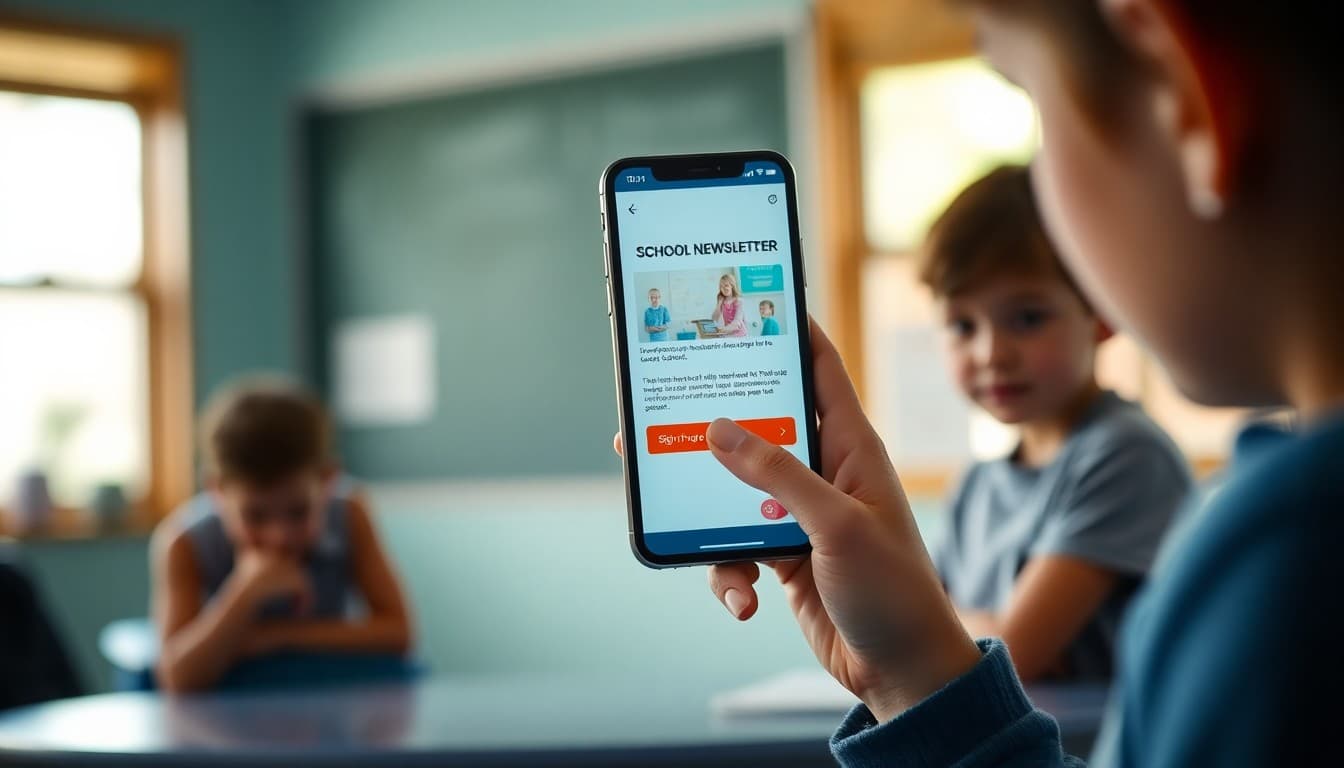
How to Improve Your School Newsletter Click Rate
Parents open the newsletter. They read a paragraph. They see the field trip sign-up link somewhere in the middle. They intend to click it later. They do not. The sign-up deadline passes. You get a rush of emails the morning of the trip. Click rate is where newsletters that are well-read fail to be useful. Here is how to fix it.
The Click Rate Problem Is Usually a Design Problem
Low click rates in school newsletters are rarely because parents do not want to take the action. They are usually because the action is hard to find or takes too many steps. A permission slip link buried in the third paragraph gets fewer clicks than a bright button labeled "Sign the permission slip by Thursday" near the top of the newsletter. The content is the same. The design is different.
One Primary Action Per Newsletter
The most important rule for improving click rates is having one clear primary action per newsletter. When a newsletter contains five links of equal visual weight, parents either click none of them or click one at random and miss the most important one. Decide before writing what the one thing is that you most need parents to do this week. Design the newsletter so that action is impossible to miss.
Button Design Versus Text Links
A styled button with a specific action label consistently outperforms a plain text link on the same action. On mobile screens, buttons are also physically easier to tap than small underlined text. Use a button for your primary call to action and text links for secondary or supplemental content. If your newsletter platform supports button blocks, use them for anything time-sensitive.
Specific Action Language Outperforms Generic Language
"Click here" tells parents nothing. "Sign up for the Halloween parade" tells them exactly what they are doing. "Reserve your seat at curriculum night" is better than "RSVP." "Download the spelling list" is better than "View the attachment." Specific language reduces hesitation because parents know what they are clicking into before they click. Generic language creates hesitation because it feels like it might require more than a second.
Placing the Call to Action Early
Most newsletter readers do not scroll to the end. If your primary call to action appears in the last section, a significant portion of your audience never reaches it. Place your primary call to action in the first or second section, before the stories and supplemental content. Parents who need to act this week should be able to do so without reading the whole newsletter. Parents who want more context can keep reading.
Creating Urgency Without Being Annoying
Adding a deadline to a call to action significantly improves click rates. "Permission slips due Friday" gets more clicks than "Permission slips are required." The deadline is not artificial pressure. It is accurate information that helps parents plan. Include specific deadlines for every action item and put the deadline in the button label when possible: "Submit by Friday."
Testing Different Approaches
If your newsletter platform shows click data, use it. Compare click rates on newsletters where the primary action was a button near the top versus newsletters where it appeared later as a text link. Compare specific language versus generic. Track which types of actions get the most clicks: RSVPs, permission slips, resource downloads. Over a semester, this data tells you which approaches your parent community responds to and which ones they skip.
When Click Rate Is Not the Right Metric
Some newsletters do not need clicks. A weekly update that informs parents about classroom activities and upcoming dates may have a zero-click goal. The right metric for these newsletters is read time or simply receipt confirmation. Not every newsletter needs to drive an action. The click rate goal applies specifically to newsletters that include a form, RSVP, or resource link that requires parent engagement to be useful.
Get one newsletter idea every week.
Free. For teachers. No spam.
Frequently asked questions
What is a good click rate for a school newsletter?
School newsletters that include a specific call to action typically see click rates between 5 and 15 percent. Newsletters without a clear link or action item will have much lower rates, often under 2 percent, simply because there is nothing to click. If your newsletter regularly includes sign-up forms, event RSVPs, or resource links, a rate of 8 to 12 percent is a realistic healthy target.
What is the difference between open rate and click rate?
Open rate measures how many recipients opened the newsletter. Click rate measures how many people clicked at least one link inside it. A high open rate with a low click rate usually means the newsletter is being read but does not have a compelling reason to act. A low open rate with a decent click rate means the people who do open are highly engaged. Both metrics together tell the story.
Does button design affect click rates in school newsletters?
Yes. A styled button with a specific action label like 'Reserve your spot' or 'Submit the permission slip' gets more clicks than a plain text hyperlink with the same label. On mobile screens, a button that is large enough to tap easily outperforms a small text link. If your newsletter platform supports button blocks, use them for your primary call to action.
How many links or buttons should a newsletter include?
Fewer is almost always better. A newsletter with one clear primary call to action gets more clicks on that action than a newsletter with six links competing for attention. Secondary links, like a school calendar or a resource document, can be included but should be visually subordinate to the main action. The main action should be impossible to miss.
How does Daystage support high click rates in school newsletters?
Daystage's button block is designed to be visually prominent and tap-friendly on mobile screens. You can set the button text, color, and link destination from within the newsletter editor. The event block with its built-in RSVP button also drives clicks by making it easy for parents to respond to events directly from the newsletter.

Adi Ackerman
Author
Adi Ackerman is a former classroom teacher and curriculum writer with 8 years in K-8 schools. She writes about school communication, parent engagement, and what actually works in real classrooms.
More for Guides
Ready to send your first newsletter?
3 newsletters free. No credit card. First one ready in under 5 minutes.
Get started free