
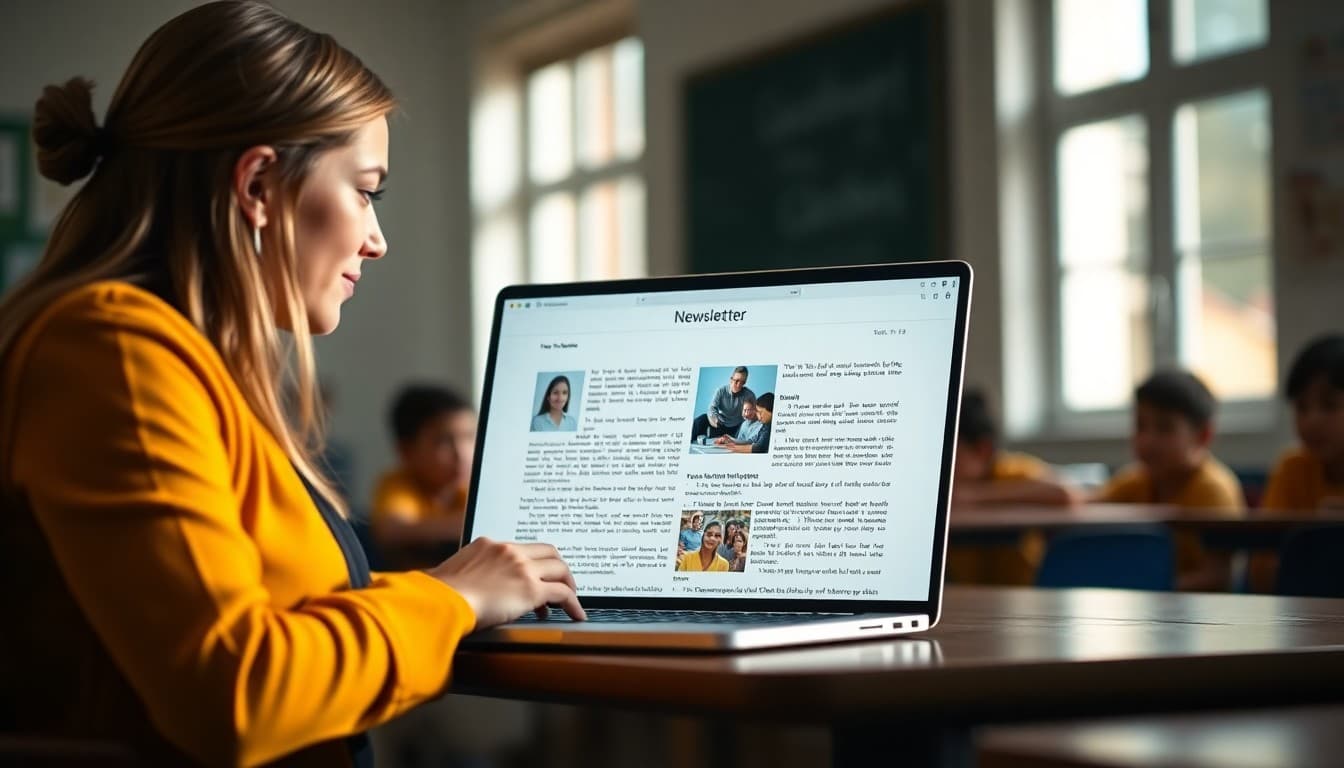
Best AI Tools for Writing School Newsletters in 2025
You have 20 minutes before morning duty and the newsletter needs to go out today. AI writing tools have become genuinely useful for exactly this moment, but most teachers either avoid them entirely or use them in ways that create more editing work than just writing the newsletter. This guide covers what actually helps and what to skip.
What AI Does Well for School Newsletters
AI writing tools are good at turning rough notes into structured paragraphs, suggesting subject lines, rewriting sentences that feel awkward, and adjusting tone when you need something warmer or more formal. These are genuine time savers. What AI cannot do is know what happened in your classroom on Tuesday or what your families care about most right now. That part still comes from you.
ChatGPT for Newsletter Drafting
ChatGPT is the most practical AI tool for most teachers because it requires no setup and handles freeform input well. Paste your notes into the chat, add a simple prompt like "Turn these notes into a friendly 300-word classroom newsletter for elementary school parents," and review the output. The first draft is rarely perfect, but it gives you something to edit rather than a blank page to fill.
Google Gemini for Teachers in Google Workspace
If your school runs on Google Workspace, Gemini is integrated directly into Docs and Gmail. You can highlight a rough paragraph and ask it to rewrite for clarity, or type a bullet list and ask Gemini to expand it into newsletter sections. The advantage here is that you stay inside tools you already use. The limitation is that Gemini access is tied to your district's Workspace configuration, which not every school has enabled.
Using AI for Subject Lines Specifically
One of the highest-ROI uses of AI is generating newsletter subject lines. Open rates are heavily influenced by the subject, and writing five options takes 30 seconds when you ask an AI. Give it the main topic of your newsletter and ask for five subject line options under 50 characters. Pick the best one, or combine elements from two. This single habit can lift open rates noticeably over time.
The Edit Pass That Makes AI Output Sound Human
AI drafts read as AI drafts until you put one specific detail from your actual week into each paragraph. Replace "students worked on a science project" with "students built model volcanoes using baking soda and vinegar." Add the student's first name when they did something worth celebrating (with parent permission). These small swaps take two minutes and completely change how personal the newsletter feels.
Privacy Rules When Using AI
Never enter student names, disciplinary details, learning accommodations, or health information into a consumer AI tool. Most of these tools process data on external servers, and that data handling is not covered by your school's FERPA agreements. Use AI for structure, tone, and general content. Keep anything that identifies a specific student out of the prompts entirely.
When AI Makes Things Slower
AI is a net negative when you spend more time editing the output than you would have spent writing the newsletter directly. This happens most often when the prompt is vague, when the AI invents details you then have to remove, or when the tone is so far from your natural voice that every sentence needs rewriting. If you are spending more than 10 minutes fixing an AI draft, write the next one yourself and use AI only for the hardest section.
The Right Workflow for Most Teachers
The most effective approach is straightforward: collect your raw notes during the week, use AI to turn them into a draft in 60 seconds, edit the draft for accuracy and warmth in five minutes, then use Daystage to format and send. This workflow handles the hard parts of both writing and delivery without requiring technical skill or a lot of time.
Get one newsletter idea every week.
Free. For teachers. No spam.
Frequently asked questions
Can AI write my entire school newsletter for me?
AI can produce a full draft, but it will not know what actually happened in your classroom this week. The most effective use is to give the AI your raw notes and let it turn them into polished paragraphs. You supply the facts, the AI handles the phrasing. That combination is faster than writing from scratch and more accurate than asking AI to invent content.
Which AI tool is best for non-technical teachers?
ChatGPT is the most approachable starting point because the interface is a simple chat box with no setup required. You paste your notes, describe your audience, and ask for a draft. It is free for basic use and the outputs are good enough to edit quickly. More specialized tools exist, but ChatGPT is the right place to start if you have never used AI for writing.
Will AI-generated newsletters sound robotic to parents?
They can if you publish the raw output. AI drafts tend toward formal, complete sentences without the warmth that makes a classroom newsletter feel personal. The fix is simple: read the draft once, swap in two or three specific details from your week, and change any sentence that does not sound like you. That round of editing takes five minutes and completely transforms the tone.
Are there privacy concerns with using AI to write newsletters?
Yes. Avoid entering student names, identifying information, or sensitive incidents into any AI tool. Most consumer AI tools send data to external servers, and school data has privacy protections under FERPA and similar laws. Use AI for general writing tasks and keep student-specific details out of the prompts.
Does Daystage have built-in AI writing features?
Daystage is designed to make newsletter writing fast through its structured template and pre-built blocks, which reduces the need to write from scratch. Many teachers pair Daystage with an AI tool like ChatGPT for drafting, then paste and refine the content inside Daystage before sending. The combination covers both the writing and the delivery sides of the workflow.

Adi Ackerman
Author
Adi Ackerman is a former classroom teacher and curriculum writer with 8 years in K-8 schools. She writes about school communication, parent engagement, and what actually works in real classrooms.
More for Guides
Ready to send your first newsletter?
3 newsletters free. No credit card. First one ready in under 5 minutes.
Get started free