

Curriculum Director Newsletter: Digital Literacy Update
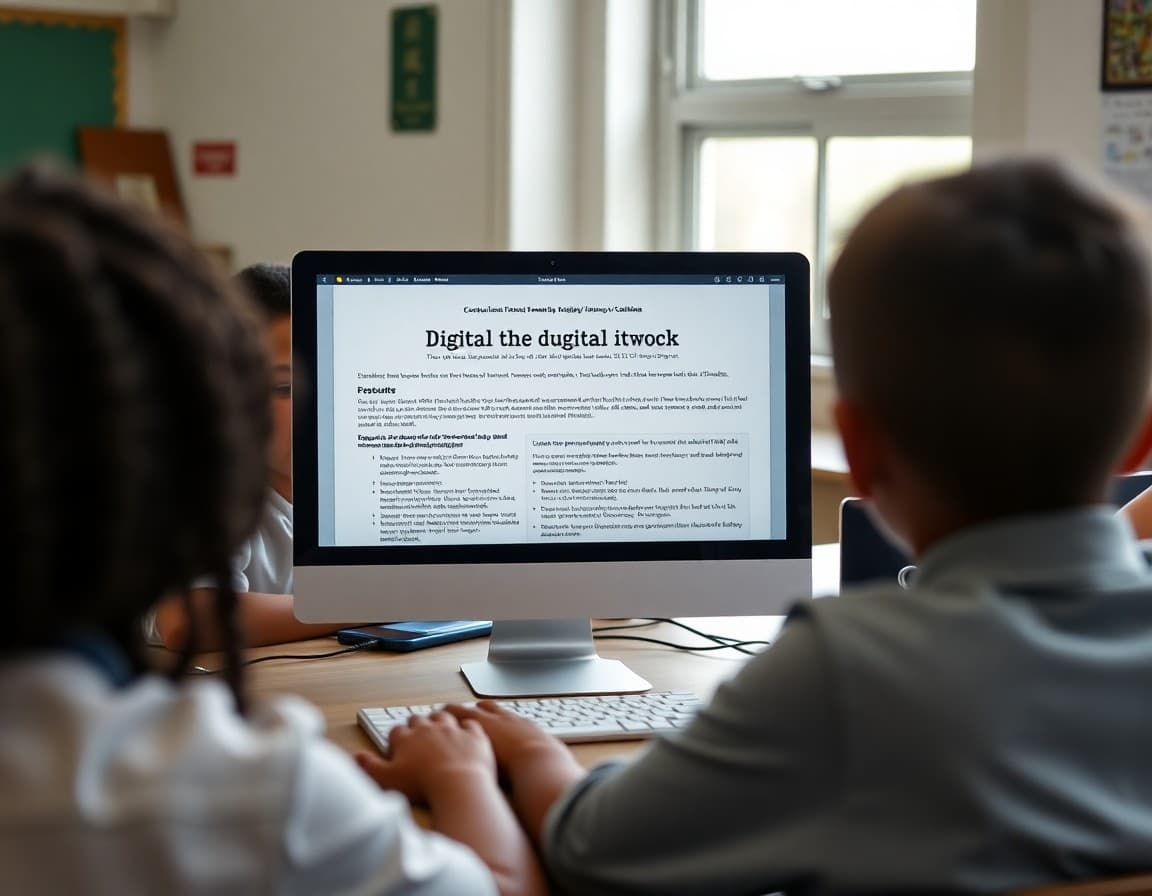
Technology is no longer a separate subject in most districts. It is woven into every content area, and the skills students need to use it well, critically, safely, and productively, are now as essential as reading and writing. When a district updates its digital literacy curriculum, families deserve a clear explanation of what is changing and what it means for their child.
Define Digital Literacy for Your Audience
Digital literacy means different things to different people. For some families, it means typing skills. For others, it means coding. Your newsletter should define what the district means: the ability to find and evaluate information online, communicate effectively using digital tools, protect personal privacy, recognize misinformation, and use technology to solve problems and create. That definition sets the scope before you describe the curriculum.
Describe the Grade-Level Progression
Break down what students learn at each level. Elementary students develop foundational skills: keyboarding, basic file management, responsible use of school devices, and introduction to research skills. Middle school students focus on information evaluation, digital communication, introduction to coding concepts, and media literacy. High school students go deeper on computer science, data literacy, and the ethical dimensions of technology in society. This progression helps families understand where their child fits.
Address AI Literacy Directly
Artificial intelligence is now part of the tools students will encounter throughout their education and careers. Many families are uncertain about how districts should handle AI in schools. State your position clearly: students will learn what AI is, how it works at a conceptual level, how to use AI tools responsibly, and how to evaluate AI-generated content critically. Explain what the district considers appropriate and inappropriate use of AI tools for school work.
A Sample Section on Digital Citizenship
"Digital citizenship is a required component of our technology curriculum in every grade. Students learn how to protect their personal information, recognize phishing attempts, respond to online conflict, understand copyright and fair use, and evaluate the credibility of online sources. In fifth grade, students complete a unit on how algorithms shape what they see online and why that matters for the information they encounter. These are not extra topics. They are survival skills for the world students are already navigating."
Explain What Students Will Create, Not Just Consume
Technology curriculum that focuses only on using tools misses the point. Share examples of what students will build, make, and produce. A fourth grader designing a website about a science topic, a seventh grader coding a simple animation, or a ninth grader creating a data visualization for a history project are all examples of active, creative technology use. When families understand that technology education is about making and thinking, not just scrolling, their perception of the curriculum shifts.
Describe the Privacy and Safety Framework
Families want to know that their child's data is protected and that the district has thought carefully about which tools it uses and why. Include a brief summary of the district's data privacy policies, the student privacy protections built into FERPA and COPPA, and how the district evaluates the tools it adopts for instructional use. A reference to your district's privacy policy page gives families a path to more detail.
Connect to Career and College Preparation
Digital fluency is now a baseline expectation in nearly every career field. Share data from the Bureau of Labor Statistics or state workforce agencies about the prevalence of technology skills in the jobs students will hold. This is not just about coding careers. It is about the fact that accountants, nurses, teachers, and mechanics all use digital tools daily and need to evaluate information critically. That framing makes the curriculum feel urgent and relevant.
Provide Resources for Families
Close with links to resources families can use at home: Common Sense Media's digital citizenship resources, any parent guides the district has developed, and the district's acceptable use policy. Include the curriculum director's contact information so families with questions have a direct path to answers.
Get one newsletter idea every week.
Free. For teachers. No spam.
Frequently asked questions
What should a digital literacy curriculum newsletter cover?
Explain what digital literacy means in practical terms for each grade level: keyboarding and basic computer skills in early grades, research and information evaluation in middle school, and coding, media literacy, and digital citizenship in high school. Cover what changes about how technology is integrated into instruction and what new skills students will be expected to demonstrate.
How do you communicate AI literacy expectations to families?
Be direct about the fact that students will learn about artificial intelligence as a tool, including how to use it responsibly and how to evaluate AI-generated content. Explain the district's position on student use of AI tools for learning, including any academic integrity guidelines. Families need to know what is expected of students and what the district considers appropriate use.
How do you address screen time concerns in a technology curriculum newsletter?
Acknowledge that families have legitimate concerns about screen time and explain the distinction between passive screen use and active learning with technology. Describe the kinds of technology-integrated tasks students will do, emphasizing creation, problem-solving, and communication rather than consumption. Share any device use policies and the research the district considered in designing them.
What cybersecurity and privacy information should be in a technology curriculum newsletter?
Explain what data is collected about students when they use school technology, how it is protected, and what rights families have under FERPA and COPPA. Describe any district-level cybersecurity policies students will learn about as part of digital citizenship instruction. Families care deeply about their children's privacy online, and a direct explanation builds trust.
What platform works well for sending technology curriculum updates to district families?
Daystage makes it easy to include embedded links, video resources, and separate sections for different grade bands in one newsletter. District curriculum directors can send to all schools from one place.

Adi Ackerman
Author
Adi Ackerman is a former classroom teacher and curriculum writer with 8 years in K-8 schools. She writes about school communication, parent engagement, and what actually works in real classrooms.
More for District
Ready to send your first newsletter?
3 newsletters free. No credit card. First one ready in under 5 minutes.
Get started free