
The District Technology Newsletter: How to Communicate Tech Programs to School Families

Technology programs are among the fastest-moving parts of any school district, and family communication almost never keeps pace. Devices get distributed, platforms get adopted, and policies change, but families often find out about all of it from their child rather than from the district. That communication gap creates preventable friction: confusion about what students can do with school devices at home, alarm about monitoring policies that were never explained, and frustration when a platform rollout happens without warning.
A district technology newsletter solves this. It gives technology directors and coordinators a regular channel to explain what is changing, what families need to know, and what they can do at home to support safe and productive device use.
Announcing New Device Programs
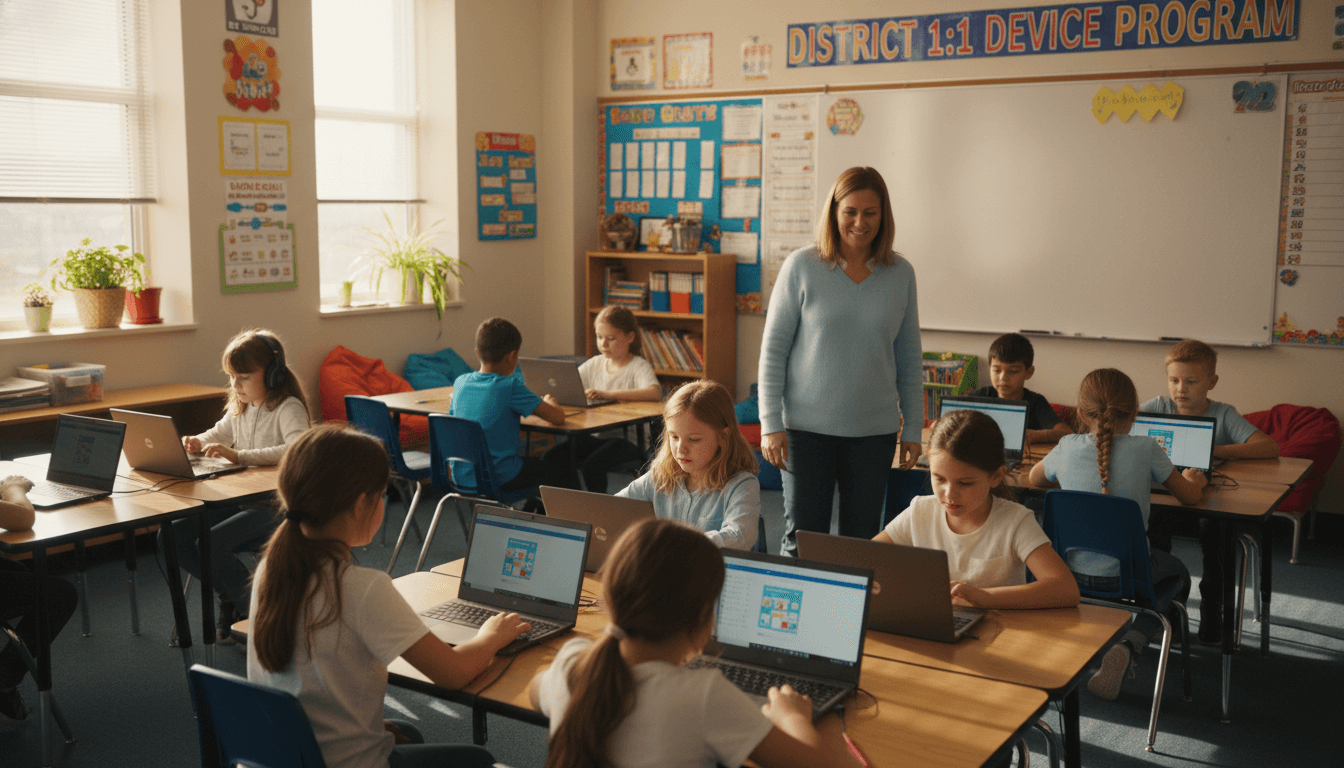
When a district launches a 1:1 Chromebook or iPad initiative, the communication plan matters as much as the deployment plan. Families who do not understand why devices are going home will not enforce responsible use. Families who do not know what the take-home policy covers will not know they are responsible for a cracked screen.
Lead with the educational purpose. Explain specifically what students will be able to do with a device that supports their learning at home: research, writing, accessing digital textbooks, collaborating on projects. Then cover the logistics: distribution timeline, care expectations, insurance options, repair process, and what happens if a device is lost or stolen. Include a direct link to the device agreement that families need to sign and return. Making that agreement easy to find and complete increases return rates significantly.
Communicating Acceptable Use Policies
Most acceptable use policies are written for legal compliance, not for family communication. They are long, they use legal language, and they are buried in a packet of back-to-school paperwork that most families sign without reading. That is not the district's fault. But it does mean the technology newsletter has a job to do.
Use the newsletter to translate the acceptable use policy into plain language. What are the most important rules students need to follow? What happens if a student violates the policy? What does "personal use" mean on a school device? Is social media access blocked, and if so, how? These are the questions families have. Answering them in the newsletter reduces the volume of individual questions the technology department receives every fall.
Cybersafety and Digital Citizenship Communication
Digital citizenship is one area where school communication and home reinforcement genuinely compound each other. When families understand what the district is teaching about online safety, privacy, and respectful digital interaction, they can reinforce those concepts at home. When they do not know what is being taught, that reinforcement cannot happen.
The technology newsletter is a good place to share a brief overview of the digital citizenship curriculum or framework the district uses, what students at each grade band are learning, and a couple of conversation prompts families can use at home. This kind of communication positions the district as a partner in raising digitally responsible students rather than the only party responsible for screen safety.
Filtering and Monitoring: Be Direct
Filtering and monitoring policies are the most sensitive technology communication topic, and also the one most likely to generate backlash when families discover details through a news story rather than from the district. Be direct and specific in the newsletter. Name the filtering system the district uses and what categories of content are blocked. Explain whether monitoring applies to take-home use or only to school networks. If the district can review student activity on district devices, say so.
Families who understand monitoring in context of student safety and responsible use generally support it. Families who discover monitoring policies through their child or from a news report feel surveilled without consent. Proactive transparency is the only reliable way to manage this topic.
App and Platform Announcements
Every time the district adopts a new learning platform, families need a brief introduction. What is the platform? What subject or grade level uses it? Does it require families to create an account? Does the student account connect to a home email address? Does the platform collect any student data, and how is that data protected under FERPA and COPPA?
Platform announcements do not need to be long. A short paragraph per platform with a link to more information is enough. What matters is that families are not caught off guard when their child brings home login credentials for something they have never heard of.
What Families Need to Do at Home
Technology newsletters get more engagement when they include actionable guidance for families. This section should cover the practical things: what home WiFi requirements exist for take-home devices, how to set up a student account on the home network, where to charge devices overnight, how to report a technical problem, and any parental control settings families might want to configure on their home network.
For younger students, include guidance about where homework should happen at home and how much time on the device is expected. Families are more willing to support school technology programs when they feel like the district has given them the tools to manage device use at home rather than just sending the device without context.
Cadence for the Technology Newsletter
Two to three issues per year covers most districts well. A back-to-school issue handles device distribution, acceptable use policy reminders, and any new platforms launching that year. A mid-year issue can address emerging issues like cyberbullying reports, new digital citizenship lessons, or any policy updates. An end-of-year issue can preview technology changes coming in the fall and any summer resources for continued learning.
If there is a major rollout happening, such as a new device program or a significant policy change, send a dedicated communication for that event rather than waiting for the next scheduled issue. Technology news that affects families daily cannot wait for a quarterly newsletter.
Get one newsletter idea every week.
Free. For teachers. No spam.
Frequently asked questions
What should a district technology newsletter include?
A district technology newsletter should cover new device programs and rollout timelines, acceptable use policy updates, cybersafety and digital citizenship expectations, filtering and monitoring practices, any platforms or apps students will use, and what families need to do at home to support device use. The goal is to make sure families are not surprised by any technology their child encounters at school, and that they have the context to support responsible device use at home.
How do you communicate a 1:1 Chromebook or iPad rollout to families?
Start with the educational purpose: what will students be able to do with a device that they could not do before, and how does that connect to learning goals? Then cover the logistics: when devices will be distributed, what the take-home policy is, what families are responsible for, and how to report a lost or damaged device. Include a clear link to the device use agreement families need to sign. Families who understand the why behind the program are much more likely to support the take-home policy and enforce responsible use at home.
How should districts communicate about internet filtering and monitoring policies?
Be direct and specific. Tell families what filtering software the district uses, what categories of content are blocked, and whether monitoring applies only during school hours or extends to take-home use. If the district monitors student activity on district devices, say so clearly. Families support monitoring when they understand its purpose. Vague assurances that the district keeps students safe online sound good but do not give families anything concrete to relay to their child.
How do you handle family concerns about screen time and device use?
Acknowledge the concern as legitimate rather than dismissing it. Many families have real questions about how much time their child spends on screens at school, and those questions deserve a direct answer. Share the district's approach to balancing device-based and non-device learning, how teachers are expected to use devices as tools rather than babysitters, and how the district stays current on research about screen time and learning. Offering a way for families to share input on technology policies also reduces the feeling that decisions are made without them.
What is the best tool for distributing district technology newsletters?
Daystage is built for exactly this kind of multi-school district communication. Technology directors can create a professional newsletter, include links to acceptable use policies and device agreements, and distribute it across every school in the district from one platform. Because Daystage is designed for school communication, families receive updates in a familiar format they already trust from their child's school.

Adi Ackerman
Author
Adi Ackerman is a former classroom teacher and curriculum writer with 8 years in K-8 schools. She writes about school communication, parent engagement, and what actually works in real classrooms.
More for District
Ready to send your first newsletter?
3 newsletters free. No credit card. First one ready in under 5 minutes.
Get started free