

How to Write a Technology Use Policy Newsletter to Parents
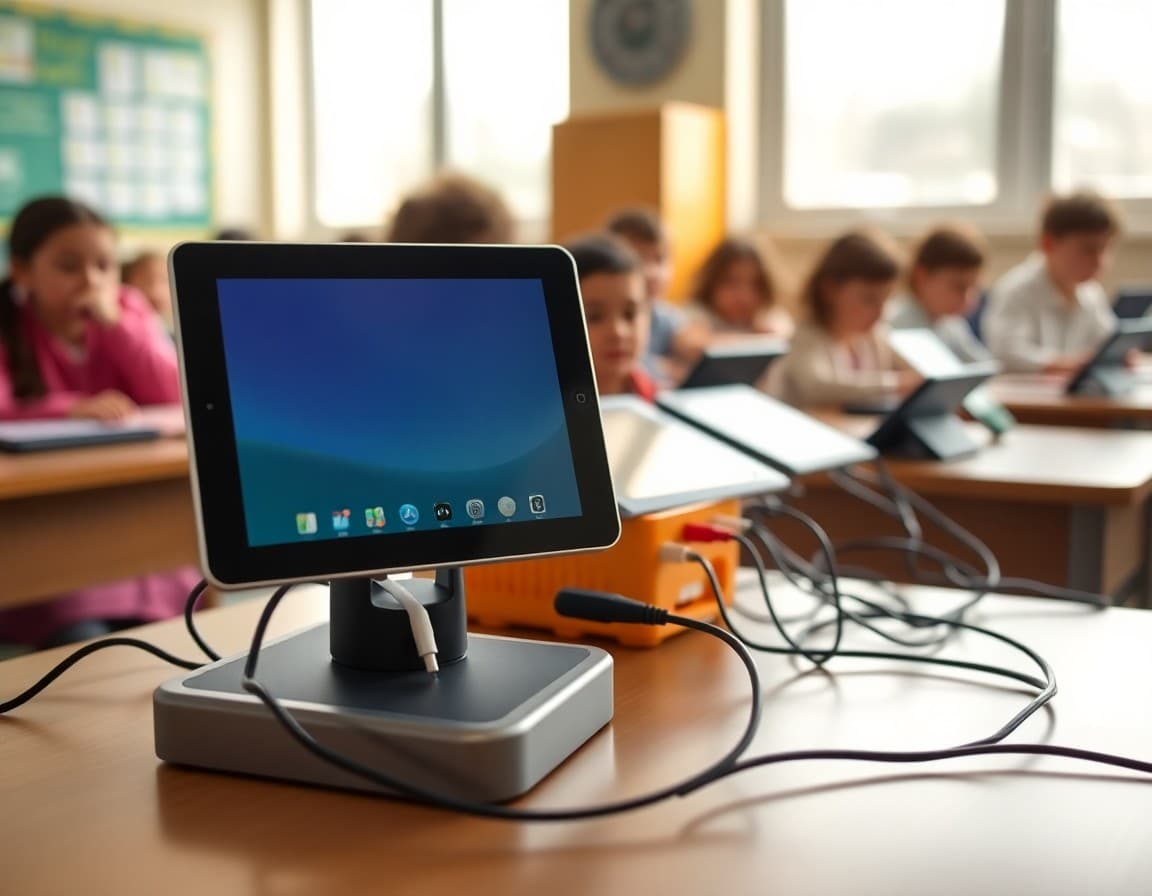
Technology policies generate more parent questions than almost any other classroom communication. Why can't my child use their phone? What do you do with the laptops? Are they on YouTube all day? A clear technology policy newsletter sent at the start of the year answers these before they are asked and frames your approach in a way that builds trust rather than suspicion.
Start with what technology you actually use
Parents hear "technology policy" and immediately picture problems. Reorient them by starting with how technology serves learning in your classroom. "Students use Chromebooks for writing assignments, research, and our reading platform three times a week. They do not use personal devices during instruction." This establishes context before you get to rules, and it shows that technology in your classroom is purposeful.
Be clear about personal device rules
This is where most questions come from. State your policy plainly. "Personal phones are kept in backpacks from arrival until dismissal. Students who need to contact a family member during the day can use the school office phone." No ambiguity. Parents may push back on the rule itself but they will not be confused about what it is.
Address the emergency concern directly
Nearly every parent who resists a phone policy is imagining the moment their child needs them and cannot reach them. Name this concern in your newsletter before it becomes an email. "I know some of you feel more comfortable knowing your child can reach you if needed. In a true emergency, the front office at [number] will contact you immediately. Students can also ask me to call home anytime they feel unwell or unsafe." Most parents relax when they hear this.
Explain consequences for violations
Tell families what happens if a student uses a device against the policy. First instance, second instance, escalation process. The specifics matter less than the fact that you have thought it through. Parents who know the consequence process are less likely to challenge you when a phone gets confiscated, because they already knew it was coming.
Describe what you need from families at home
Technology policies that live only at school have limited effect if devices are available without limits at home. You are not policing home life. But you can tell families what you have seen at school. "Students who are on screens until late on school nights have a harder time focusing the next morning. I leave evening decisions to your family, but wanted to share what I observe in case it is helpful." This is collegial rather than directive.
Address AI tools honestly
AI writing tools are now a real policy question for most teachers. Include a clear sentence or two about your classroom policy. "Students may not use AI tools to write assignments for them, but I do teach students how these tools work as part of digital literacy." Or "AI-generated submissions will be treated the same as other academic integrity violations." Whatever your position, stating it prevents disputes later.
Invite parent questions
Technology policies are genuinely contested in many communities. A closing line that welcomes questions rather than shutting them down goes a long way. "If you have concerns about any part of this policy or want to discuss how we use technology in the classroom, I am happy to connect. These conversations help me do this better." Most parents who feel heard become supporters rather than critics.
Daystage lets you embed a policy acknowledgment form directly in your technology newsletter. Families confirm they have read and discussed it with their student, and you have a record of that confirmation for the year.
Get one newsletter idea every week.
Free. For teachers. No spam.
Frequently asked questions
What should a classroom technology policy newsletter include?
What devices students use, when they use them, what they are allowed to access, what is not permitted, what happens when the policy is violated, and what you need parents to reinforce at home. Cover both school-provided and personal devices if students bring their own.
How do I explain a no-phone policy without sounding punitive?
Focus on what the policy protects. Research on phone presence and attention, the social dynamics created by phone access during class, and the learning environment you are trying to create all give parents a framework for understanding the rule rather than just accepting it. Most parents agree with the principle even if they are initially skeptical of the enforcement.
What if parents want their child to have access to their phone for emergencies?
Address this in your newsletter directly. Most schools have a front office number families can call in a true emergency. Making this explicit helps parents feel covered without needing to grant phone access during class. The concern is real and your policy should acknowledge it.
Should I explain what educational apps or websites students use?
Yes, briefly. A sentence or two about the platforms you use for learning shows parents that technology in your classroom is purposeful. It also preempts questions about screen time by demonstrating the distinction between educational and recreational screen use.
Does Daystage support sending technology policy acknowledgment forms to parents?
Yes. You can embed an acknowledgment form in your Daystage newsletter so parents confirm they have reviewed the policy with their student. All responses are tracked in one place without paper.

Adi Ackerman
Author
Adi Ackerman is a former classroom teacher and curriculum writer with 8 years in K-8 schools. She writes about school communication, parent engagement, and what actually works in real classrooms.
More for Classroom Teachers
How to Write a Digital Citizenship Newsletter to Parents That Sticks
Classroom Teachers · 6 min read
How to Write a Classroom Rules Newsletter to Parents That Builds Buy-In
Classroom Teachers · 6 min read
Technology and Devices in Your Classroom Newsletter: What Parents Need to Know
Classroom Teachers · 5 min read
Ready to send your first newsletter?
3 newsletters free. No credit card. First one ready in under 5 minutes.
Get started free