
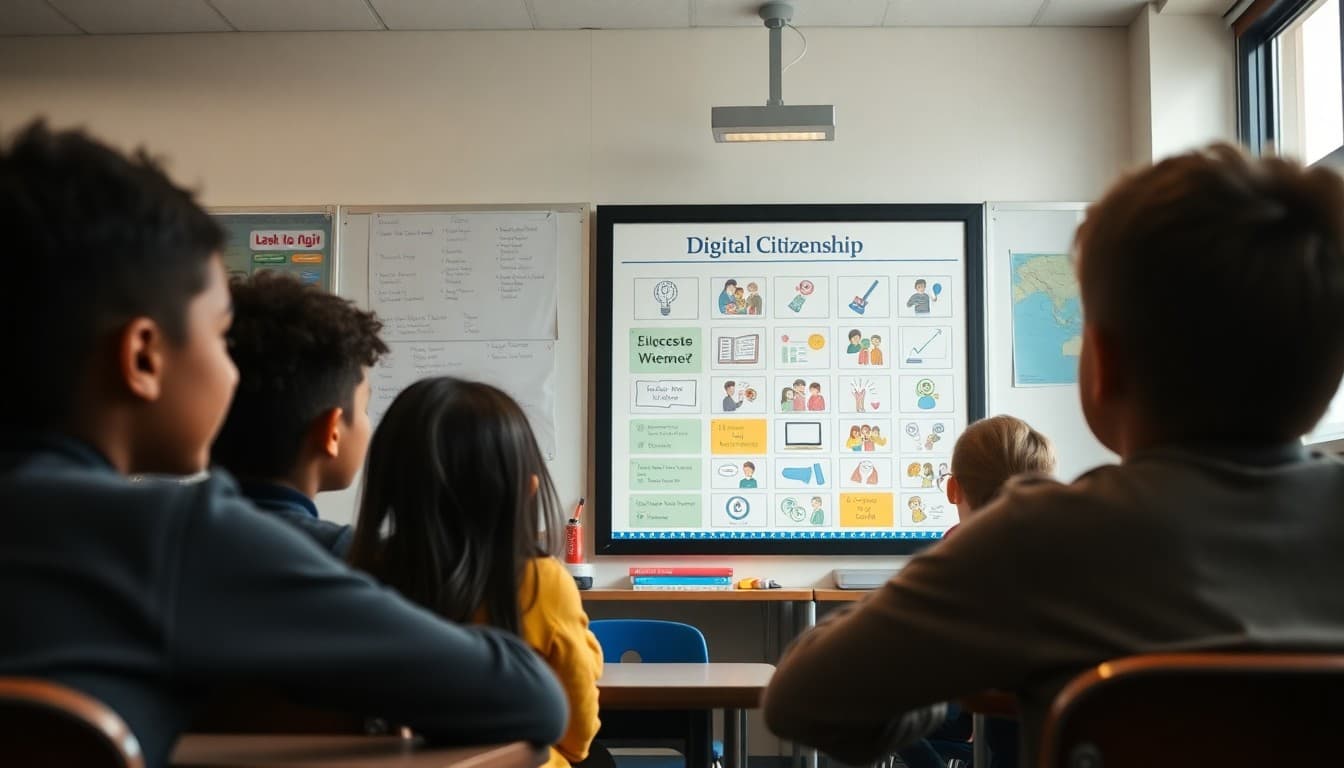
How to Write a Digital Citizenship Newsletter to Parents That Sticks

You spend a week teaching students about digital footprints, online privacy, and responsible posting. Then the students go home and their parents have no idea what just happened. Without a digital citizenship newsletter connecting school learning to home conversations, you are teaching one hour a day against twenty-three hours of uncontextualized screen time. The newsletter bridges that gap.
Connect what you taught to what families can reinforce
Start your newsletter with the specific concept you covered this week or this unit. Not "we did digital citizenship" but "this week we talked about what a digital footprint is and why the things we post now can affect us years later." That level of specificity gives parents a conversation opener for tonight: "I heard you talked about digital footprints. What did you learn?"
Use offline analogies for unfamiliar concepts
Not every parent is comfortable with the language of digital citizenship. When you introduce a concept, pair it with something familiar. "A digital footprint is like a paper trail. Every account you create, every post you make, every comment you leave is a piece of paper that stays in the pile forever." Parents who understand the concept can have the conversation. Parents who are confused by the jargon cannot.
Be specific about what students are learning to do
Describe skills, not just topics. "Students practiced identifying what information is safe to share in an online profile and what should stay private." "We worked on responding to unkind comments online using scripts that address the behavior without escalating." These specifics help parents understand that digital citizenship instruction is practical, not just cautionary.
Give families conversation starters
The most useful thing you can put in a digital citizenship newsletter is a set of specific questions parents can ask their student at dinner. "What is one piece of information you should never share online?" "If you saw a classmate posting something mean about someone, what would you do?" These questions do two things at once: they reinforce the learning and they open dialogue about what the student actually thinks, which is often more interesting than parents expect.
Address home screen habits without policing families
You can share what research says about device use and sleep, social media and adolescent anxiety, or unsupervised app access without telling parents how to run their households. "Research consistently links late-night screen use to attention challenges the next day. I leave evening decisions to you, but wanted to share what I see in the classroom." This is informative and collegial rather than directive.
Mention the platforms your students actually use
Families often do not know what their students are using. A brief mention of the platforms that come up in your classroom conversations gives parents context. If you are hearing about Discord, a particular game, or a new app from your students, say so. "Several students mentioned using [platform] this week. Here are a few things to know about it." Parents appreciate this kind of intelligence.
Point to trusted resources
A short list of links to age-appropriate resources gives families a starting point if they want to go deeper. Common Sense Media, Google's family guides, and your school's digital citizenship resources are all worth linking. Not every parent will click, but the ones who were already curious will appreciate having a curated list rather than having to search on their own.
Daystage makes it easy to include resource links, embedded videos, and conversation guides directly in your newsletter, so digital citizenship learning extends from your classroom into the homes of the families who receive it.
Get one newsletter idea every week.
Free. For teachers. No spam.
Frequently asked questions
What should a digital citizenship newsletter to parents include?
What you are teaching, why it matters at this grade level, what specific skills or concepts students are working on, and what parents can do at home to reinforce the learning. A brief conversation starter families can use with their student tonight is especially effective.
How do I explain digital citizenship to parents who are not tech-savvy?
Use analogies to offline behavior. Online kindness is the same as in-person kindness. Sharing private information online is the same as telling a stranger your address. These parallels make abstract digital concepts concrete and give parents language to use in conversations they are already comfortable having.
What grade-level differences should I address in a digital citizenship newsletter?
Younger grades focus on basic rules: ask before clicking, tell a trusted adult if something feels wrong, keep personal information private. Middle grades add topics like passwords, digital footprint, and evaluating sources. Upper grades include issues like online reputation, cyberbullying, and critical consumption of information.
How do I bring up cyberbullying without alarming parents?
Frame it as education rather than crisis response. 'We are learning what to do if we see unkind behavior online, and we are practicing the language to use' positions it as preparation rather than reaction to something that already happened. Most parents appreciate knowing what students are being taught before problems arise.
Can I use Daystage to share digital citizenship resources with families?
Yes. Daystage newsletters support links, embedded content, and resource sections so you can point families to age-appropriate videos, guides, and conversation tools alongside your classroom update.

Adi Ackerman
Author
Adi Ackerman is a former classroom teacher and curriculum writer with 8 years in K-8 schools. She writes about school communication, parent engagement, and what actually works in real classrooms.
More for Classroom Teachers
How to Write a Technology Use Policy Newsletter to Parents
Classroom Teachers · 6 min read
5th Grade Digital Citizenship Newsletter: Safe Technology at This Grade
Classroom Teachers · 6 min read
Technology and Devices in Your Classroom Newsletter: What Parents Need to Know
Classroom Teachers · 5 min read
Ready to send your first newsletter?
3 newsletters free. No credit card. First one ready in under 5 minutes.
Get started free