
How to Explain Student Screencasts to Families in Your Teacher Newsletter
A screencast is one of the most revealing student assignments available because it requires students to do the one thing that is hardest to fake: explain their thinking in real time while showing their work. A student who records a screencast walking through a math problem, explaining a coding project, or narrating a research presentation cannot hide in a final answer. Families who understand what a screencast is can appreciate why the assignment is demanding and can engage with the finished product in a way that a printed essay does not allow.
Explain what a screencast is
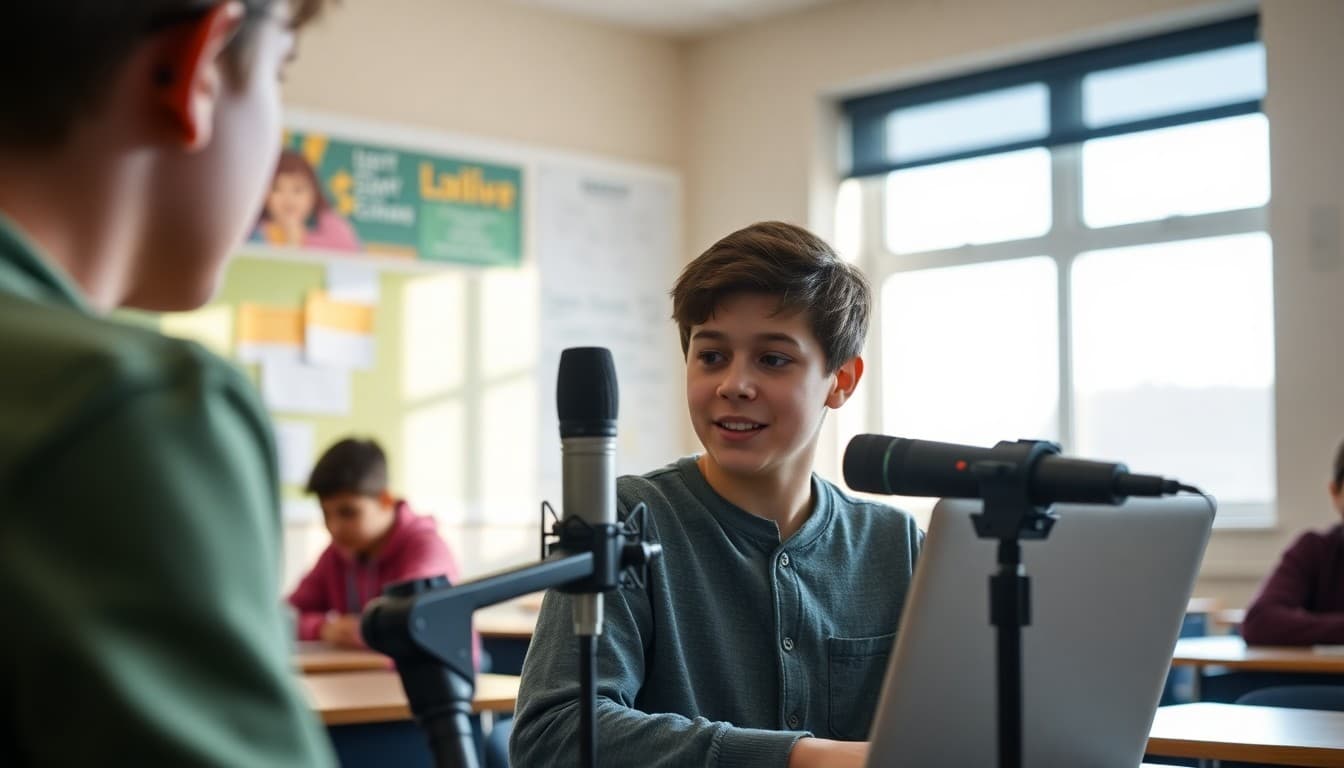
"A screencast is a video recording of a student's screen combined with their voice explaining what they are showing. When your student records a screencast, the viewer sees whatever is on their device , a presentation, a document, a math problem, a website , while hearing your student narrate and explain it. The result is a video that demonstrates both what the student created and whether they understand it."
Describe the current screencast assignment
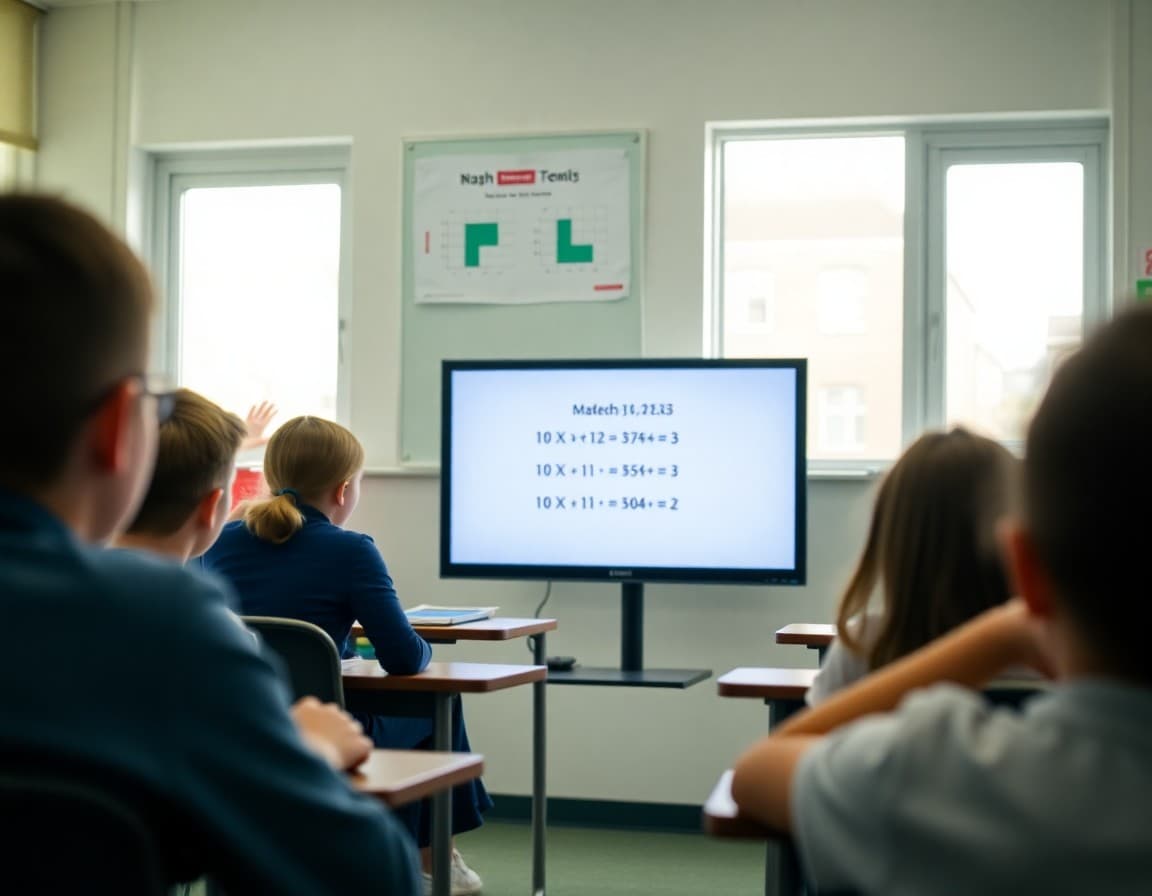
"This month's screencast assignment asks students to record a three-minute walkthrough of their fractions problem set. Students must show each problem on screen and explain the steps they used to solve it, including any mistakes they made and how they corrected them. The goal is to show mathematical reasoning, not just correct answers. A student who gets every answer right but cannot explain the process has demonstrated calculation, not understanding."
Explain the skills a screencast develops
"Screencasting develops three skills simultaneously. First, content knowledge: students have to know the material well enough to explain it without stopping to look things up. Second, verbal communication: they have to speak clearly and organize their explanation so a viewer can follow it. Third, self-editing: students who review their recording before submitting it learn to evaluate their own explanation from the audience's perspective, which is a metacognitive skill that transfers far beyond the specific assignment."
Tell families how to watch the finished screencast
"When your student finishes their screencast, ask them to share it with you. Watch it with them. After watching, ask: was your explanation clear? Was there a step you rushed through or skipped? What would you do differently? These questions are more useful after watching the video together than before, because students can evaluate their own recorded explanation in a way they cannot evaluate their unrecorded thinking."
Note the tools students are using
"Students are recording screencasts using Screencastify, which is a browser extension that records the screen and microphone simultaneously. The recording saves directly to Google Drive. Students share the link with me for grading and can also share it with family by copying the link from their Drive. No special software needs to be installed at home."
Explain how screencasts are assessed
"I assess screencasts on: accuracy of the content shown, clarity of the verbal explanation, whether the student explains their reasoning or only their steps, and appropriate length. A two-minute screencast that covers the content clearly scores the same as a five-minute screencast that covers it with repetition. Brevity and clarity both count."
Including a link to student screencasts in a Daystage newsletter is one of the most engaging things families receive because it gives them direct access to their student demonstrating understanding, not just reporting it.
Get one newsletter idea every week.
Free. For teachers. No spam.
Frequently asked questions
What is a screencast and how is it used as a school assignment?
A screencast is a video recording of what is on a student's screen, combined with their voice explaining what they are showing. Students use it to walk through a presentation, demonstrate a math problem, explain a coding project, or narrate a digital portfolio. The viewer sees the screen content and hears the student's explanation simultaneously.
What tools do students use to record screencasts?
Common screencast tools for students include Screencastify, Loom, and built-in screen recording on Chromebooks, iPads, and laptops. Most of these work through a browser extension or a built-in feature. Students do not need special equipment , a device with a working microphone is sufficient.
What does a screencast demonstrate that a written report does not?
A screencast demonstrates verbal explanation, organizational thinking, and the ability to talk through a process rather than write about it. It is especially useful for showing procedural understanding: a student who can walk through a math problem step by step while explaining the reasoning shows more depth of understanding than a student who simply writes the correct answer.
How long should a student screencast be?
Most classroom screencasts are two to five minutes. Long enough to cover the content meaningfully, short enough to require focus and editing of unnecessary content. Students who ramble or repeat themselves in a screencast have not organized their thinking, which is part of what the assignment is measuring.
Can Daystage help teachers share student screencasts with families in newsletters?
Yes. A Daystage newsletter can include a link to a student screencast example or a shared collection, giving families access to the work and a way to engage with what their student created.

Adi Ackerman
Author
Adi Ackerman is a former classroom teacher and curriculum writer with 8 years in K-8 schools. She writes about school communication, parent engagement, and what actually works in real classrooms.
More for Classroom Teachers
How to Explain Flipgrid Video Responses to Families in Your Teacher Newsletter
Classroom Teachers · 6 min read
How to Explain Student Digital Portfolios to Families in Your Teacher Newsletter
Classroom Teachers · 6 min read
How to Explain Multimedia Projects to Families in Your Teacher Newsletter
Classroom Teachers · 6 min read
Ready to send your first newsletter?
3 newsletters free. No credit card. First one ready in under 5 minutes.
Get started free